





Everything posted by IniJamir
-
Hi, Thank you for adding the footage as well as the Hoppie logs, that really helps alot, I will push this along to the team as I know how important and helpful CPDLC is on Vatsim especially in busy airspaces
-
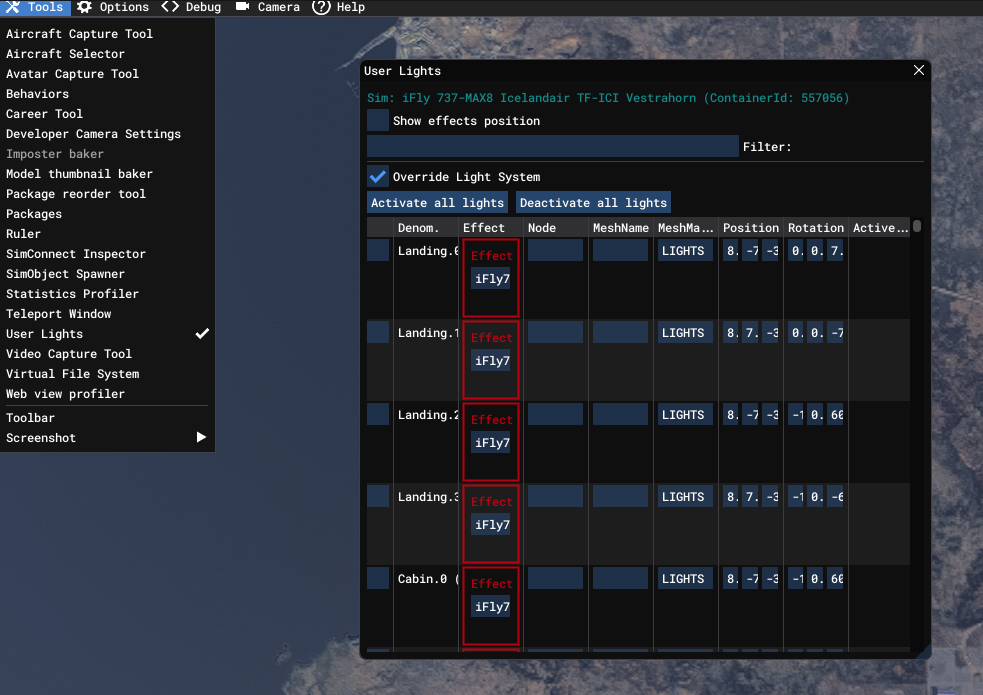
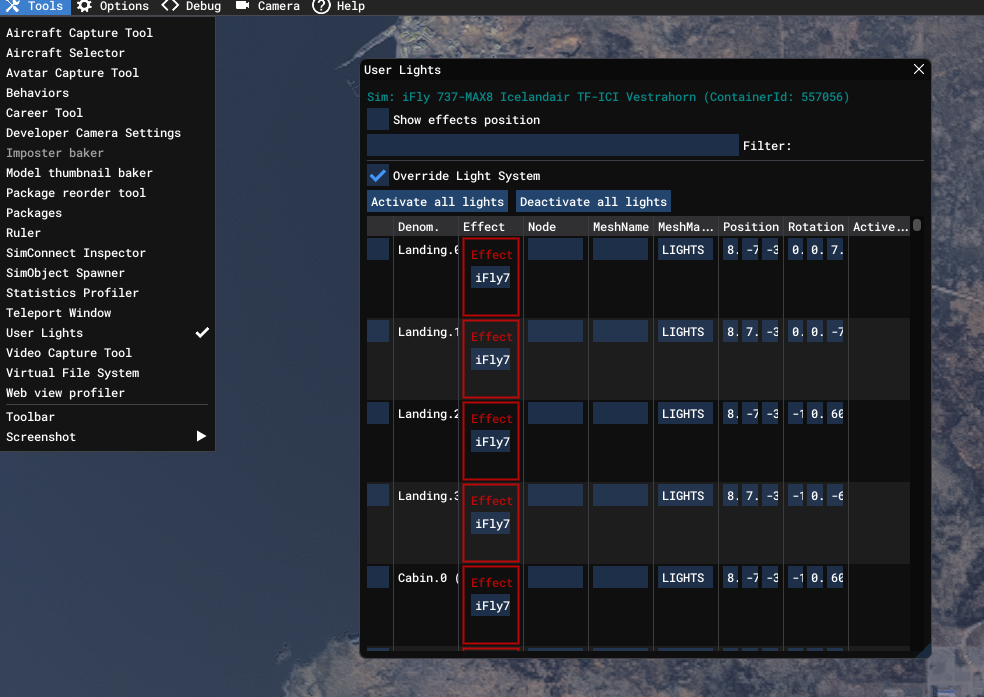
Sorry that's my fault for a lack of clarity, I meant to say that you should un-tick the "Override Lights System" at the top of the User Lights Menu. It was late at night when I had responded and should've made sure I made myself more clear. Let me know if that helps.
-
Will raise this to the team, thank you.
-
Hello, How long was the loading taking, initially the A350 can take about 5-10 minutes (seen on my system) to fully initialize following first time installs/reinstalls, and updates, was this a first time launch or repeat? Additionally, It is possible that the aircraft is not being detected in the IniManager itself. When you install the aircraft, do you use addon-linker or any other 3rd Party Link Programs? You can attempt to clear the IniManager Cache: To clear the iniManager cache, close the application and delete the contents of the local and roaming AppData folders: %localappdata%\iniManager and %appdata%\iniManager. You can also clear aircraft-specific WASM caches by navigating to %LOCALAPPDATA%\Packages\Microsoft.Limitless_8wekyb3d8bbwe\LocalState\WASM\MSFS2024\ and clearing related folders. Let me know if either of these help resolve the situation, thank you.
-
The Hardware Export functions is for any of the Airbus 3rd Party Peripherals. Below is an example as I don't actually own many peripherals outside of my radio panel and HOTAS 🙂
-
Hello, Thank you for taking the time to write these up with detail. It's very much appreciated! I will pass these along, thank you.
-
Next time you are in sim check and see if this setting has enabled itself via: Settings > Advanced Settings > Enable Dev Mode This setting routinely enables itself and proceeds to mess up my lighting, let me know if this helps.
-
I'll ask about this, as I was able to go up the GSX stairs however I haven't tried with our built in stairs since the update.
-
-
Noted, thank you
-
Noted, thank you.
-
-
Discount which can be applied on the website or IniManager, code UG-KLAX or KLAX-UG, I can't remember off of the top of my head, Milwaukee is marked as compatible on the IniManager
-
There shouldn't be any I just finished a 15 hour flight in A340 with Navigraph Data, Auto-Step Climbs, Auto-Imported Step Climbs and while I haven't had the freeze you detailed happen to me recently, it has happened once to me since release. We have seemingly squashed the WASM where one changes there STAR/RWY as we've been unable to reproduce it internally during wide-range testing recently. It just goes to show how difficult it can be to navigate and squash WASM issues as they arise, but we haven't forgotten nor given up.
-
Hello, When you say the jetbridge is different than the others, do you mean currently in real life, or in the sim? In the sim the bridges look as they should per the references used at the time, looking now it's still currently the same design for the AMEX signs As for GSX I can push this along to the team and ask, thank you.
-
Glad you were able to solve it, I had been looking through FSUIPC and couldn't see why it wasn't working for you, but that would be it 🙂
-
The team has been made aware that there is a need for liveries for the A310
-
HI, I will pass this along to the team
-
Hi, Have you tried running as administrator and downloading via the Alternate Downloader that can be found in the manager settings? Is your IniManager up to date?
-
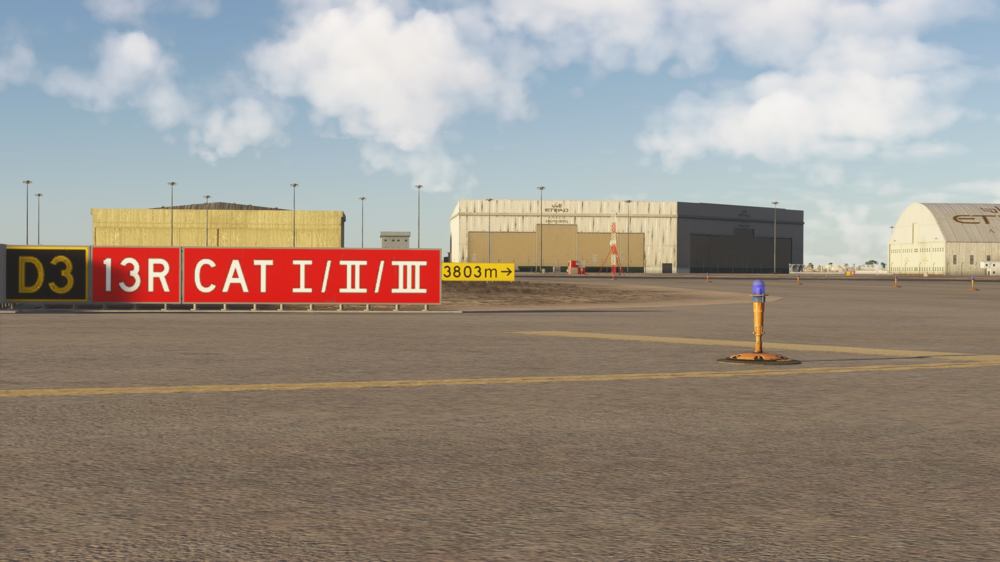
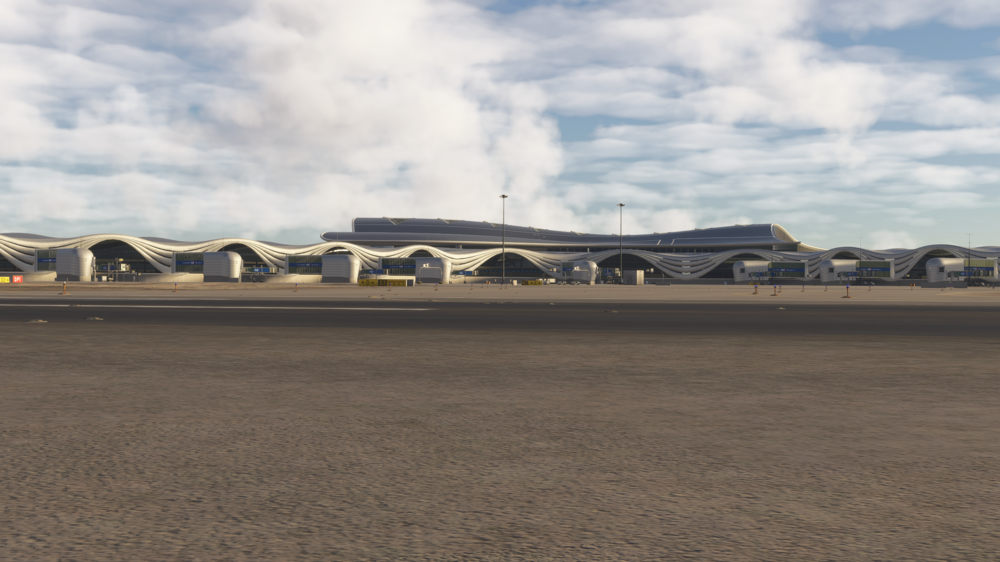
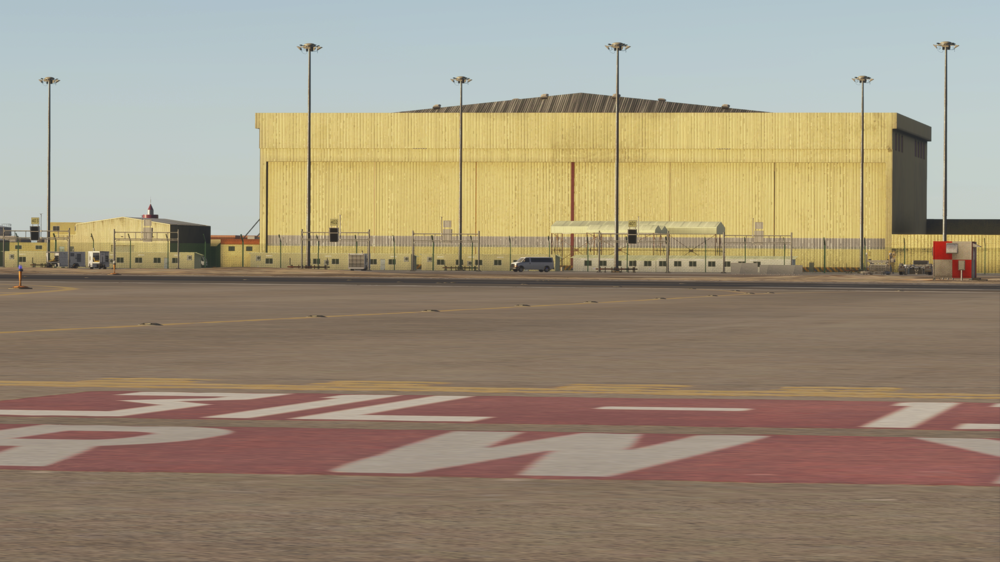
Hello, do you have any sort of mods or terrain adjustments in your community folder regarding the UAE/OMAA area. I checked again at the spot listed and I'm not having terrain issues including a landing and vacating from the RWY
-
Hi, This might solve the issue you are having as I too have this issue half of the times I launch a flight where my lighting gets overridden in the sim regardless of aircraft Check the following down below and see if this helps. Pause Menu > Settings > Advanced Options > Enable Dev Mode >
-
Hello, The OIS we built was based on a reference aircraft we had access to as well as designed for usability in the sim. This is a pretty cool OIS that being said, thank you 🙂
-
These are Microsoft aircraft built by us, as such all reports regarding these aircraft need to be made on the https://forums.flightsimulator.com/ and not on every comment and repeat threads. Thank you
-
Yeah this is interesting, I am planning to do more A340 long hauling and such so I will be investigating this over time as well. Let me know what you find 🙂
-
Hi, You can attempt to clear the WASM folder as that will recompile the EFB alongside the aircraft and should fix the issue, Let me know if this helps, Thank you.



