Mariotm24
Member
-
Joined
-
Last visited
-
Works now, thank you very much for your help!
-
Gday! That’s exactly what I see but whenever I click on the A350 airliner msfs2020 on the left nothing changes, I still see the TriStar liveries.
-
Whenever I open the inimanager and I go to the liveries page when I want to change to the A350 liveries it wont work, it only appears the Tristar liveries which is the latest released aircraft. So basically I can´t download any livery.
-
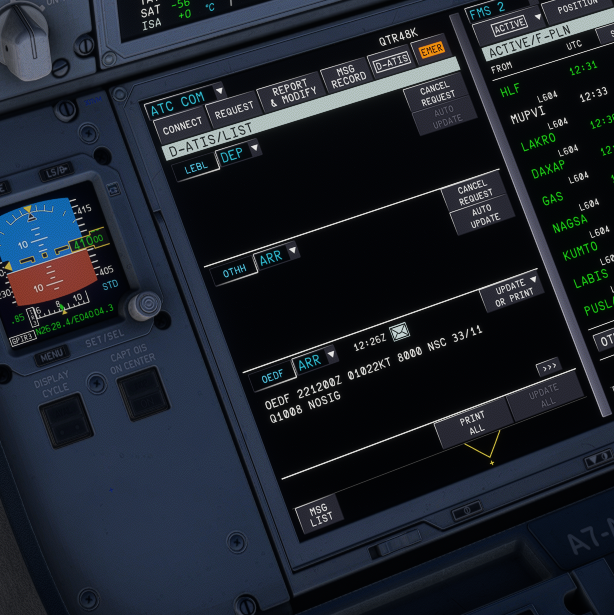
Gday, After following the above mentioned steps, I still don't receive the ATIS nor METAR. Kind regards.
-
Sorry about that, it’s now changed, let me know if there is other issue.
-
There was no station online, however when that happens the aircraft shows the METAR which is not happening in this case
-
Gday, Sorry for the late reply, here is the link. https://drive.google.com/file/d/1BBTkhnCQ06mK6F8e95Y-kMCnKeYMl7QV/view?usp=drive_link Kind regards.
-
I'm requesting it with VATSIM.
-
I don't know why but in all my latest flights the ATIS/METAR wouldn't load for some airports.
-
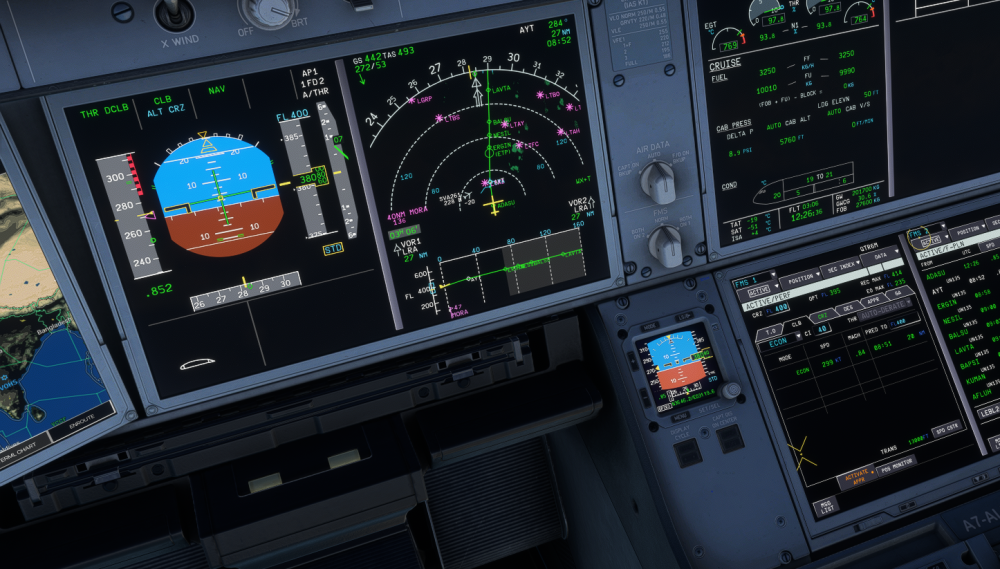
Good day, I can't attach the recording because it says it's too big (eventhough it's a 15sec video Xd), but basically during the initial climb and in the ground I can select between both options, but when I reach CRZ lvl I can't anymore.
-
Whenever I perform an S/C during cruise the aircraft automatically engages the AUTO-DERATE option and it doesn't allow to change it into CLIMB mode.
-
-
-
-
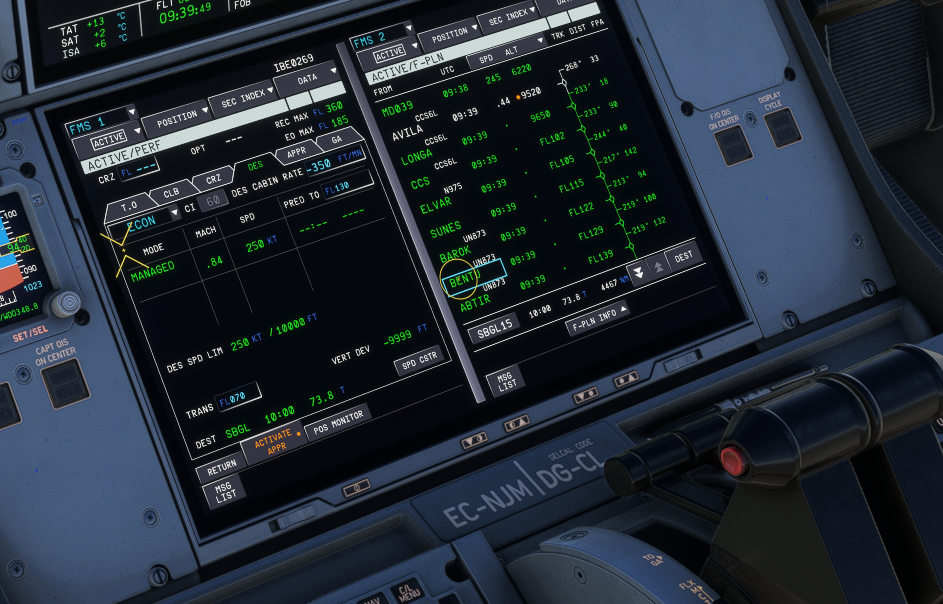
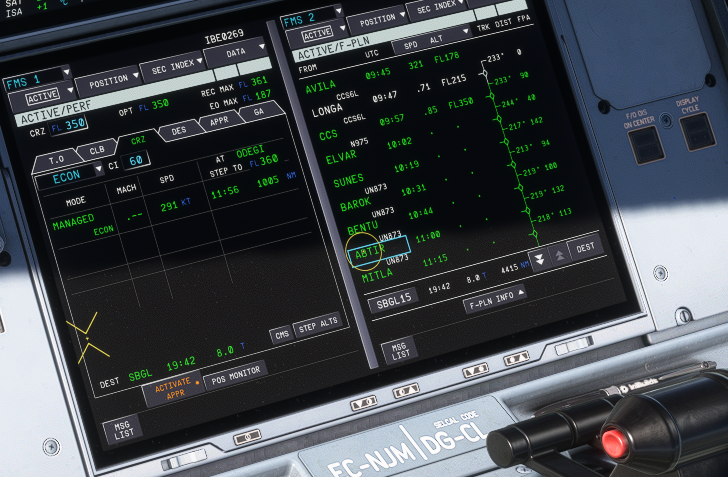
Right after taking off from LEMD the DES phase is automatically selected by the aircraft, inserting a CRZ FL doesn´t solve the issue it just wont work. Ihad to climb to the initial climg alt, let it level off and then insert that alt as the CRZ FL, and then continue the climb. As it can be seen in the second screenshot the CLB phase doesn't work.