





Eddie
Member
-
Joined
-
Last visited
Everything posted by Eddie
-
Hi there, We are actively looking into the issue. Apologies for no reply, already logged via our Discord channel. This was unfortunately not caught in testing as none of us were getting CPDLC issues. Nonetheless, as mentioned, we're looking into it for a hotfix hopefully soon. Apologies for the inconvenience!
-
-
Thank you for the follow-up. I'll forward this to the team and we'll take a look at what could going on here. 🙂
-
Hi there, Will let the team know. Thank you 🙂
-
Yes, my screenshot is from FS2024. This is the cargo variant, yes?
-
No defensiveness here! 🙂 We shall take a look at what is going on as soon as possible. I've forwarded this all to the team. Apologies for the inconvenience.
-
Hi there, I cannot see this issue on my end, please try re-installing the aircraft if this persists between flight-sessions.
-
-
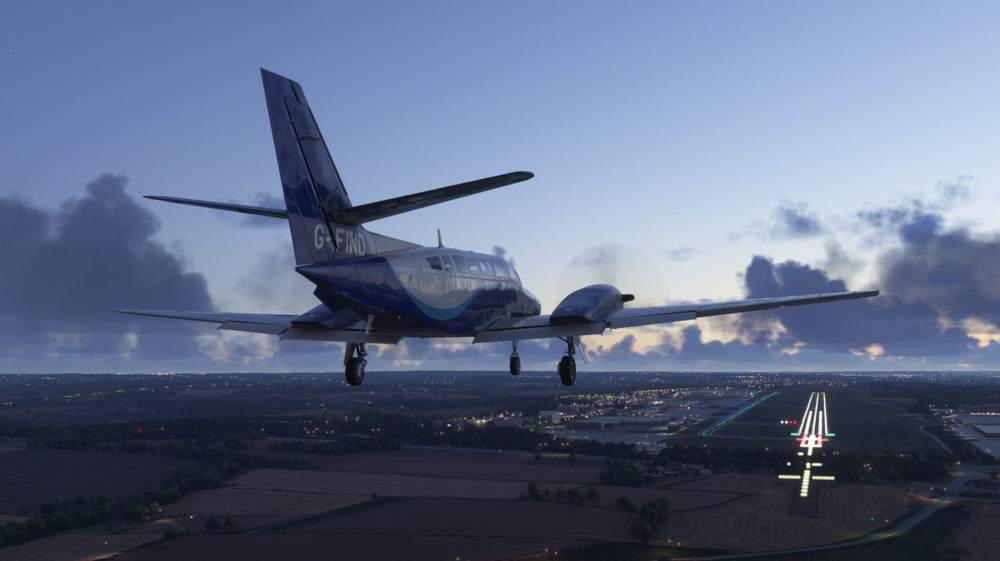
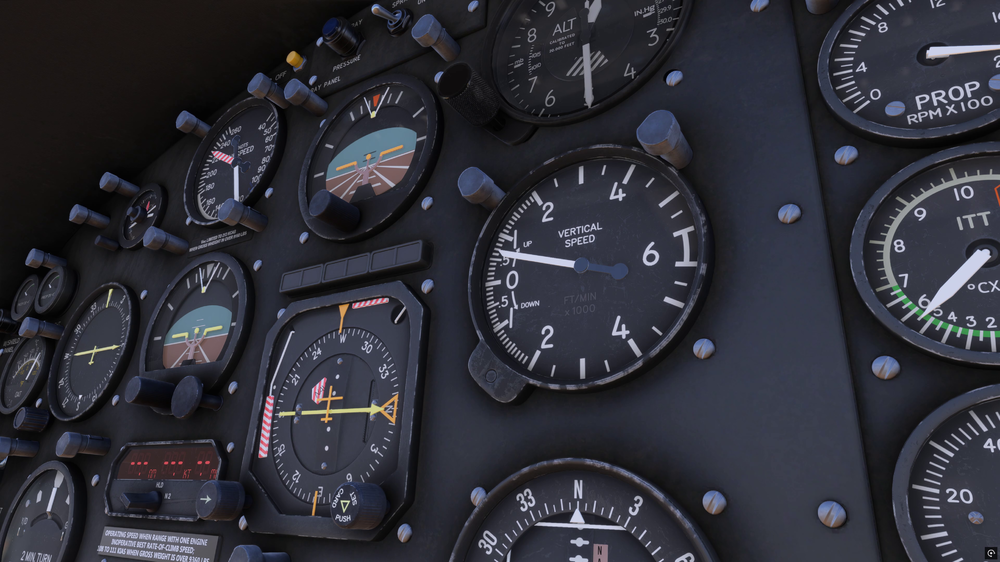
Approach and landing best practice The best practice when on final approach in a light twin aircraft is to fly at a speed at or above the blue line speed (104-108kt depending on altitude). This speed is called Vyse, or best rate of climb speed with one engine inoperative. At this speed the aircraft has the least amount of drag in an engine inoperative situation. In the F406 it is recommended to approach at 130kt, this higher speed provides better control and improved forward visibility. It also gives a margin to Vyse should an engine failure occur during the approach. Continuing the approach, you would maintain 130kt until you are committed to land. This shall not be confused with being below the decision altitude for your approach. For example, you can be below your minimums but the aircraft ahead is still on the runway and has not vacated yet. Once the runway is clear and you consider yourself committed to land, reduce speed, aiming to reach Vyse by the runway threshold. If you want to do a short field landing you can slow down further, but never below red line speed (90 kt) which is your minimum control speed in the air (Vmca) with flaps in the take off position. A single engine go around close to Vmca requires very precise flying to avoid losing control of the aircraft. Engine failure handling Handling an engine failure in a light twin aircraft such as the F406 requires precise flying and diligent adherence to procedures. Compared to airliners, there is no automation to assist in handling the assymmetry (such as automatic rudder trim) and the amount of excess thrust provided by the operating engine is significantly less. The steps required to handle the failure can be remembered as: Power Up, Clean Up, Identify, Verify, Secure. Lets discuss each step in more detail. Power Up Losing an engine is a serious issue, and can lead to an 80% or even greater loss of performance. When the failure is detected, immediately select the maximum propeller RPM (1900RPM) and maximum power (1385 ft-lbs torque). At this stage move both engine propeller and power levers, the priority is to get the maximum amount of power and not to spend precious time choosing what lever to move. Clean Up Given that performance is greatly affected, flaps must be selected up and the gear retracted in order to reduce the amount of drag. Identify To identify the failed engine think of the following sentence: “Dead leg, dead engine”. The rudder input will always be in the direction of the live engine. If the left engine fails, the aircraft will yaw to the right, requiring the pilot to input left rudder. This leaves the right leg “dead” and not doing much, this is the first step to identify what engine has failed. Verify Mistakes can always happen and the next step is to confirm that the initial failed engine assessment is correct. The engine instruments will serve as confirmation that an engine has failed. Following the positive confirmation of what engine is failed, the power lever of the affected engine is slowly retarded to idle. There should be no change in yaw If the identification of the failed engine is correct. Secure The final step is to secure the failed engine. Positively identify the correct propeller lever and feather it. Continue on to the fuel control lever and select it to cut off. Turn the generator off and the fuel boost pump to off. The failed engine is now secure. A final step that aids in handling the aircraft is to “raise the dead”, roll the aircraft approximately 5 degrees towards the live engine. Keep the aircraft flying straight, the slight bank will give a lateral component of lift that will be in the same direction as the rudder input allowing the pilot to release a bit of rudder. Climb considerations The F406 is unpressurised, and care should be taken to ensure passenger comfort. To avoid discomfort, the vertical speed of the aircraft during climb should be maintained around 500-800fpm. Power should be adjusted in order to achieve the required climb speed and rate of climb. Maximum continuous power might not be adequate, especially at lower levels where there is a lot of excess power available. Descent considerations The human ear is more sensitive to increasing pressure during descent compared to the decrease in pressure experienced as the aircraft climbs. During descent it is recommended to maintain a vertical speed not greater than 500fpm. This requires a different computation of the top of descent point based on time required to reach the desired altitude. Lets assume we are cruising at 10,000ft and we want to descend to a target altitude of 2,000ft. 10,000 - 2,000 = 8,000ft descend. At a rate of descent of 500fpm this will take 16 minutes. Once the amount of time required is known, we need to know the ground speed of the aircraft, for our example we will assume 180kt, which is 3nm per minute. Multiplying the time required to descend by the amount of miles covered per minute will give us the distance of the top of descent point. 16 x 3 = 48nm. The descent should commence 48nm before the point at which we would like to level off at 2,000ft.

-
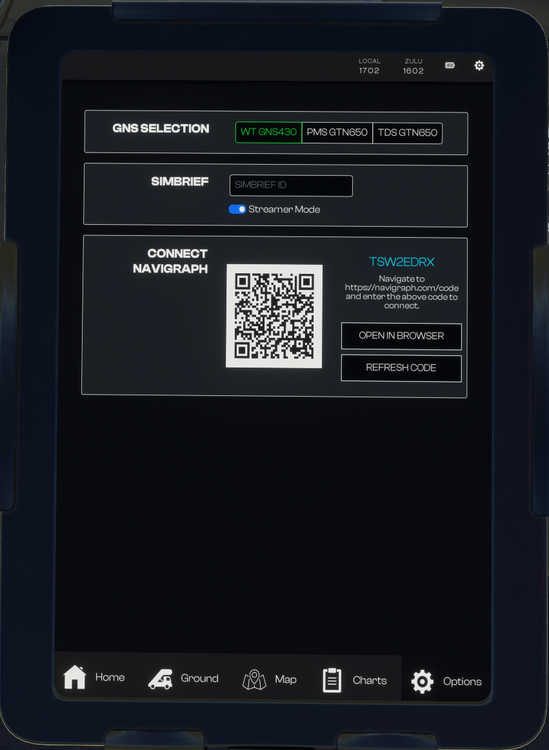
The F406 comes packaged with the default WT GNS430 head unit for GPS enabled navigation. Should users desire an aftermarket guidance solution we've allowed for the following EFB-selectable aftermarket options. - PMS GTN530 - TDS GTNXi Pro *note, these units are 3rd party payware and have extensive documentation on use and feature set at the above links. Inibuilds cannot provide direct support beyond implementation in the F406. Access to these options can be found under the EFB "options" page. Simply select the corresponding option and verify the head unit is installed and functional.


-
Here you’ll find the manual as well as the quick reference guide. F406_MSFS_Manual v1.0.3.pdf F406_QRC v1.0.0.pdf

-
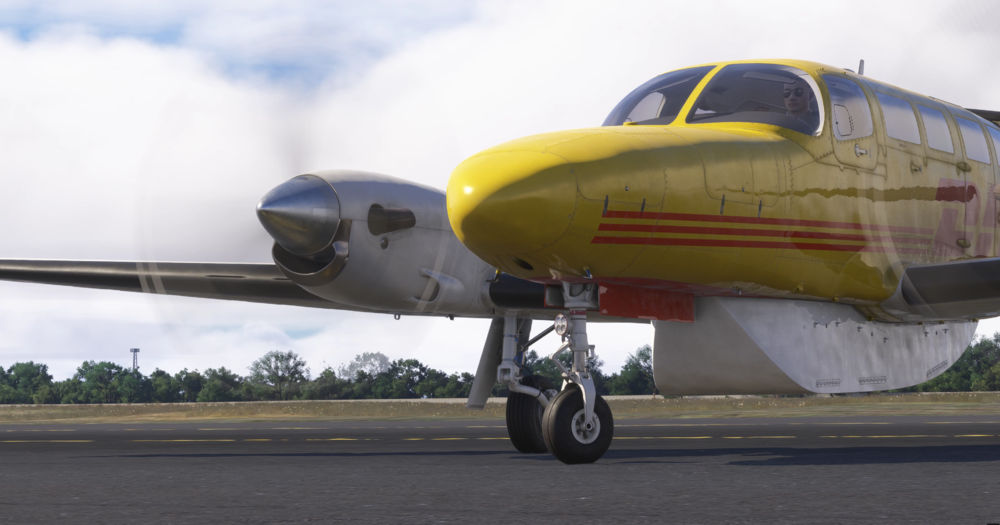
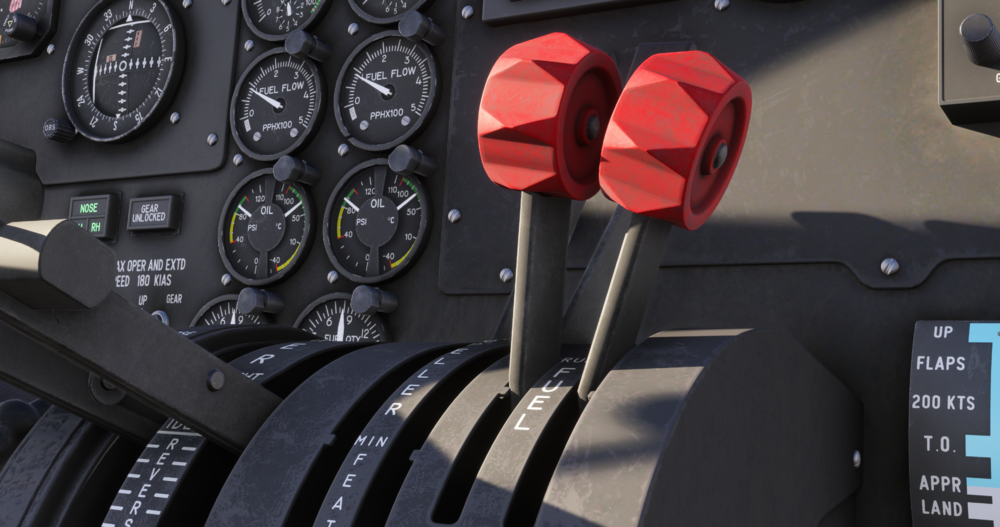
Power Considerations The F406 engines are free turbines, this means that the turbine itself is not directly connected to the propeller shaft as would be the case in direct drive engines. From the perspective of the pilot, this is noticeable as a slight delay or lag between power changes and the aircraft accelerating/decelerating. During taxi, anticipation is required with power changes to prevent the aircraft from coming to a standstill if braking. This is most noticeable when slowing down and initiating a 90 degree turn or greater, the effect of braking plus turning will stop the aircraft halfway through the turn if power is not added with anticipation. It is recommended that power is applied before commencing the turn so the engine speeds up, and in turn accelerates the propeller as the turn commences to counteract the increase in drag. Steering Nosewheel steering is controlled by the rudder pedals, which in turn can deflect the nosewheel up to 15 degrees left or right by deflection of a bungee spring and cables. The nosewheel can further deflect up to 50 degrees by using differential braking. This is very different from airliners which have nosewheel steering up to 70 or more degrees. The pilot of the F406 will have to consider the following: The bungee spring assembly can only turn the nosewheel if the aircraft is moving and the rate at which it rotates depends on the speed. The slower the speed the longer it will take for the nosewheel to reach the commanded deflection. Start your turn early and use braking and/or differential braking if necessary. Differential power will also assist in turning, especially to achieve the smallest radius of turn. Power adjustments Power settings for the F406 are achieved by a combination of torque and RPM. The amount of torque delivered by the engine depends on the position of the power levers and the atmospheric conditions. As the aircraft climbs into less dense air, for the same power lever position, the engines will deliver less torque. It is important to monitor this and periodically adjust the power levers to obtain the desired torque setting. Fuel control lever This is a control that looks just like a mixture lever, it has the same shape and colour, but the functionality is very different. In the F406 the fuel control lever acts as an on or off valve for admitting fuel into the engine. Despite being a lever (rather than a switch), it does not have intermediate positions like a mixture lever, you can not “lean” the engine as you climb. As far as the pilot is concerned, this is an ON or OFF control.

-
-
Hello, Apologies for the late reply. Can you confirm which variant has "flickering" glass? I cannot seem to reproduce the issue in either of the 3 variants. Thank you
-
Hello, I apologize for the inconvenience. There is a similar thread already on this and attempting to diagnose. I have asked for footage of this happening, any kind of video would help as it is hard to understand via text. We have not been able to reproduce this internally so any kind of help to visually show us would be appreciated. Thank you
-
Hello, Thank you for the follow-up. I've forwarded this to the team. We are continuesly looking into the root cause of the performance degradation some users are having. I apologize for the inconvenience and thank you for your patience.
-
Hello, I'll forward it to the team and we'll take a look. Thank you
-
-
I hope so too 🙏
-
Hello, Apologies for no reply here. I've forwarded this to the team and we'll see what can be done. Thank for your efforts in reporting this!
-
-
We will update you all when this functionality is in. There's not much else that we can share, unfortunately. I'll be locking this thread for the time being and will personally leave a message here once the fix is in. Thank you for your patience.
-
Hello, Have you had this issue with other aircraft using Navigraph? Thank you
-
Hello, Thank you for the feedback! I've forwarded it to the team 🙂
-
We are currently rolling out backend updates in preparation for the upcoming major update. This also affects liveries, that most likely is the issue. Please try again at another time.


