




HierIstKlaus
Member
-
Joined
-
Last visited
-
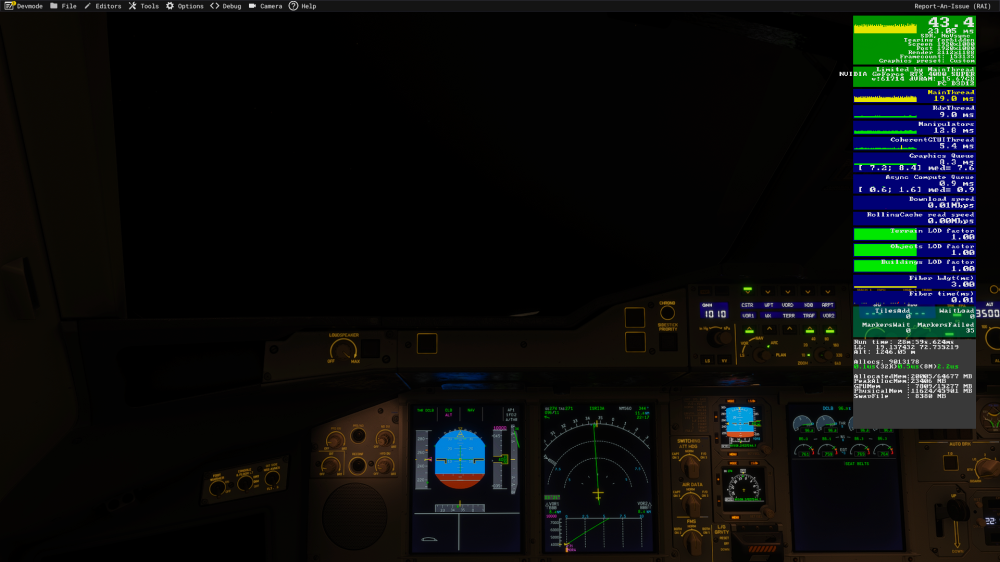
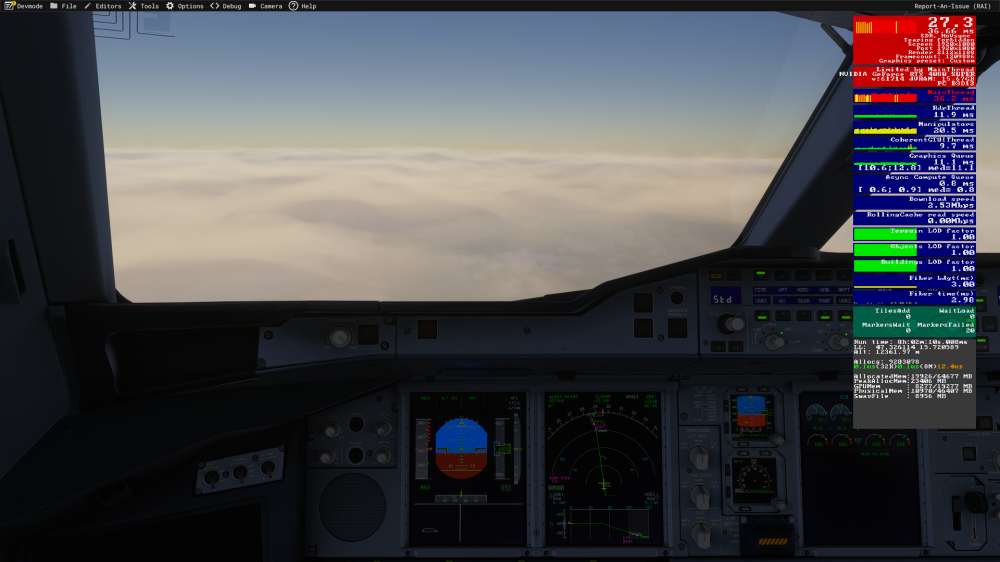
Same behaviour... Unloaded nearly everything that I didn't need for that flight. I also reinstalled the plane and deleted WASM folder. I also don't see a reason why a random scenery which isn't even loaded all the time would cause a performance degradation on a single airplane. Here is after takeoff and before landing comparison again with the Main Thread loaded up.
-
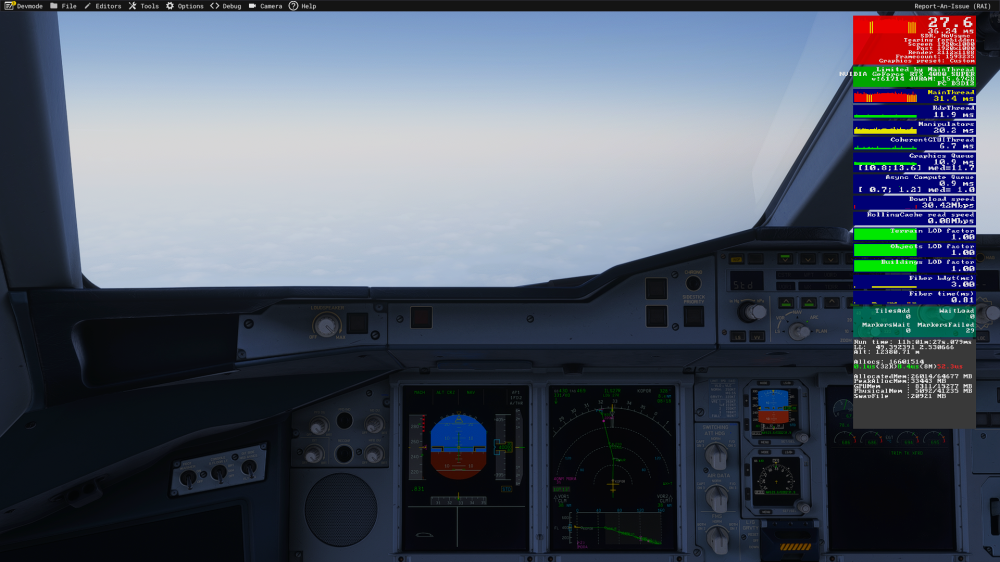
I will try but I don't think I use any specific addons that would cause this behavior. It's mostly just sceneries, GSX, REX Atmos Core + ReShade and a few mods for other aircrafts. After an eleven hour flight I roughly get around 30 fps. When departing its usually around 45-50 fps when reaching cruise level.
-
-
Is use the Thrustmaster TCA with the Winctrl Ursa Minor Joystick for the A380 and have my brake axis bound to the slider on the Ursa Minor. On all other aircrafts in the sim I'm able to brake smoothly but with the A380 only the slightest movement of the slider already leads to strong braking action. Of course I could create an own profile for the A380 and adjust the axis, but my question is rather if this is intended behavior?
-
-
-
When flying at higher levels, the airplane obviously switches to Mach speed. When trying to Pre-Select a manual Mach speed, the digits appear but are frozen to the managed speed value. For example, when flying managed Mach .84 and going up 4 ticks, the digits stay at Mach .84 but as soon as you pull the speed knob, mach .88 appears.The A350 hasn't been really performant since it's release, especially compared to the PMDG 777, Fenix A320 and even FlyByWire A380. I fly all of these planes and even with just 4k liveries and performance mode on (in the OIS), I get a noticeably lower performance and FPS in the Ini A350. The performance after starting a flight is not great, but flyable. After long haul flights I feel like it's getting even worse up to a point where it isn't fun to fly anymore. I'm talking about ~20 fps or less here. My specs: - AMD Ryzen 7 7800X3D - Nvidia RTX 4080 Super - 64 GB DDR 5 RAM 6000 MT/s When looking at the performance with other planes it's clear that the A350 shouldn't perform this bad. I don't use FrameGen as I don't need it with any plane and it comes with some side effects like stuttering when panning around fast or changing views. I hope the performance will get better in the coming updates... (Cross posted in Discord: https://discord.com/channels/535246634448191499/1381576432697999443)


