




iniKyle
Staff
-
Joined
-
Last visited
Everything posted by iniKyle
-
Hi, Can you please confirm you have the default handcrafted OMDB disabled in your content manager? Thanks!
-
-
Hi everyone, Please make sure you remove all traces of OMDB v2 from your community folder and reinstall using the iniManager. Also, please verify that the default handcrafted Dubai has been disabled in your content manager within the sim. Thanks!
-
Hi, Thanks for your feedback. Without going into too much detail, we are in talks with the GSX team. Thanks for your patience!
-
I believe it should be, but I am not 100% sure!
-
Hi, As long as the scenery has been updated, I wouldn't be too concerned about the layout.json, unless there was something specific you needed changed? Thanks!
-
Thanks for your report! I will forward this to the team for further review!
-
Thanks for the response! I'll do som investigating on my end.
-
I will forward this to the team for further review and clarification. Thanks for your patience!
-
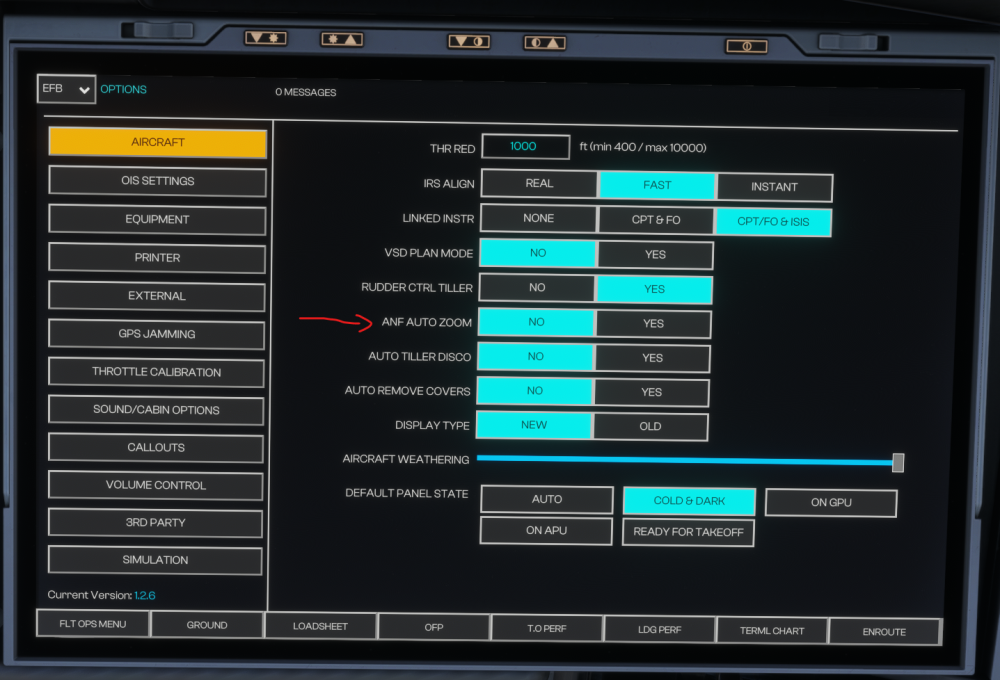
I've attached a screenshot for your reference!
-
Hi, This may be a limitation of the sim, just waiting for some clarification on my end. Thanks again for your patience!
-
Thanks for your feedback. Will pass this along to the team for further review. Thanks again!
-
-
Thanks for the clarification. Will do some testing on my end and report back! Thanks for your patience!
-
Thanks for the clarification! I will note this and forward it to the team for further review. Thanks again!
-
-
Hi, Thanks for your feedback. I'll pass this along to the team for further review. Thanks again!
-
-
-
Hi, I'm not entirely sure as I do not have a VR headset. I will forward this to the team for further clarification. Thanks for your patience!
-
-
-
Hi, I have not heard/seen of anyone else having this issue. Could be possibly key-bind related? Please check your keyboard key-bind for any unwanted binds. Thanks!
-
-
Hi, Could you please further explain the issue you are encountering? Thanks!


