




Matthias0412
Member
-
Joined
-
Last visited
-
I read in the comparison BATCH 2 and BATCH 7, that there is automatic Speed Brakes deployment during descend? When ist it activated? I was 1-2.000 ft above descend profile but they did not deploy and the aircraft did not descend faster.Can also confirm. Just as one reaches TOC, the prediction suddenly changes to a value that comes close to the prediction in simbrief. Also: the initial cruising alt from simbrief (offical inibuilds A380 profile) is always 2-4k ft lower than the actual optimum altitude in the fms. Just as one reaches the end of the flightplan, the optimum cruise alt in the fms corresponds to the step alt profile from simbriefWhat I also figured: Sometimes at the gate, the plane suddenly begins to bounce (extreme wingflex also). It bounces so hard out of nowhere, that it actually relocated itself away from the gate... This also leads to significant FPS drops, especially after a flight at the arrival gate (but I don't know if those two things are dependent on each otherHey guys, why are the stairs not connecting to the door? It seems, it's configured correctly in gsx airplane profile
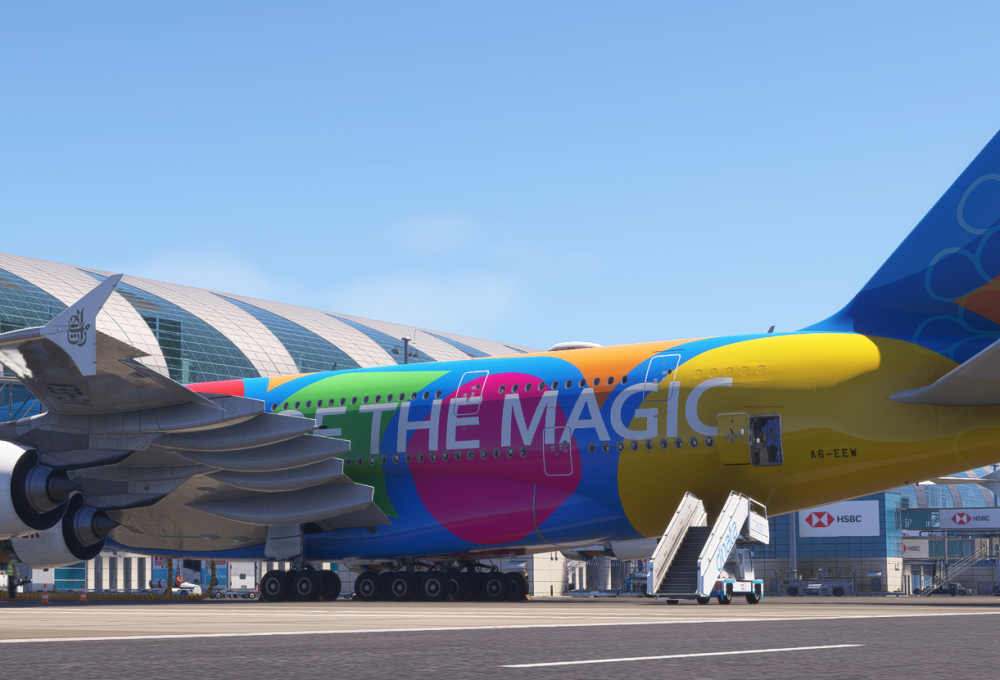
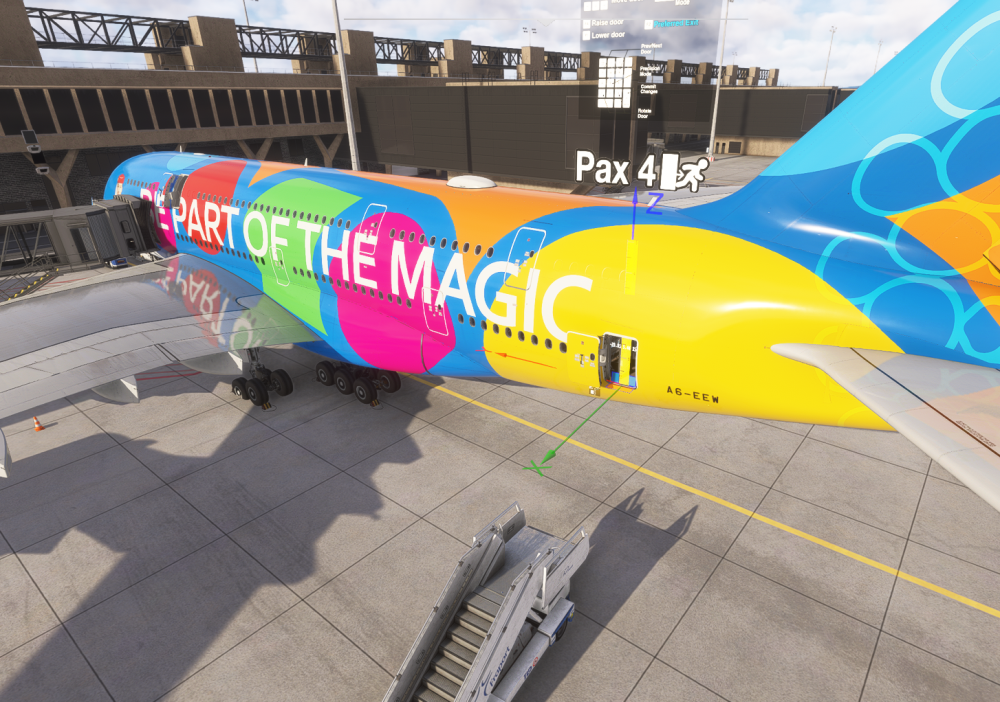 Guys, this is not acceptable for a product of 82 Euros happend after a jump ahead
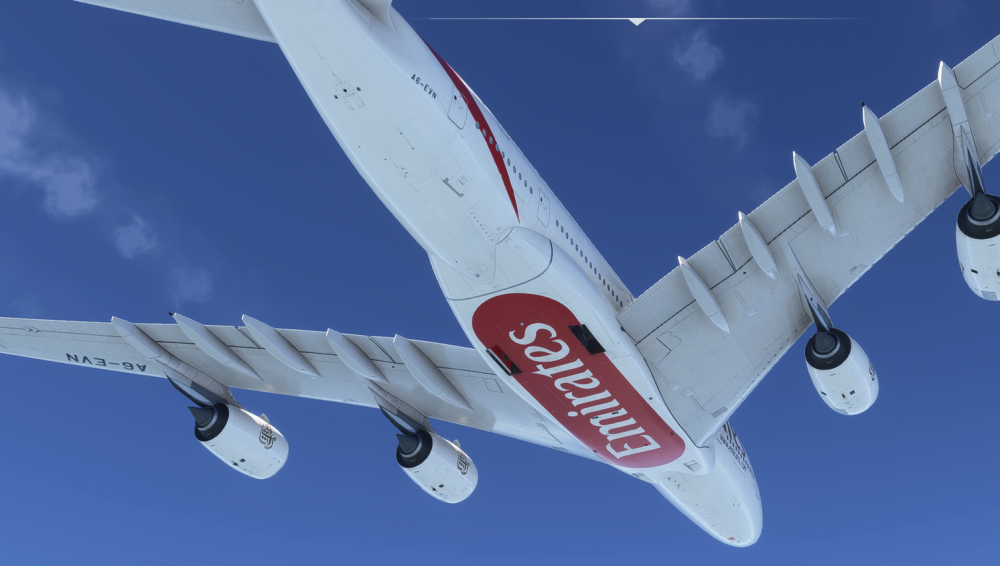 What is going on here? 😁
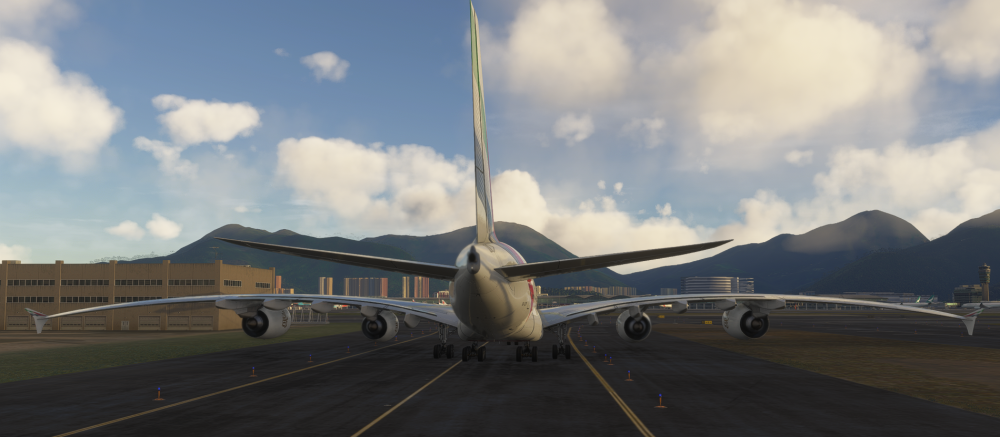 sorry for the confusion. I just figured, all the streamers on youtube are using the Dubai Landmarks by Orbx 😆So I figured, the city is enabled by the OMDU Skydive Pack, which is still Version 1.0.0 and automatically installed together with OMDB Version 2.0.0
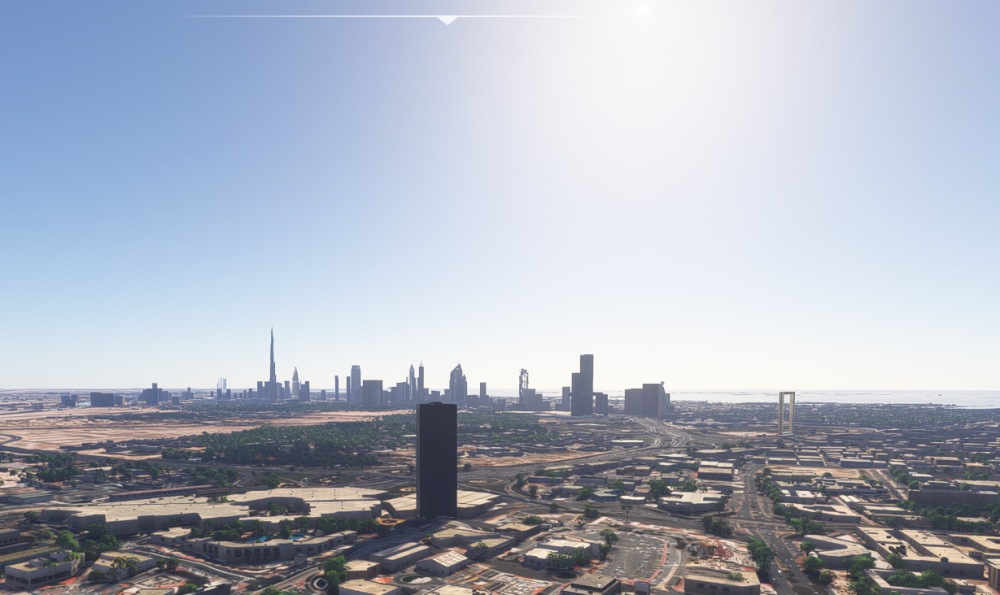
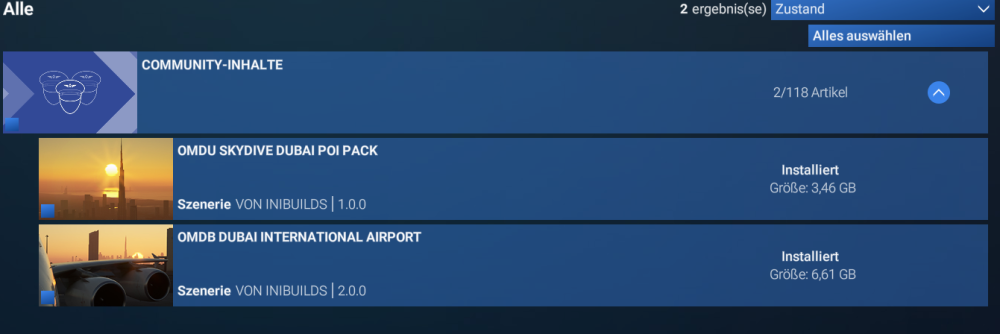 As you can see, the landmarks didn't update with version V2 on my install. I already tried uninstall and reinstall and also delete rolling cache.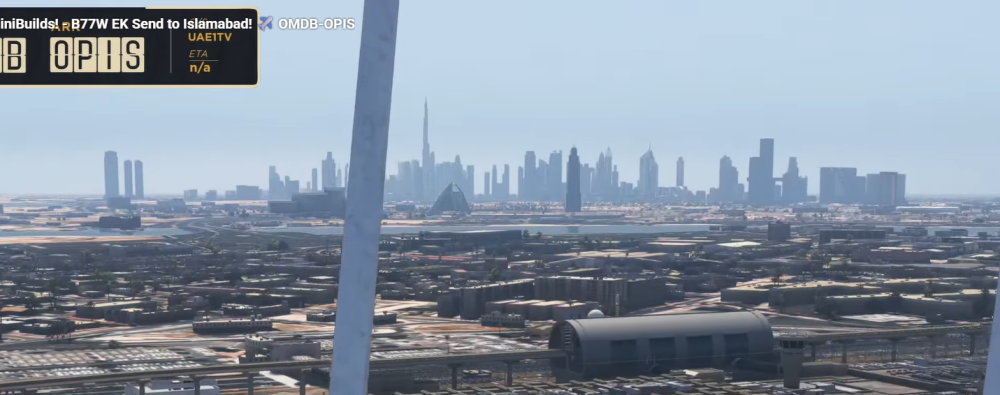
 I don't want to start a new thread just for this, so I'm using this one. I have a general question about nose wheel control in ini aircrafts (A350 and A340): When I move the tiller while the plane is stationary, the nose wheel turns. This isn't the case with the PMDG 777 or the Fenix A320. Also: When I bring the aircraft to a stop while turning and release the tiller, the nose wheel straightens out immediately. With the other two aircraft, the wheel remains in the turned position. Is this the right behavior in Airbus longe range aircrafts? Why should it be different than the A320 for example?


