




airvice
Member
-
Joined
-
Last visited
-
Currently
Viewing Topic: A380 latest update 1.0.4 - ADDED Make entire cabin accessible in walkaround mode?
-
got it thank you. Nice feature! Did i miss some instruction for this somewhere because i dont recall seeing these images above anywhere in the manual or FAQs? I noticed that there is no clickable interaction enabled, external doors, toilets etc, will this be added in the future? I should also mention that the outside click spot under door 1L is not clickable in VR because its to high to get close enough too , just like the apu hatch i reported a couple of weeks ago Also there are no footstep sounds, will these be added later? I appreciate these sounds are specific when walking inside an aircraft compared to outside so would need to be recorded , perhaps thats why they havent been added? There is also an issue inside if you walk up to door 2L you get stuck and cant walk away, exiting walkaround is the only way to free yourself. Also im assuming the walk around in cabin mode only accessible on the ground too? would be nice to be able to walk around in flight too
-
Ini Team update 1.0.4 lists this feature has been added i cant find a way to walk around the cabin please tell me how? walkaround mode still spawns on the ground thank you
-
Ive tried a few autolands now and i see the same behaviour each time, also saw same behaviour on a ini A380 youtube video too video too linked here at 2:40:40. The nose suddenly pitches up at the start of the flare instead of a smooth pitch up. Im not sure of thats realistic and true to the RW A380 or not but i wouldnt have thought so based on other autoland videos ive seen of many other airliners
-
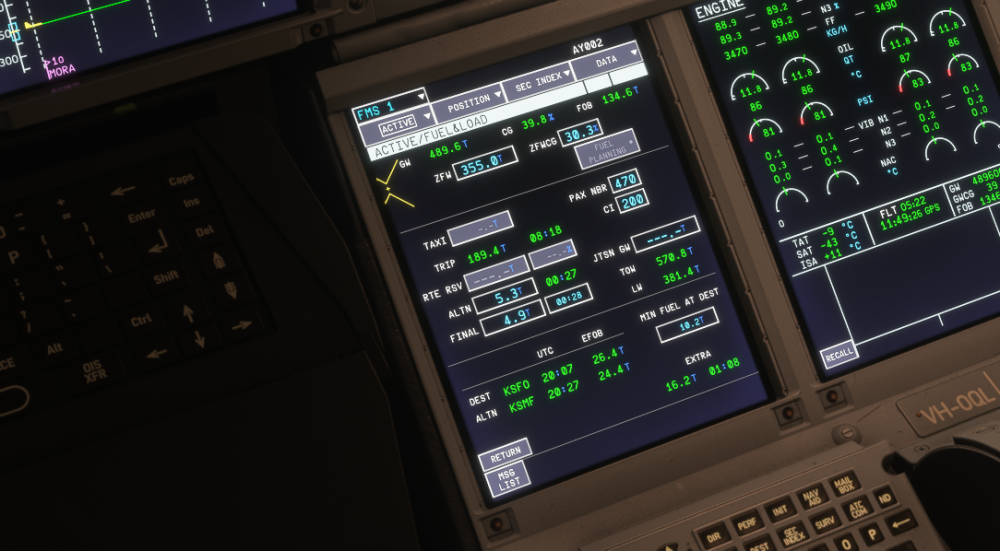
this was all set up correctly at take off but now in cruise all greyed out and giving incorrect extra fuel figures. Ive seen these fuel entry fields go blank and grey out a few times now. I understand the taxi fuel blanking out because the aircraft has taken off but rte reserve amount shouldn't surely?
-
-
-
-
-
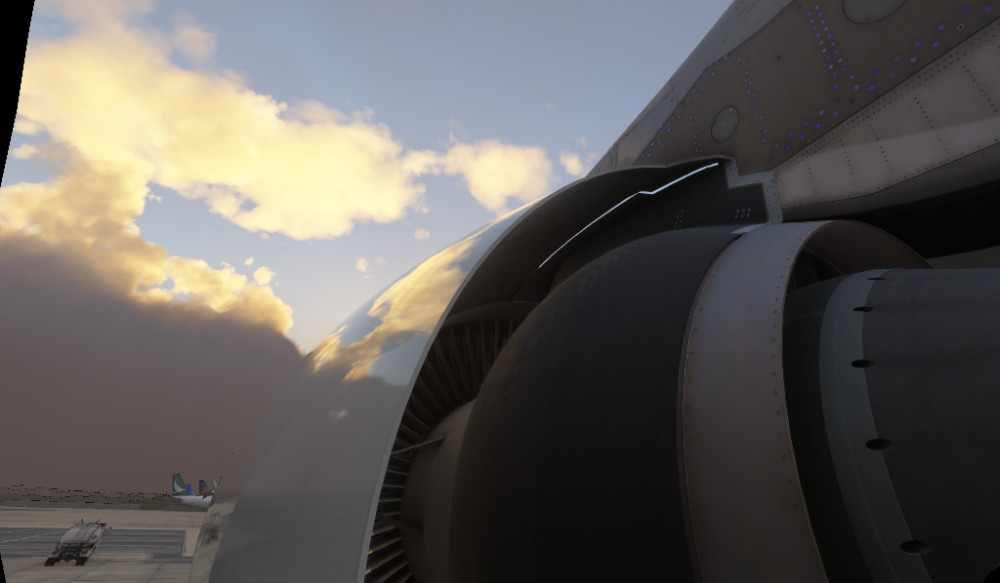
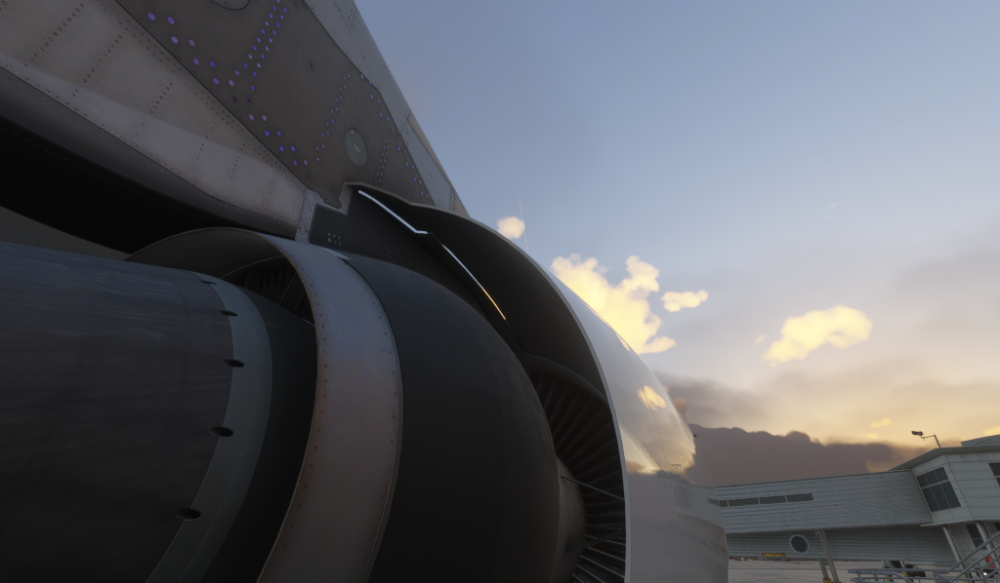
its attention to detail that results in products being this level. unless customers push for the best quality we dont get where we are today and would still be flying 2d cockpits. we should be thanking those taking the trouble to point out these things for the ultimate benefit of all of us not mocking them just because graphical detail isnt important to some as systemsWhat inibuilds and other devs need is specialists in graphics like me and a few others here helping out on the beta. Beta testers that are graphics focused are very few and far between in fs ive noticed over the years, its an area thats really lacking as most are system focussed. Its a common problem. I would have literally caught 99% of all of these graphical issues posted in this forum, before release were i involved. Its what i do.light bleed on outer engines 1 and 4 inside cowling
 ive seen the same issue, rain was drifting upward even at speed, i think there are also issue with the cabin windows too, rain in completely wrong direction


