




Deleted Account
Member
-
Joined
-
Last visited
Everything posted by Deleted Account
-
Can you please go to your "Content Manager" and search for KDTW and show me the screenshot?
-
The update is still in the works 🙂
-
Are y'all already on the AAU beta update? Just checking if this is AIRAC or Update related 🙂
-
According to your log you're missing the SAM Libraries, you can download they program here: https://d1o9n9onlv91pa.cloudfront.net/sam3/base_plugin/3.1.10/SAM.zip Please check if this fixes the scenery not loading - I however also contacted Chris of Xometry if anything else is needed 🙂
-
Yep, what Andy said. That would have been my next step 😄
-
Heya! This is not planned as a feature for now. For what its worth though, these also are not available on the PC version.
-
Heya! Could you please attach your log.txt?
-
Heya :] Do you have any other DTW scenery in your community folder by chance?
-
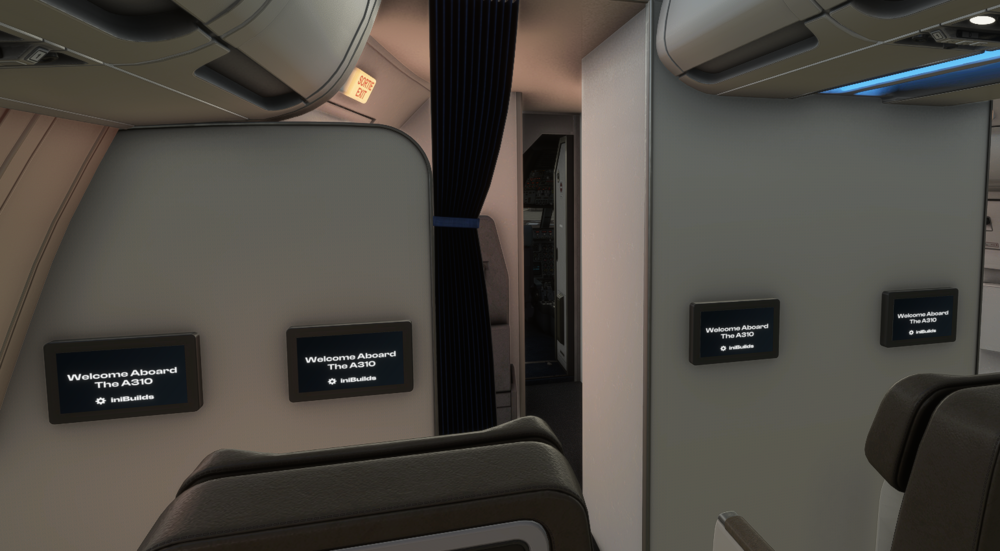
Please assign a button to "Translate Cockpit View Forward" and "Translate Cockpit View Backward" under Camera --> Cockpit Camera in the options 🙂 With that it shouldn't be an issue at all.
-
Yup! It’s with the keyboard arrows. There is also a keybind to move the cockpit camera forwards and backwards, those make it much easier
-
The scale should appear automatically. Could you send a screenshot please?
-
Is it possible, that that package was still left behind from the previous installation and the iniManager didn´t delete it because the package was changed? Can you please manually delete the "z_KEGE_mesh_XP12" folder from your CustomScenery folder, redownload with the Manager and see if the issue persists?
-
Heya! I'm pretty sure this isn't possible in the real aircraft as well, I'll get confirmation for you on that though. The Return RSK not working is a known issue and already fixed for the next version; thanks for reporting though 🙂
-
Heya! Yes, I can confirm this issue on my end. If I would have to guess it has to do with duplicate waypoints. Before you used to be able to add them via the above mentioned method, but this no longer works for some reason. We'll get it fixed for the next patch 🙂
-
Heya! The scale should normally appear when you are within 3nm (iirc) of the T/D and if you are in Profile mode.
-
Heya! The Mesh inside the cabin is sometimes a bit finnicky to get around. You definitely can move the camera through the door (and through the aisles) but it might take some practise to do 🙂
-
Heya! Could you please send me a picture or better even a video of your EFB settings showing the throttle control? 🙂
-
Heya! This is certainly something we can look into, yes. 🙂
-
Heya! I merged your topic into this one, as it is about the same issue. Could you please try the above described way to enter the waypoints?
-
Heya and happy new year to you too :] We are aware of that issue, yes; as a workaround, you should be able to enter those waypoints directly on the FPLN page (put the waypoint into the scratchpad, then press the LSK according to the position you want to enter it). Could you try this please? 🙂 If that doesn´t work, please give me a short list of some exampled which waypoints don't work.
-
Heya! Could you please send me a screenshot of your EFB when this issue happens? 🙂
-
Heya! We are currently working on V3 of EGLL and I think I can get you a parking position there 🙂 If I had to guess, they were not assigned because people rarely ever want to spawn in there, so it was omitted.
-
This sounds more like an iniManager problem to me; I notified the person responsible for that 🙂
-
Heya! I think there is a seperate download for the XP11 version. Can you confirm that you downloaded that one or did you just copy & paste the XP12 version over to your XP11 directory?
-
The update wasn’t shipped yet.

