




Tripdog87
Member
-
Joined
-
Last visited
Everything posted by Tripdog87
-
The other thing to remember if you are using the GNS530 is to make sure you press the CDI button so it changes from “GPS” to “VLOC.”
-
-
-
-
-
Upon the "mains" touching the ground I notice the nose wheel abruptly making contact with the ground and cannot fly it or ease it on to the runway. Have tried the following: flaps 33° and min. brake flaps 33° and (0) zero or manual applying full back pressure column force on the yoke my hardware is: TM Boeing Yoke, HC Throttle, Saiteck Rudder, TM Airbus sidestick (Tiller, nosewheel streering)
-
I sure hope so too! The Tristar is by far my favorite aircraft of all time!
-
-
-
Are you using the Garmin GNS530 that comes with it?
-
Disable GSX tug raise in the airplane edit
-
Oh well then please disregard my post!
-
There is a simrate app on flightsim.to, I used it last night and x4 worked like a charm!
-
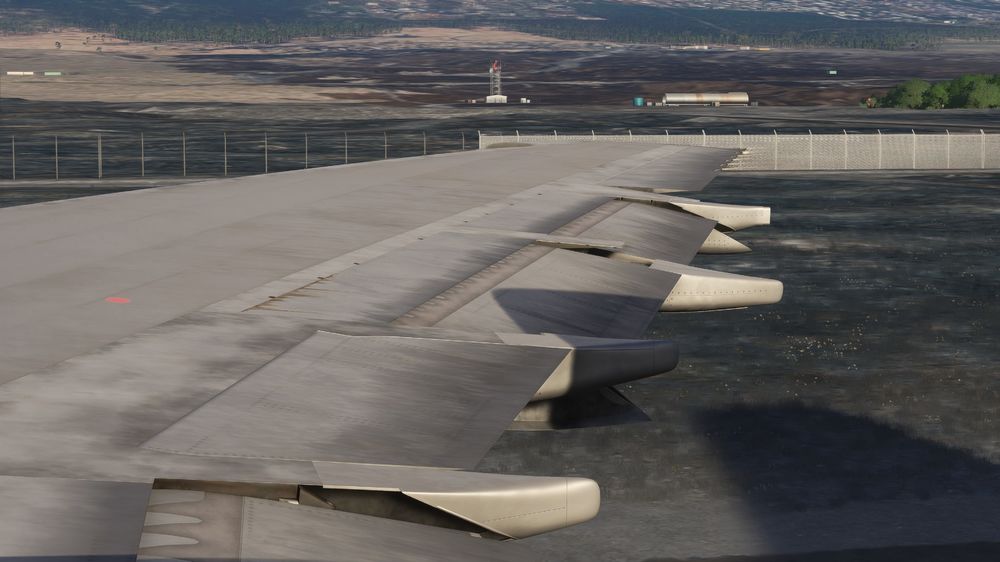
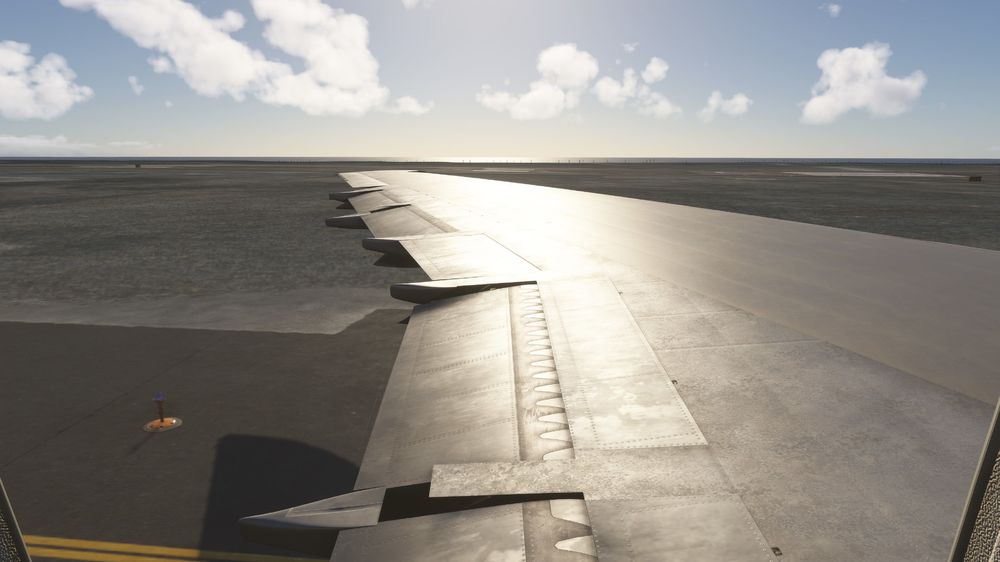
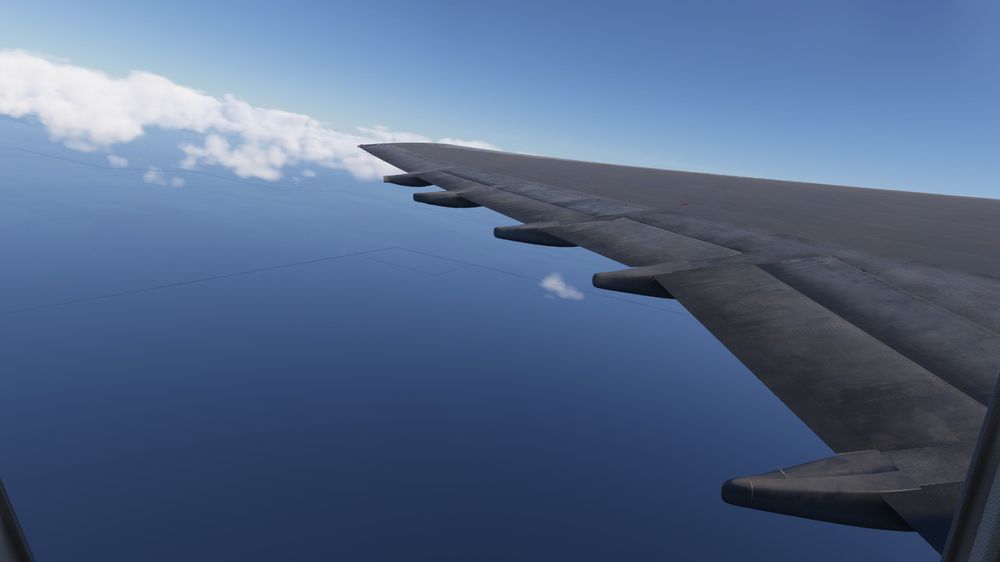
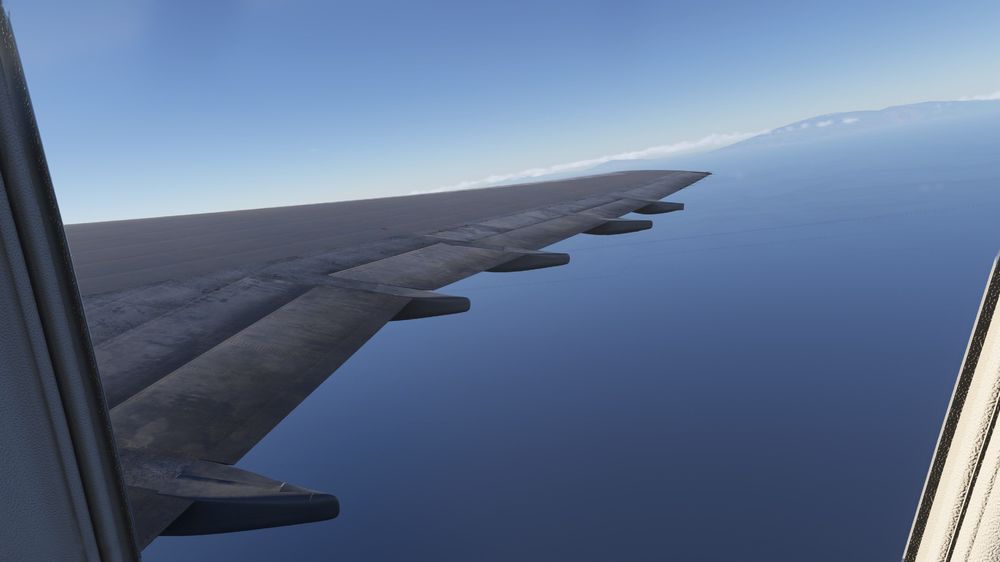
Ailerons slightly lift when selecting flaps, as soon as they retract the ailerons revert back to normal.
-
Hello ini-team! Let me start by saying congratulations on a very successful release of the beautiful Tristar! One suggestion if I may suggest is an option to have the FE manage throttles during takeoff and when reducing to climb thrust. Unless there is a way that I am simply not aware of?
-
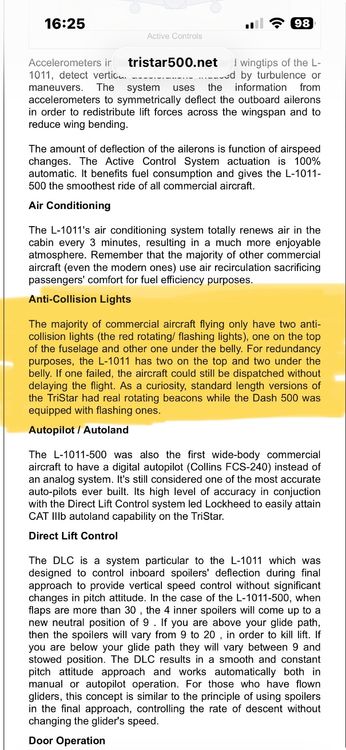
Hi Captain, I don’t know if you saw my post about the beacon lights but I thought maybe you could verify being as former F/E and I’m you have done your share of walk arounds, to my knowledge the -500 variant did not have the rotating beacon lights, they flashed or strobed rather?
-
Yeah, won’t deter me a bit I just find it funny they had it right the first time.
-
Just to further add some more info on this; https://www.tristar500.net/specialties.htm
-
Hi everyone, I know there was an earlier thread about the L1011’s beacon lights. I thought it would be worth while to note that the -500 variant did not have the rotating beacon they in fact were “strobed” like irl. Here is a link showing this exactly. Cannot wait for this bird!
-
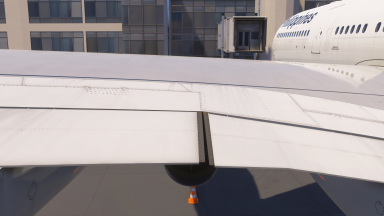
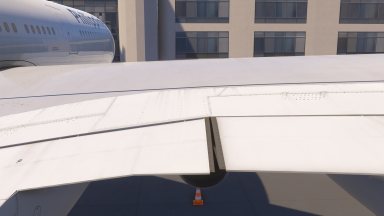
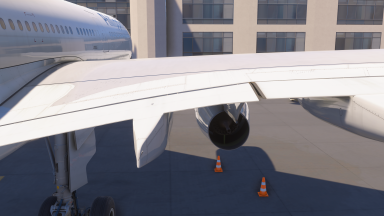
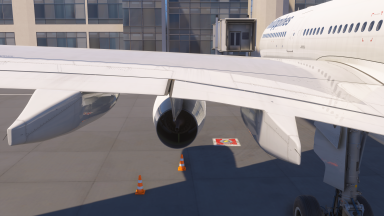
Inboard position of the flaps while retracted/0 position looks as though it's not fully up in its position. Great job on this aircraft btw!
-
I would type these three items one at a time. Ailerons/Rudder/Elevator and go through all your hard and get rid of any bindings the simulator preset. For instance that right aileron angle for me was do you a stupid preset on my TCA Airbus sidestick.
-
Thank you, I 100% stand by you on this one mate.
-
This is absolutely ridiculous… I feel like this would not be a complex fix compared to what has been updated…
-
Seriously, thank you soo very much for gifted A310 and now A320neo. I purchased the A300 and will continue to support inibuilds. I know this stuff takes a very good amount of time and so I will continue to support monetarily as that is the only way that I can. I know this is an unpopular opinion by most but I would definitely pay for an “systems” and or “model upgrade” for both the A310 and A320neo. Thank you soo much again for the amazing content!
-
It makes me wonder if it’s a contact point thing like in the fs9/p3d days? I definitely see what you are saying.


