




Terence2022
Member
-
Joined
-
Last visited
-
Thanks for the tips. Here are more details. I switched INS to Radio in all attempts. I selected HDG first to intercept with an Altitude hold. Then select LOC. When the aircraft intercepts LOC, it turns towards the runway. The LOC ARM tag changes from black to white, confirming capture. The GS orange needle tip starts to drop to the center. I disengage Altitude hold, and as the GS needle reaches the center, I engage the ILS button and the LOC distinguishes. I expected ILS to takeover. The GS ARM tag turns from black to white, confirming capture. The aircraft then turns 30 degrees away from the direction of the runway on its own. And does not follow slope of descent. I will try other airports later but I've flown to CYVR hundreds of times with other aircrafts with no issues. Weather set to clear no winds to avoid weather being a variable so the aircraft is stable. Something is not right.
-
Here is the scenario CYVR by FSDT. RWY 26R. VOR set to frequency 111.95. On approach, LOC and ILS captured (aircraft reacts and GS tag turns white) but it flies 30 degrees north of runway heading and does not follow descent slope. I tried 6 times!! Something is NOT right with the ILS. It’s not fixed in V1.01 as marketed. Flown here countless of times with other aircraft without issues. No way I will do manual approach and land with every flight. This needs to be fixed.
-
First flight with v1.01. Approach CYVR 26L LOC button captures glideslope heading. So far so good but it already did that in v1.00. Then glideslope needle reaches center of horizon, I switch the buttons from LOC to ILS button to capture ILS. Aircraft does not descend to follow the ILS slope. So had to fly manually to land again. What should the fix for ILS in the v1.01 update do? Something is not right with the ILS.
-
-
-
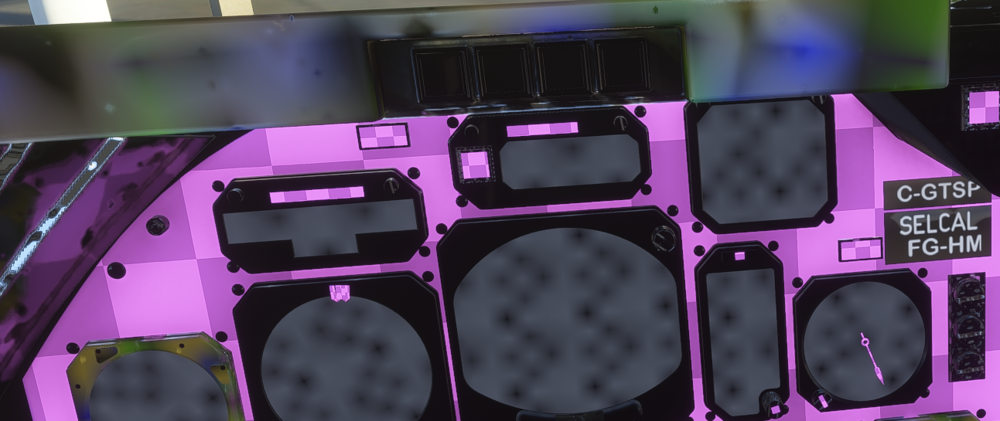
Not sure if this already known, but I updated to 1.01 via marketplace and all external textures for all liveries I downloaded from Inibuilds manager have pink tiles in several places throughout the fuselage, wings and tails. And in the cockpit, it looks like this. I went back the marketplace and the status is installed, size 3GB. Should I uninstall and reinstall via marketplace?
-
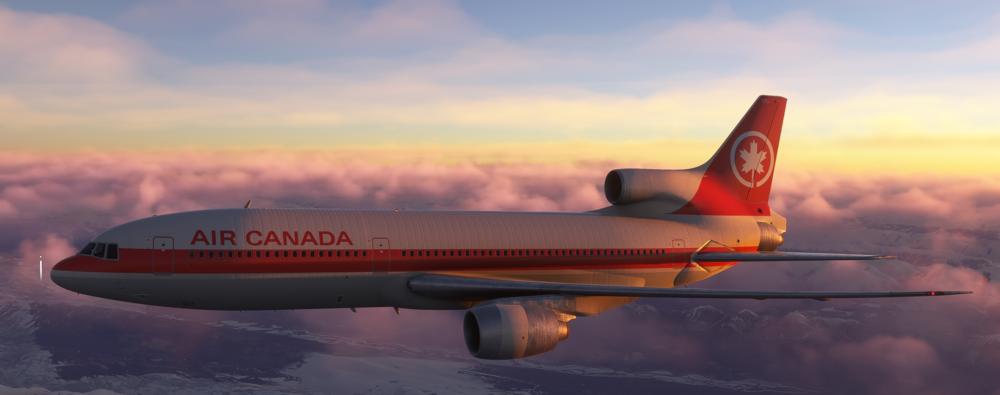
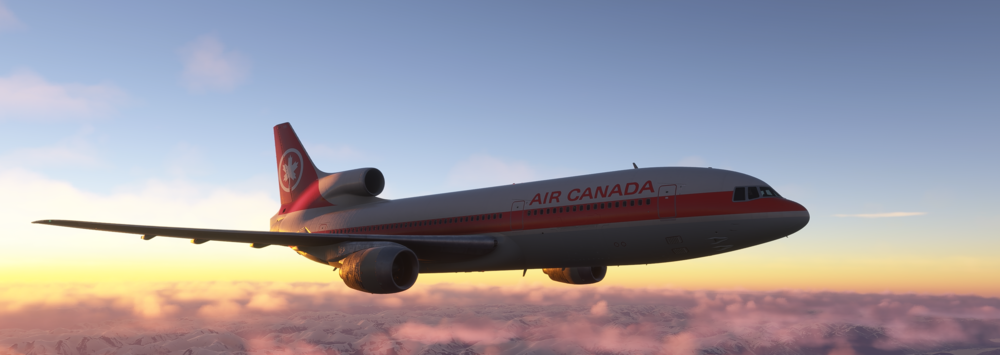
The fuselage texture and bumps are evident. Excellent modelling! Only wish is contrails were visible and the trijet spews some black smoke, normal for classic jets of its time.
-
Great airplane. Its my current top airliner to fly! Thank you Inibuilds for developing this classic trijet. Not sure if anyone else is experiencing this issue, but as the title suggests, my GPS randomly resets during normal flight ops. I can only use INS as a reliable source for navigation. When the GPS resets, all the settings and positions remain, but its rather annoying that I have to keep pressing "ENT" to get to the map view of in the GPS.


