




iniKyle
Staff
-
Joined
-
Last visited
Everything posted by iniKyle
-
Hi, A couple things to go over: Can you confirm your simulator, aircraft and simbrief are all on the same AIRAC cycle? Have you logged into Navigraph/Hoppie/SayIntentions on the EFB? I've attached a few screenshots to verify everything is working on my end. Let me know if any of the steps above helped. Thanks!
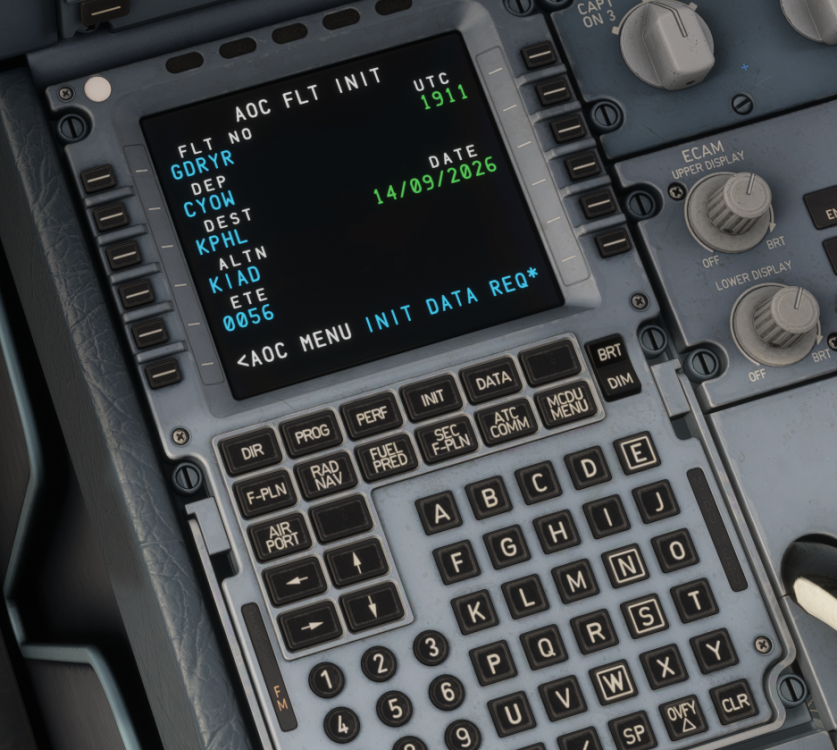
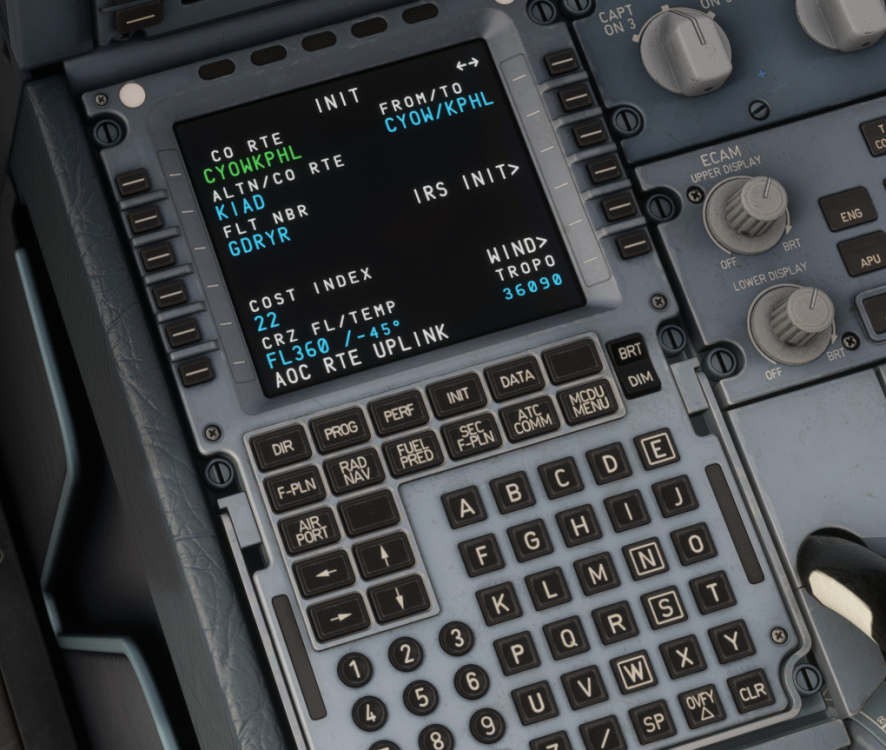
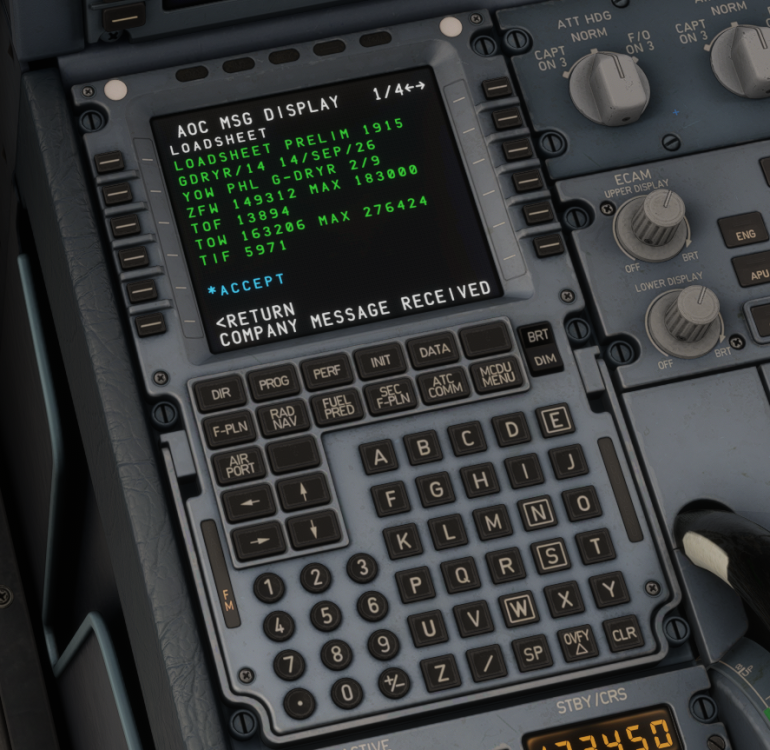

-
Is this with the 1200 version or the 400? Thanks!
-
Please try the method down below, which another user had success with. Thanks
-
Hi, Yes, you will be able to pop out the screens and use them with your mouse. We've also created an FAQ covering this topic, which I'll attach for your reference. Thanks!
-
That is correct! Thanks 😊
-
Hi, The spawn points in the sim are not dynamic and do not change based on aircraft type. Each gate has a fixed spawn point where the aircraft's nose will spawn, regardless of the aircraft being used. As is standard practice, we select a position that works for the widest range of aircraft types without causing collisions. GSX, on the other hand, can read the aircraft type when properly defined in the profiles and reposition the aircraft to the appropriate stop marker. As a workaround, using the "Reposition Aircraft" feature in GSX should align the aircraft properly. Thanks!
-
Hi, This is unfortunately a limitation with GSX. We have reached out to the team for further clarification, but have not yet received a response. Thanks for your patience and understanding!
-
Hi, Thanks for taking the time to share your feedback! I'll pass this along to the team for reference. Thank you again!
-
Hi, As it will be coming to the official MSFS in-game Marketplace, I don't see any reason why it wouldn't be released on both platforms at the same time. Thanks!
-
Hi Bert, Thanks for your feedback and suggestions. I will pass this along to the team for further review. Thanks again!
-
Hi, Please try the attached and let me know how this works. Thanks!
-
Correct, although it does "work" with certain other aircraft as well, only iniBuilds aircraft are fully supported. Thanks!
-
Hi, Try resetting your credentials (logging out of Navigraph) and try again. Let me know if that works. Thanks!
-
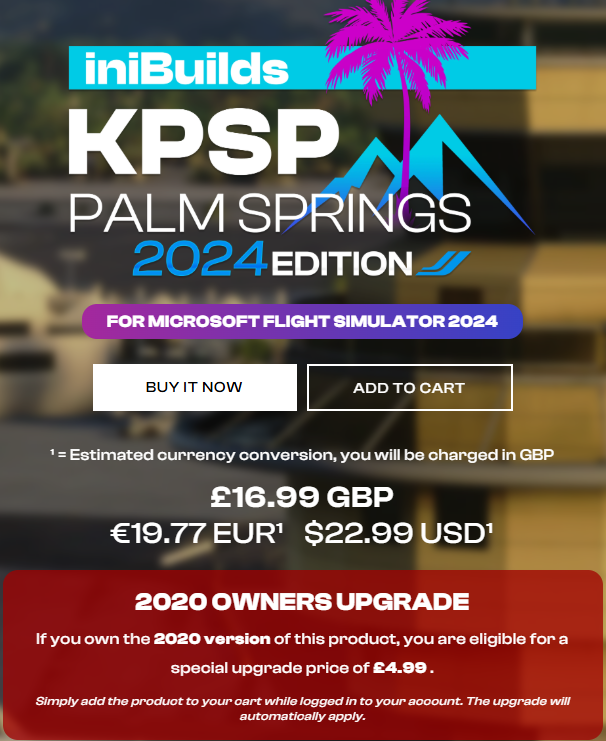
Hi, Please see the attached image. Thanks!
-
Hi everyone, Tested on my side and also not able to connect a jetbridge at C18. I have noted for the team. Thanks for your patience!
-
Hi Mike, Thanks for the feedback. As with all SU betas, we unfortunately cannot guarantee the reliability of our aircraft during the beta period. If we make adjustments or updates based on the beta, there's a possibility that those changes could cause issues or break functionality again once the SU leaves beta. I hope this helps clarify the situation. Thanks for your understanding!
-
-
Hi, Please see the attached screenshot. Under the Assistance tab within the simulator, ensure the following options have been enabled. Thanks!

-
-
-
-
Hi everyone, It can be difficult to ensure our products work immediately following a BETA update, as we haven't had the opportunity to properly test and troubleshoot any potential issues ourselves. If possible, my recommendation would be to roll back to a stable branch of the sim for the time being. Thanks for your understanding!
-
Hi, Can you provide the driver number you are on? Thanks!
-
-


