




iniKyle
Staff
-
Joined
-
Last visited
Everything posted by iniKyle
-
-
If you're in the iniBuilds discord, send me a DM. I'll see if I can get you added to our working group! Thanks
-
Thanks. I will forward this to the team for review 🙂
-
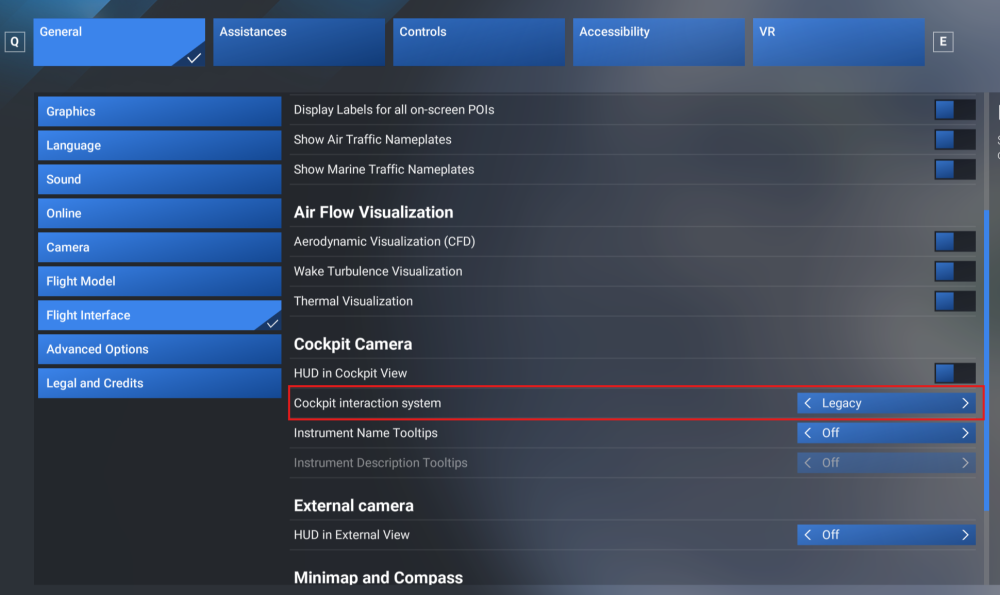
Hi, Please ensure you have the Legacy cockpit interaction system set in the MSFS settings. I've attached a screenshot below! Thanks 🙂
-
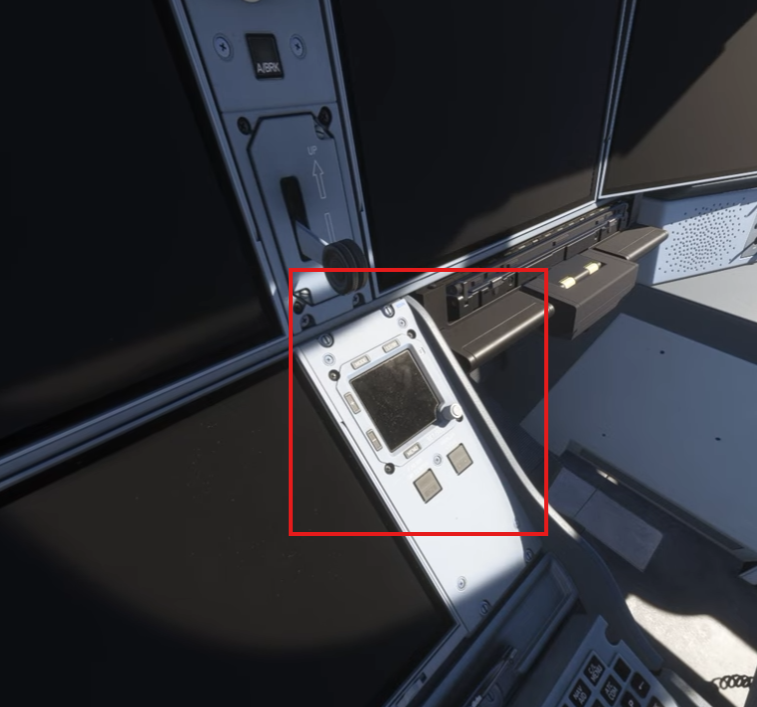
Here?
 Thanks for your report. I'll forward this video to the team for further investigation. Appreciate your patience 🙂None of our 2020 testers are reporting this issue. Apart from the few in this thread, nobody else is having issues. Everyone runs their sim differently, with countless combinations of hardware, settings, and third-party add-ons that can lead to different outcomes. This makes it difficult to pinpoint the root cause of an issue without more specific information. My guess is it comes down to a 3rd party livery or cabin mod causing the issue. If the above is deemed too cumbersome, try removing all 3rd party liveries/mods for the A350. ThanksSorry, meant to ask you to attach a screenshot or two for me please!Thanks for your report. I'll try and replicate this on my end. Appreciate your patience 🙂Although I can't promise any timelines, v1.0.6 will be the next update to the A380 on X-Box! The A350 hotfix should also fall in line soon! Thanksis EDDL 3rd party or default scenery? From my understanding the R1/R2 navdata updates are only for the base airac, aircraft do not need to be updated! Thanks 🙂Thanks for the clarification. Will forward this to the team for further review! Appreciate your time 🙂Thank you again Mario! Will forward this to the team for review. Appreciate your patience 🙂Thanks for the clarification Mario! The team is actively investigating the fuel burn 🙂Hi, Another user mentioned "After removing the old WXR Mod and installing the new one everything works as desired. (TERR, VSD, WXR)" Let me know if that helps, thanks!I have not encountered this issue. I'll look around for anyone else reporting anything related. Thanks for your patience 🙂Thanks for your report. Are you in the Synaptic Discord? This question would best be asked directly to them. If not, I can forward this thread to the dev team. Thanks again!I have not seen or heard of any other reports of this behaviour. I am also unable to reproduce on my end. Thanks for your patience as I look around. In the meantime, are you able to join the Synaptic Discord, where they may be able to offer more direct/troubleshooting steps? Thanks!


