




Deer-in-Motion
Member
-
Joined
-
Last visited
-
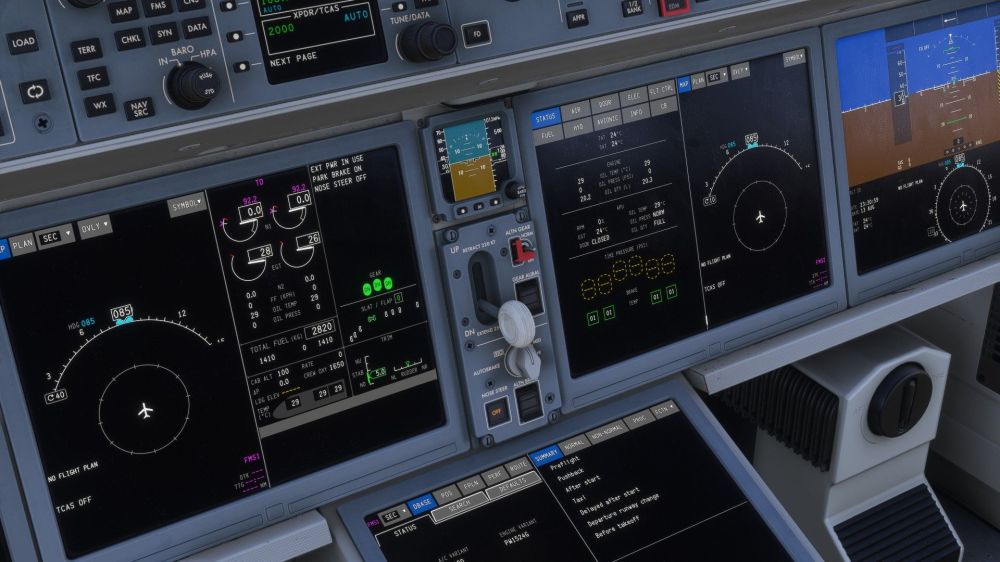
I'm sure I'm missing something on the checklist but I wanted to make sure. I keep getting blank tire pressure and I don't know how to fix it.
-
Everything went perfectly until just before landing. Even captured the ILS how I expected it to after reading up on it. The main issue was that the AP wouldn't shut off so I could land manually. Autoland worked perfectly, then the FMS crashed. But other than that, my first flight went great. It's a beautiful aircraft!
-
-
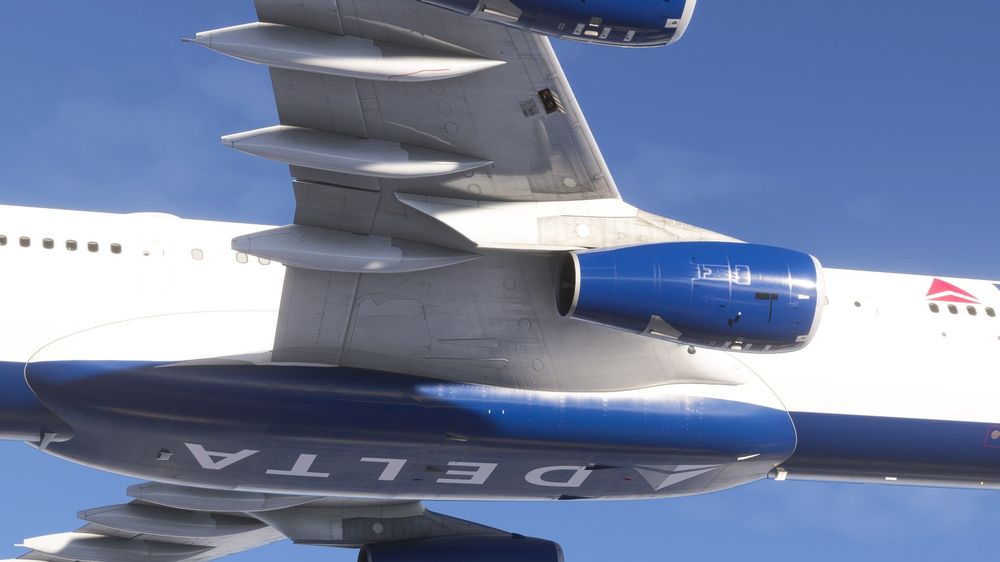
Fuel door remains open after GSX is done with it and I couldn't find out how to close it manually.
-
-
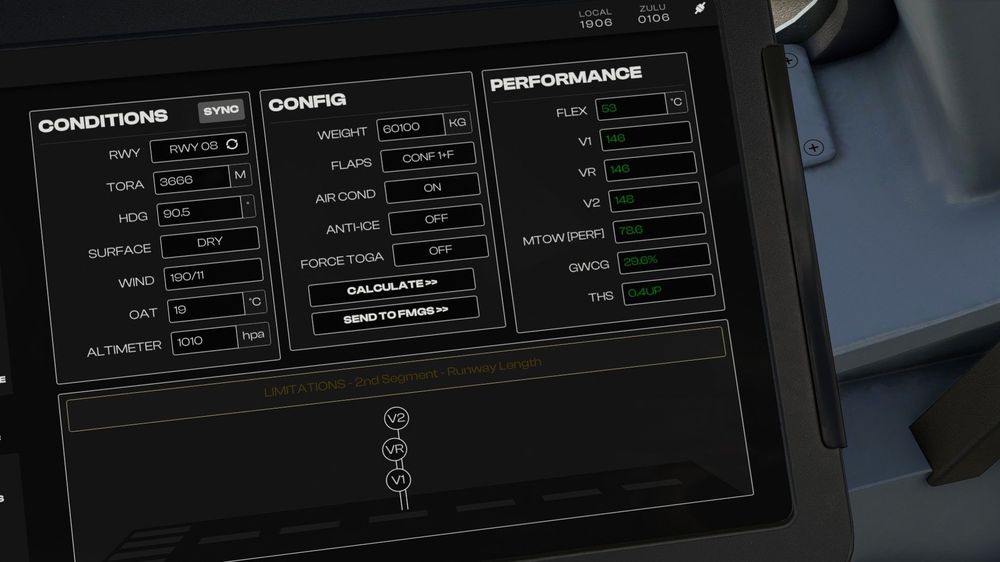
Flight tonight the v speeds looked more reasonable. Except taking off on RW8 at KDEN took about 10k feet of a 12k runway. Which feels odd.
-
And I just realized I didn't get the other screenshots you wanted. Sorry. In a bit of a hurry this morning.
-
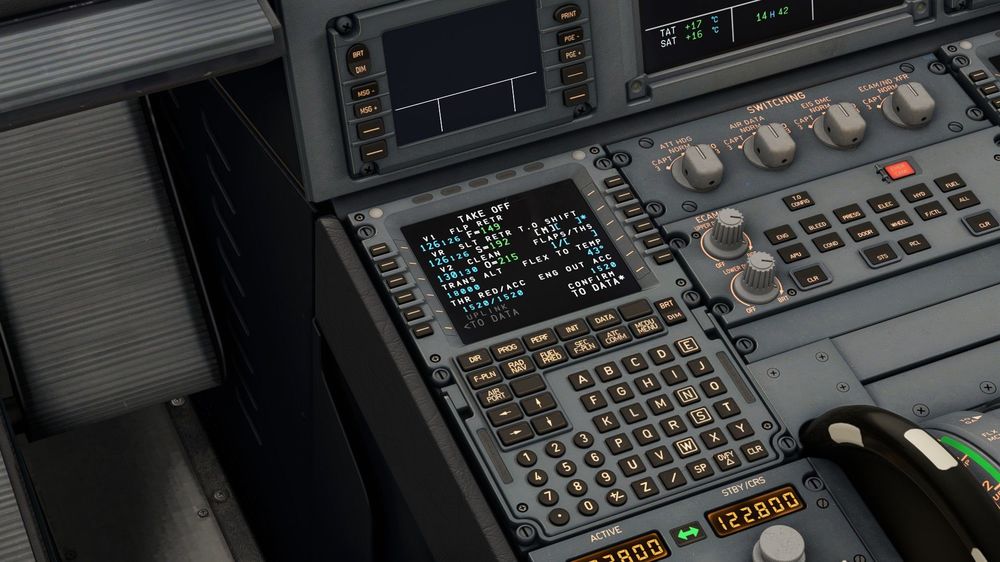
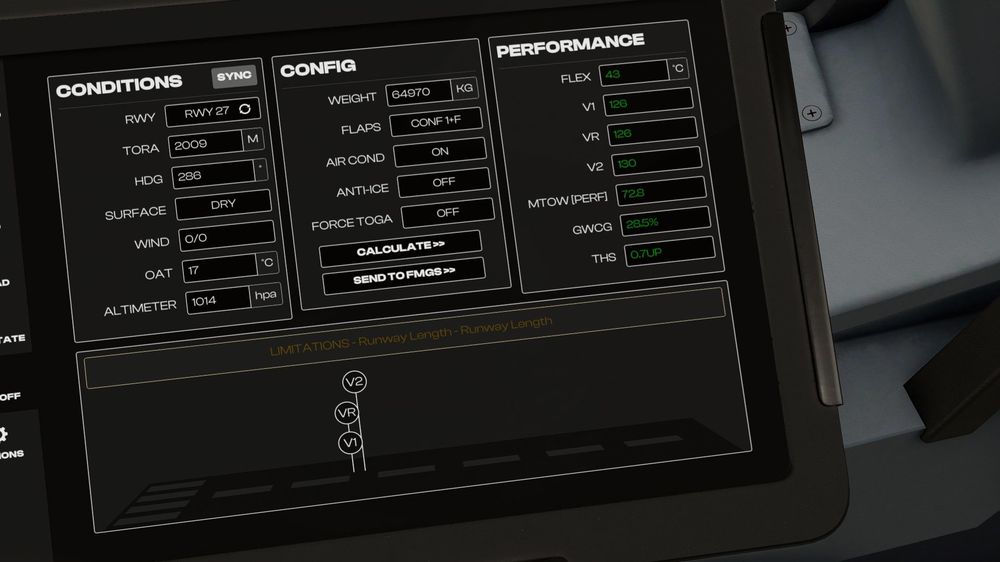
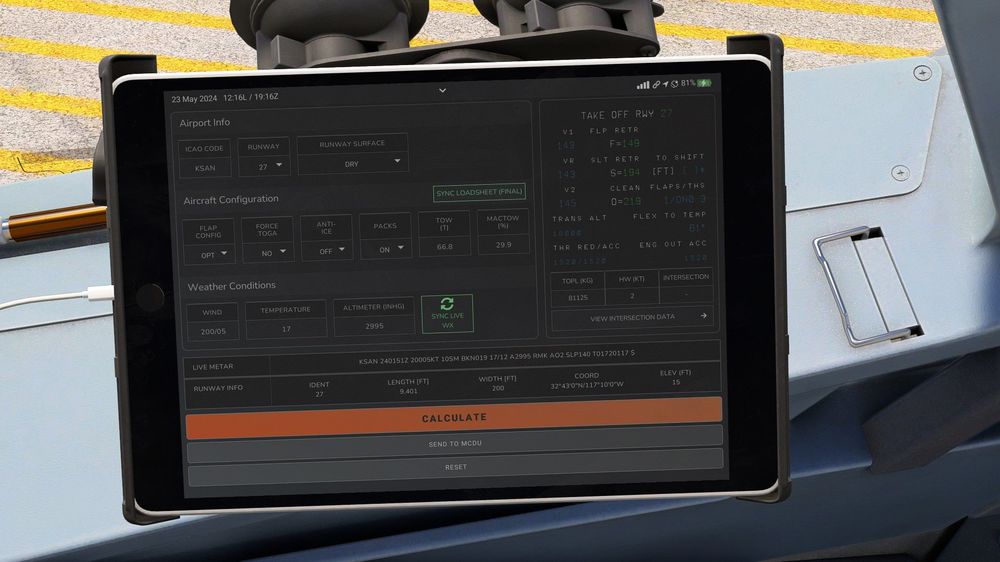
Here you go. Took these this morning. I've included a screenshot of the Fenix EFB for comparison. Similar takeoff weight.
-
Almost stalled on takeoff because the perf calc gave me a V2 of 123 kts. At the same takeoff weight in the Fenix it was about 20 kts higher.
-
-
So far I've had two flights and have seen exactly none of the problems you've reported. So, YMMV.
-
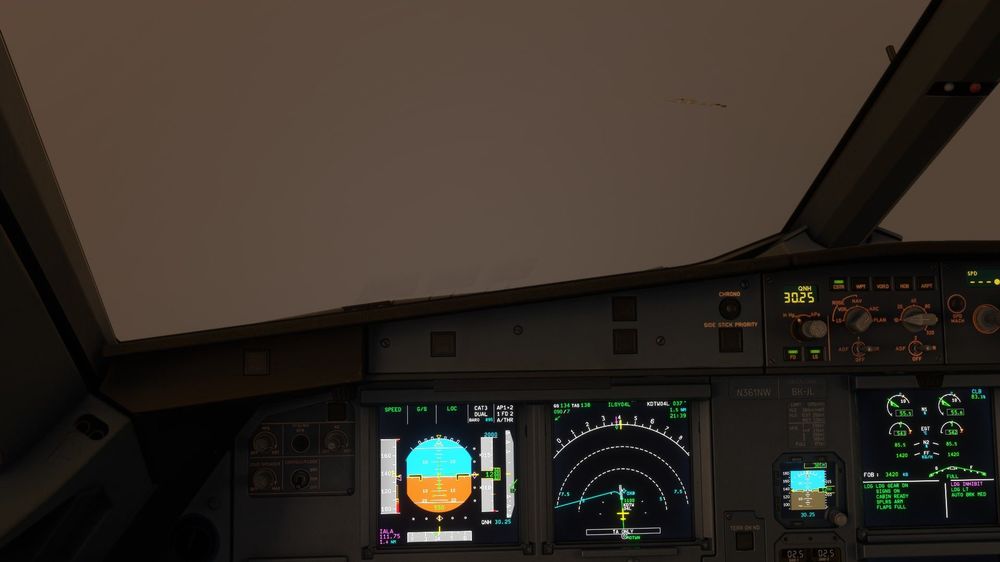
Detroit was completely socked in with fog this evening, so I was using the Fenix's autoland feature. Because of this I didn't see the problem until I was right on top of the runway. The ILS beam is to the right of the centerline enough that I landed off the runway. Image attached to show how bad it was. And that I could see the airport buildings through the fog, which also didn't seem right.
-
English + units conversion would be great.
-
Okay, though what you'd said indicated you were still using the SimBrief button under AOC. Once the flight plans is downloaded enter the airports in the From/To section of the INIT page and it should populate the flight plan.
-
Did you use the SimBrief Downloader external application and not the the one in the MDCU in the aircraft?


