mattY
Administrators
-
Joined
-
Last visited
Everything posted by mattY
-
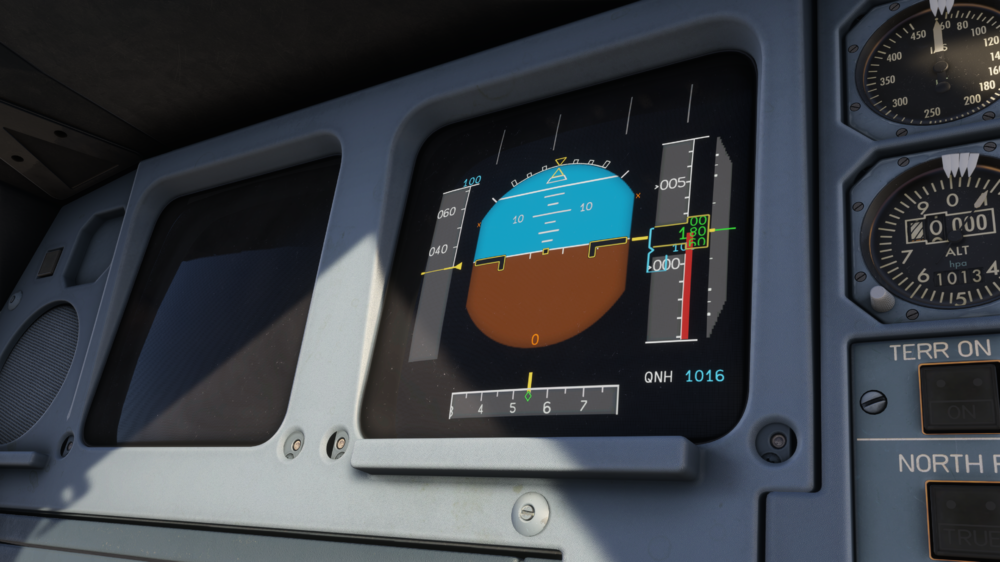
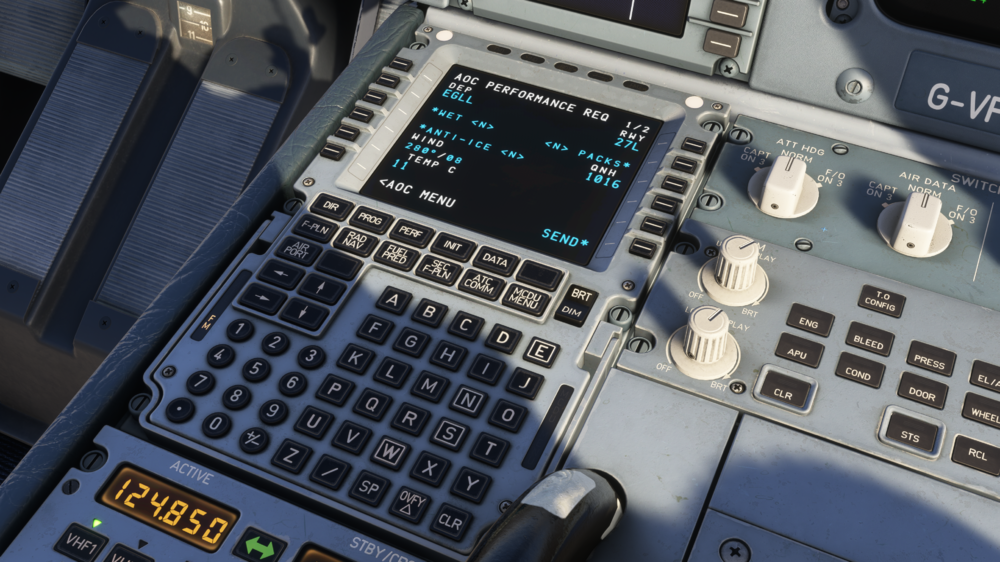
Hello everyone! We’re excited to bring you the A340 Airliner v1.04 update, a release that advances the aircraft in some big ways! Over the past weeks, our teams have been working to refine core systems, improving audio behaviour, and expanding functionality across the board. This update marks a major milestone for the A340 Airliner, introducing a complete rework of the EIS1 display logic, enhanced DMC behaviour, a brand-new cold and dark startup flow, and a fully featured ATSU/AOC suite that elevates the whole operational experience from pre-flight through shutdown. There’s a lot packed into this one, so let’s dive into what’s new. Display Unit and DMC Behaviour Overhaul A major highlight of this update is the complete overhaul of the EIS1 display logic and several core DMC behaviours, bringing the aircraft much closer to the authentic older-generation Airbus standard. If you’re powering up from cold and dark, you’ll spot the changes right away. Each display unit now begins with a single white diagonal line during startup, a visual cue that the screen has power but hasn’t yet begun receiving data from the DMC. If you remember the A300, this symbol was also used when its signal generator units were manually selected off. It is another authentic carry-over from the earlier Airbus widebody lineage. Automatic Display Reversion and E/WD Priority Logic The Engine and Warning Display (E/WD) is one of the most important screens in the cockpit, and its priority rules are now fully simulated. If the upper DU fails or is manually turned off, the E/WD will automatically transfer to the lower DU without any pilot action. In an electrical fault scenario, having to manually move engine indications to check status would be the last thing you want. This logic works in reverse as well. When the upper DU comes back online, the E/WD automatically returns to it. You can test these behaviours directly through the EFB failures menu. PFD and ND Transfer Logic The PFD now includes full reversion logic as well. If the DU it is assigned to fails, the PFD will automatically transfer to an available display, ensuring continuous flight information is always visible. Unlike the E/WD, however, the PFD does not automatically switch back when the original screen is restored. This reflects real-world Airbus operation, where the pilot must manually use the PFD/ND transfer pushbutton to return the display to its original DU. Single Display Unit Operation and Advisory Logic Operating in single-DU mode introduces a unique Airbus design quirk that is now fully modeled. In normal operation, the system would automatically call up the appropriate system page and highlight it when a parameter drifts out of limits. But with only one DU available, the aircraft cannot display that page directly. Instead, Airbus uses an advisory memo (ADV) on the upper display, while the ECAM panel flashes the relevant system page light to prompt the pilot to press and hold it to view the affected parameter. After some work from the team refining this, the behaviour is now fully simulated. Additionally, when flying with only the upper DU, page selections and the STS page require you to press and hold the button to display them. If the ECAM/ND selector is used, the system correctly reverts back to dual-operation logic. Flight Data and Initialization Enhancements AOC Flight Plan Uplink The A340 Airliner now supports AOC flight plan uplinks, allowing operational flight plans to be automatically received and loaded into the aircraft. This includes route information, cost index, cruise levels, and wind data, all inserted digitally without any need for manual transcribing. The workflow from Simbrief loadsheets is fully preserved, ensuring a seamless and efficient preflight process. Performance and Takeoff Data Performance and takeoff data has also been improved. The aircraft now supports automatic V-speeds, flex temperature settings, and thrust rating uplinks, making preflight preparation faster and more accurate while closely reflecting real-world airline operations. Loadsheet and Ground Operations Digital Loadsheet Delivery The A340 Airliner now features an updated digital loadsheet delivery. After importing from Simbrief, a preliminary loadsheet is immediately received, providing an initial overview of the flight’s payload. Once the EFB loading process is complete, a final loadsheet is automatically sent, with passenger and cargo values reflecting a realistic airline workflow from start to finish. OCM (Operational Control Messages) The A340 Airliner now includes updated Operational Control Message (OCM) functionality. This system handles company delay messages, diversion requests, and post-flight reports including fuel burn. It also features fully automated OOOI tracking, recording off-block, airborne, landing, and in-block times to provide an accurate overview of the flight from start to finish. New ATC Messaging Capabilities ATC Requests via AOC The A340 Airliner also now offers enhanced ATC messaging capabilities through AOC integration. Pilots can send oceanic clearance requests and position reports directly from the aircraft, with all messages routed efficiently via the DCDU or MCDU. This streamlines communication and ensures procedures closely match real-world airline operations. What This Update Means for Long Hauls This update takes the A340 Airliner well beyond a traditional MCDU-focused workflow and turns it into a fully connected airline operations experience. Long-haul flying gets the biggest boost, with a far more procedural, automated, and immersive flow from pre-flight all the way through to shutdown. Whether you’re running full airline SOPs, following a dispatch-style setup, or just want a more streamlined, hands-off cruise, the new ATSU and AOC systems bring a meaningful layer of depth and realism to every phase of the flight. We hope you enjoy this update and you can check out the full changelog below! iniBuilds Team ❤️ ____________________________________________ V1.0.4SYSTEMS ⚙️ FIXED Landing CAB ALT always = 0 FIXED Clean speed capped at 257 kts FIXED PREV PHASE button on Wind page broken on ground FIXED Arrival constraints showing as FL under TL FIXED ATC CONNECTION STATUS - ACTIVE ATC does not change after disconnect FIXED can't enter custom wpt as fix info FIXED DU auto transfer and single DU config logic revised FIXED EIS1: TR1 FAULT, HYD, G ELEC PUMP not shown as failed FIXED Erroneous Baro Setting discrepancy ECAM when using in.hg FIXED Green ENG 1+4 pump lo pr missing items FIXED STEP ALT Page formatting FIXED Time Marker logic FIXED Unable to enter custom waypoint due to problem with LAT/LONG FIXED GPS Jamming logic (TERR/Nav deg) FIXED HYD Blue ENG pump ECAM FIXED ADR off should remove ALT indication FIXED No LDG GEAR NOT DOWNLOCKED ECAM when gear lever down and not deploying FIXED Oil Temp variance too large between engines FIXED PERF/IDLE Factors FIXED IR and ADR pushbuttons FIXED RAD NAV Page layout revisions FIXED ETP Page FIXED APU SQUIB not arming FIXED SEC PERF logic revision FIXED ND: VOR symbol and ID colour balance FIXED GPS PRIMARY LOST not displaying on ND FIXED FO PFD connected to ADR3 vs. ADR2 FIXED ATSU menu prompt should be LSK6 FIXED ADR 1 controls all ADR FIXED CMS should reset after CMS completed/on turnaround FIXED PFD BARO Ref doesn't flash when not in correct setting FIXED F-PLN A & B page tweaks FIXED ARRIVAL Page tweaks FIXED Altitude constraints "+/-" FIXED EQUI-TIME POINT Page FIXED AIRWAYS Page FIXED DEPARTURES Page FIXED Active waypoint altitude is always predicted to 10' FIXED Can't access WIND page from the F-PLN Page FIXED ND VOR manual font logic revised FIXED FPLN page and PERF page show different planned MACH FIXED Extra fuel calculation incorrect FIXED Sequencing the FPL beyond the HDG leg centered the ND on the ARP FIXED STEP ALTs pages revised FIXED Missing T/D w/o predictions FIXED DIST formatting FIXED POSITION MONITOR Page revised FIXED MCDU: GA shows THR RED/ACC in green instead of blue when GA phase not active FIXED Fuel jettison: incorrect pump and crossfeed setup FIXED EIS1: PFD and MCDU green dot discrepancy FIXED EIS1: PFD ALT target still incorrect -10,000 ft FIXED VNAV incorrect behaviour when fast and high when on DES with managed SPD FIXED Alternate gear extension behaviour FIXED EIS1: Incorrect layer priority of ND SEC display FIXED SEC incorrect yellow diamond for waypoints FIXED EIS1: PFD track diamond should be smoother FIXED FF and FU incorrect resolution of 20KG, should be 10KG FIXED MCDU: Go around page S, F, GD speeds shown for current weight instead of estimated LW FIXED ND mode changing FIXED Auto flight transitions jerky FIXED ACARS WX uplink FIXED 5 digit wp/airport logic FIXED Selecting TERR P/B off should turn off TERR on ND FIXED Chrono does not restart when reaching maximum value (99:59) FIXED PFD ND LOC signal does not match — PFD shows you further left than ND FIXED ADS Connection should read ADS:ARMED on the ground FIXED ON GPU panel state - APU BLEED PB should be off FIXED ATC Menu - Change title "VERT REV" to "VERT REQ" FIXED ATC MSG Light should extinguish when a no-reply message is closed via DCDU FIXED ATSU DATALINK STATUS inop FIXED Creating new WPT remembers the name of the previously created WPT FIXED Stored WPTs > new WPT prompt should be blue FIXED EIS2: PFD missing LS course pointer in HDG tape FIXED DES SPD LIM blank FIXED EIS2 PFD: nose box offset to the right FIXED A340 Oceanic Req not working FIXED B ELEC HYD PUMP not failing in case of TR 1 FAULT FIXED blue eng 2 lo pr incomplete STS/inop sys FIXED Engine out during take off, incorrect CLB phase sequencing logic FIXED GPS Jamming - TERR/GPWS works despite being jammed FIXED VERT REV Tweaks CRZ Points FIXED ATSU and ATC Messages mixed up FIXED Airbus Managed Descent ND Scenario 2 FIXED Inserting a STAR FIXED ATC VERT REQ Page data input/view issues FIXED DCDU missing cancel for every pending outgoing message FIXED EIS2: upper display brightness off/on not restoring EWD position FIXED ENG anti ice not changing idle N1 FIXED Brake accumulator behaviour when HYD BLUE system running FIXED NWS Disco not disconnecting rudder from steering FIXED OH jettison lights FIXED NEW DEST fuel calculation logic FIXED Time marker not moving with route FIXED GREEN SYS FAIL NORM BRKS not working but AUTO BRAKES arm and work FIXED ACARS WX request FIXED On APU panel state FIXED PERF GO Around FIXED RAD NAV/Hold page font sizes FIXED Acceleration altitude being ignored FIXED RAT deployed after loading save FIXED HOLD page logic FIXED Issues with CMS FIXED Creating a TMPY f-plan edit FIXED Issues with CPDLC/PDC FIXED MCDU Menu light won't clear FIXED Aircraft accelerating at thrust reduction instead of acceleration FIXED INIT B Page formatting FIXED NEW WAYPOINT formatting FIXED FLT NBR on F-PLN page formatting FIXED VERT REV Pages (ACT) formatting FIXED LAT REV, FROM formatting FIXED CMS managed SPD target not updating to CMS target if in SEL SPD until passing CMS start point FIXED RAD/NAV page no longer requires leading "/" for frequencies FIXED EIS1 startup behavior FIXED CMS END POINT not showing on VERT REV Page FIXED Step climb speed logic ADDED Failures for all the DUs ADDED AOC/ATC Features ART 🎨FIXED Winglet textures are mirrored EFB💻ADDED ADC delay codes sheet ADDED realistic delay sequencing to FINAL load sheet ADDED CG Values to PRELIM Loadsheet SOUNDS🔊FIXED Cabin ready calls audible through ACP PA FIXED Improved squib sounds FIXED Vol levels of smaller overhead interactions FIXED GPS jam 'pull up' aural audible without power FIXED Improved gps jam logic - now interwoven with main callout events FIXED Triple click audible without power FIXED various rotary knobs missing end of motion sound FIXED PFD/ND xfer sound plays after turning pfd off and back on ADDED sound to tray pedals FIXED missing interaction for GPWS test pushbutton ADDED NW disc button sound ADDED sound to FCU brightness knobs FIXED FO side missing EFIS DMC dial sounds ADDED more directionality to external pack sounds ADDED more directionality to external apu sounds IMPROVED visor sound timing and sample ADDED sound to baro knobs

-
v1.0.3 of iniBuilds Nadi (NFFN) for MSFS has been released. This update fixes a default taxiway section showing. This update can be downloaded via the iniManager. v1.0.3 - Fixed default taxiway section showing on R20.
-
Hello, welcome to Manchester Airport (EGCC)! 🛫🌦️ We’re thrilled to announce that the next addition to our UK airport collection is nearing completion! Manchester International Airport, one of the busiest and most iconic gateways in the country, and a true aviation hub of the North! Our Visit to Manchester Back in October, our team had the incredible opportunity to visit Manchester Airport in person for an exclusive behind-the-scenes tour with the airport’s management team. From the busy Terminal 2 redevelopment to the extensive airside details, we captured thousands of reference photos and textures, comparing every detail between the real-world airport and our in-sim environment. It was fantastic to gain direct insight into daily operations, design updates, and future expansion plans, all of which have helped us recreate the airport with great accuracy. We had the incredible opportunity to drive down the taxiways and service roads, capturing extensive reference material for everything from ground markings and stop points to vehicle layouts and equipment placement. We also explored the range of ground service equipment (GSE) scattered across the airport from different GHAs, an sight that truly reflects Manchester’s scale and activity. One of the highlights of our visit was gaining exclusive early access to the brand-new Terminal 2 pier, thanks to the support of the airport’s management team. With construction areas still closed to the public, we were able to photograph every detail, from the freshly installed ADB Safegate systems to the latest jetways, ensuring our in-sim recreation captures this modern expansion with fantastic accuracy. On the left of these following images, is the real life reference, on the right, their in-sim counterpart! Please keep in mind, this project is still a WIP and may be missing certain elements that will be rectified prior to public release. Community-Driven Project This project has been special for us, built not only with reference material and data, but with the people who live and work there every day. Our development team has been collaborating closely with members of the Manchester Airport Group and the wider aviation community, including ramp staff, engineers, and pilots who call EGCC home. Their feedback has been invaluable, from ensuring airside vehicle layouts match real-world operations, to helping us fine-tune building placements, signage, and lighting for a truly authentic feel. Scenery Features: Hand-made ground textures with crisp, bespoke texture sets for runways, aprons, paths, and roads True-to-life airport landside recreation with custom ground decals, signposts, vegetation, parking barriers, and more Accurately modeled and positioned dynamic airport lighting for enhanced realism 180+ hand-crafted models featuring custom-made buildings, vehicles, and objects Hand crafted terminals with crisp textures providing a fresh, modern appearance HD jetways with intricate details enhancing the airport's realism Highly detailed models of all airport buildings, objects, and surroundings Full HD ground poly matching the 2025 airport layout Up-to-date airport layout reflecting the current, real-world location Official GSX profile included in the scenery folder and iniManager download Level of Detail (LOD) optimization for every model ensuring the best performance possible Use of the latest MSFS2024 SDK features for optimal performance and smooth experience Bespoke taxi signage true to real-world specifications Full iniManager compatibility allowing easy configuration for optimal performance on your system With Airliners Live, Manchester Airport Group, and local community contributors all involved, this is a scenery built on passion and shared interest, to celebrate one of the UK’s most important aviation hubs. As always, thank you for your continued support, we can’t wait for you to get your hands on this one! Our content creators and streamers will be getting access very soon, so be sure to check out their streams to get exclusive previews! The iniBuilds Team ❤️
-
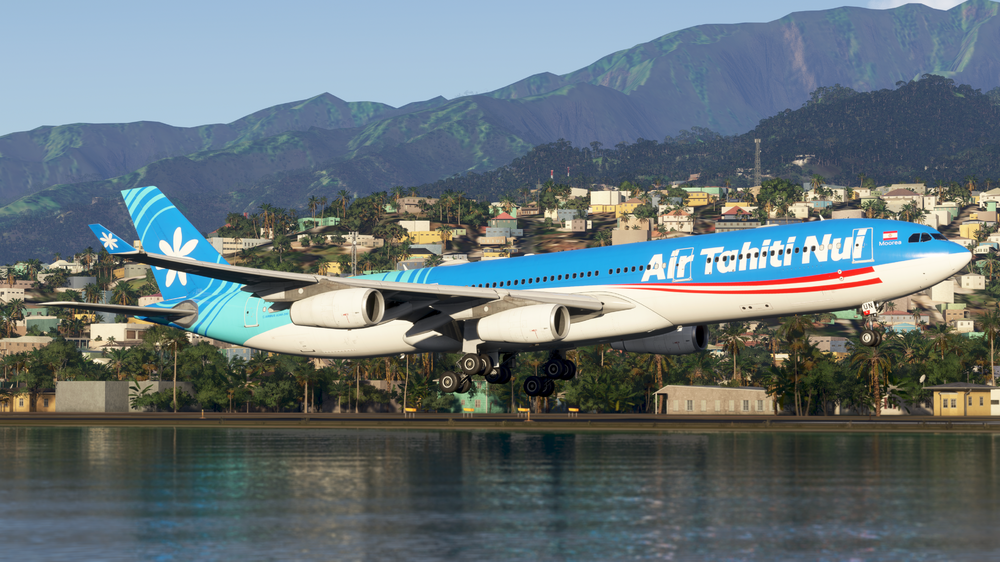
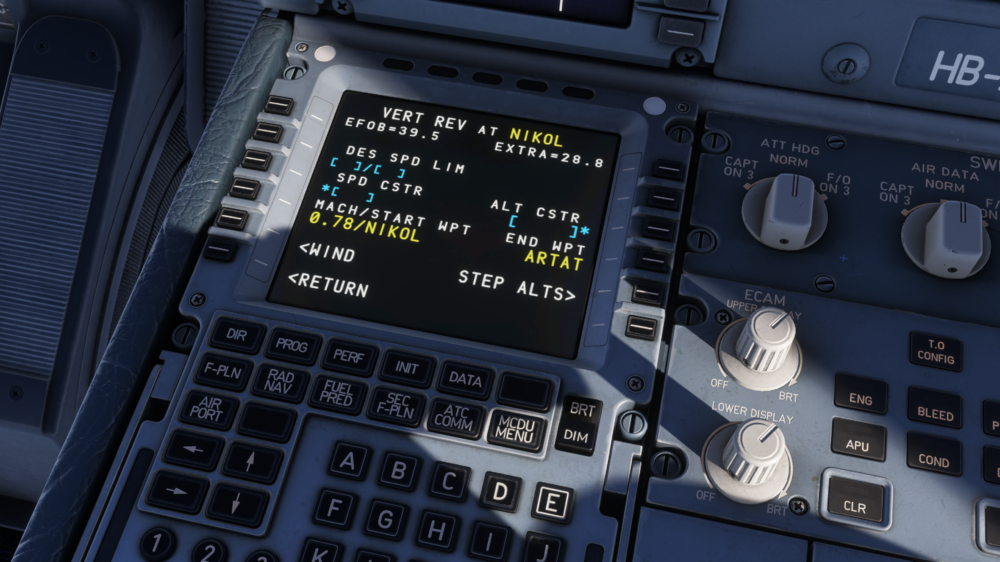
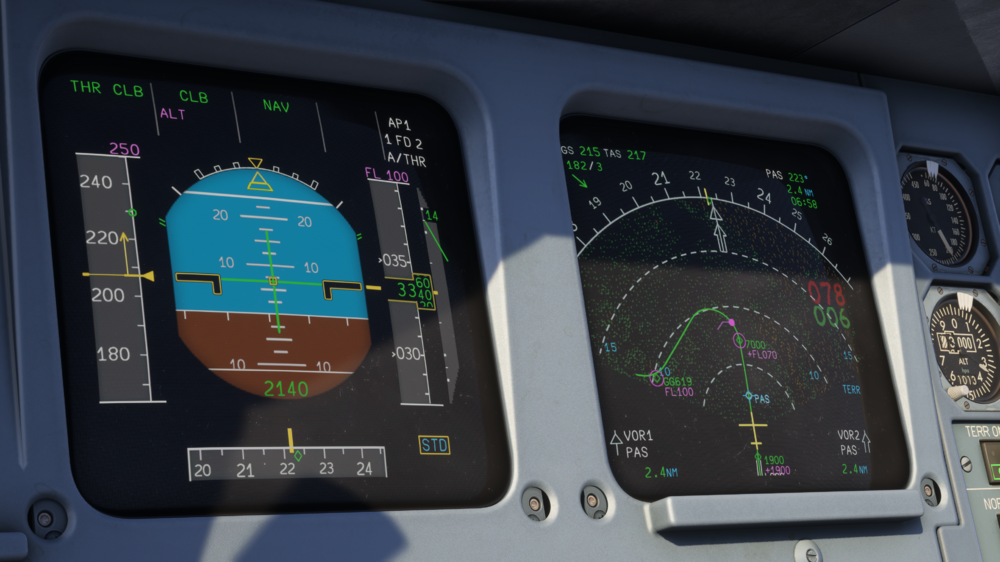
iniBuilds A340 Airliner V1.0.3 Update 🚀 Hello again! First off, we’ve been absolutely thrilled with the community’s response to the release of our A340 Airliner. It’s been incredibly rewarding to see the feedback and excitement around the aircraft’s visuals, system fidelity, and the performance improvements we’ve achieved - setting a new standard for what an airliner can deliver in Microsoft Flight Simulator. Behind the scenes, our teams have continued refining tools and introducing new techniques that made the A340 Airliner possible - and we’re already working to bring many of these enhancements to the A350 Airliner very soon. For version 1.0.3 of the A340 Airliner, we’ve focused on addressing key pieces of community feedback that came in even before release. While our initial schedule and commitments meant some of these adjustments couldn’t make it into the launch build, we’ve taken the time to carefully review and refine areas such as the wing and main landing gear to ensure everything looks and behaves just as it should. Enough intro - let’s get into the details you’re here for. This update can be downloaded via the In-Game Marketplace. Art Updates Even before release, we were aware that certain aspects of the A340’s wing geometry had become a talking point amongst those with a heightened attention to detail in the community. Our art team took a step back to investigate where these discrepancies came from and quickly identified that our original wing layouts and reference data contained some distortion. After reaching out to our partners, we gathered a fresh set of references and reassembled new, accurate layouts for our 3D models, further verifying them against technical drawings to ensure we’d get it right this time. As is often the case, once one component is corrected, it has a knock-on effect elsewhere. In this case, adjustments to the wing required a full rework of the main landing gear, including a complete recalibration of the wheel tilt and positioning to align everything with the updated data. This update addresses around 30 individual and multi-point bugs related to the accuracy of the wing and main landing gear. We hope those of you with a sharp eye for detail (yes, you know who you all are) will appreciate the improvements, and we look forward to hearing your feedback. Please note that as a result of these changes, all decal-based liveries will require an update - meaning any liveries you have from iniManager, will have updates available on release day, including Marketplace livery packs for Xbox users. Key Features of the iniBuilds A340 Airliner It’s worth mentioning that any further large-scale changes or structural reworks like the wing and MLG in v1.0.3 won’t appear too quickly for any further discrepancies that come out of feedback and internal testing. Major revisions require significant time and resources, often involving texture, model, animation, livery and integration teams who have already moved onto other projects. Beyond the major changes, a handful of bugs have been resolved from internal and community feedback which you can read in-detail on the changelog. Systems Updates While this update is brief on the systems side, the next one is already shaping up to include a much larger range of improvements and new features. For now, here’s a quick overview of what’s been added and refined in version 1.0.3. Gear Compression Flight Model Update In parallel with the art updates to the gear and tire compression, the flight model has been refined to more accurately simulate weight-on-wheels behavior and gear compression characteristics. Constant Mach Added A new constant Mach function has been introduced to the FMGS. This mode allows the A340 Airliner to maintain a fixed Mach number, rather than relying on variable cruise speeds from a cost index. It’s particularly useful when operating in procedural environments such as the North Atlantic High Level Airspace. General Fixes A number of visual and logical discrepancies in the FMGS and DCDU have been corrected, improving overall system accuracy. Minor updates have also been made to VNAV calculations, providing smoother and more consistent flight path predictions. All of the above lays the groundwork for more significant systems updates coming soon, including broader flight model refinements, deeper avionics features such as AOC/ATC integration, and expanded WINWING support planned for the next release. Thank you to everyone for being part of this journey with the A340 Airliner. We can’t wait to see you in the virtual skies soon! ____________________________________________ V1.0.3SYSTEMS ⚙️FIXED Memo: missing MAN LDG ELEV when using the overhead knob FIXED Gravity gear not working with GREEN SYS failure and selected down FIXED When DC 1 + 2 fault gear will not come down even with gravity EXT FIXED IR issue still not fixed and this is what caused drama on 350. When IR 1 is elected off the ATT for PFD 1 is lost same for IR 2 and FO PFD and follows the same logic on the ECAM SWTCH panel so you can use the IR INFO from IR 3 on either FO or CPT PFD FIXED IR Advisory logic revised FIXED GPWS & Terrain behavior in case of no AC power or ADIRU 1 fault FIXED Add FWC 1+2 FAULT behavior FIXED F speed > Vfe CONF2 at high weights FIXED Important: LG gravity extension incorrectly modelled FIXED Engine Oil step in checklist not achievable FIXED ND Deficiencies on Short Flights FIXED FPLAN DIST limit FIXED CRZ WIND Page missing when it shouldn't FIXED Oxygen Mask test logic revised FIXED Restore Toggle Reverse/Reverse Hold functionality FIXED Cabin doesn't ready all of the time FIXED EIS2-FUEL FLOW: values clipping/total is cycling quickly FIXED DECELERATE Message should appear as soon as TOD reached without descending FIXED FWC Ordering Issue FIXED INOP systems on ground in STS page that shouldn't be there FIXED FWC "ADR 1+2+3" FIXED Additional Info to ADIRUs OFF on Ground FWC - STS Page pre-engine-start behavior FIXED GPWS and TERR FAULT lights FIXED IR and ADR Pushbuttons logic FIXED GND CLTR SPRS Switch logic FIXED GND CLTR SPRS typo EIS1 FIXED Engine performance feedback FIXED ELEC and HYD ECAM not resetting after engine restarted FIXED ADR off/failure should also lead to ALT indication lost FIXED ADR3 is feeding the FO ISO ADR2 FIXED EIS1: ND spd lim magenta dot off route FIXED FL150 (ALT NAV) with FL410 on FCU and MACH SEL: .8 displayed, when pushing knob to engage CLB, selected speed suddenly became a MACH value FIXED FMS - Approach didn't re-sequence correctly on go-around - adding SEC F-PLN to Active automatically after FIXED STEP DELETED advisory logic revised FIXED AIR ABNORMAL AIR BLEED ECAM missing but this would be good to get added quite quickly as this seems to come up all the time with failures FIXED TAT + SAT + Bleed pressure (APU PAGE) information with ADIRS to NAV during alignment FIXED GPS Jamming - GPWS Warning continues to play despite system being off FIXED GPS Jamming - ECAM Actions not recognized FIXED THR RED / ACCEL ALT capped at 10,000ft FIXED ADR2 and ADR3 OFF lights not working FIXED Regression: EIS1 THS should NOT automatically set after start FIXED Autosave Interval not being respected properly FIXED AOC RCVD Messages - 'Return to AOC Menu' button INOP when returning after viewing a received message FIXED AOC RCVD Messages - Typo in header - Replace "RSVD" with "RCVD" FIXED Planning very high speed for IF waypoint FIXED Implement Constant Mach Number FIXED SEC PLAN sequencing issue FIXED VNAV still over-estimating drag/slowing ability on descent FIXED RTE Reserve should become 0 when inflight FIXED SEC PLAN PBD inserting is out of sequence FIXED Des cabin rate value FIXED MCDU FPLN times need to move one character to the left FIXED Landing CAB ALT always = 0 FIXED ADR off should remove ALT indication FIXED ADR off incorrectly removing VS indication FIXED CLB page shows distance to next step climb during climb out FIXED While entering a hold, Pause at TOD was activated FIXED Clean speed capped at 257 kts FIXED Manual leg after take off leads to incorrect total distance FIXED Incorrect CHECK IRS/AIRPORT POS after DTO whilst on manual leg FIXED Cycling FM DB not wiping MCDU FIXED On initial load, lower FOB set by default FIXED Battery test logic revised FIXED NAV PRIMARY GPS LOSS whenever HDG is pulled FIXED PERF APPR showing F, S, O speeds based on live weight instead of planned LW FIXED PREV PHASE button on Wind page broken on ground FIXED Rollout mode not disengaging FIXED DDRMI missing second digit 0 when distance is 100–110 miles FIXED SEC INIT Page missing INIT REQUEST FIXED SEC PERF logic revision FIXED MACH/SPD select logic FIXED Hydraulic Panel Pushbuttons FIXED ECAM SD always defaults to STATUS FIXED Various systems working without electrical power FIXED Time Marker logic FIXED Engine out during take off: incorrect CLB phase sequencing logic FIXED DCDU overlapping text after DM0 selection FIXED Major: incorrect inop systems in STS on ground FIXED C&D start with ADIRS off causes FD to turn ON when ADIRS line up FIXED MAN CAB ALT resolution incorrect FIXED Default CLB/DES SPD LIM should be small font FIXED A340 Autobrake excessive deceleration rates FIXED MCDU deleting DES SPD LIM behaviour FIXED Audible detent at halfway point in SPD BRK lever FIXED Oil Temp variance too large between engines FIXED LAT REV tweaks FIXED PERF/IDLE factors FIXED INIT A formatting FIXED IRS pages FIXED Small tweaks on ENG SD Page FIXED PERF T.O. Page FIXED PERF CLB Page FIXED PERF APPR Page FIXED PERF GO AROUND Page FIXED F-PLN A Page FIXED F-PLN B Page FIXED ETP Page (filled) FIXED TAT and SAT orange when IR aligning (should be green) FIXED EIS1 PFD ALT CSTR target bug random white line FIXED EIS1 ND fpln behind present waypoint FIXED EIS2 ND fpln behind from waypoint FIXED EIS1: Pressing LS on ground should display course dagger in ND FIXED EIS1 EWD showing FIXED EIS1: landing at high elev airport, QNH flashing as if above TA FIXED EIS2: After landing THS consistently oscillates FIXED EIS1&2: MCDU missing EO ACCEL FIXED EIS1&2: Vdev not stopping as half dot at top/bottom ALT scale FIXED ISIS missing mach number FIXED ISIS incorrect scrolling with +/- FIXED EIS1: PFD incorrectly showing Vfe next with CONF FULL ART 🎨FIXED Missing paint on wing-roots (CPA) FIXED Uneven spacing on one gray panel on flaps (both wings) FIXED When flaps are down on new wing can see the mount for the flaps still in place FIXED Offset Bake-marks below spoilers mechanism/arm FIXED Wing-Walk Area (Black Lines) boundary broken FIXED Right MLG small gear door clipping / not animating correctly FIXED White painted wings (e.g. Lufthansa) need to be redone FIXED Winglet paints (e.g. CPA) are offset from original position FIXED Brakes light up with no heat generated FIXED Lufthansa Old Liveries - Fuel line covers wrong color FIXED Preighter - Slides deploy while taxiing in FIXED APU missing heat blur FIXED Increase Dirt/Weathering at "max" slider positions - currently too subtle FIXED Wings / Slats modelling FIXED Aileron Animations Feedback FIXED Landing Gear, Doors & Mechanism issues FIXED MLG collision on retraction FIXED Flap length seems to differ when compared to the gear door and rivet line FIXED Nose gear strut should not compress at any point during gear extension/retraction sequence FIXED Outer flap incorrect TE shape FIXED Outer engine pylon, wrong angle on TE of wing FIXED Check flap track fairing angles FIXED See through gap, underwing FIXED Ailerons collide with wing on deflection FIXED Flap track fairing, fairing<>flap gap FIXED MLG door incorrect angle FIXED Caution placards on both Pack outflow valves not moving with valve FIXED MLG Front wheels start turning when aft wheels touch down FIXED ENG and APU fire button light too pink FIXED Wing strobes don’t generate a double flash halo FIXED Sunshades missing tooltips FIXED PAX windows too tinted FIXED Not enough splash on wings from upper beacon light FIXED R wing Nav & Strobe light effects repositioned EFB💻FIXED Regression – STOW RAT button does nothing FIXED ICAO not sent to flight tracking apps FIXED CPT/FO EFB Cabin Lighting Slider Not Synced FIXED LIDO charts showing even if invalid SOUNDS🔊FIXED When pressing EMER EVAC no sound in cabin or cockpit FIXED Missing EVAC sound FIXED Windmill sounds missing FIXED when you select AVNC EXT to OVRD and then ON you get the EXT power sound playing FIXED EIS 2 gyro sounds audible on startup FIXED Sounds: missing in glareshields
-
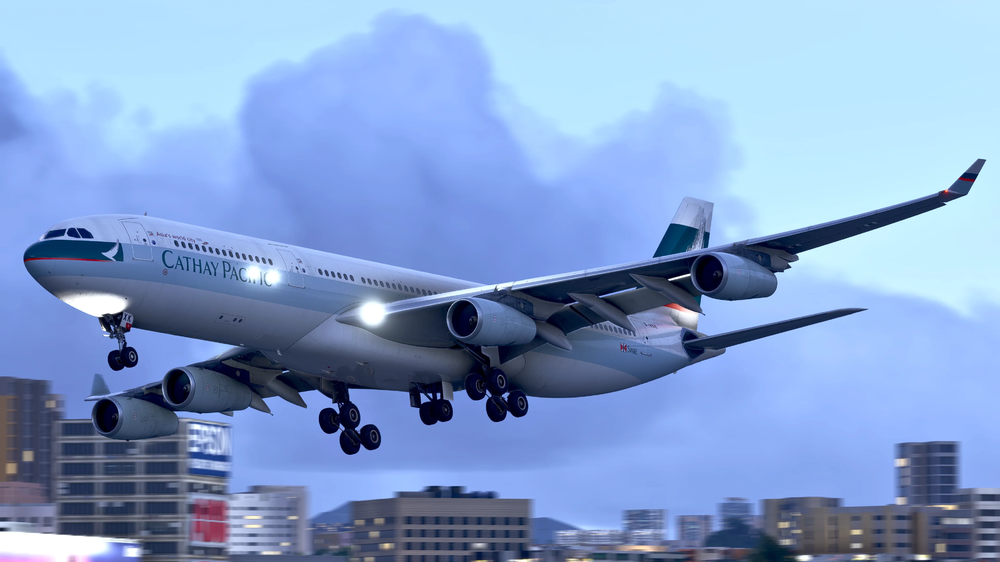
iniBuilds A340 Airliner V1.0.2 Update 🚀 This is the second major update for the A340 Airliner! Building on the first update, version 1.0.2 continues to refine and polish, addressing a wide range of systems, art, EFB, and sound improvements. This update brings extensive fixes across flight management, display formatting, and logic handling, enhancing reliability and accuracy throughout the cockpit. Key updates include corrected DIR TO and FMGS logic, refined display alignment across both EIS units, and improved MCDU page formatting for a cleaner, more authentic look. The EFB benefits from better turnaround and chart behavior, while the sound environment gains new layers of realism with improved engine acoustics, rain, and cockpit interaction effects. This update can be downloaded via the In-Game Marketplace. V1.0.2SYSTEMS ⚙️FIXED Custom thrust reduction doesn't work FIXED ATC Menu Option: When Can We; appears INOP but is accessible FIXED Cannot DIR TO (via manual entry) any Pilot Stored Wpt (e.g. PBD or custom name) FIXED EIS1 FPV incorrect track shown in AH FIXED EIS1: AH heading ticks not matching HDG tape ticks at the bottom FIXED EIS2: TRK/FPA, track blue tick out of AH FIXED Time Marker logic FIXED RS5 key causing MCDU display to go dark FIXED Persistent ETP Symbol on ND Post-Flight FIXED Zero DME shown on PFD during ILS approach FIXED Auto Pitch Trim slightly incorrect FIXED Oxygen Mask test logic revised FIXED GPS position in GPS MONITOR Title FIXED IRS INIT Page formatting FIXED F-PLN B Page formatting FIXED F-PLAN A Page formatting FIXED FUEL PRED page formatting FIXED RADIO NAV Page formatting FIXED Wind Page formatting FIXED PERF GO AROUND page formatting FIXED PERF APPR page formatting FIXED PERF DES Page formatting FIXED PERF CRZ Page formatting FIXED PERF T.O. Page formatting FIXED EIS1: ROSE VOR CDI not working FIXED FCU altitude should not have managed dot in cruise FIXED EIS1, FUEL SD crossfeed line has a break FIXED MCDU: PERF TO page should change format when TO phase active FIXED LS course is true and not magnetic FIXED EIS1&2: early descent VDEV displaced indication FIXED Cabin doesn't ready all of the time FIXED Various systems working without electrical power FIXED AOC RCVD MSGS page logic FIXED INIT A page format feedback FIXED EIS2-FUEL FLOW: values clipping/total is cycling quickly FIXED ELEC ECAMs not working for most failures FIXED IRS Simulation and Page(s) logic FIXED PROG Page logic FIXED DIR TO Page (ADIRU not aligned) logic FIXED A/C STATUS Page logic FIXED EIS2 Terrain heights inverted FIXED DECELERATE Message should appear as soon as TOD reached without descending FIXED FMGS - Unable to delete Step Alts through their PSEUDO Waypoint FIXED FMGS predictions coloring - White, should be Magenta FIXED Can't select RETURN on SELECTED NAVAIDS Page FIXED MCDU menu - ATSU (currently ACARS) should bring up the ATSU MENU FIXED MCDU menu - "ACARS" should actually read "ATSU" FIXED ACP Light Test FIXED Missing Secondary Engine Indication with FADEC unpowered FIXED Hydraulic Panel Pushbuttons FIXED GND CTL pushbutton should be spring loaded momentary FIXED CVR TEST FIXED GND CLTR SPRS Switch logic FIXED Cold and Dark panel state adjustments FIXED MCDU missed approach format FIXED MCDU: missed approach altitude & speed should be magenta FIXED Maintenance "Stow Rat" engages animation only; systems still show RAT deployed and sound plays FIXED Engine out ceilings and display pages in MCDU FIXED FLT CTL Computer Guards missing FIXED MCDU PERF page EO CLR format FIXED MCDU PERF page should auto display if engine failure FIXED EIS1: ND ETP formatting FIXED ADR off/failure should also lead to ALT indication lost FIXED ADR3 is feeding FO ISO ADR2 FIXED ETP MCDU page FIXED EIS1: ND speed limit magenta dot off route FIXED EIS2 PFD green dot offset FIXED EIS2 ND LS G/S diamond shown too far out FIXED EIS2 ND DME distance position FIXED EIS2 PFD yellow square offset FIXED EIS2 WHEEL SD FIXED EIS1 & 2 APU SD page FIXED DTO and FPLN behavior FIXED DDRMI should not have leading 0s FIXED PERF CLB: PRED TO value behavior when reached FIXED ICE IND & STBY compass light missing FIXED MCDU MENU lights would not go off when in MCDU FIXED DCDU stuck in recall mode FIXED Fuel System logic - Secondary pumps and totalizer in low quantities FIXED EIS2: ALT red ribbon incorrect FIXED EIS1 and EIS2: PFD ALT target incorrect position FIXED DDRMI should only show decimals below 20nm FIXED EIS1: ND DME should only show decimal below 20nm FIXED Incorrect inop systems in STS on ground FIXED FMS Approach didn't re-sequence correctly on go-around FIXED Step climb advisory logic FIXED Revised FADEC power-up timing FIXED DIR LAW revision on DU FIXED Autotrim advisory revised FIXED Selected ALT on FCU must equal CRZ ALT from FMS to display PRESET mach FIXED ALT and GS positions FIXED When in FPA mode missing V/S protection logic FIXED Autothrottle FMA logic revision FIXED Managed mode speed preselect logic revised FIXED When overspeed is gone, FD should not come back automatically FIXED DIR TO doesn't accept airport as FIX FIXED CLB Mode logic revision FIXED CRZ PRESEL input format corrected FIXED When in NORTH REF, bearings should have a T on lateral pages FIXED NAV BACKUP retains ILS FREQ after reset FIXED vls visible under vaprot (should not be visible) ADDED Lavatory flush logic tied to AC Bus ART 🎨FIXED TURB DAMP shouldn't be guarded FIXED GND CNTL switch correct animation but logic needs updating FIXED Iberia missing engine "Iberia" decals FIXED KAM Air emblems on engine nacelles z-fighting FIXED RAT animation tied to sounds state FIXED ICE IND light too bright and tied to WING LT switch FIXED Lufthansa new liveries - white streaks on tail when moving away FIXED Iberia minor z-fighting on starboard horizontal stab plate FIXED Olympic livery door labels not correctly paired to animation FIXED DCDU brightness increased FIXED Adjusted Dome light splash area FIXED Ground power panel lighting FIXED Reverse sunshade triggers FIXED Smaller clickspot for window handles FIXED APU no heat haze EFB💻FIXED EFB turnaround not clearing TO PERF FIXED EFB: PVI ON not showing on initial load (should show PVI: OFF) FIXED LIDO charts showing even if invalid SOUNDS🔊FIXED Outside engine sounds too quiet vs windmill sound FIXED SUGT: be able to listen to cabin announcements if PA ACP knob is out FIXED PA ACP now allows audible cabin announcements FIXED Engine windmill mix when starting engines FIXED Various avionics sounds audible with no power FIXED Issues with walkaround sounds ADDED Missing pedestal sounds ADDED More noise to cargo hold ADDED Noise when ACU connected ADDED SPD/MACH & HDG/VS knob sounds ADDED Sound for 10/1000 knob ADDED Sun visor sounds ADDED Rain sounds ADDED Improvements to overall engine mix ADDED Increased default internal engine volume ADDED Improvements to exterior engine mix ADDED Adjusted and improved whine and buzzsaw tone, pitch and volume iniBuilds Team ❤️
-
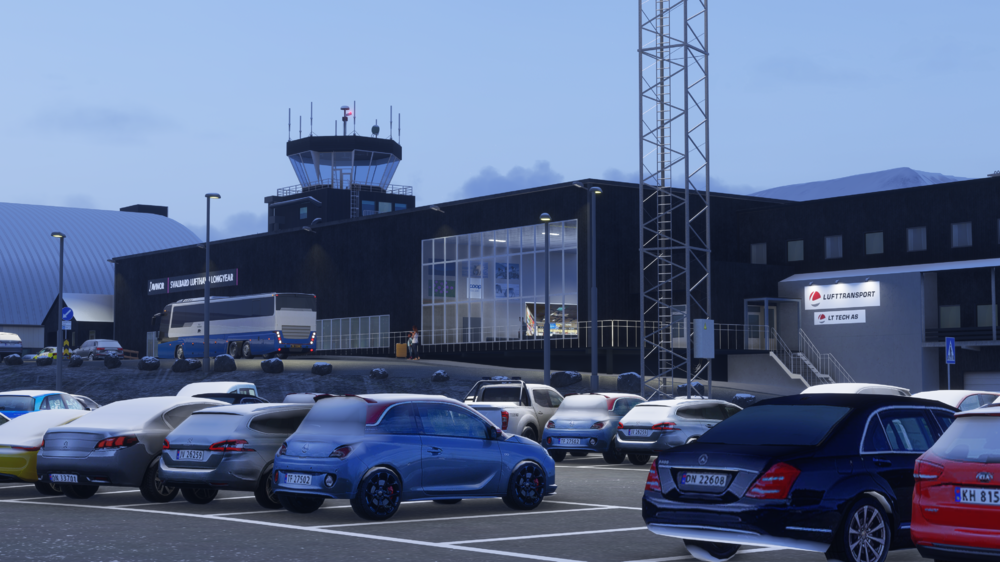
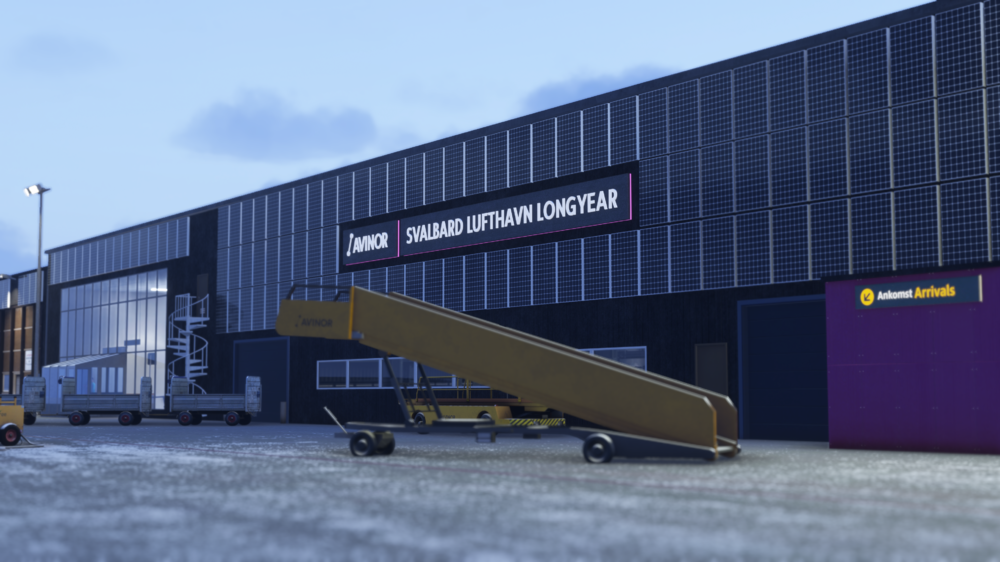
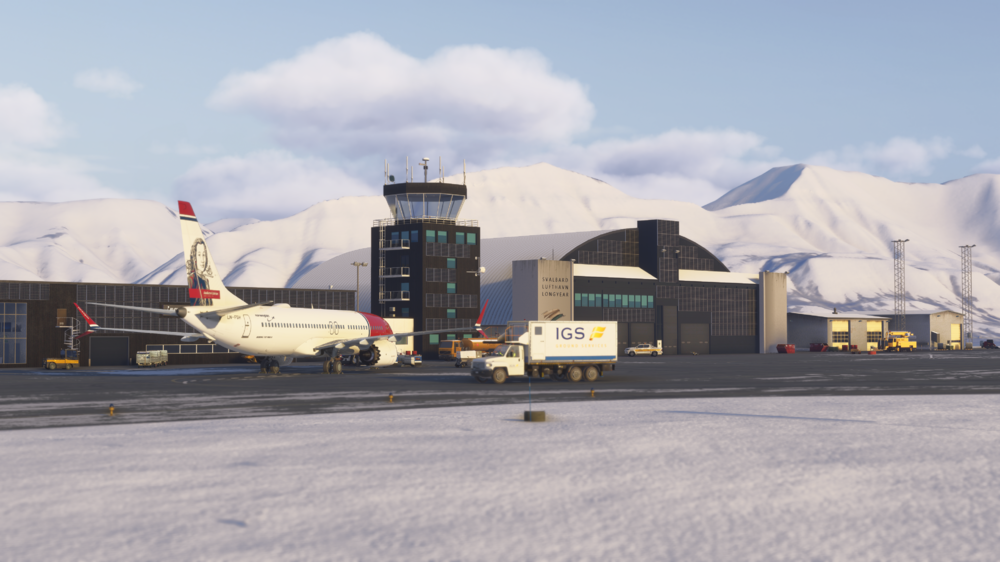
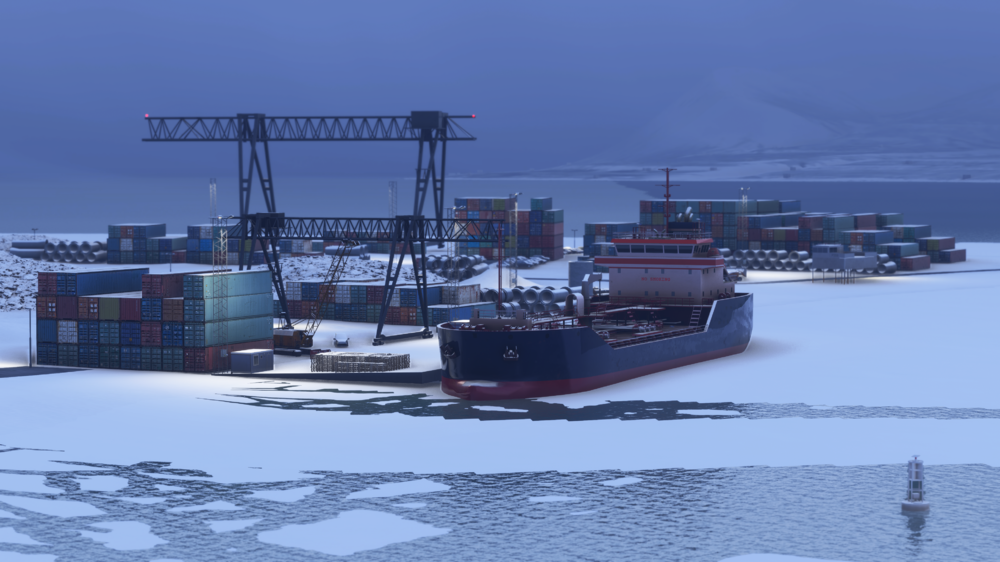
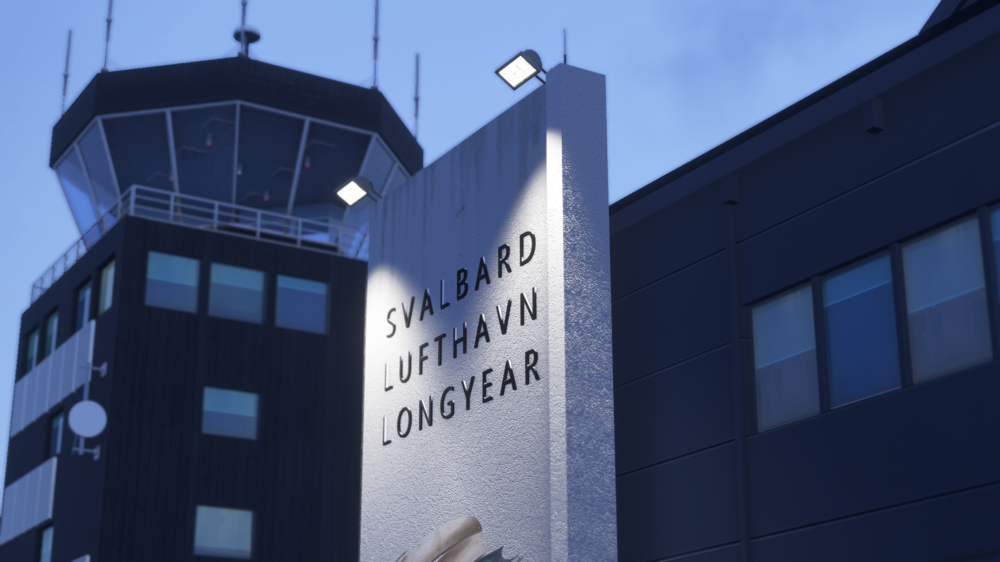
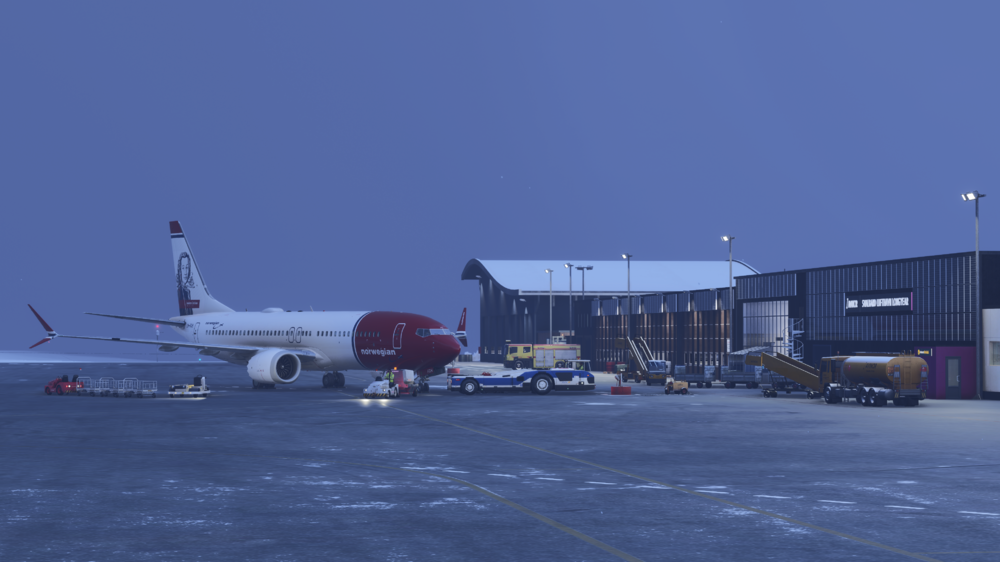
🐻❄️Welcome to Svalbard Airport, Longyear (ENSB)❄️ Step into one of the world’s northernmost commercial airports, where Arctic adventure meets technical challenge. From icy taxiways to rugged mountain surroundings, Svalbard Airport has been carefully recreated in great detail for Microsoft Flight Simulator 2024! Available now for just £9.99 (excl. VAT) Buy here: https://inibuilds.com/products/inibuilds-svalbard-longyear-ensb-msfs-24 Discover Svalbard Airport Like Never Before! Sat on the edge of the Arctic Circle, Svalbard Airport, Longyear (ENSB) serves as the lifeline to Norway’s remote Svalbard region. Operated under some of the harshest weather conditions on Earth, the airport handles both passenger and supply flights that keep the Arctic community connected year-round. This carefully crafted rendition showcases the isolation, and realism of polar aviation. Carriers & Routes Despite its extreme latitude, Svalbard sees regular service from major carriers such as: SAS – daily connections to Oslo (ENGM) and Tromso (ENTC) Norwegian – seasonal operations linking Svalbard to mainland Norway Charter and research flights – supporting Arctic expeditions, logistics, and tourism Whether you're ferrying supplies for scientific stations or testing your skills in winter crosswind conditions, ENSB delivers an authentic Arctic experience! Scenery Features: Custom ground textures for entire airport area High Quality Buildings Interiors and Parallax Detailed recreation of landside area with custom models (Seed Vault included) Fully custom night lighting, including runway and taxiway lights GSX profile included in scenery folder Custom taxiway signs High-quality, optimized textures Custom Norwegian airside cluster to reflect real-world operations Custom models of surrounding buildings Custom static aircraft, including helicopters and C172 All models optimized for performance with Level of Detail (LOD) From the cold winds of the Arctic winter to the golden skies of the midnight sun, Svalbard Airport (ENSB) offers a flying experience few locations can match. Prepare for challenging approaches, unpredictable weather, and unforgettable scenery!🌌 iniBuilds Team ❤️
-
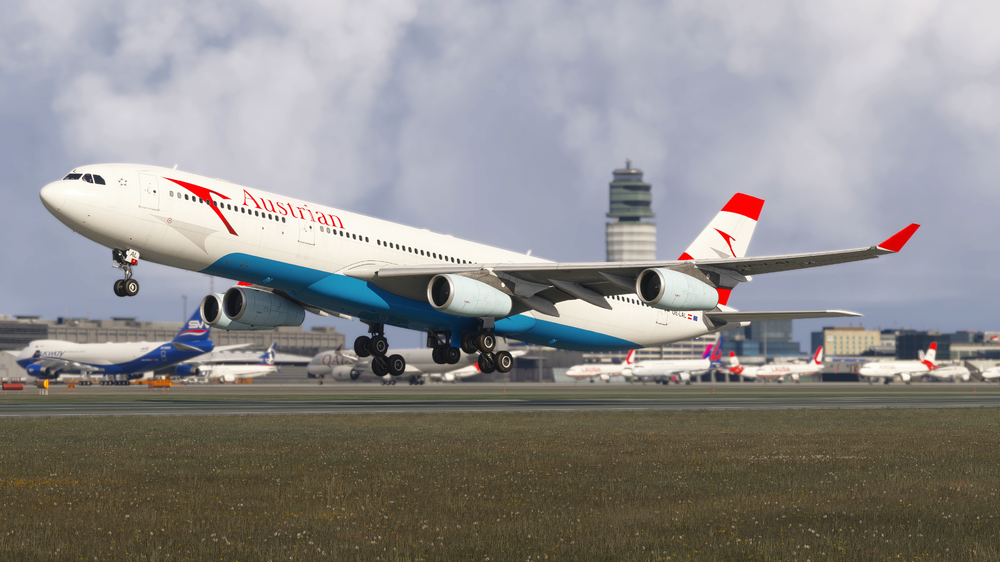
iniBuilds A340 Airliner V1.0.1 Update 🚀 This is the first update for the A340 Airliner! After the incredible response since launch, we want to extend a huge thank you for all the support and feedback so far. Version 1.0.1 focuses on refinement and stability, delivering a broad range of fixes across systems, art, EFB, and sounds. Highlights include corrections to VNAV wind logic, flight display alignment, and multiple FMS and ATC messaging improvements for smoother operation. Various display issues have been resolved, while visual updates refine liveries and cockpit details with added dome lighting. The EFB sees checklist and GSX improvements, and the sound set receives major enhancements with new turbulence, toilet, and cargo effects. This update can be downloaded via the In-Game Marketplace. V1.0.1SYSTEMS ⚙️FIXED Tailwind and Headwind components possibly being inverted in VNAV calculations FIXED Crossfeed diagram incorrect display FIXED EIS2 LS course in PFD separation FIXED EIS1 and EIS2: PFD ALT target incorrect position, too far right FIXED EIS2 WXR modes in ND should be blue not green FIXED Rudder trim indication is too dim vs xpndr/RMP FIXED EIS2: ELEC DC SD page BAT arrows FIXED Missing FINAL APPR disengagement logic <MDA FIXED IGS13 course auto-tuning as 136 and not 088 FIXED DDRMI should only show decimals below 20nm FIXED All PRIMs and SECs OFF lead to uncontrollable out of trim flight FIXED AP off from FCU (or AP fail due other failure) CRC cant be cancelled FIXED Incorrect inop systems in STS on ground FIXED SEC F-PLN cannot insert OVFY FIXED DCDU send button should be on right FIXED DCDU missing recall functionality FIXED Incorrect MORA calculations FIXED CPDLC message advisory notification revised FIXED ATC MSG logic refined FIXED XPNDR Mode "auto" coded for simconnect usage FIXED Pressing PRINT on the DCDU does not print any messages FIXED Step alt vert ref added FIXED Turnaround Logic revised for F-Plans FIXED Closest Airport page does not show airports beyond a set distance FIXED STEP DELETED message logic revised FIXED ATIS request logic revised FIXED Lat rev page request revisions FIXED ATC COMM request logic revised FIXED ATSU request logic revised FIXED SEC PLAN SID page missing "insert" prompt FIXED No GPS PRIMARY message on ND FIXED NAV ACCUR DOWNGRAD message on MCDU FIXED NAV ACCUR UPGRAD Typo on ND FIXED EMER GEN at over 300% when GEN 1 2 3 4 are selected off FIXED SEC failures still not working as expected during ENG SHUTDOWN sequence FIXED Over speed ECAMs all working with no ADRs FIXED Clipping of UPPER Display unit FIXED VOR range display on ND revised FIXED DIR TO ABEAM function revised FIXED Time marker insertion generates a PD point FIXED OP DES level-off symbol prediction inaccurate FIXED RTE Reserve should become 0 when inflight FIXED Stuck in pause FIXED WASM crash when inputting hold into SEC PLAN ADDED ETP ART 🎨 FIXED SAS livery cargo door decal left behind FIXED Iberia livery crown not attached to rudder FIXED Iberia livery issues with decals near horizontal stabilizer FIXED Jettison VFX missing FIXED Pack outlet doors should swing out FIXED C&D oxy mask FIXED Chocks sunk below ground ADDED Simulated secondary DOME LIGHT switch on aft cockpit wall EFB💻 FIXED Reconfigure GSX to prioritise L2 FIXED EFB close all doors inc. refuel door FIXED In-sim EFB checklists revised FIXED boarding door priority FIXED Time compression changed to buttons FIXED Throttle calibration reverse on axis issue ADDED No landing performance calculator SOUNDS🔊 FIXED Missing APU pb ON>OFF sound FIXED The Sunshades make no sound when moved FIXED Add speedbrake vibration/sound when using it FIXED Cruise wind sound level fixes FIXED 340 RA callout samples changed FIXED Cabin electrical hum mixing improved FIXED Spoiler drag sounds/rattling improved FIXED Toilet sounds in aft cabin fix FIXED BAT horn directionality fix FIXED APU push button no sound FIXED Touchdown sound intensity bumped FIXED Sunshades volume adjusted in flight ADDED Turbulence/banking sounds added ADDED Toilet flushing sounds ADDED Event condition for GPS jam sound ADDED Solution for system sounds disappearing on nodes ADDED More cargo sounds iniBuilds Team ❤️
-
v1.0.6 of iniBuilds London Heathrow (EGLL) for MSFS 2024 has been released. This update addresses the issue with SD/HD and control panel options. This update can be downloaded via the iniManager. v1.0.6 - Config panel options correct - HS/SD Texture switch active
-
v1.0.5 of iniBuilds London Heathrow (EGLL) for MSFS 2024 has been released. This update addresses the issue when arriving from another airport and parts of T3 were missing. This update can be downloaded via the iniManager. v1.0.5 - Fixed T3 parts missing when arriving from another airport
-
v1.0.2 of iniBuilds Nadi (NFFN) for MSFS has been released. This update adds missing ILS data and corrects a minor runway elevation issue. This update can be downloaded via the iniManager. v1.0.2 - Added missing ILS data - Fix slight elevation at runway intersection - Fix for runway bump
-
v2.0.1 of iniBuilds Leeds Bradford V2 (EGNM) MSFS 2024 has been released. This update adds an interior walk mesh, new ramp and stand markings, jetbridge texture improvements, corrected gate signs, and various ground and parking fixes for a more polished experience. This update can be downloaded via the iniManager. v2.0.1 - Added interior walk mesh - Fixed missing door frame at Gate 8 - Added ramp at the end of new extension - Improvements to some of the jetbridge textures - Added stand numbers at 19+ - Fixed various ground markings - Marking updates - Corrected gate sign placement - Adjusted parking radius for most positions
-
v1.0.2 of iniBuilds Innsbruck (LOWI) for MSFS has been released. This update adjusts the lead in arrow alignment. This update can be downloaded via the iniManager. v1.0.2 - Adjusted lead in arrow alignment.
-
v1.0.4 of iniBuilds Southampton (EGHI) Compatible for MSFS 2020 & 2024 has been released. This update fixes the lead in arrow and runway centre lighting alignment. This update can be downloaded via the iniManager. v1.0.4 - Small update to fix lead in arrow and runway centre lighting alignment.
-
v2.4.8 of the iniManager has been released. This update introduces a few improvements, including the ability to install A340 terrain data, along with various fixes such as sound packs now correctly appearing under Utilities and a new product order on our liveries page. This update will be downloaded automatically when you launch the app or you can manually download it here. v2.4.8 - Added ability to install A340 terrain data - Fix for sound packs not showing under Utilities on my product page - Reordered the products on liveries pages
-
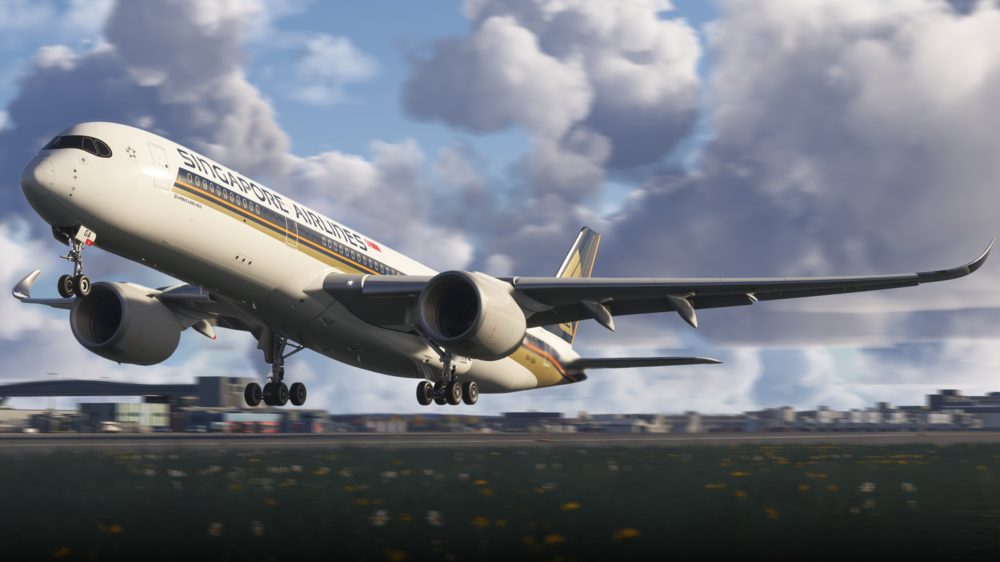
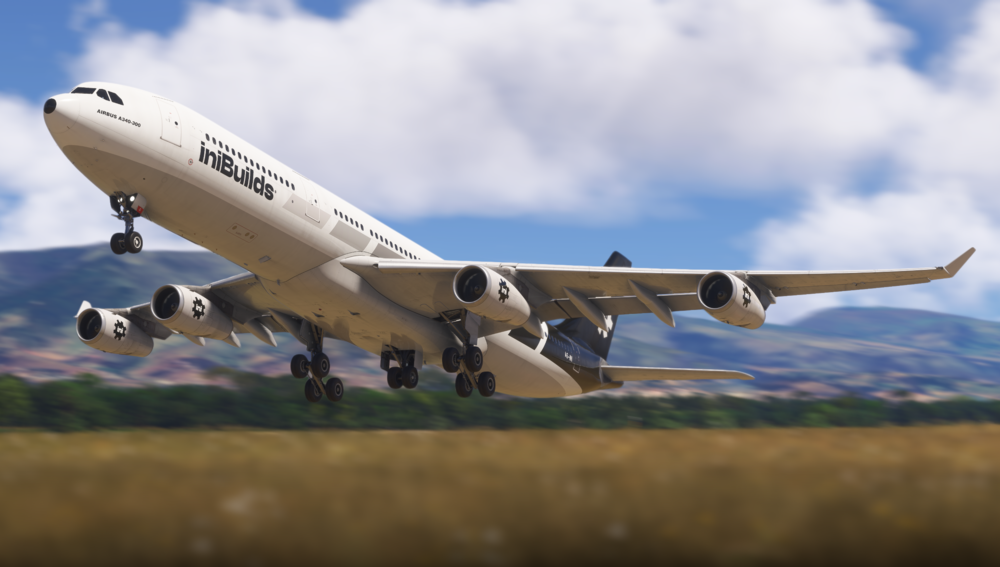
Hello! We’d like to take a moment to give a huge welcome to the A340 Airliner, with the release on the horizon - the "Welcome To" video is now live for you to enjoy! This video covers everything from handling characteristics, engine failure scenario with a look at CPDLC functionality, as well as the differences between EIS 1 & 2 & little quirks that have been implemented to ensure true-to-life feel and so much more! 📽️Watch the Welcome To! Our team is continuing to work hard across all of our current projects, ensuring that each aircraft receives the same level of care and attention as each other. Rest assured, our support will remain in place across the full iniBuilds fleet, whether you’re using the A350, A340 or A300. With today’s A350 Airliner update, we’ve taken another big step forward, focusing on bug fixing and system improvements, addressing a wide range of issues across systems, art, and sounds. Key fixes include resolving WASM errors, stabilizing cabin vertical speed & correcting ND and HUD/ECAM inconsistencies. An extensive sound update for the A350 Airliner is in production and undergoing testing, developed in partnership with Echo19, which we’re very excited to share with you in the near future. This update is now live, and you can see the entire changelog and forum post about here: We've got some exciting times ahead of us! Over the next week or two, we've got some incredible things lined up that we can’t wait to share with you. We want to take a moment to thank our amazing community, your support & feedback around what we do truly helps us push for more. We couldn’t do this without you, and we’re so excited to share these exciting projects with you along the way! iniBuilds Team ❤️
-
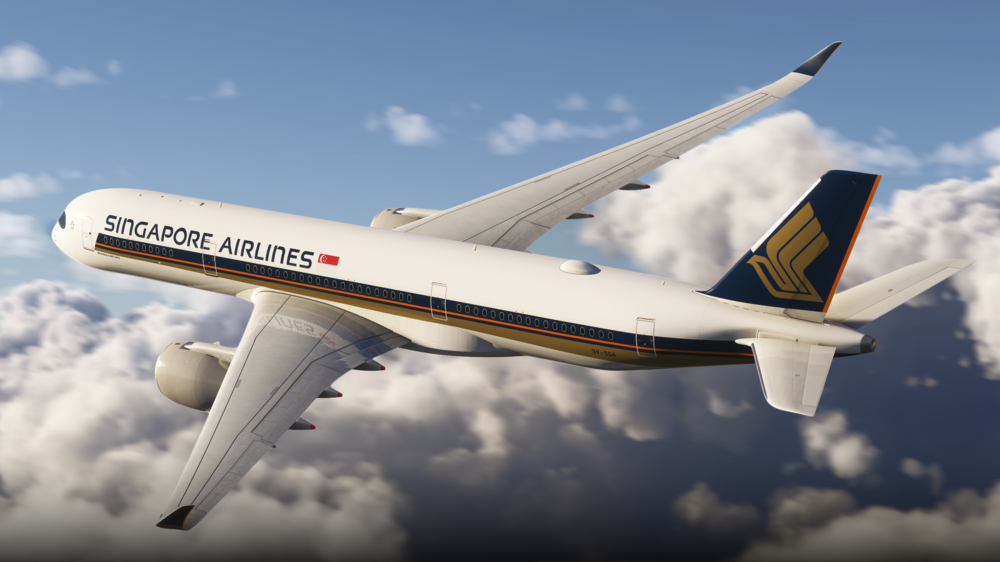
iniBuilds A350 Airliner V1.1.6 Update 🚀 This update continues our focus on bug fixing and system improvements, addressing a wide range of issues across systems, art, and sounds. Key fixes include resolving WASM errors, stabilizing cabin vertical speed, correcting ND and HUD/ECAM inconsistencies, refining ATC and NAV calculations, and fixing emergency battery and TCAS behaviors. Visual and art updates ensure proper engine decals, strobe sequences, and dome lighting, while the sound set has been enhanced for more realistic reverse thrust, flap operation, RA callouts, and engine rumble. Additionally, new features include a deeper cabin condition simulation and increased ED refresh rate, all contributing to a more reliable A350 Airliner experience. This update can be downloaded via the iniManager. V1.1.6SYSTEMS ⚙️ FIXED WASM errors FIXED Cabin VS constantly fluctuating FIXED DIR TO via ND goes to some random waypoint not selected LL position FIXED HUD ECAM warnings and advisories FIXED NAVMode Heading Indications FIXED Deselect FLS not working / SLS not working FIXED Runway change causes weather info from APPR page to be removed FIXED Selecting AUTO for XDDR, puts TCAS straight into TA/RA FIXED Fuel values removed when page manipulated (see desc) FIXED Waypoint radial information doesn't clear FIXED ENG Out Acceleration Altitude not being used when ENG FAIL triggered below FIXED Overlapping text on ATC COM screen FIXED Changing sim time erroneous ETA calculations FIXED Issues with CMS FIXED Issues with overlapping text with fix pages FIXED ATC COM CONNECT PAGE Notification Text overlaps with BEYOND ATC option FIXED Instant descent (wobbly descent) FIXED FIX INFO cannot use NDBs as reference point FIXED ELEC BAT FAULTS failing to trigger ECAM or overhead FAULT lights FIXED PFD: AFS target alt displaced to the right FIXED Alpha lock in direct law FIXED Mach remains boxed if cruising at 290 FIXED Emergency battery 1 and 2 failures don't work ADDED Deeper cabin condition simulation ADDED Increase ED refresh rate ART 🎨 FIXED 900 LS Engine cover missing "350" decal ADDED Strobe flashing sequence ADDED Dome light not working in 2020 SOUNDS 🔊 FIXED Reverse thrust is too instant, no gradual/realistic increase FIXED 350 Flap sounds not "as accurate as can be" FIXED RA Callouts different tonality FIXED Engine growling/rumble should coincide with fuel flow as EGT is increasing Your ongoing support for this project has been incredible, and we’re so pleased to see how much you’ve valued the improvements we’ve made so far. We’ll continue to build on this foundation, addressing your feedback and reported issues to make the product even better. iniBuilds Team ❤️
-
Thanks for reporting this, it should now be resolved!
-
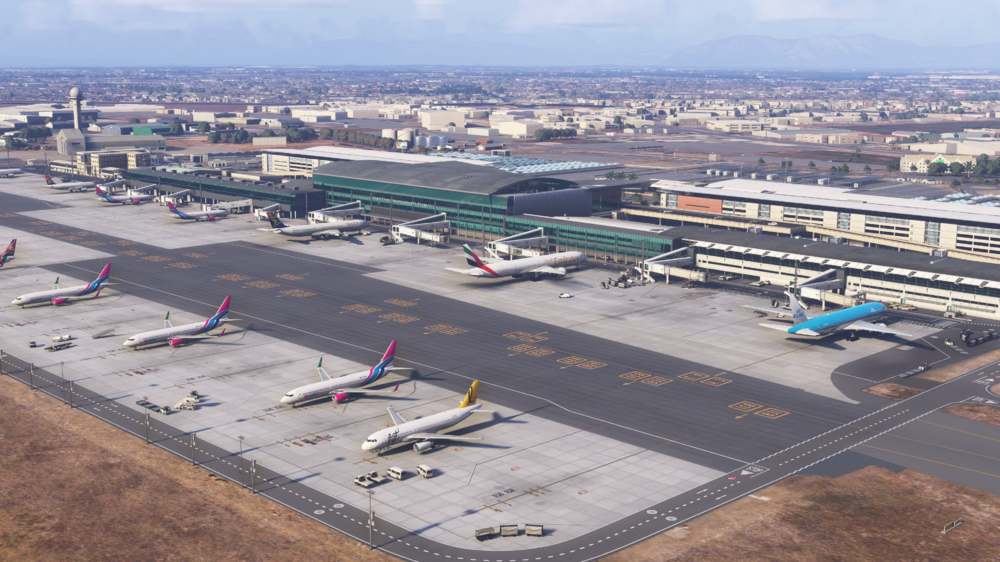
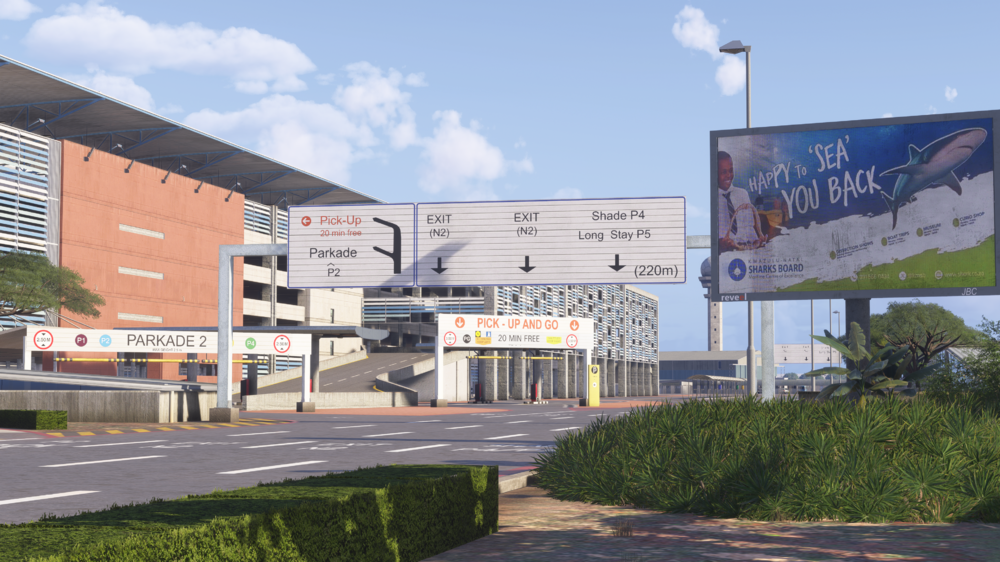
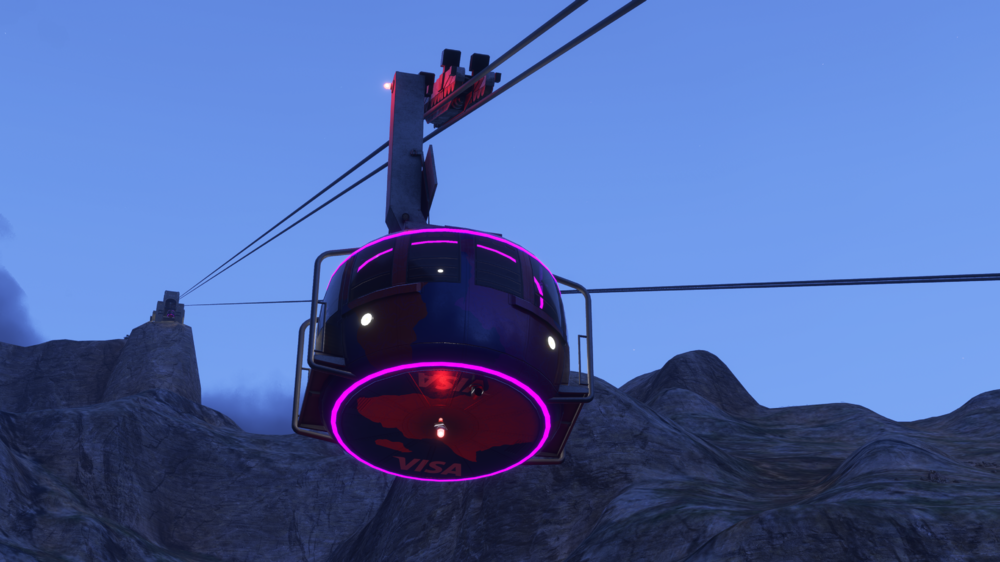
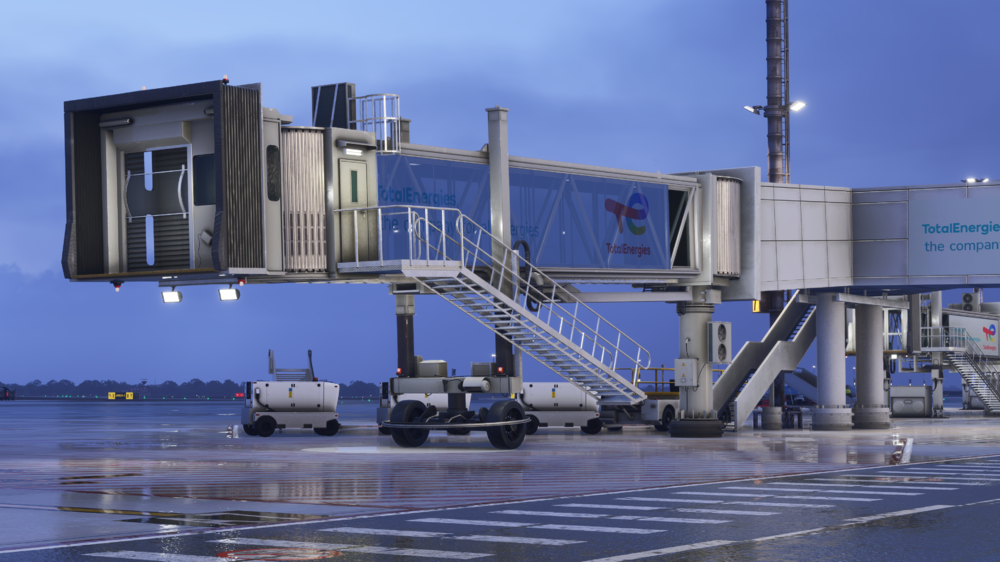
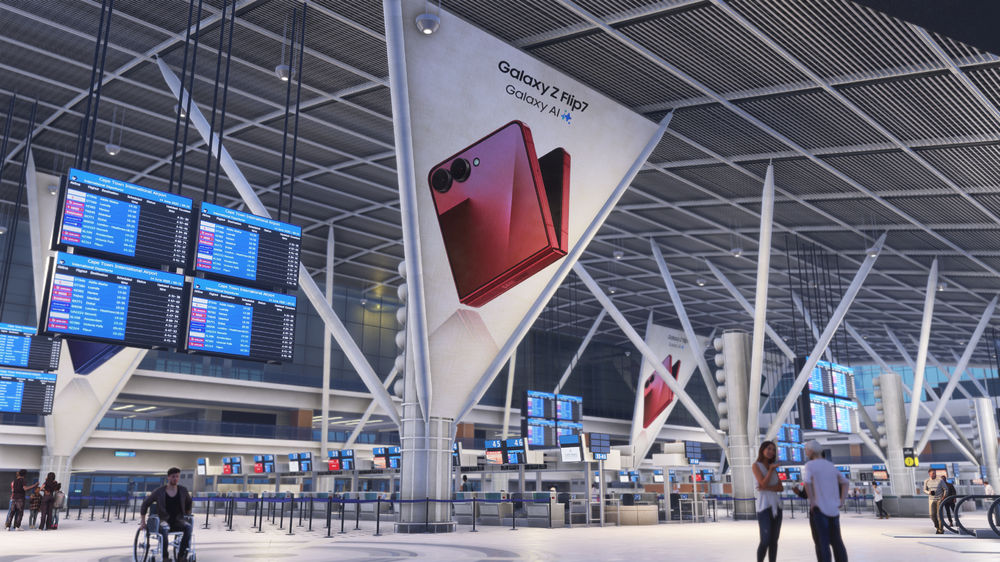
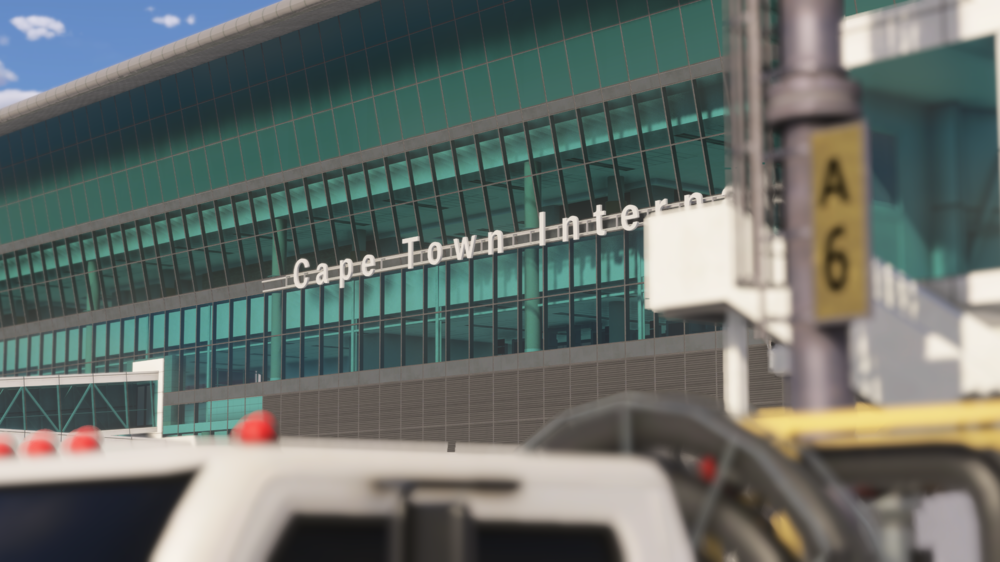
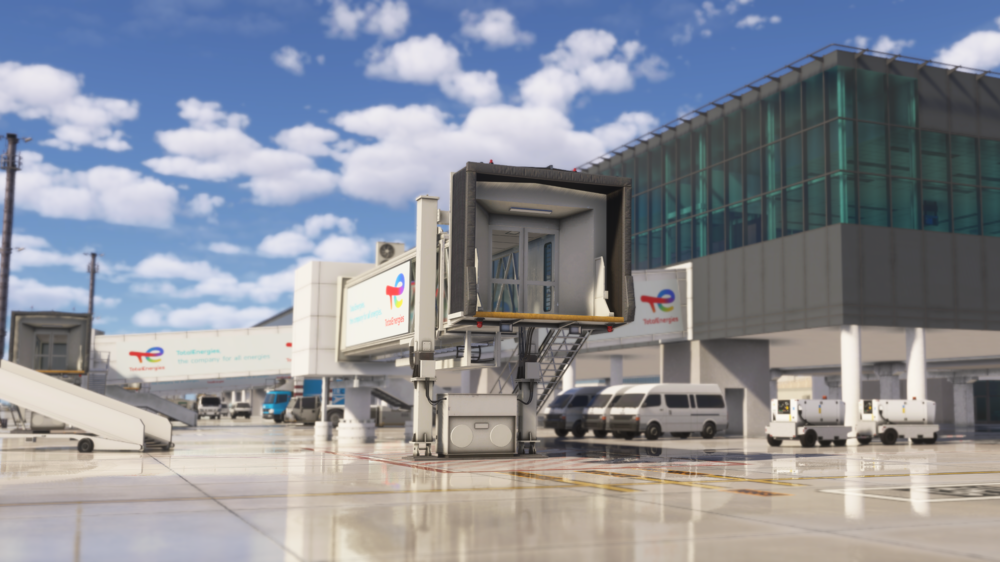
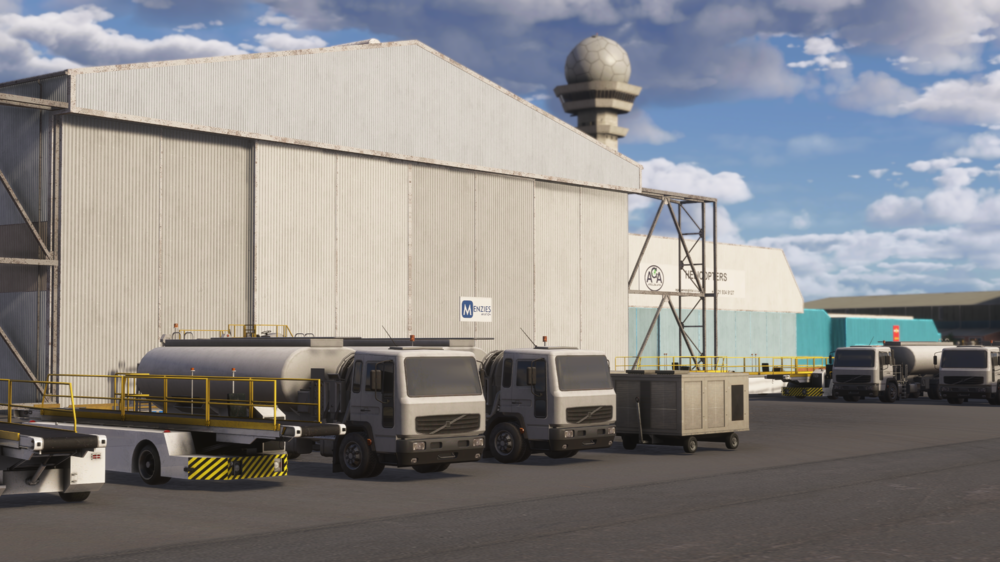
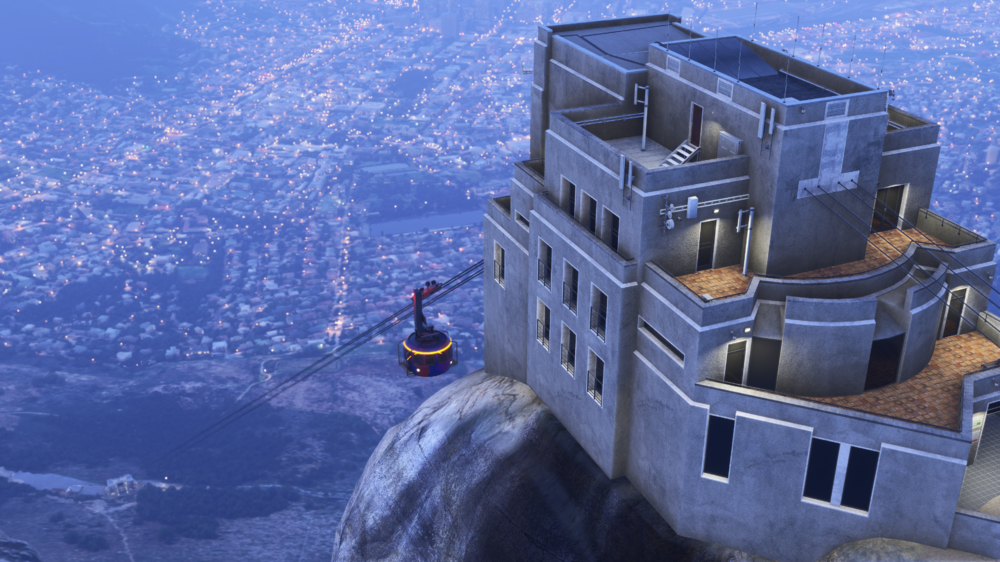
We’re excited to announce the release of Cape Town International (FACT), with the release of Wolf’s Fang Runway (AT98) coming soon, these two stunning, hand-crafted sceneries open up one of the most unique and legendary aviation routes in the world, which you'll soon be able to recreate! 🏔 Welcome to Cape Town International (FACT) South Africa’s premier international gateway, now brought to life like never before in MSFS 2024. Surrounded by a custom 12M DEM terrain mesh, Cape Town offers breathtaking approaches past Table Mountain, dynamic airport operations, and meticulous detail across terminals, aprons, and landside areas. 💰 Available now for £14.99 (excl. VAT) Buy Now: https://inibuilds.com/products/inibuilds-cape-town-fact-msfs-24 Scenery Features: Hand-made ground textures with crisp, bespoke texture sets for runways, aprons, paths, and roads True-to-life airport landside recreation with custom ground decals, signposts, vegetation, parking barriers, and more Accurately modeled and positioned dynamic airport lighting for enhanced realism 180+ hand-crafted models featuring custom-made buildings, vehicles, and objects Hand crafted terminals with crisp textures providing a fresh, modern appearance HD jetways with intricate details enhancing the airport's realism Highly detailed models of all airport buildings, objects, and surroundings Full HD ground poly matching the 2025 airport layout Up-to-date airport layout reflecting the current, real-world location Official GSX profile included in the scenery folder and iniManager download Level of Detail (LOD) optimization for every model ensuring the best performance possible Use of the latest MSFS2024 SDK features for optimal performance and smooth experience Bespoke taxi signage true to real-world specifications Full iniManager compatibility allowing easy configuration for optimal performance on your system Another awesome feature of our iniBuilds Cape Town (FACT), is one you can find whilst exploring Table Mountain. If you head over to the cable car terminal, you can ride the cable cars all the way from the base station to the summit in walk-around mode! It’s a great way to enjoy the views of Cape Town and the surrounding coastline, adding a new level of interactivity that you probably haven't seen before! 📽️ WATCH THE TRAILER Thank you for your continued support – we can’t wait to see your flights arriving and departing from Cape Town! iniBuilds Team ❤️

-
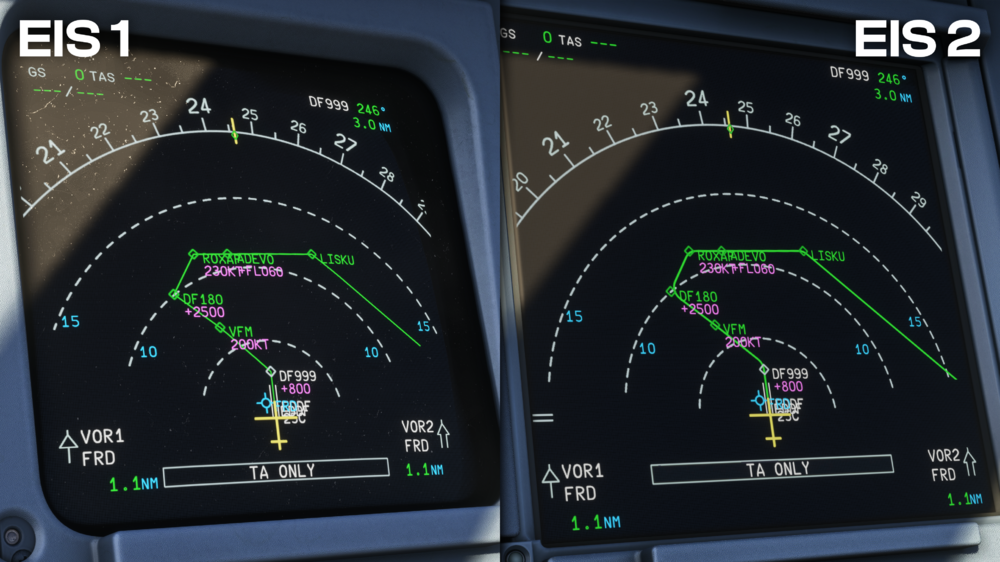
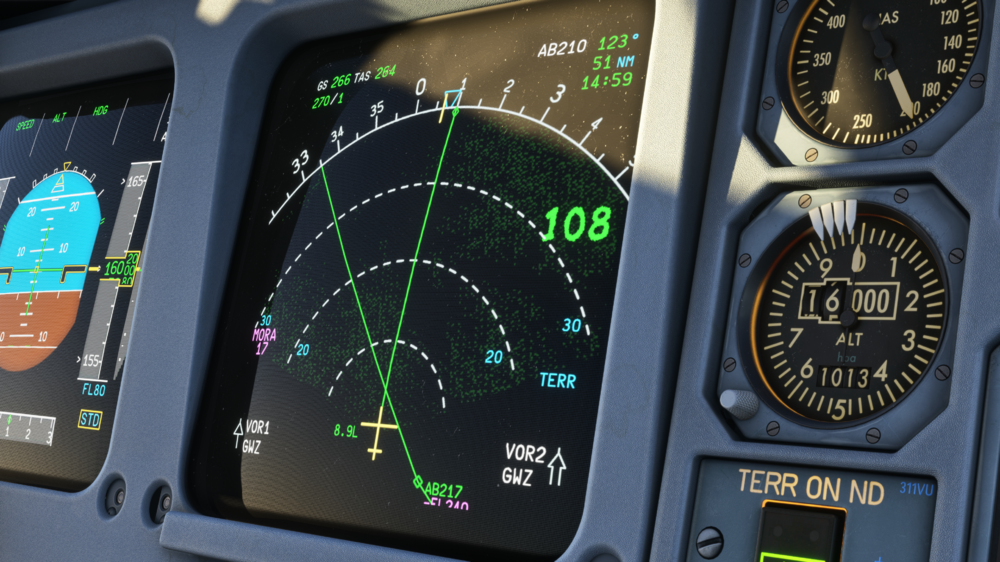
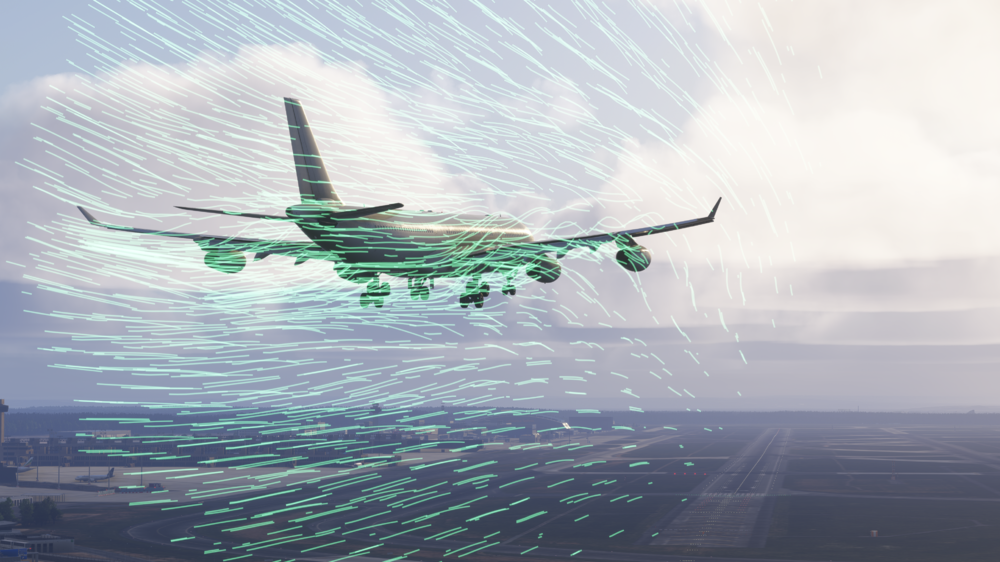
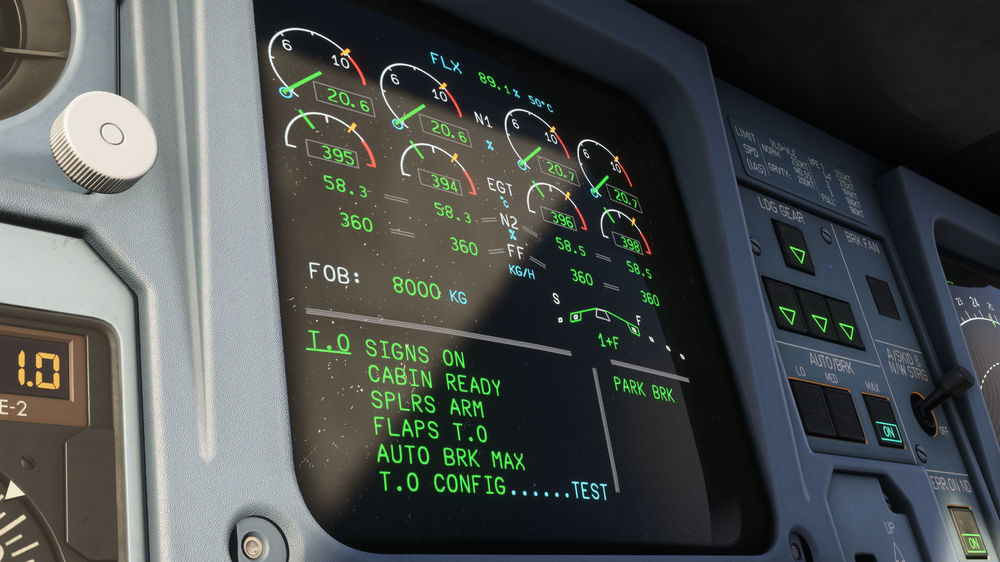
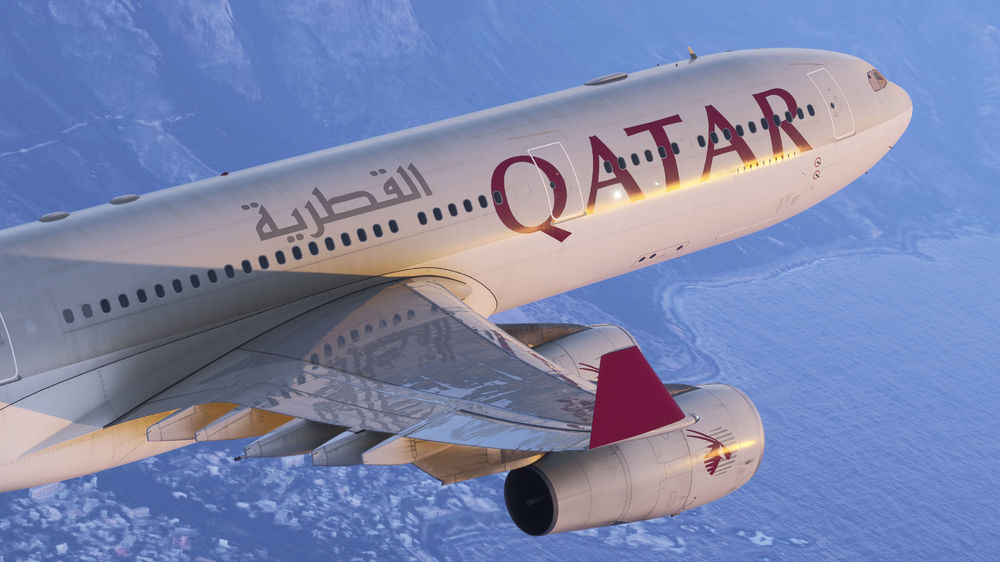
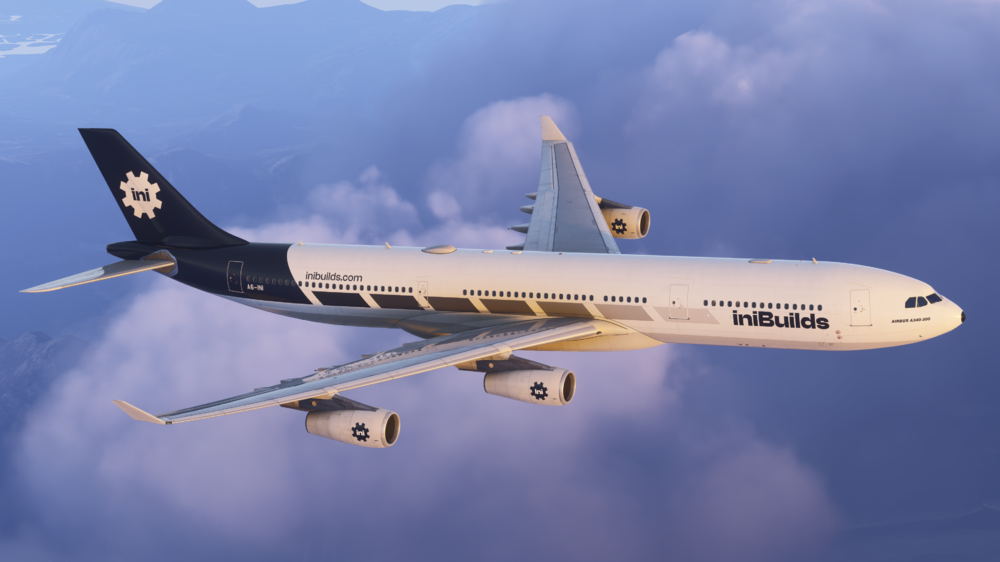
Our team has carefully recreated this long-range, four-engine widebody classic, with real-world performance data and pilot insights. Built from the ground up for MSFS 2024, this premium aircraft delivers a breathtaking level of realism and immersion, from the cockpit to the cabin, making it a must-have for serious flight simmers. The aircraft has been optimized in every respect, with a carefully managed model in terms of vertex count, node counts, LOD steps, draw calls, materials, and texture sizes. The plane this time round will even have a cabin for those users playing on Xbox! We’re extremely proud to announce that the iniBuilds A340 Airliner is out now and available to purchase via the Microsoft Flight Simulator 2024 in-game marketplace for $59.99 (*exclusive of VAT). Built from extensive real-world data and pilot feedback, the iniBuilds A340 Airliner faithfully reproduces almost every cockpit switch, panel, and system. Whether you’re flying a long-haul route or taking the 'preighter' to deliver vital supplies to any corner of the globe, every detail has been carefully modeled for an authentic experience. 📽️ Watch the Trailer! A340 Airliner Liveries 🎨 Our liveries are available to pre-download via the iniManager. Ensure you’re on the latest version (v2.4.8) before navigating to the ‘Liveries’ tab. Browse through a wide selection and download your favorites to get ready for your first flight! Note: No liveries ship with the iniBuilds A340 Airliner by default; they must be downloaded individually. Key Features of the iniBuilds A340 Airliner 🧑✈️ Realistic Flight Systems The iniBuilds A340 Airliner features some deep and immersive system simulation, designed to replicate the real aircraft. You can expect the usual key features from our Airliner series to be included with the A340 Airliner too! Everything from a fully custom FMS, that contains the depth you’ve come to expect with SIDs, STARs, SEC flight plans and more. To the custom LNAV/VNAV including; support of altitude/speed constraints, all of which is precisely flown by the bespoke autoflight system, ensuring a smooth journey from A to B. Please note that offsets will be coming soon. We’ve also included CPDLC integration, allowing you to stay up-to-speed with your flight, with the ability to request ATIS/METAR and use the free-text functionality to speak with ATC units throughout the duration of your flights. Our team has ensured that the quality of modelling is up to the standards of our Airliner series as well, with a highly-detailed cabin model, 1:1 flight deck model and an array of crisp, low performance impact textures to go alongside. All of this adds up to an iniBuilds Airliner experience that should keep you coming back to this aircraft for a long time to come! Moving on to some quality of life features - the aircraft includes a fully configurable autosave system, allowing users to set intervals for automatic saves, create manual quick saves at any time, and rename or delete files as needed. CPDLC integration through platforms like Hoppie enables ATIS/METAR requests, mailbox functions, and full data-link communication with controllers, with the ATC source entirely user-configurable. Additional system realism comes from geo-specific GPS jamming, which can impact TCAS and GPWS, while the EFB tracks aircraft maintenance parameters such as oil, hydraulic, battery, brake, and tire wear. Legacy avionics are also represented with ISIS and standby instruments featuring caging animations, while both EIS1 and EIS2 options are supported to reflect the differences between classic CRT displays and modern glass cockpits. The aircraft also includes a Para Visual Indicator for low-visibility operations, an integrated printer for flight plans, takeoff data, and weather reports, and dynamic cabin temperature simulation that reacts to pack output, ambient conditions, and door states. There's also full terrain radar support, Navigraph and Lido chart integration, and GSX-compatible ground handling ensure an authentic and comprehensive operational experience, we'll dive into some more details on some of these below! You can also read our "Systems Development Update", which goes into some extreme detail of the dev process that this aircraft went through in the build up to our release! ⚠️ECAM & Failures The A340 Airliner is equipped with over 100 fully modeled ECAM pages covering critical ATA chapters including electrical, hydraulic, fuel, ice protection, engines, and navigation systems. Custom failure scenarios replicate real-world contingencies, from bird strikes to GPS jamming, with dynamic system degradations that challenge users to troubleshoot accurately. Combined with the EFB and in-cockpit interaction, this provides both a training and immersive operational experience, allowing users to engage with the aircraft’s systems at a highly realistic level. 🛫 True-to-Life Cockpit: EIS1 & EIS2 The iniBuilds A340 features two cockpit configurations, each represented both visually and in systems logic: EIS1: Classic CRT displays with a retro, low-res aesthetic, convex-faced PFDs, pixelated terrain masks, and traditional standby instruments (RMI, artificial horizon, altimeter, airspeed indicator). This cockpit also reflects its age with more “used and abused” panels, warmer panel lighting with defects (varying tones), old-style data loader visuals, and the option of a Para-Visual Indicator (PVI) instrument. EIS2: Serving as the primary development focus, EIS 2 has been refined and is a modern glass cockpit layout, with advanced displays and navigation functionality. EIS1 and EIS2 aren’t just visual differences, the EIS1 ND faithfully reproduces quirks like route curves only appearing when a direct-to or hold is inserted, the terrain radar visual appearance, all capturing the character of older Airbus avionics. 💺 Cabin & Exterior Detailing For the first time in an iniBuilds aircraft, light-based Ambient Occlusion bakes are applied throughout the cockpit, giving a realistic sense of depth. Tuned cockpit lighting, windshield rain with functioning wipers, and highly crisp PBR textures coming from thousands of photos and reference data all combined to make the cockpit feel alive. Users can also use functional tray tables, operational canopy windows, and an integrated printer. In the cabin, the A340 Airliner delivers our most optimized and fully-featured 3D interior to date, now provided as the default option due to negligible performance impact. A default German airline–inspired three-class layout is included, complete with functioning galleys, lavatories (yes, with working flush buttons), ambient dimmable lighting, and seatbelt/no-smoking annunciators. The “preighter” option mirrors real-world A340 cargo conversion programs, loading the cabin with up to eight container types including live animals, medical supplies, food, and biohazards. 🛠️ Ground Service Equipment & Customisations The iniBuilds A340 Airliner comes with a variety of interactive ground service equipment, including chocks, pitot/static port covers, engine covers, ASU, ACU, walkable engine and APU service stairs, and SATCOM antenna options. Additional features include brake fans, ice detectors, and multiple fuselage hatches and service panels that can be opened during walkarounds (fuel panel, potable water, gear doors, external power, and more). These walkaround interactables add another layer of realism for users who enjoy that walkaround phase as well. 🎧 Immersive Sound-suite The A340 Airliner comes alive with a highly detailed soundsuite, featuring high-fidelity recordings of the CFM56 engines. Cockpit noises, flap motor whines, hydraulic sounds, and ambient cabin effects combine to deliver an audio experience that closely mirrors reality. Engine start, taxi, takeoff, and in-flight operations are all accompanied by accurate acoustic feedback, all of which increases that overall immersion factor for every phase of the flight! 🌍 Navigation & Flight Planning Advanced navigation and flight planning are core to the A340 Airliner experience. Full MCDU, DCDU, and ACARS integration allows seamless data-link communication with controllers, weather requests, and route management. The aircraft supports CPDLC integration with Hoppie, SayIntentions, and BeyondATC, enabling real-time clearances and communications. Additional instruments between the cockpit options allow for different operational edges, including EIS1 and EIS2 displays, the ISIS system, standby instruments, and the Para Visual Indicator for low-visibility operations. The ND features a Minimum Off-Route Altitude (MORA) grid for enhanced terrain awareness, providing users with critical en-route obstacle information during every flight. You can manage multiple flight plans at once, add your own custom waypoints, and fly full VNAV and LNAV procedures just like in the real world. The aircraft works seamlessly with Navigraph and SimBrief, giving you up-to-date charts, accurate SIDs and STARs, and all the route info you need. This means you can plan your flights properly, make changes on the go, and follow realistic procedures from departure to arrival, making every flight feel genuinely operational. 🏔️ Custom Terrain Radar & Weather Situational awareness is further enhanced through custom terrain radar, wipeable rain masks, and a comprehensive suite of atmospheric effects. Realistic wing vortices, condensation trails, and vapor effects respond dynamically to weather conditions, while environmental interactions like rain on the windscreen or over-wing condensation contribute to a highly convincing visual and operational experience. 📱 Feature-Rich EFB & GSX Integration The A340 Airliner's Electronic Flight Bag has received a major overhaul, offering a clean, intuitive interface for flight planning, ground operations, and maintenance management. Users can control ground equipment such as GPUs, chocks, maintenance engine covers & so much more, while SimBrief integration allows direct flight plan import and auto pre-planning. Geo-referenced charts, Lido integration, and customizable day/night chart modes. The EFB also includes a comprehensive aircraft maintenance system, tracking wear and tear on oil, hydraulics, brakes, tires, batteries, and the APU, with a failure manager to trigger ECAM procedures, simulate bird strikes, or run custom scenarios. Dynamic dirt, weathering, and snow accumulation can be applied automatically or adjusted via a slider for immediate visual updates. The EFB also houses a takeoff and landing performance tool and full custom options management, letting you customise everything from autosave behavior to third-party integrations. ✈️ Flight Model & Performance The flight model of the A340 Airliner has been carefully developed using MSFS 2024’s advanced aerodynamic systems, including a new fuselage object implementation that ensures accurate CFD-based behavior. On the ground, the aircraft benefits from the simulator’s new taxi physics, providing realistic weight and response through the nose wheel, with skidding possible under aggressive inputs. Wing flex dynamically adapts to fuel load, braking, and environmental factors, while the custom flap and slat simulation allows precise control in slats-only configurations. Engine behavior includes EGT, fuel flow, FADEC, oil pressure, and thrust refinements, mimicking the A340’s famously underpowered acceleration and climb performance. Fly-by-wire logic has been tuned for heavier, less reactive handling compared to modern Airbus models, while flare and rotation techniques are critical to avoid tail strikes. Every detail, from takeoff to touchdown, has been carefully calibrated to ensure that the aircraft behaves like its real-world counterpart. 🎨 Visual Effects & Immersion The A340 Airliner’s visual effects have been designed to immerse the user fully. Engine heat blur, exhaust distortion, and realistic condensation effects bring the aircraft to life, while cold start smoke, dynamic over-wing vortices, and vapor trails react to environmental conditions. Combined with the highly detailed exterior and interior modeling, these effects elevate the aircraft beyond visual fidelity to deliver a fully engaging simulation. Here's a few more pictures of this beauty 😍 Welcome To: To provide an even closer look at what’s coming, we’ve created a special “Welcome To:” video which you can view below! In the video, Cameron takes you across the globe while showcasing nearly every aspect of the aircraft and its functionality. You’ll start with a detailed walk-around down in Cape Town, experience an approach into Wolf’s Fang Runway in Antarctica to speak about the handling characteristics, see an engine failure scenario with a look at CPDLC functionality, and even check out the differences between EIS 1 and EIS 2. The video highlights our custom cockpit displays, realistic flight model, and the new EFB in action, giving you a complete preview of the A340 Airliner and all that’s to come! To close out… we want to extend our extreme thanks and gratitude to all of you for your continued support. Every comment, critique, and piece of feedback from the community has driven us to ensure that this aircraft is of the highest-quality possible, so thank you! We are beyond thrilled to finally share this with you. Thank you for being part of this journey, we can’t wait for you to take to the skies in the A340 Airliner! iniBuilds Team ❤️
-
v1.0.5 of the iniBuilds A300-600R Airliner Premium for Microsoft Flight Simulator 2024 has been released. This update fixes a wide range of issues, including stutters with lights, cargo door animation, and TCAS display, while also restoring the standby compass and adding LIDO charts. Several other minor bugs and visual glitches have been corrected for smoother operation. This update can be downloaded via the iniManager. IMPORTANT: Due to a folder name change, to avoid any unexpected conflicts you must delete the previous install of A300 prior to updating. v1.0.5 Fixed - Stutters and freezing when beacon or strobe lights are turned on (multiple user reports) Fixed - CWS and CMD both active simultaneously Fixed - Constraint mode enabled by default Fixed - FO side DH button does nothing when clicked Fixed - TCAS STBY ECAM should appear when transponder is set to XPDR Fixed - Blue arrow drawn on curved path even when curved path option is disabled Fixed - TOD is drawn based on curved path regardless of settings Fixed - Altitude intercept point shown on curved path instead of straight path Fixed - All EFB checklists were categorized as “Preflight” Fixed - Strobe lights not working as intended Fixed - Clouds bleeding through virtual cockpit Fixed - FLEX TEMP pushbutton sound missing Fixed - Typos in standby compass labels Fixed - No dome light splash in cabin (Pax GE) Fixed - Navigation lights too large Fixed - Landing elevation display half-dark at night Fixed - Landing elevation flickering Fixed - Wind data input order incorrect on DES forecast page Fixed - DES forecast winds not importing correctly Fixed - INIT B page: ALTN and FINAL fuel values cannot be edited during refuel Fixed - Missing ground roll and reverse thrust sounds Fixed - Elevator stuck in full down position Fixed - Landing light artifacts visible under wings Fixed - Floating light orb on main deck cargo Fixed - Cargo door animation and logic issues Fixed - V2 calculated lower than Vls Fixed - Missing copilot model in cockpit (GE Pax) Fixed - Standby compass lighting missing Fixed - Single chime for master caution stops after fire test Fixed - CPT TERR terrain display rendering incorrectly (solid green) Fixed - Vertical guidance symbols drawing off-track Fixed - Charts A/C symbol not pointing in flight direction Fixed - DME resolution too low Fixed - Missing tooltip for standby compass Fixed - Missing tooltip for captain and FO yoke show/hide switches Fixed - Charts page not refreshing departure/destination airports after SB input Fixed - TCAS showing INOP status Added - LIDO charts Added - Functional standby compass
-
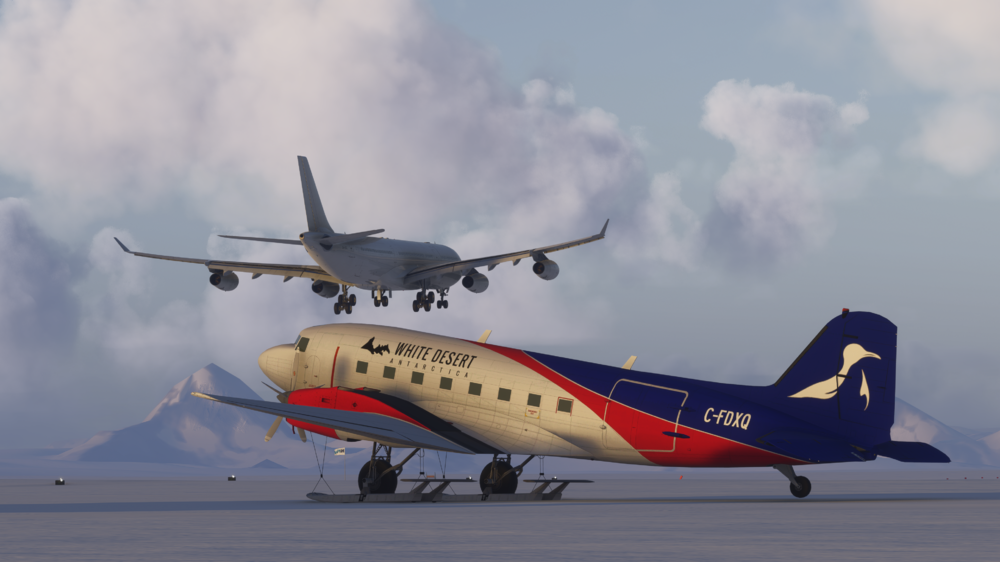
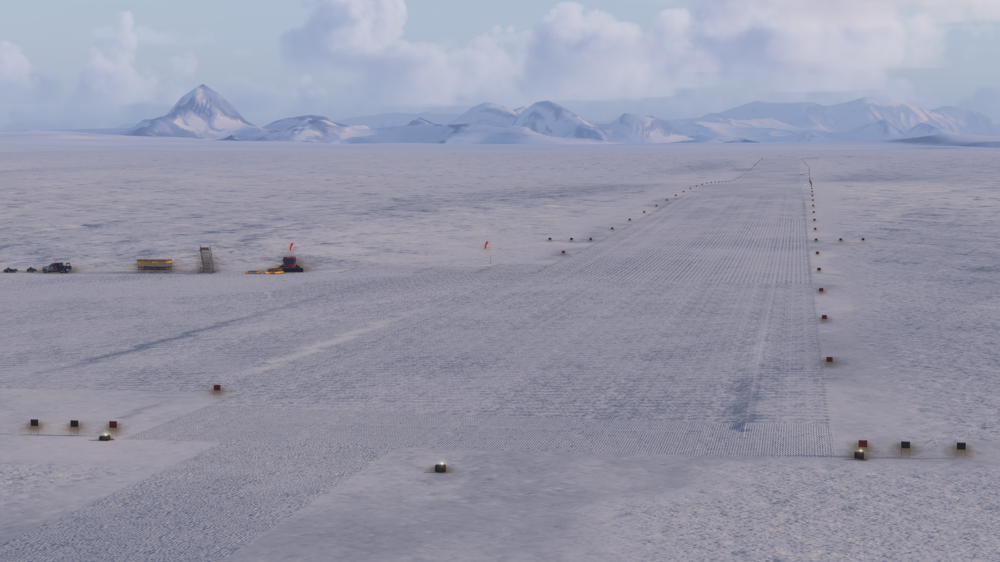
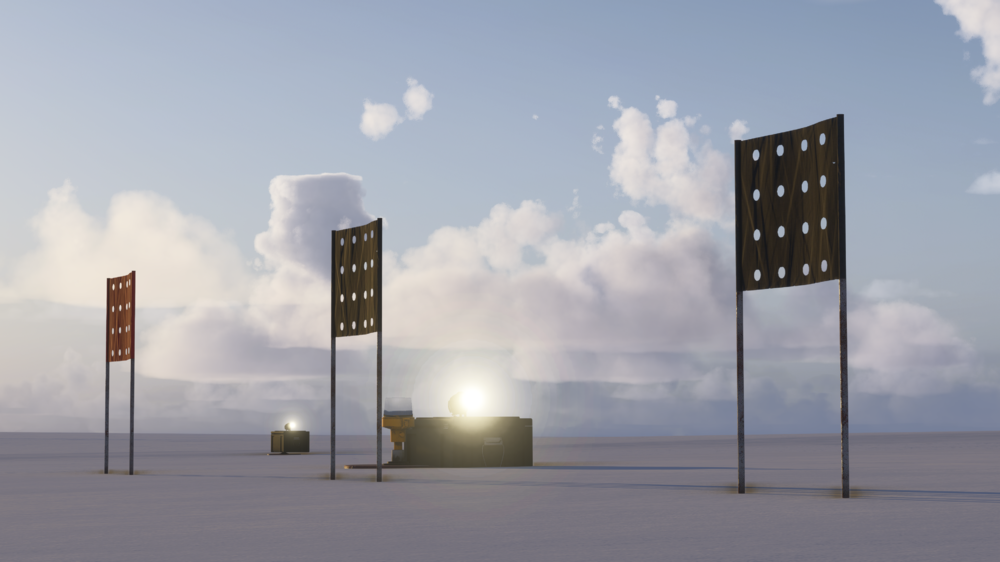
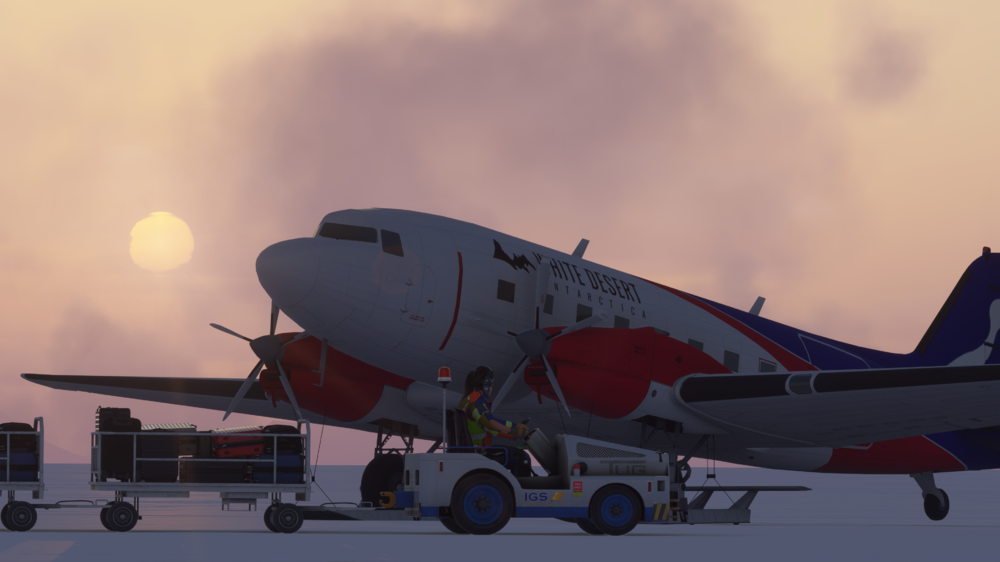
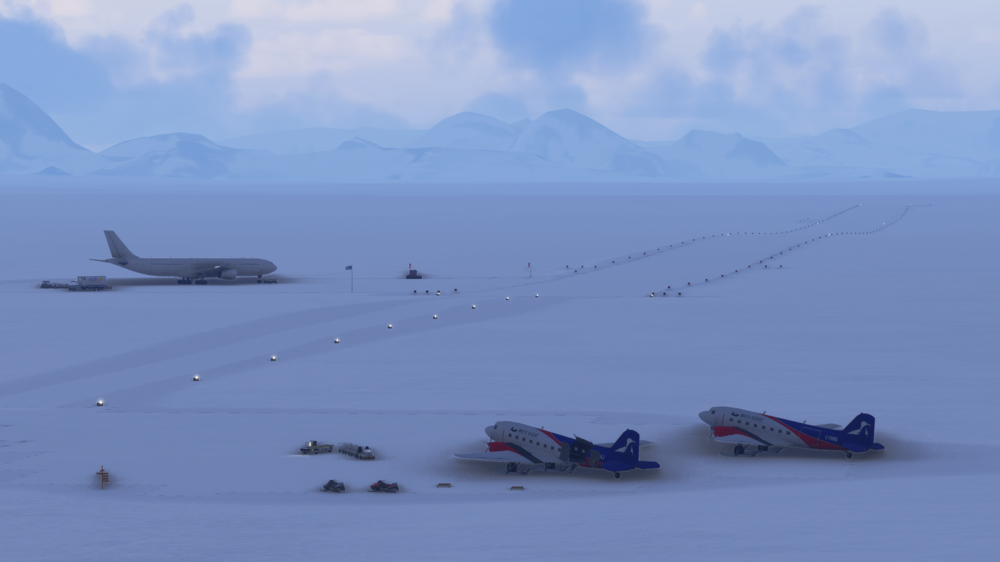
❄️ Welcome to Wolf’s Fang Runway (AT98) Deep in Antarctica, Wolf’s Fang is a mile-long runway carved into glacial blue ice – the ultimate test for adventurous aviators. This remote private aerodrome, operated by White Desert, has been meticulously recreated for MSFS 2024 and is available completely free. 🆓 Free Download – https://inibuilds.com/products/inibuilds-wolfs-fang-runway-at98-msfs Key Features: Custom ice & snow textures with footprints and tracks Bespoke airport lighting designed for extreme conditions Highly detailed camps, vehicles & static aircraft Accurate, up-to-date airport layout Optimised models for smooth performance 📽️ WATCH THE TRAILER 🌐 Cape Town to Antarctica What makes this release truly special is the legendary Cape Town – Wolf’s Fang route, flown by Hi Fly’s Airbus A340-300. Each Antarctic season, the A340 departs from Cape Town International and makes the nearly 2,600nm crossing over the Southern Ocean to this icy outpost, carrying adventurers, scientists, and supplies into one of the harshest environments on Earth. Very soon, you’ll be able to recreate this iconic route in MSFS 2024 with: iniBuilds Cape Town International (FACT) iniBuilds Wolf’s Fang Runway (AT98) and the upcoming iniBuilds Airbus A340 Airliner in Hi Fly colors Whether you’re flying a long-haul A350 service to Europe, a domestic hop to Johannesburg, or tackling the extreme Cape Town–Antarctica route, these two sceneries give you some awesome adventures in Microsoft Flight Simulator 2024. Thank you for your continued support – we can’t wait to see your flights arriving and departing from Wolf’s Fang! iniBuilds Team ❤️
-
iniBuilds F406 Caravan II V1.0.5 Update 🛩️ v1.0.5 of iniBuilds F406 Caravan II for MSFS 2024 has been released. This update is to address the pitot cover model nodes missing. This update can be downloaded via the iniManager. v1.0.5 Fixed - pitot cover model nodes missing causing issues on cold and dark starts
-
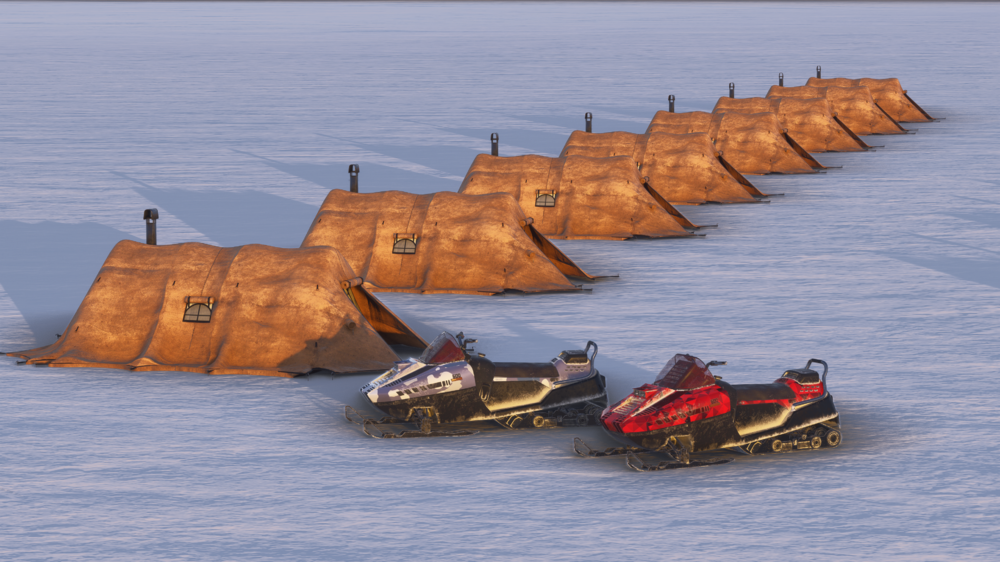
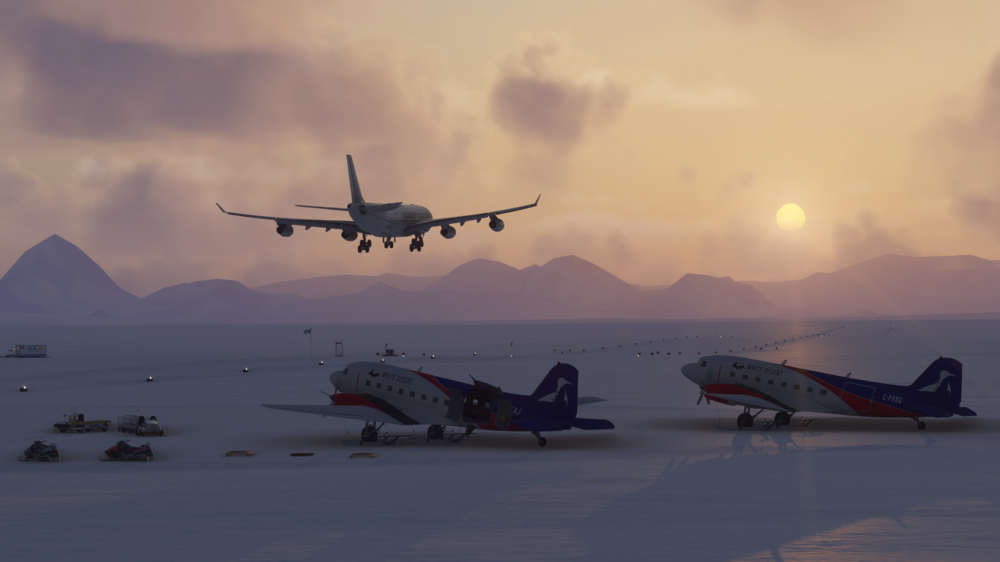
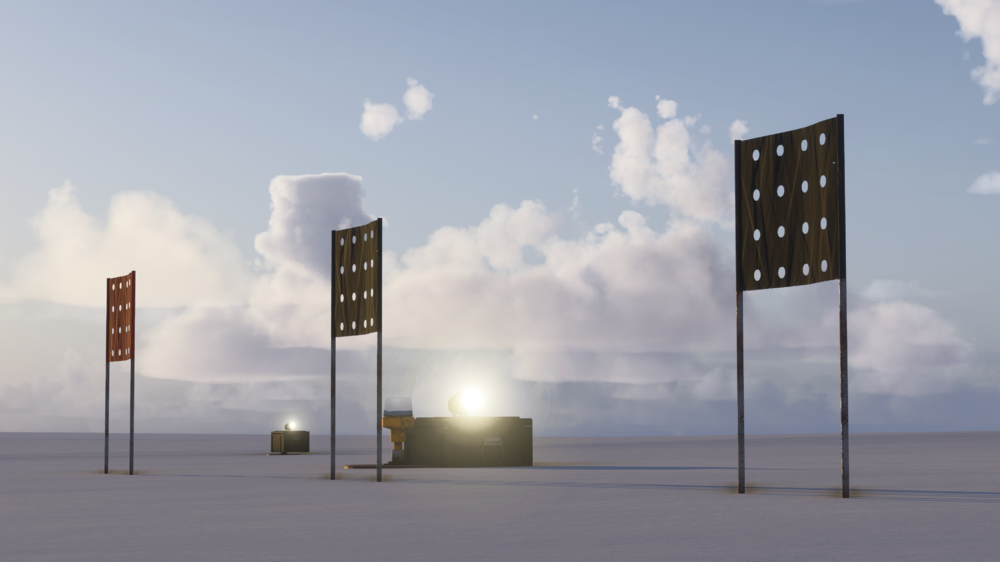
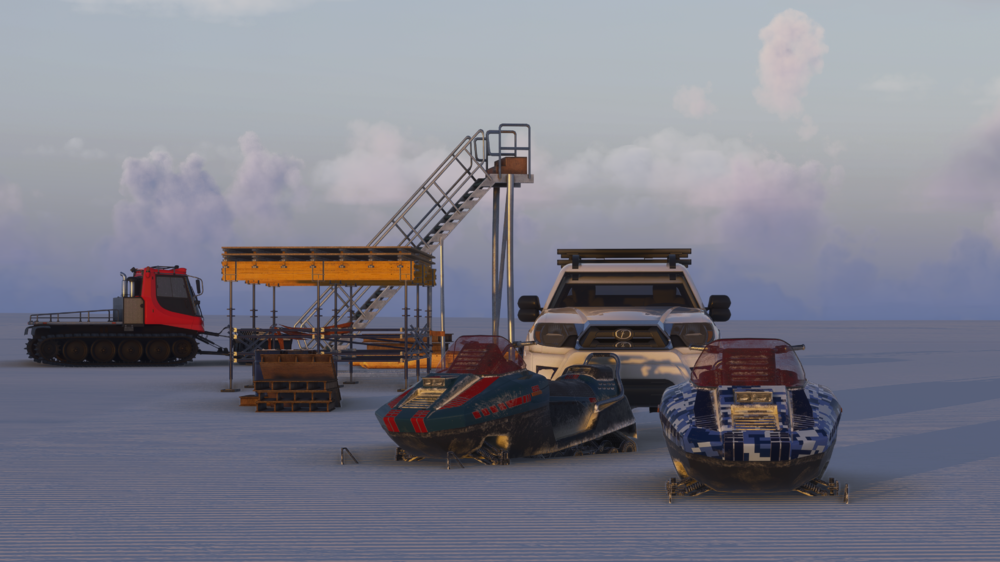
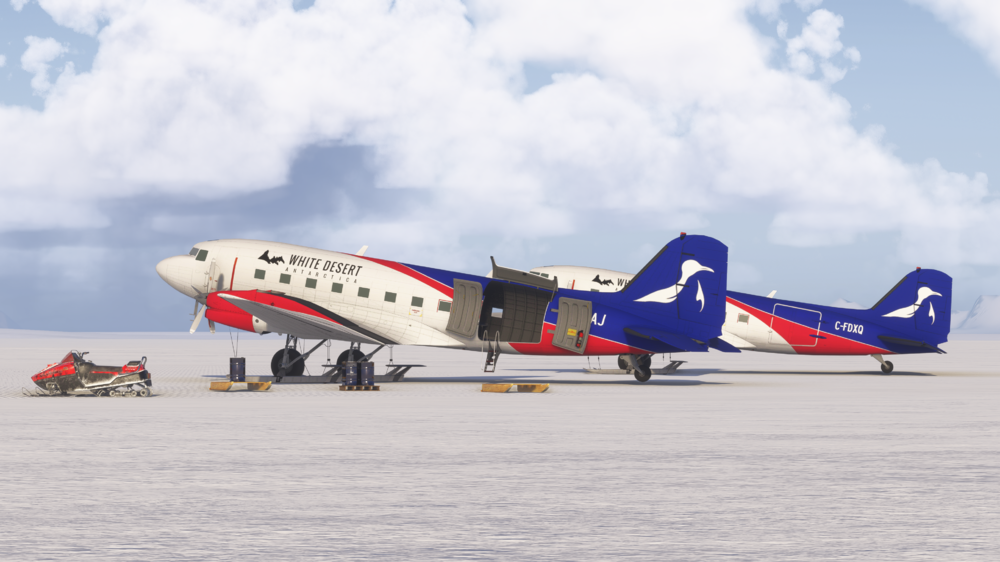
Welcome to Wolf’s Fang (AT98) – Antarctica’s Ultimate Ice Strip for Microsoft Flight Simulator 2024! ❄️🛬 Fly to one of the world’s most extreme and remote destinations, Wolf’s Fang Runway in Antarctica, a bespoke private aerodrome operated by White Desert. Carved directly into glacial blue ice, this unique airstrip is the definition of adventure aviation, and it’s available now at no cost for MSFS 2024! 🎉 🆓Free Download – Coming Soon ✈ Experience Wolf’s Fang Like Never Before From the mile-long runway carved into Antarctic ice to the rugged expedition facilities that serve visiting scientists and adventurers, every detail has been carefully recreated for immersion. Discover the thrill of operating flights to and from the harshest flying environment on Earth, where weather, terrain, and isolation combine to challenge even the most capable pilots. Scenery Features: Hand-made bespoke texture set, including custom ice and snow textures, which show footprints and tracks Custom modelled and positioned airport lighting, built to suit environment Highly detailed models of nearby camps & clutter, including tents, vehicles and custom static aircraft Up to date airport layout reflecting the current, real-world location Level of Detail (LOD) optimisation for every model to encourage the best performance possible Use of the latest MSFS SDK features to allow for the best optimisation and performance possible 🛫 Cape Town Connection - Hi Fly Wolf’s Fang is directly linked to Cape Town International (FACT), the primary gateway to Antarctica. Every season, Hi Fly’s Airbus A340-300 and other aircraft operate flights from Cape Town to Wolf’s Fang, carrying adventurers, researchers, and vital supplies across nearly 2,600 nautical miles of open ocean. Recreate this incredible route in MSFS 2024 with the upcoming iniBuilds A3430 Airliner in one of the striking Hi Fly liveries, iniBuilds Cape Town (FACT) and of course, iniBuilds Wolf's Fang (AT98)! Wolf’s Fang Runway – AT98 Experience one of the most remote runways on Earth, carved into the Antarctic ice, and relive the legendary Hi Fly A340 flight from Cape Town across the Southern Ocean. DISCOVER FACT @media (max-width: 768px) { section > div { flex-direction: column; } /* Hide the right image on mobile */ .scroll-plane { display: none; } .scroll-plane.in-view { transform: translateY(0); } } background-position: bottom center; Thank you for your continued support – we can’t wait to see your flights arriving and departing from Wolf's Fang! iniBuilds Team ❤️

-
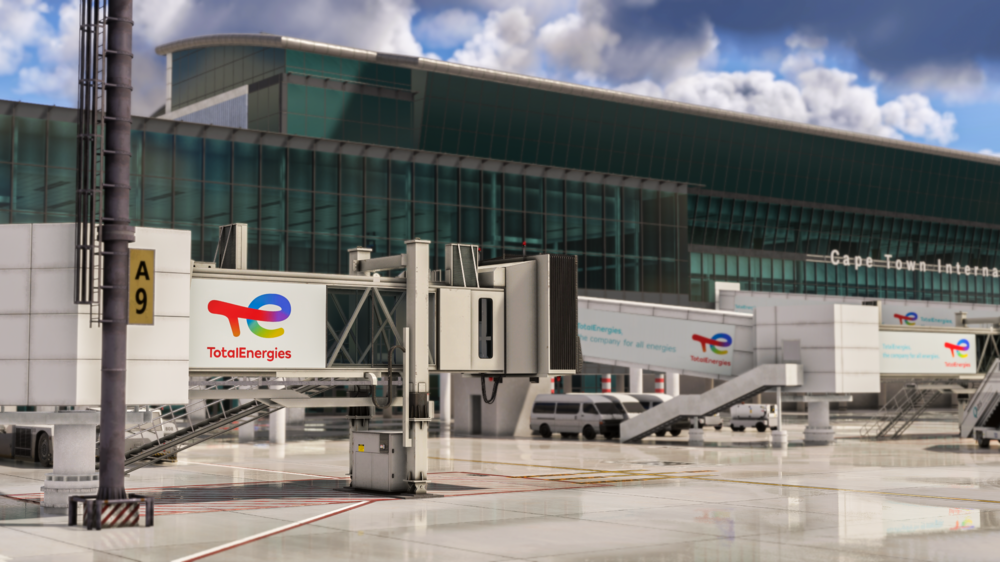
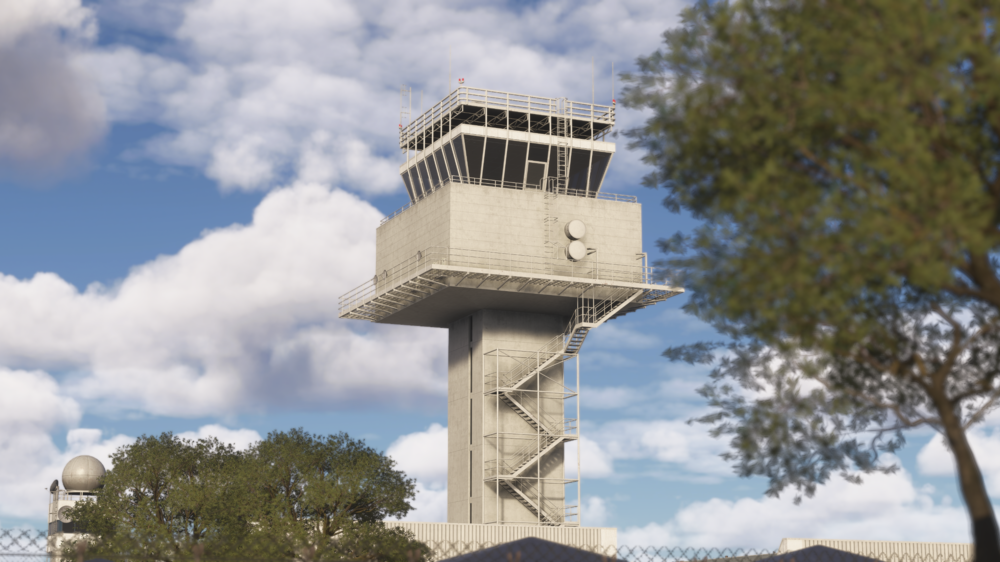
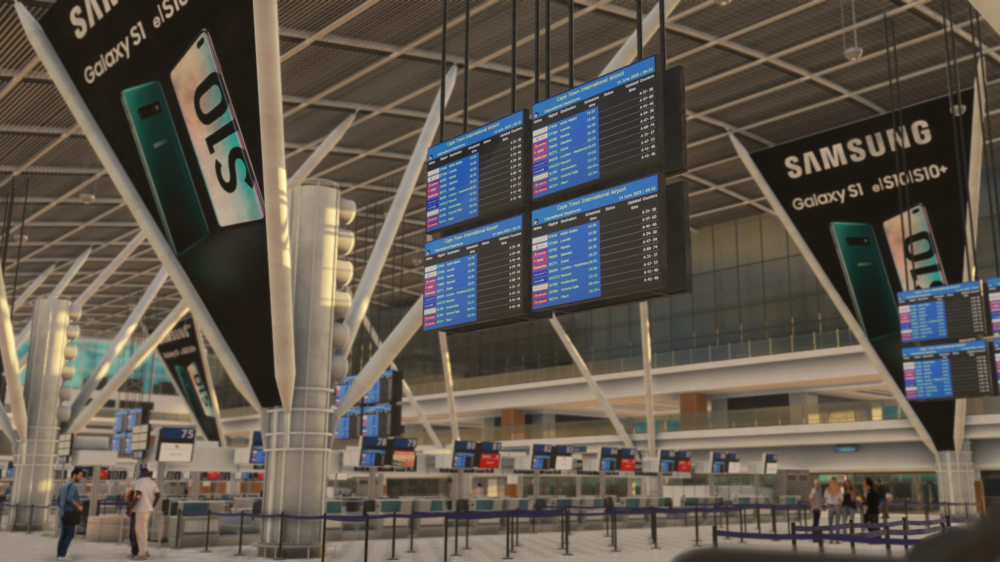
Welcome to Cape Town International (FACT) – built from the ground up for Microsoft Flight Simulator 2024! 🌍✈️ Fly into one of Africa’s most breathtaking destinations, surrounded by custom 12M DEM terrain that brings Table Mountain and the Cape Peninsula to life like never before. As South Africa’s premier international gateway, Cape Town International blends bustling operations with world-class scenery – now faithfully recreated for MSFS 2024. Available soon for £14.99 (excl. VAT) ✈ Discover Cape Town Like Never Before From the striking 12M DEM-rendered slopes of Table Mountain to the iconic cable cars climbing to its summit, every detail of the Cape Town region has been reimagined for Microsoft Flight Simulator 2024. Explore FACT’s bustling terminals, taxi out across custom aprons, and soak in the spectacular approach with unparalleled accuracy. 12M Terrain Mesh – Table Mountain Discover the dramatic landscapes around Cape Town, with a highly detailed 12-meter Digital Elevation Model. From the iconic slopes of Table Mountain to the rugged coastline, every contour is faithfully recreated for breathtaking realism in flight. @media (max-width: 768px) { section > div { flex-direction: column; text-align: center !important; } .grid-image { height: auto !important; } } Whether you’re departing on a long-haul A350 service to Europe, connecting on a domestic hop to Johannesburg, or flying adventure routes to Antarctica’s Wolfs Fang AT98, Cape Town International offers a one-of-a-kind experience in MSFS 2024. With custom terrain, iconic landmarks, and a world-class airport environment, FACT is your ultimate gateway to South Africa and beyond! Thank you for your continued support – we can’t wait to see your flights arriving and departing from Cape Town! iniBuilds Team ❤️ @media (max-width: 768px) { section > div { flex-direction: column; text-align: center !important; } .carousel-container { margin-bottom: 20px; } } @media (max-width: 768px) { section > div { flex-direction: column; text-align: center !important; } .grid-image { height: auto !important; } } @media (max-width: 768px) { section > div { flex-direction: column; text-align: center !important; } .grid-image { height: auto !important; } }

-
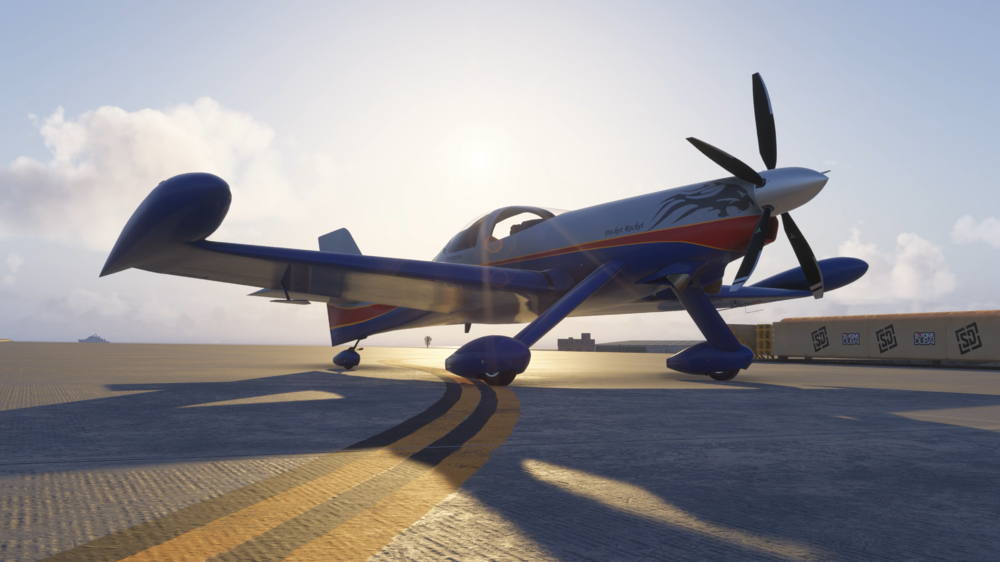
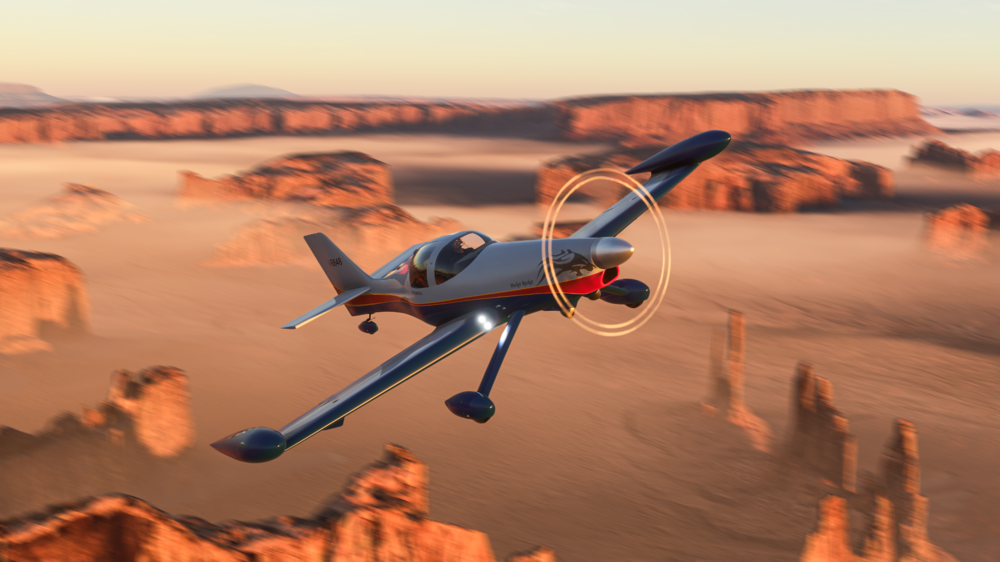
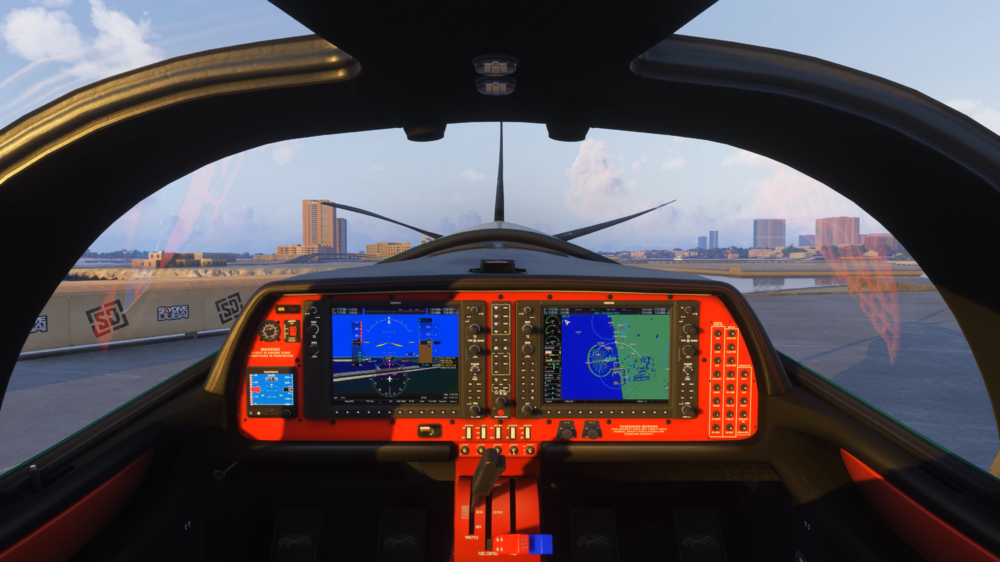
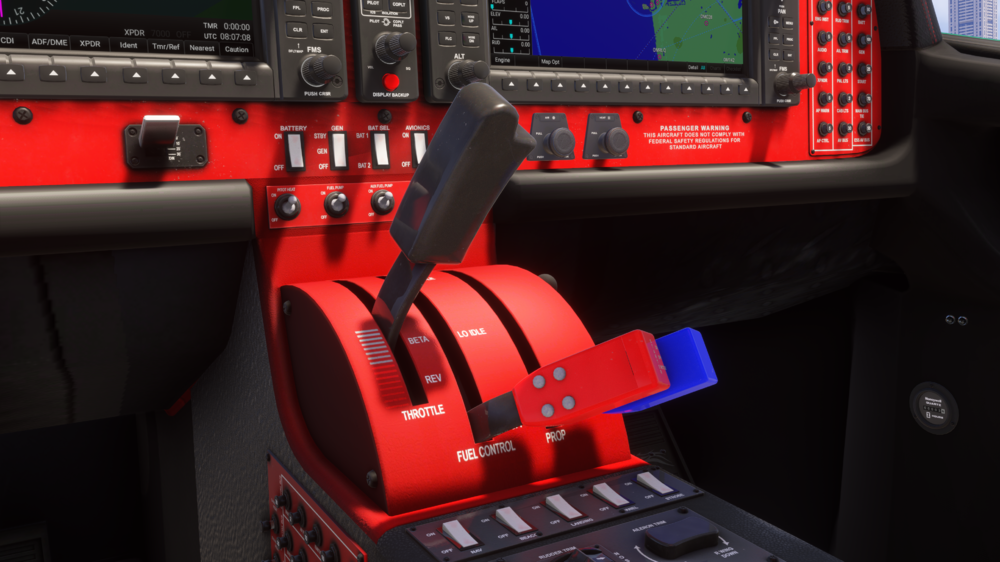
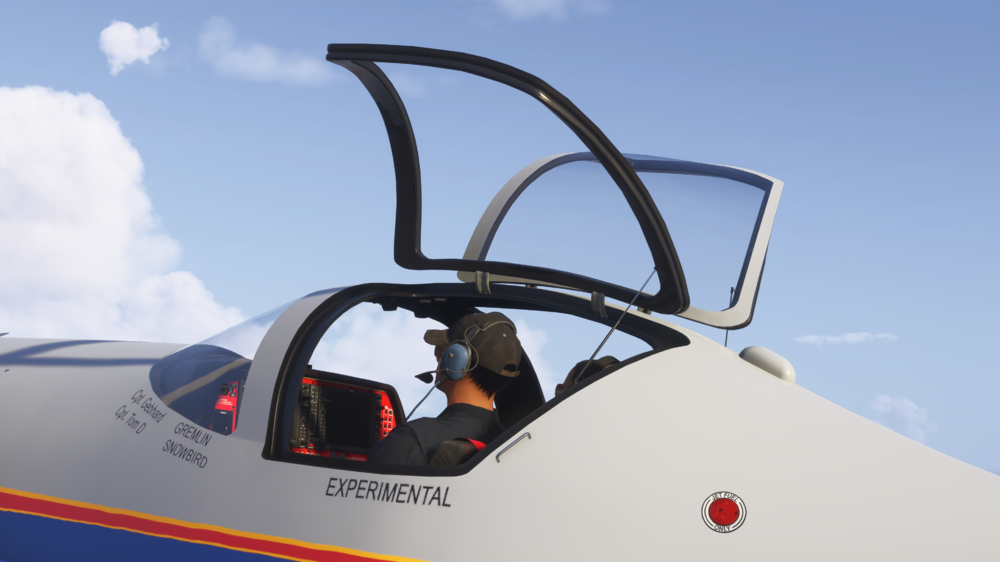
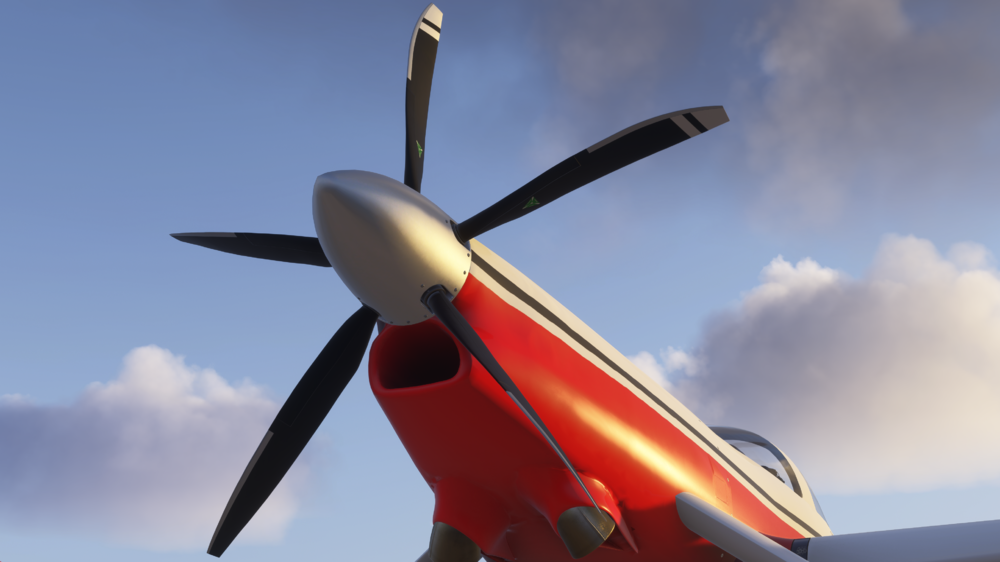
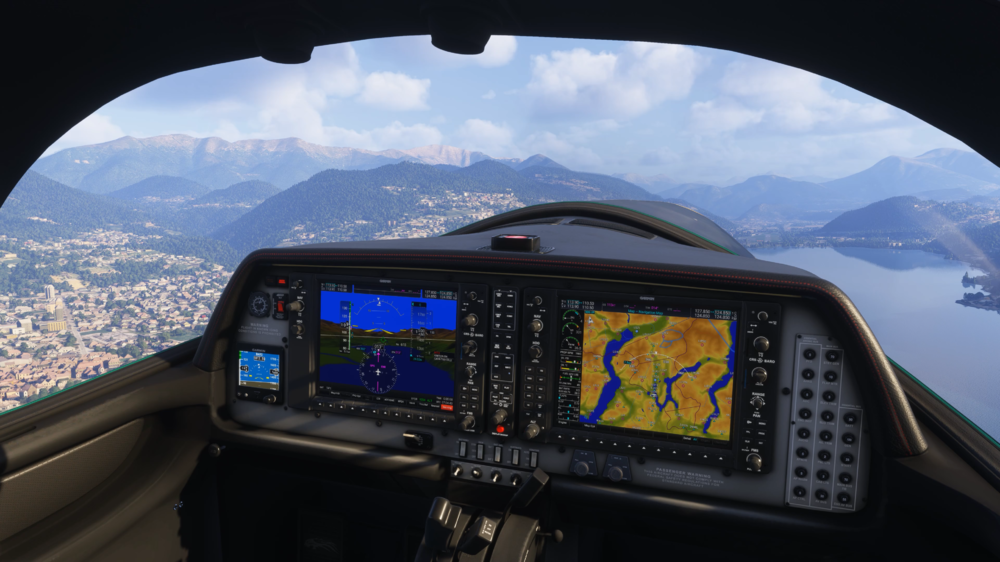
Hello! Today we’re excited to announce that the Impulse 100 “Pocket Rocket” for Microsoft Flight Simulator is coming soon! Developed by a talented and highly experienced team within the flight simulation community, and published by iniBuilds, this aircraft brings incredible speed, agile handling, and a compact yet powerful design to your hangar! The Pocket Rocket lives up to its name, small in size, but delivering big on power. With expertly tuned flight dynamics, immersive systems, and the incredible power of its Allison 250-C20R turbine engine, this aircraft offers a flying experience that’s as exciting as it is rewarding. You'll be able to purchase the Impulse 100 “Pocket Rocket” from the iniBuilds Store, for just £11.99*👉 Purchase Link: https://inibuilds.com/products/inibuilds-impulse-100-msfs [Not yet available to purchase]* Price excludes VAT Aircraft Features: Highly detailed 3D model with 4K PBR textures and six custom liveries (each with unique interiors) Full animations, including: Landing gear flex Tail wheel system Opening canopy Flight control sticks MSFS rain and icing effects for immersive flying in all conditions Realistic lighting package, including night lighting, exterior effects, and ambient interior glow Exhaust heat & engine smoke effects for added realism Accurate flight model tuned for high performance and responsive handling Authentic engine simulation of the Allison 250-C20R, with: Realistic ITT peak during startup Hot start & failure conditions Torque and over-temp exceedance behavior Custom system simulations, including: Cabin heating with temp initialization Oxygen system Airspeed indicator failures under specific conditions Fully functional circuit breakers with interactive animations and logic Comprehensive electrical & fuel systems, modeled for accuracy WT G1000 NXi integration with system pages, annunciations, and engine monitoring Detailed checklists for complete operational immersion The Impulse 100 is a seriously fun little aircraft. It’s quick, responsive, and packed with detail, from the custom turbine engine simulation and working circuit breakers to the lighting, smoke effects, and all the small animations that bring it to life. Inside the cockpit you get full G1000 NXi integration, proper system pages, and accurate electrical and fuel behavior, so there’s plenty of depth if you want to get technical. At the same time, it’s just as enjoyable to jump in and take for a fast, low-level flight when you want something different. The exterior boasts a sleek design, accurate proportions, and little touches like gear flex and exhaust effects that make it feel alive. Combined with unique textures for each livery, the aircraft has real character whether you’re viewing it up close or from the ground. Beyond just looks, the Impulse 100 also hosts a variety of custom system simulations, including cabin heating, oxygen system, engine ITT peak behaviour during start-up and more! Watch that ITT, because if it gets too high, you can damage your engine leading to an engine fire! WATCH THE TRAILER! 🚀 It’s a unique mix of high performance and realism, built by a really talented dev team, and we’re excited to be publishing it for the community. Thanks for all the love & support, iniBuilds Team ❤️