




mattY
Administrators
-
Joined
-
Last visited
Everything posted by mattY
-
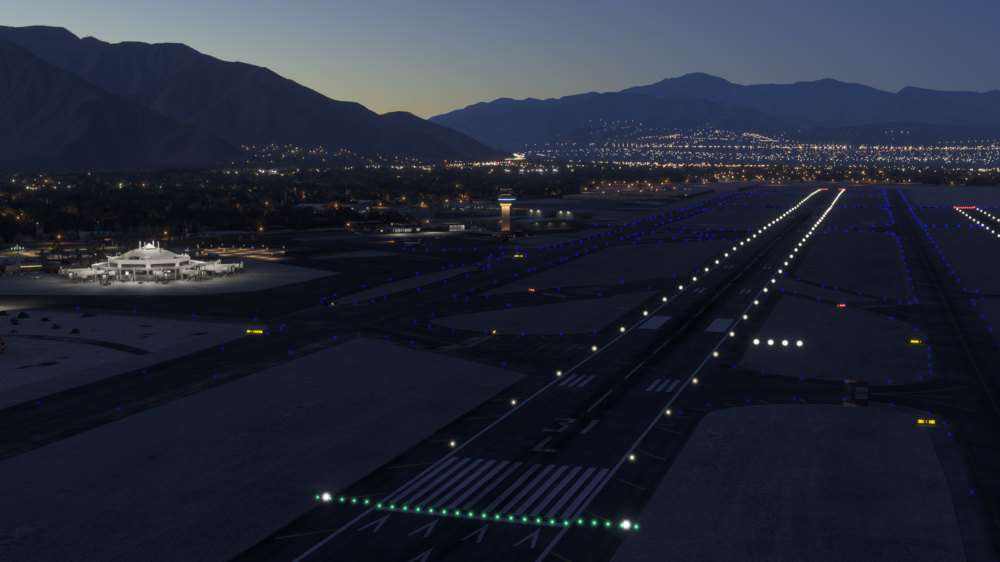
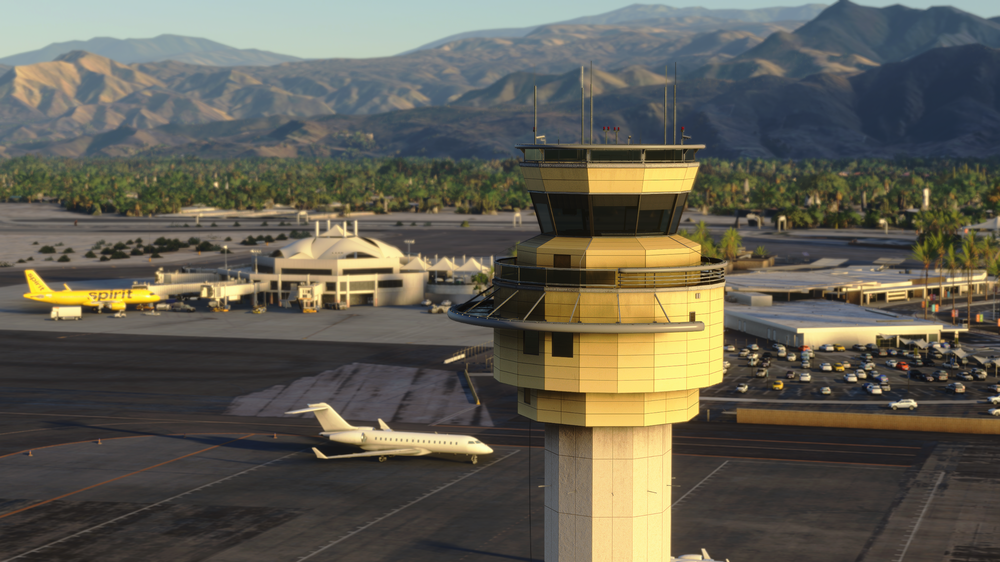
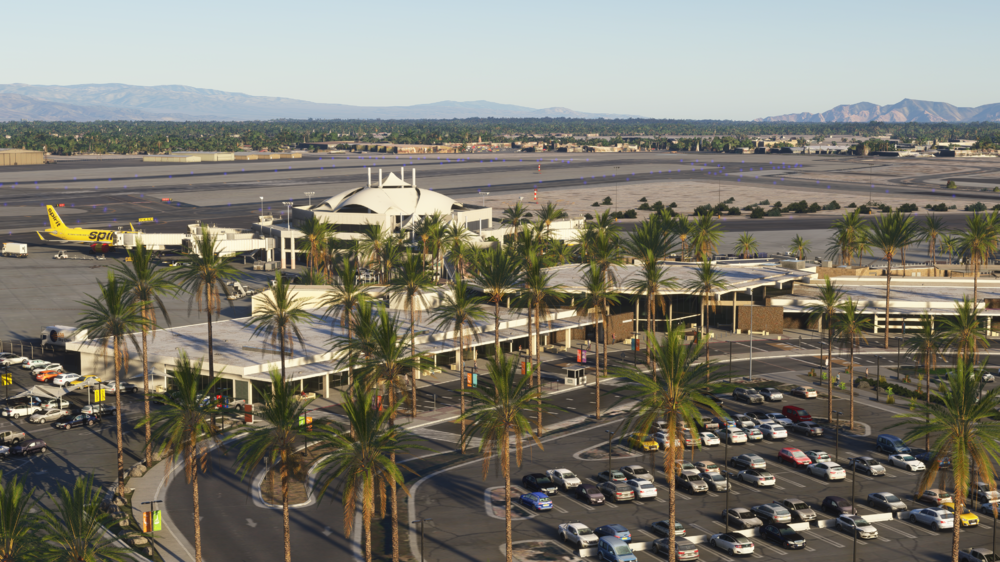
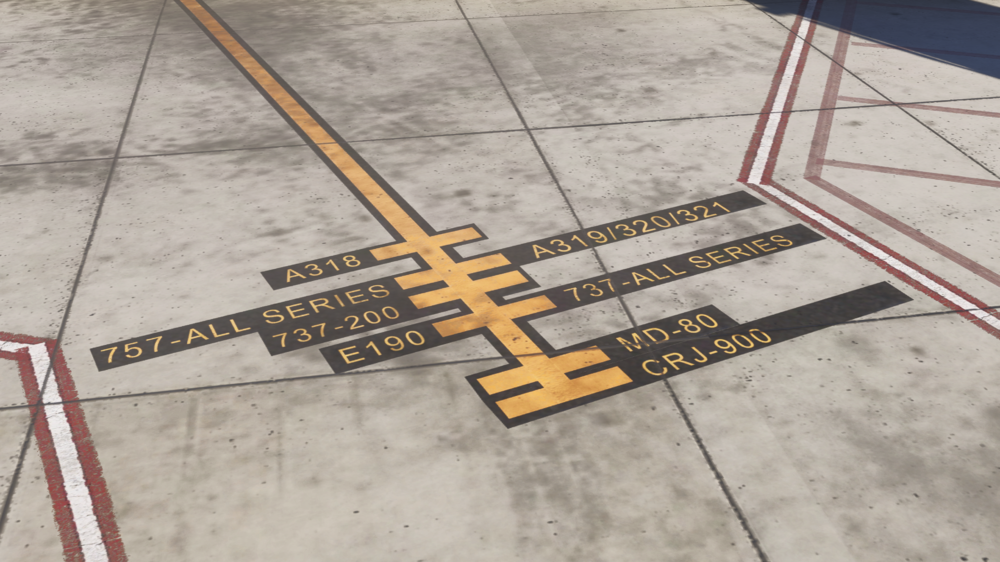
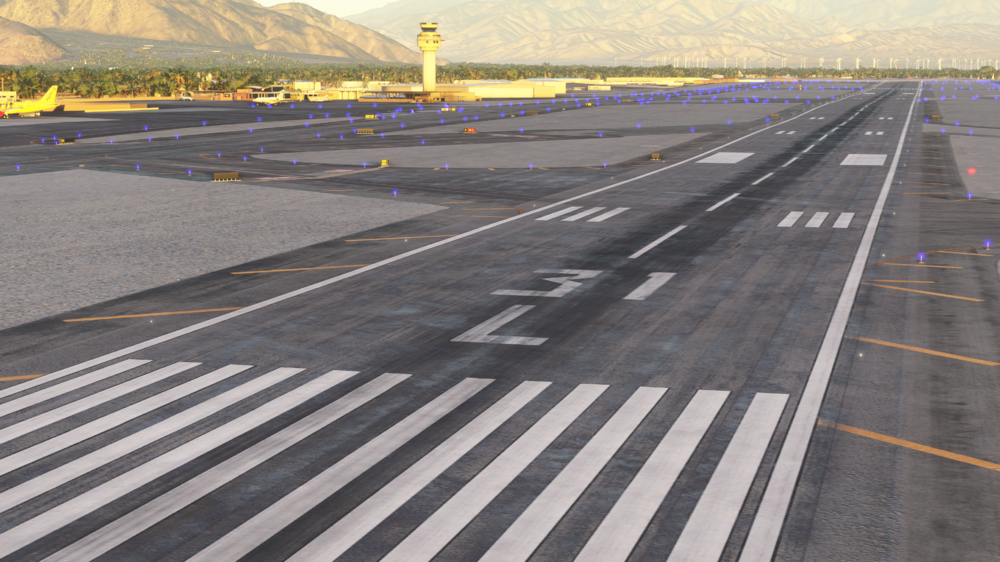
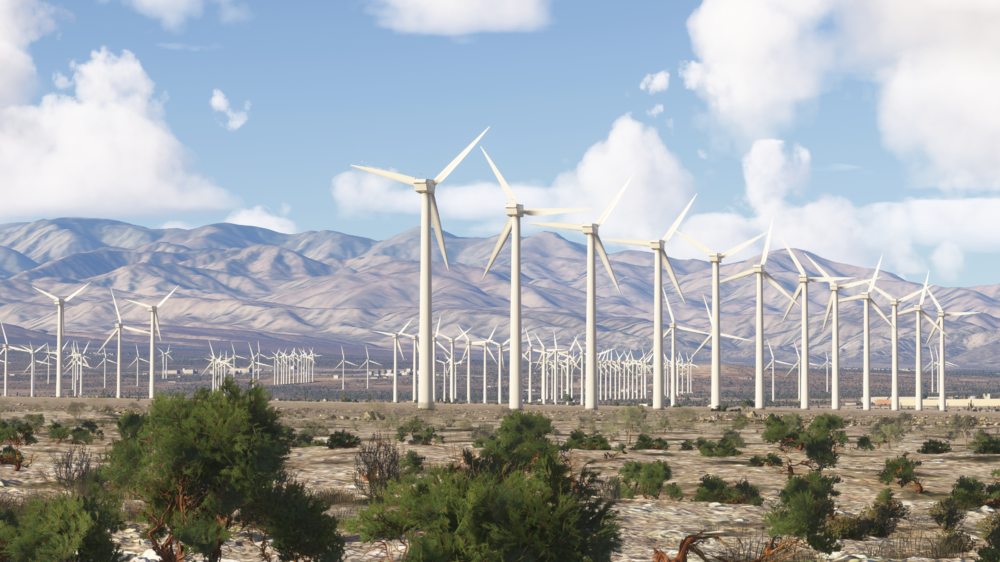
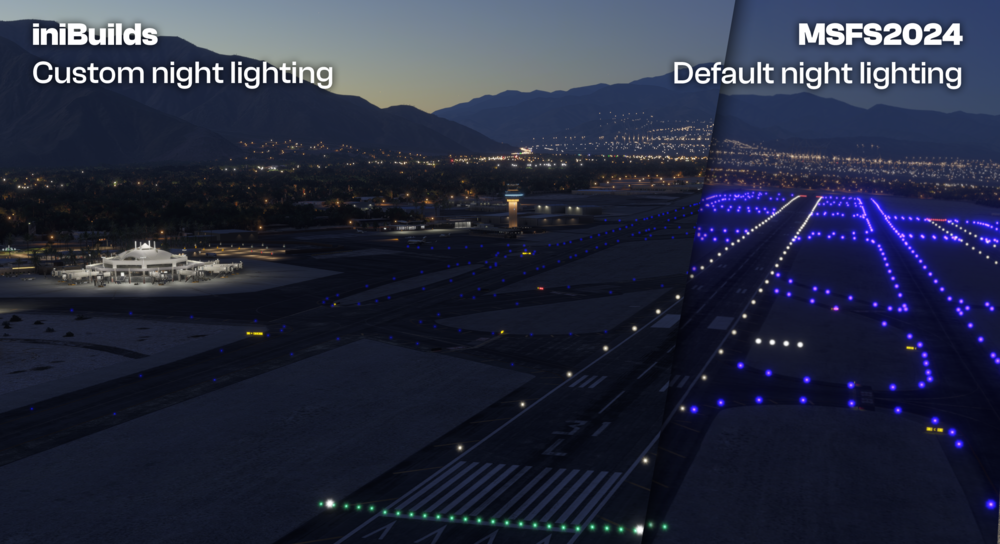
🌴iniBuilds Palm Springs (KPSP) Enhanced for Microsoft Flight Simulator 2024 🌴 Welcome to Palm Springs International Airport (KPSP) Enhanced, a stunning gateway nestled in the heart of California’s Coachella Valley! Immerse yourself in the beauty of this carefully crafted Enhanced Edition scenery for Microsoft Flight Simulator 2024, where the serene desert landscape meets the modern facilities of one of Southern California's busiest regional airports. Whether you're flying in from the East Coast or embarking on a scenic journey along the West Coast, Palm Springs offers a truly relaxing and visually striking flying experience. 🏜️✈️ Now available for £16.99 (excl. VAT) here: https://inibuilds.com/products/inibuilds-palm-springs-kpsp-msfs2024 Palm Springs (KPSP) MSFS2020 Owners can purchase this upgrade for just £4.99 (excl. VAT) by using code KPSP-UG at checkout! Palm Springs is renowned for its laid-back atmosphere, sunny climate, and proximity to popular destinations like Joshua Tree National Park. This enhanced scenery captures the charm of the desert oasis, including iconic features like the palm-lined terminal and mountain views, perfectly modeled to reflect the airport’s unique character. The attention to detail in this scenery—from updated ground textures to enhanced model LODs—ensures an immersive experience for all pilots. Explore the intricately modeled airport environment, where every detail has been crafted with precision. From custom vegetation and ground markings to dynamic lighting that transitions seamlessly from day to night, this scenery brings Palm Springs to life with stunning realism. The airport layout is fully up-to-date, reflecting recent improvements at the real-world location, making it a must-have for sim pilots looking for some desert flying adventures! Scenery Features: Updated, high-quality ground textures with bespoke texture sets (runways, aprons, roads) Fully accurate recreation of the landside, featuring custom ground decals, signposts, vegetation, and parking areas Accurately positioned dynamic airport lighting for immersive day and night operations Detailed models of all airport buildings and surroundings, reflecting the real-world layout Optimized levels of detail (LOD) for smooth performance across a wide range of systems Custom static aircraft for added realism Seamless compatibility with iniManager for personalized scenery configuration Custom Points of Interest (POIs), including nearby iconic landmarks and desert vistas We wanted to provide you with the best possible experience with these new Enhanced products, therefore after some feedback from the trailers we released the other day, we’ve gone to the lengths of adding custom night lighting to avoid that overwhelming daze currently seen in MSFS2024, we feel that this level is the optimum for what your eyes would see in real life. Take a look at the example above! Whether you're navigating VFR through the stunning desert terrain or flying IFR on a coastal approach, Palm Springs provides a one-of-a-kind challenge to pilots of all levels. Be sure to explore the surrounding POIs, from the bustling terminal to the famous mountain backdrop that makes this airport a visual treat for all! We hope you enjoy this fantastic recreation of Palm Springs International Airport and the variety of routes it opens up for your flying adventures! ☀️✈️ Watch the Trailer! As always, thank you for your continued support—it means the world to us. iniBuilds ❤️
-
Whilst we recognise that there is currently no option to disable streamed airport content via the content manager in-sim, we have a temporary work-around to override streamed airports in MSFS2024, this will allow you to use 3rd party airport addons without conflicting scenery packages being loaded in unison. Please note, this requires changing some folder names and could break content, therefore we suggest you backup any folders you intend to make these changes to. Products will not show as installed once the name is changed, you will have to manually uninstall. PC ONLY. Steps to override streamed airport content: Download chosen product from the iniManager. Navigate to your MSFS2024 community folder. Find the downloaded product folder and change the folder name as described below: If downloading either LOWI or EGSS, you can rename the "inibuilds-airport-...." package to one of the following respective names; LOWI - 'asobo-airport-lowi-innsbruck' EGSS - 'microsoft-airport-egss-stansted' Otherwise; If you are looking for another airport to override the streaming for, you can navigate to your \StreamedPackages folder found here: - Steam: %APPDATA%\Microsoft Flight Simulator 2024\StreamedPackages - MS Store: %LOCALAPPDATA%\Packages\Microsoft.Limitless_8wekyb3d8bbwe\LocalState\StreamedPackages If there is a custom scenery provided by Asobo/Microsoft for the airport you are trying to override, locate the folder, copy the folder name and then overwrite the downloaded scenery package in your regular community folder to the same name. This will force the community folder package to be read instead of any streamed version. We hope that once the Marketplace is made available in sim that this issue is resolved, however in the meantime, please make use of this work-around to enjoy MSFS2024 to the fullest! Happy flying!✈️ iniBuilds Team
-
v2.4.0/1 of the iniManager has been released! This is a major update that brings with it plenty of MSFS 2024 aimed content, features and quality of life changes. From updated product tags, new product information graphics, better livery management and more! This update will be downloaded automatically when you launch the app or you can manually download it here. v2.4.1 - Fixed an instance where the uninstall button would not function. v2.4.0 New Features: - Added MSFS 2024 product directory selection and scanning support. - Implemented MSFS 2024 product installation and management logic. - Introduced a 2024 compatible tab for easier product searchability. - Added 2024 scenery configuration changes for enhanced customization. - Introduced 2024 product tags for better product categorization. - Added Compatible, Enhanced, and Premium product chips for quick identification. - Introduced livery simulator color chips for clearer livery management. Updates: - Updated Scenery map with a more detailed and clearer design. - Enhanced Filters for improved product searching and sorting.
-
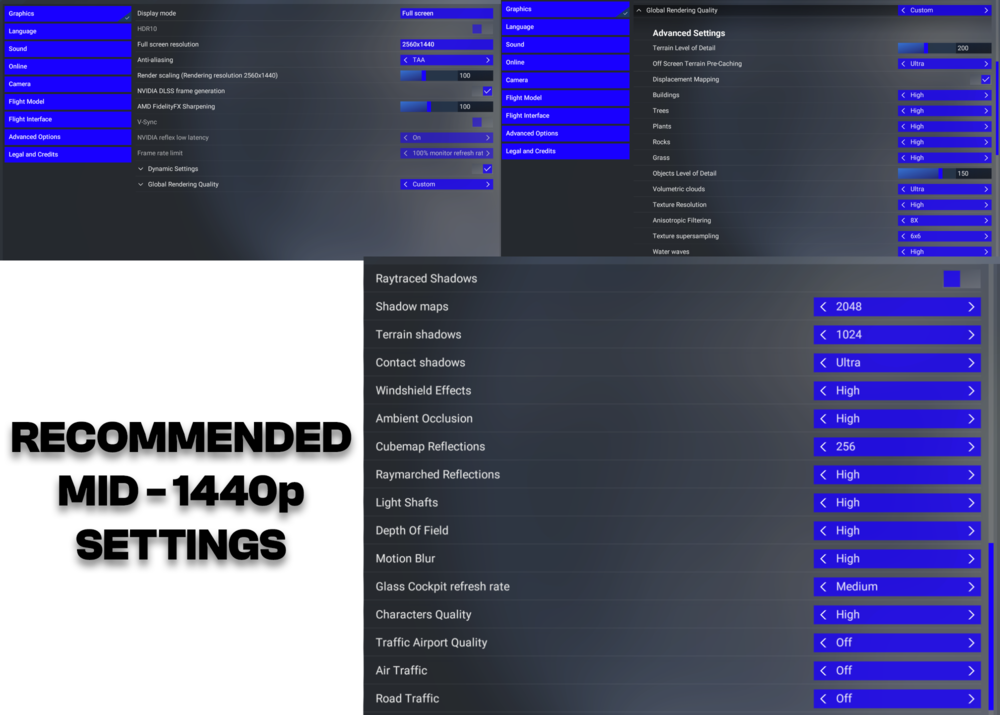
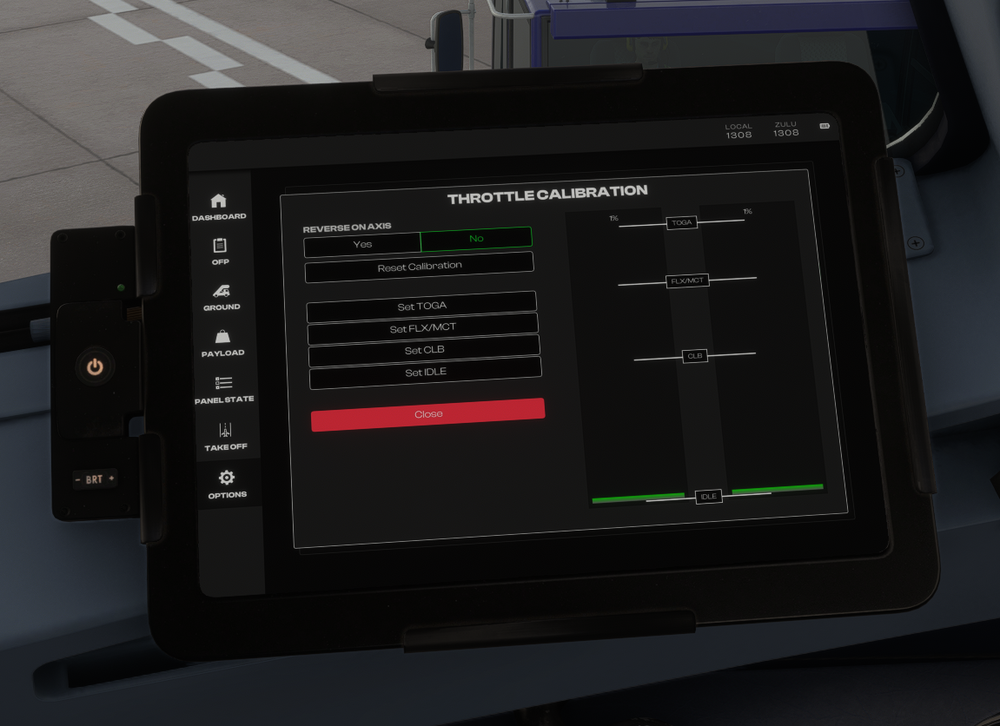
Kicking off the release of Microsoft Flight Simulator 2024 - we wanted to put together an informative FAQ section for you to get the most out of your flight sim experience. Here, you'll find essential tips and recommendations to optimize your settings, calibrate throttles for new aircraft, and integrate SimBrief flight planning profiles seamlessly into your setup. Our goal is to enhance your flight experience, providing a smooth transition from MSFS 2020 to MSFS 2024. Let’s jump in and get you on your way! Recommended Settings We understand that every system is different and may perform uniquely based on its hardware configuration. These recommendations are designed to help you get the best performance while flying the latest Airbus aircraft in Microsoft Flight Simulator 2024. While these settings are optimized for a balance of visual quality and smooth performance, feel free to adjust them based on your system’s capabilities and personal preferences. Click on the images below to enlarge them! If you're looking to maximize performance, it's important to keep in mind that 'Raytraced Shadows' can have a serious impact on frame rates. While they offer incredible visual realism, they are also known to be a significant FPS killer, especially on systems with mid-range GPUs. If you're experiencing stutters or lower frame rates, we recommend disabling or lowering the quality of raytraced shadows to improve overall performance without sacrificing too much visual fidelity. Throttle Calibration Calibrating your throttle correctly is key to achieving smooth control in Microsoft Flight Simulator 2024, especially when flying advanced aircraft like the Airbus. The calibration process is managed entirely within the Aircraft Electronic Flight Bag (EFB), and here we provide a step-by-step guide for setting up your throttle axis. General Calibration Steps: Reverse on Axis: If your throttle hardware does not have a reverse axis, make sure to select NO in the "Reverse on Axis" option on the EFB. If your hardware has a reverse axis, select YES to calibrate the reverse detents. Green Bar: This bar represents the current position of your throttle axis (ranging from 0% to 100%) and is used for setting your detents. White Bars (Detents): These bars indicate the throttle detents such as IDLE, CLB, FLX/MCT, and TOGA. You will assign these detents based on where you want them on your throttle. Calibration (Without Reverse on Axis): Click BEGIN CALIBRATION. Move the throttle to its lowest position (close to 0%) and click SET IDLE. Move the throttle to around 70% and click SET CLB to set the climb detent. Move the throttle to around 80% and click SET FLX/MCT for the flexible takeoff detent. Move the throttle to its maximum position (close to 100%) and click SET TOGA. Calibration (With Reverse on Axis): If your throttle has reverse functionality, the process is similar but with additional steps: Begin with the throttle in its maximum reverse position and click SET MAX REV. Move the throttle to where you want the IDLE REV position and click SET IDLE REV. Continue with the calibration process as described above for setting IDLE, CLB, FLX/MCT, and TOGA. This calibration ensures your throttle matches the detents for the aircraft, providing more accurate control and smoother flight operations. Follow these steps, and you'll have your throttle calibrated and ready for action in no time! Issues with Calibration If you experience any issues with the Throttle Calibration process, you may force-reset the calibration on the EFB. Simply toggle the "Reverse on Axis" option between YES and NO a few times to do this. Default Microsoft Aircraft Help! Whilst all the above is great for general help and advice, we've created some posts for those of you looking to get the most out of the default aircraft in Microsoft Flight Simulator. The help sections are organised by aircraft, they contain some useful guides and troubleshooting tips. Each section covers some essential topics and common issues, as well as step-by-step guides for tasks like operating the transponder, managing fuel and payload, and even nosewheel steering. Whether you're setting up your audio control panel or doing a walkaround, this guide will point you to the right resources to enhance your flying experience. Click one of the aircraft below that you'd like to learn more about! Click the respective image -> SimBrief Profiles For those looking to integrate accurate and up-to-date flight planning with Microsoft Flight Simulator 2024, we recommend checking out our SimBrief Profiles page here! This section contains detailed profiles for all of the Airbus aircraft included in the new simulator. These profiles will ensure your flight plans are aligned with the correct performance data, weights, and fuel calculations. Whether you're flying short hauls or long hauls, these profiles will help streamline your planning process, giving you more time to enjoy the flight. Simbrief Profiles -> Which about rounds out this FAQ section! We truly hope you enjoy these aircraft, we had a blast working on them and hope they give you thousands of different options to fly to and from now! As mentioned above, any queries, issues or bugs you encounter, please do drop a message to the team over in the respective sections and we'll get to them. Happy flying ✈️ iniBuilds Team




-
As a leader in the flight simulation industry, iniBuilds remains dedicated to upholding transparency, integrity, and a high standard of quality in all our partnerships and collaborations. Recently, allegations involving BMWorld and AMSIM surfaced in a report by Flightbeam, raising concerns about past actions regarding intellectual property. iniBuilds learned of these claims only through this report, which presented information previously unknown to us. These allegations, stemming from events four years ago, touch on issues we take very seriously. Our action taken today While iniBuilds firmly believes in operating on facts, not accusations, we recognize the need for caution while the matter is unresolved. Therefore, we have chosen to temporarily remove all products associated with BMWorld and AMSIM from our store. This action will remain in effect until the situation is fully clarified and a definitive resolution is reached between the parties involved. We are committed to reassessing and making adjustments based on any conclusive findings from this investigation. Next Steps If the parties involved reach a resolution, we will reinstate their products in our store. If the allegations are substantiated, we will make a permanent removal of these products, with continuous access maintained for previous customers through the iniManager. Throughout this process, our focus remains on supporting our creators and customers with integrity. iniBuilds is committed to only working with developers who share our values of professionalism and high standards. Thank you for your understanding as we navigate this matter. iniBuilds Team
-
Hello! We hope you're excited for the latest aircraft coming to the simulator! We’ve taken the time to create some accurate SimBrief profiles for those who want to ensure accurate flight planning and get the most accurate performance data. Whether you’re flying the latest military transporter with the A400M, getting to experience the new wide-body airliners of the A330 family, or the specialized cargo planes of the beluga and A330 P2F, this directory covers all! To add the profile to your simbrief, click one of the images below for the aircraft you'd like to save. This will open SimBrief, if not already - login, then click 'Save Airframe' at the top left and that's it! You'll now be able to select this profile for your flight planning. A400M ATLAS Click the image to add the airframe to your SimBrief! A330-200 [GE & RR] Click one of the images below to add the airframe to your SimBrief! A330-300 [GE & RR] Click one of the images below to add the airframe to your SimBrief! A330 P2F [GE & RR] Click one of the images below to add the airframe to your SimBrief! BELUGA XL Click the image to add the airframe to your SimBrief! A321LR Click the image to add the airframe to your SimBrief! Happy flying! ✈️


-
v1.0.1 of iniBuilds Innsbruck (LOWI) for MSFS has been released. This update fixes some minor bugs such as a typo on airside buses, removed the construction crane and reduced the number of manhole covers. This update can be downloaded via the iniManager. v1.0.1 - Fixed typo on airside buses - Removed construction crane on 08 approach - Reduced overall number of manhole covers
-
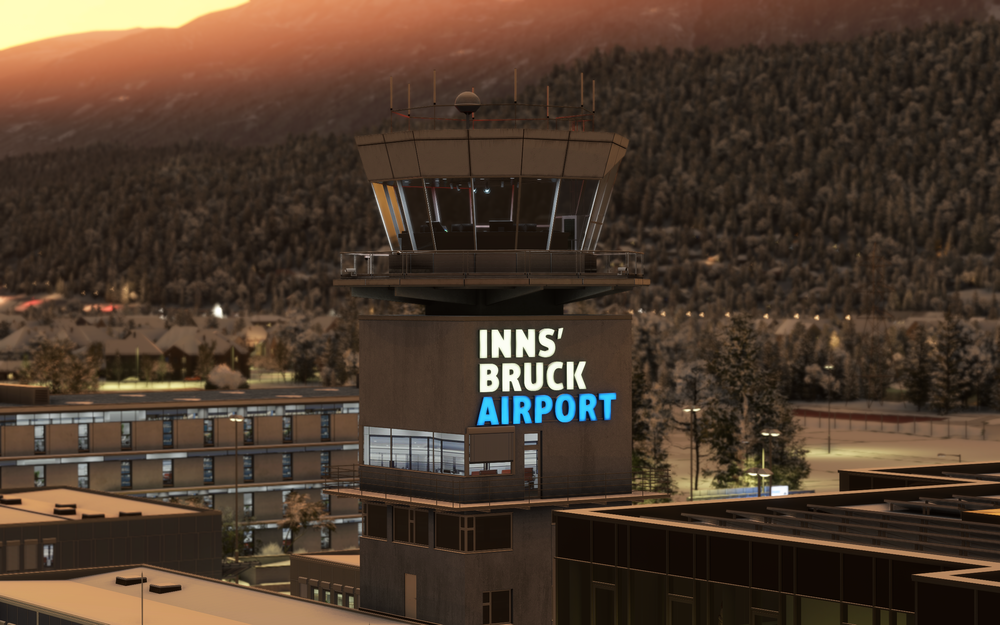
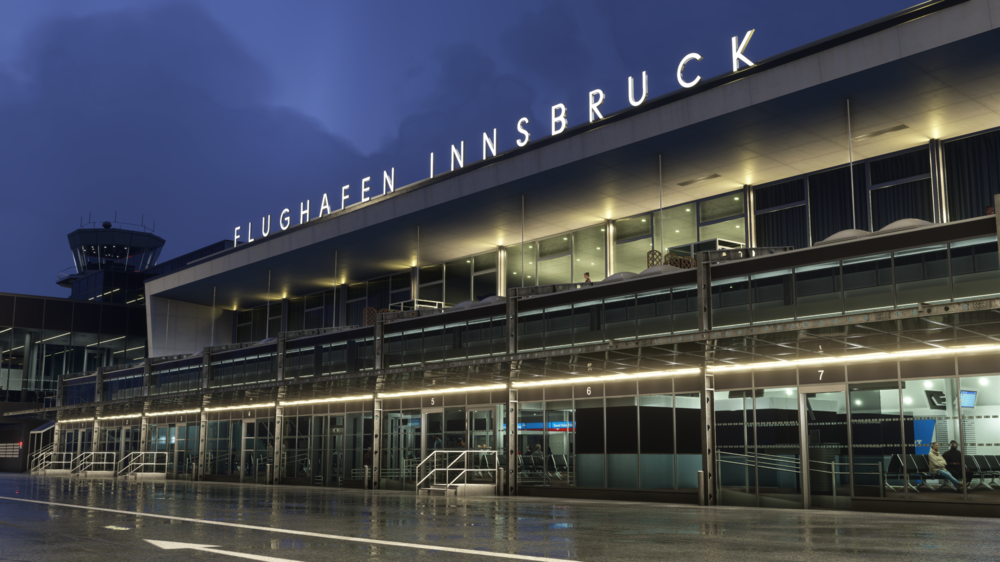
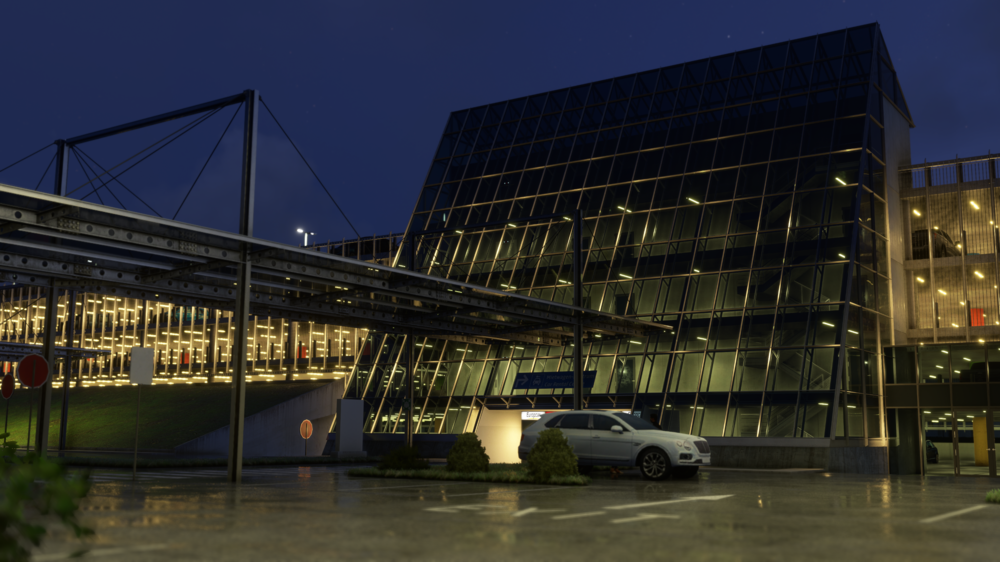
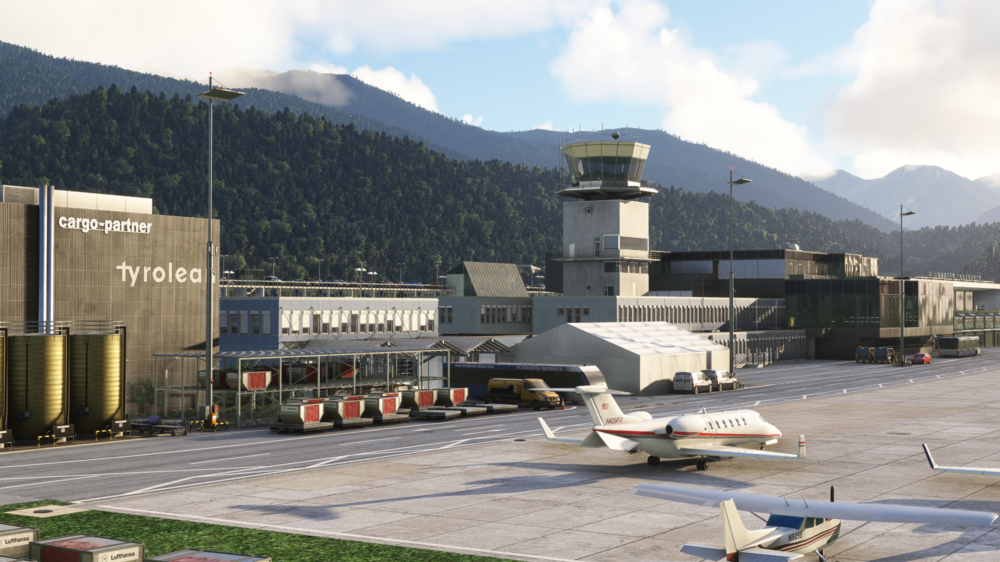
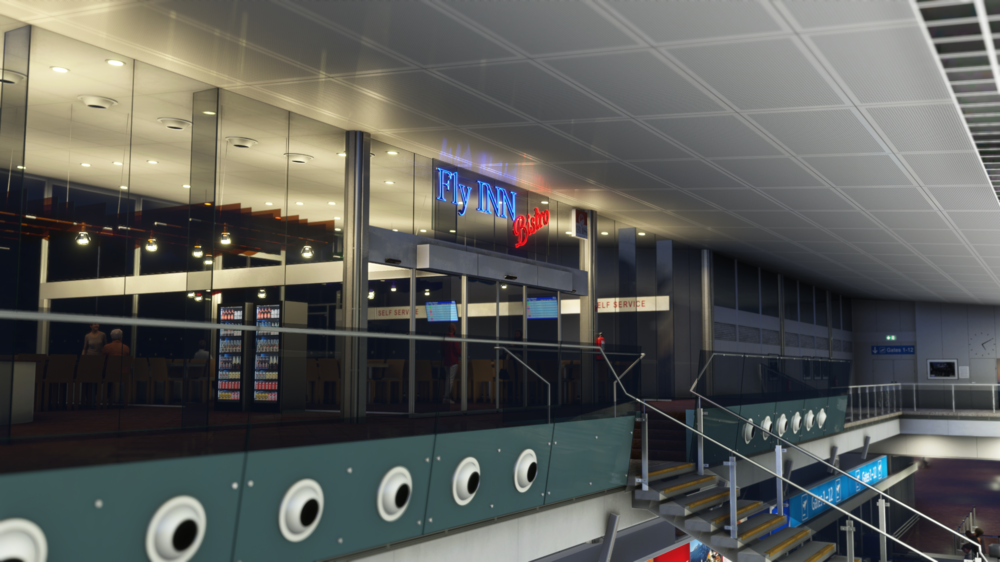
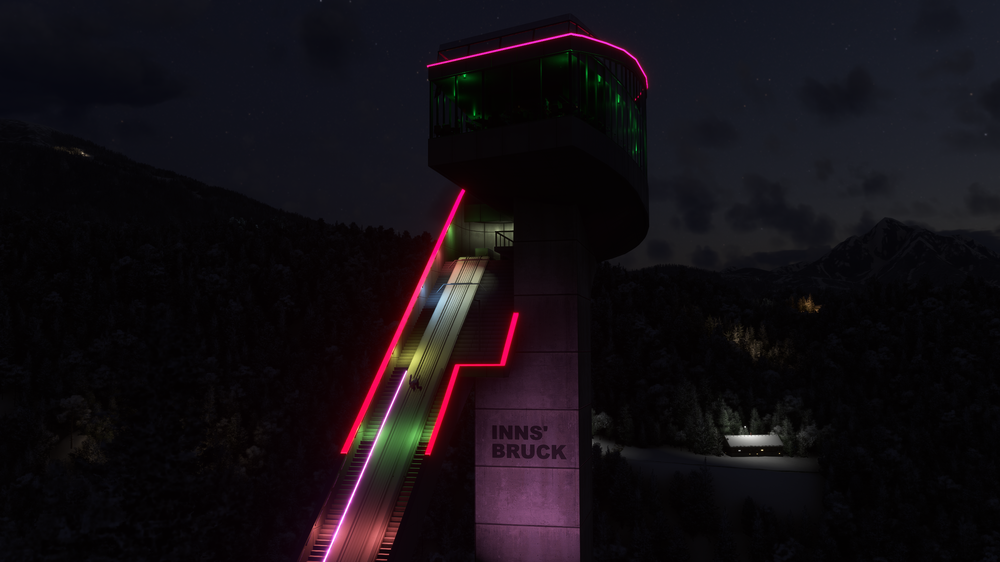
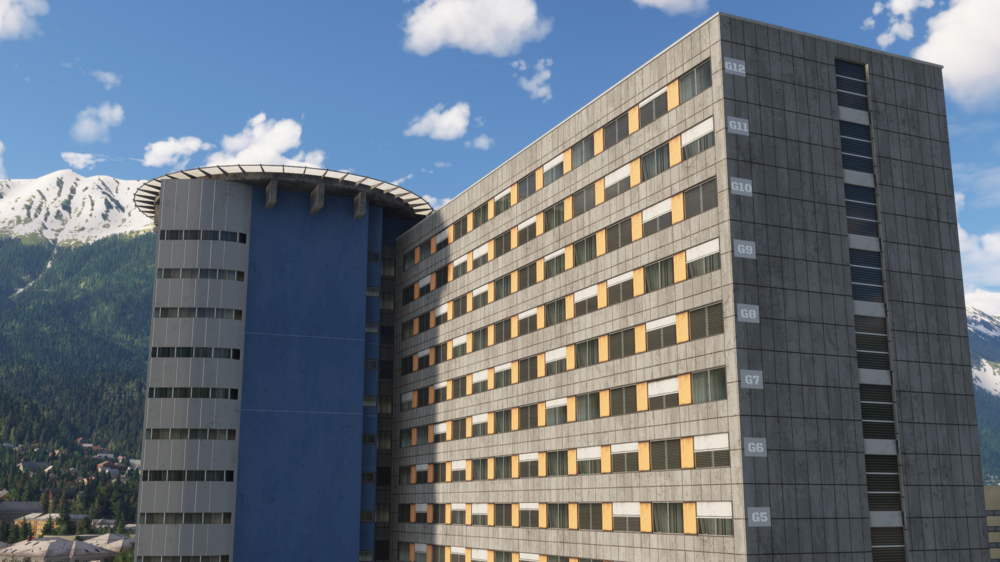
Welcome to Innsbruck Airport (LOWI), a stunning alpine gateway nestled in the heart of the Austrian Alps! Immerse yourself in the beauty of this meticulously crafted scenery, where the rugged mountain backdrop meets the modern facilities of one of Austria's busiest regional airports. Whether you're flying in on a winter charter or setting off on a summer adventure in the sun, Innsbruck Airport offers an unparalleled flying experience for all seasons. 🏔️✈️ Now available for £14.99 (excl. VAT) here: https://inibuilds.com/products/inibuilds-innsbruck-lowi-msfs Innsbruck is renowned for its proximity to world-class ski resorts and scenic hiking trails. The scenery captures the charm of this alpine destination, including iconic landmarks like the Bergisel Ski Jump, perfectly modeled to reflect the city's rich sporting heritage. The attention to detail in the airport environment, from the ground textures to the taxi signage, ensures an immersive experience for all pilots! Explore the intricate modelling of Innsbruck Airport’s terminals, where every element has been crafted with precision. From the custom vegetation and parking barriers to the dynamic lighting that seamlessly transition from day to night, this scenery brings the airport to life with a fantastic level of detail and realism. The airport layout is fully up-to-date, reflecting the latest developments and improvements at the real-world location, making this a must-have addition to your sim flying adventures. Scenery Features: Hand-made ground textures with crisp, bespoke texture sets (runways, aprons, paths, roads) True-to-life airport landside recreation with custom ground decals, signposts, vegetation, parking barriers, and more Accurately modeled and positioned dynamic airport lighting Highly detailed models of all airport buildings, objects, and surroundings Up-to-date airport layout reflecting the current, real-world location Official GSX Profile included in the scenery folder & iniManager download Level of Detail (LOD) optimization for smooth performance Use of the latest MSFS SDK features for enhanced optimization and performance Custom static aircraft for added realism Full iniManager compatibility for personalized configuration Bespoke taxi signage as it is in the real world Various custom Points of Interest (POIs), including the Bergisel Ski Jump, Christophorus heliport, Innsbruck University Hospital helipad, Tivoli Stadion & Arena, and many more! Whether you're flying VFR through the valleys or IFR on a winter approach, Innsbruck offers a unique and thrilling challenge to pilots of all levels. Don’t forget to explore the surrounding POIs, including the bustling cargo areas and the famous landmarks that make Innsbruck a top destination for both real-world and virtual aviators. We hope you enjoy this incredible recreation of Innsbruck Airport and the wide variety of routes it opens up for you! Plus, with the latest MSFS 2024 news, we’re happy to announce that this product will be a FREE upgrade if purchased anytime between now (1st November) and the release of MSFS 2024. ⛷️✈️ WATCH THE TRAILER As always, hanks for your continued support, it truly means the world to us, iniBuilds ❤️

-
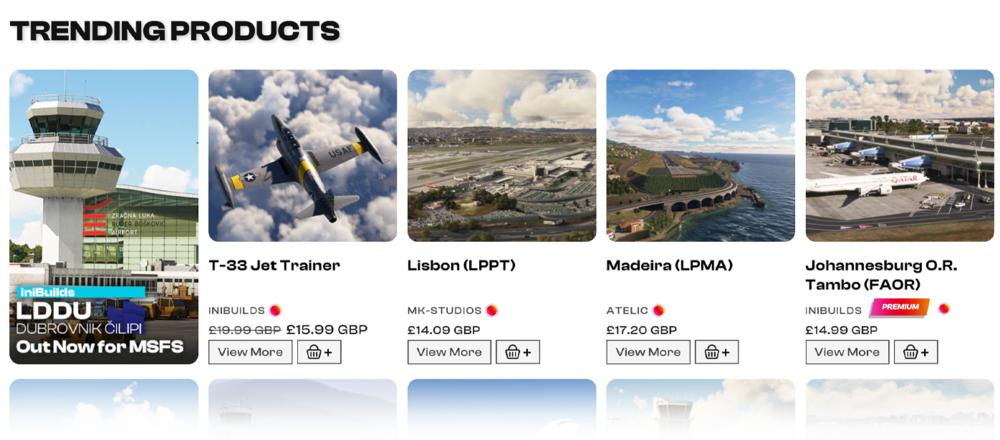
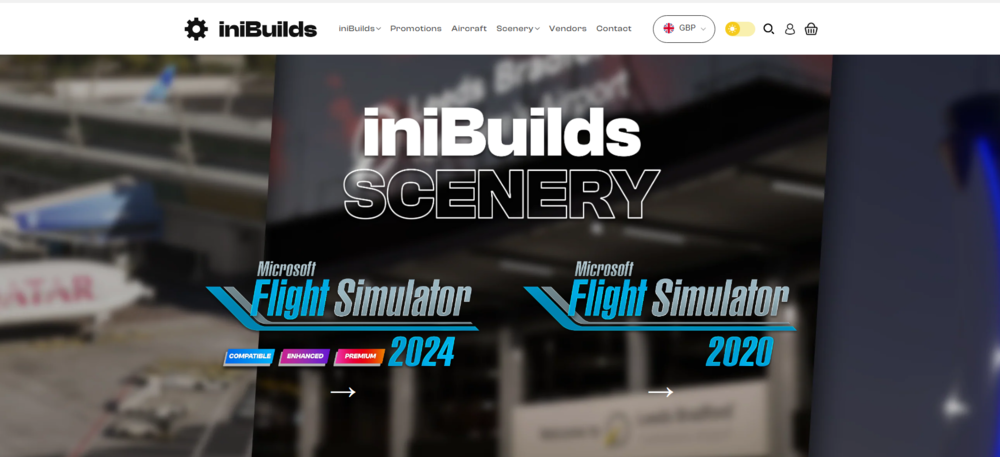
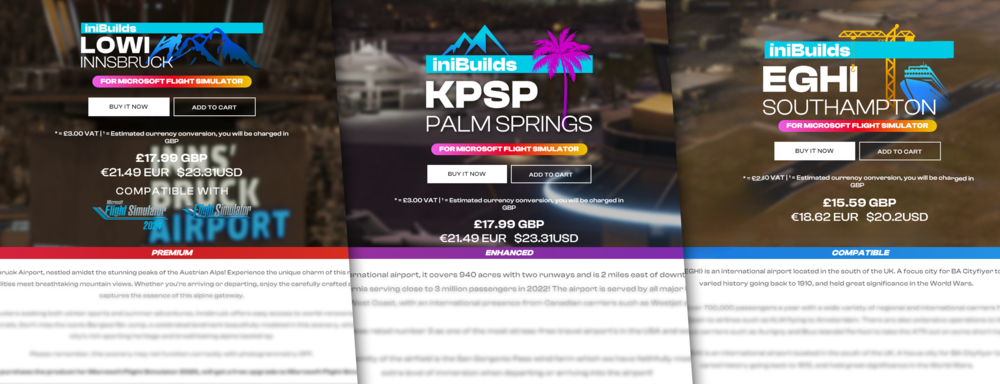
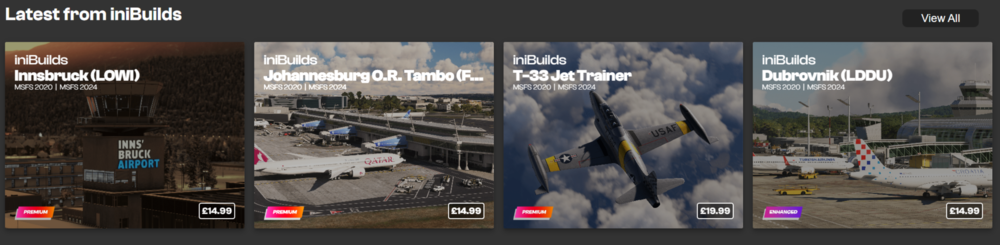
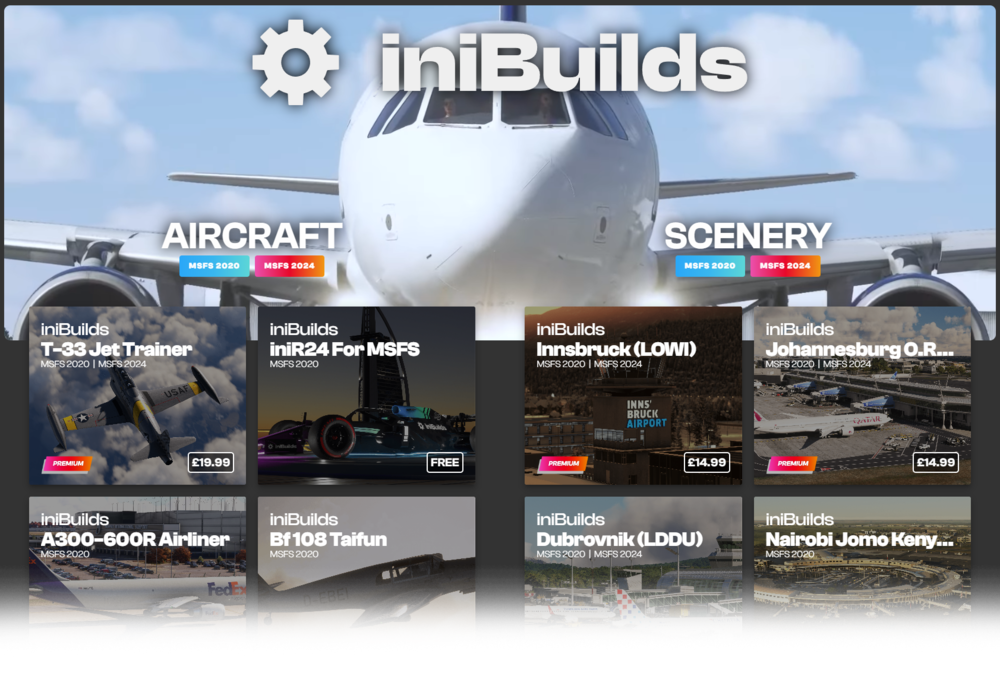
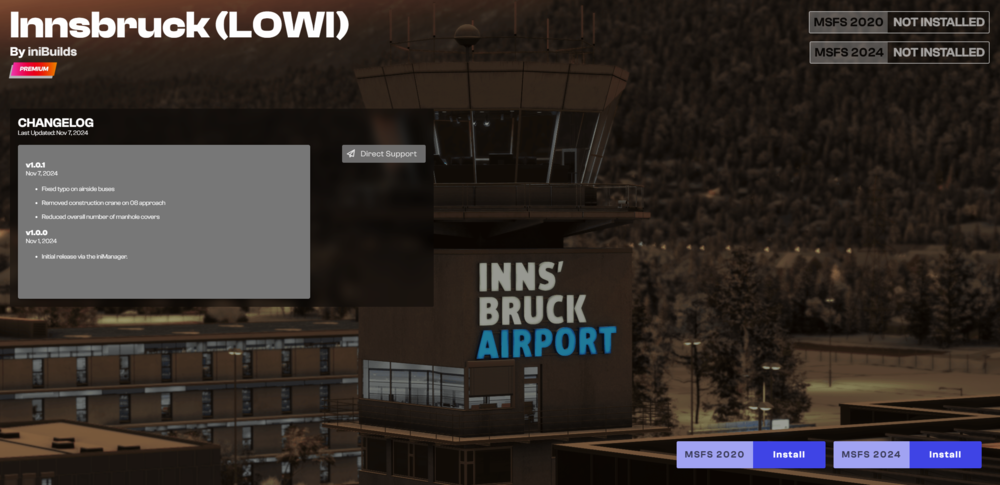
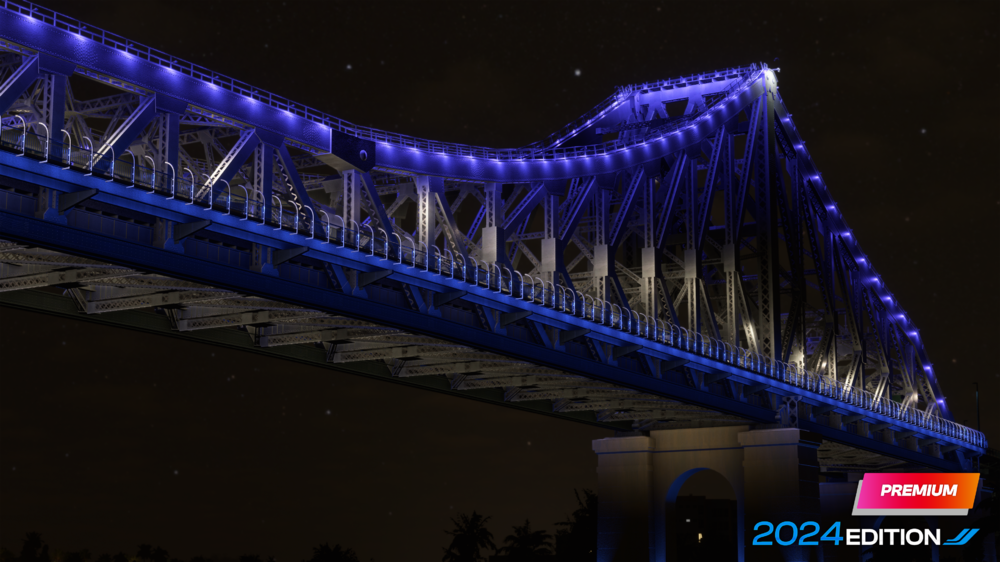
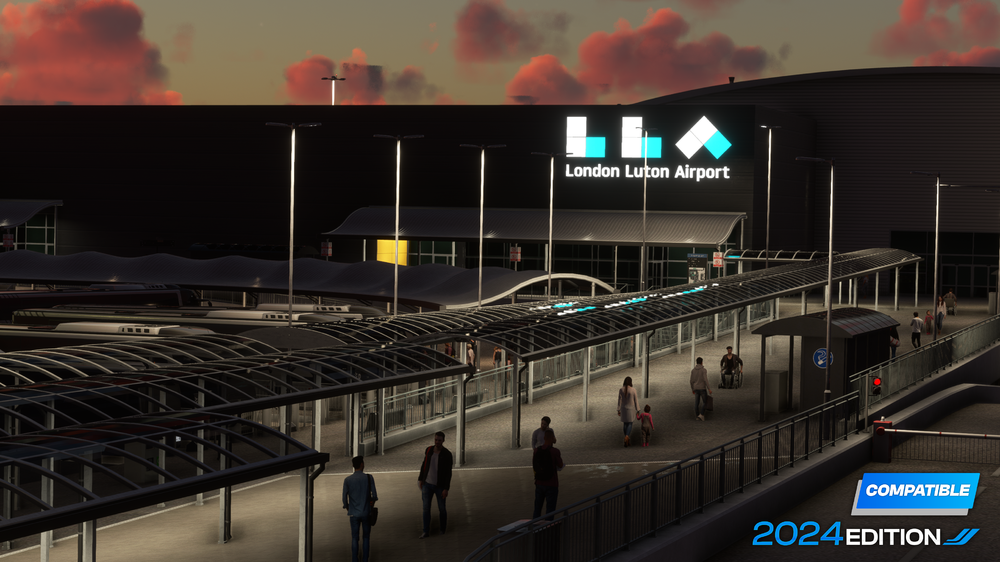
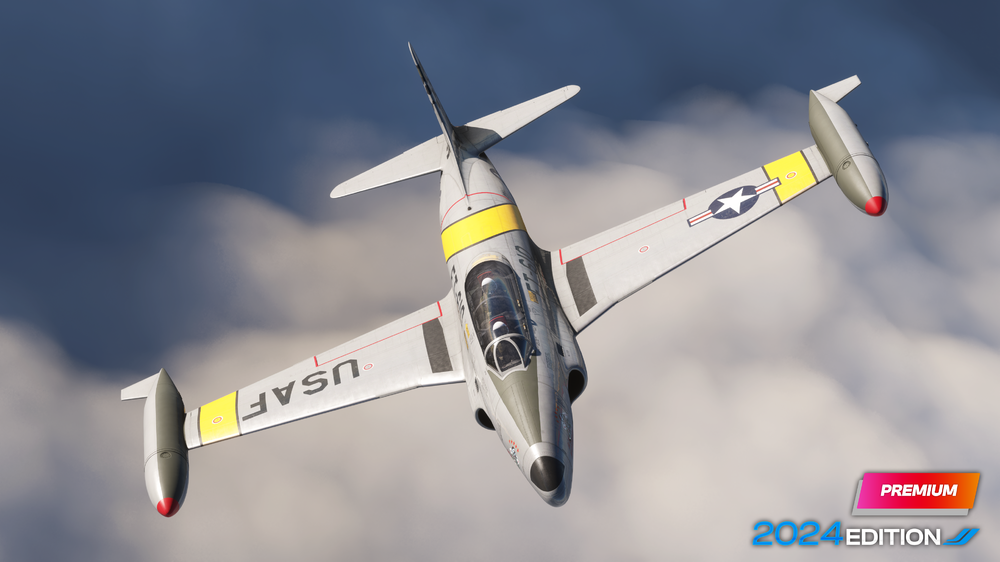
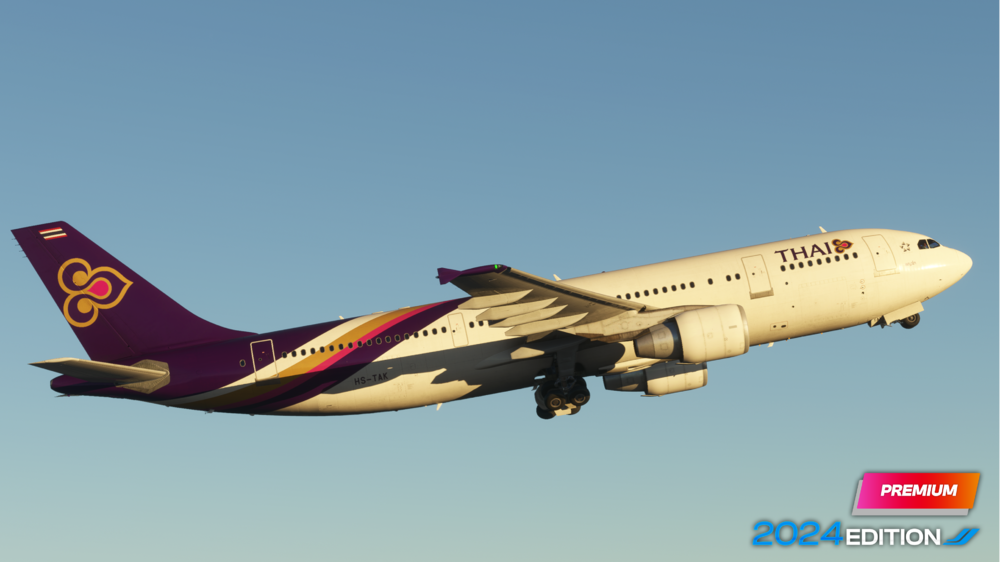
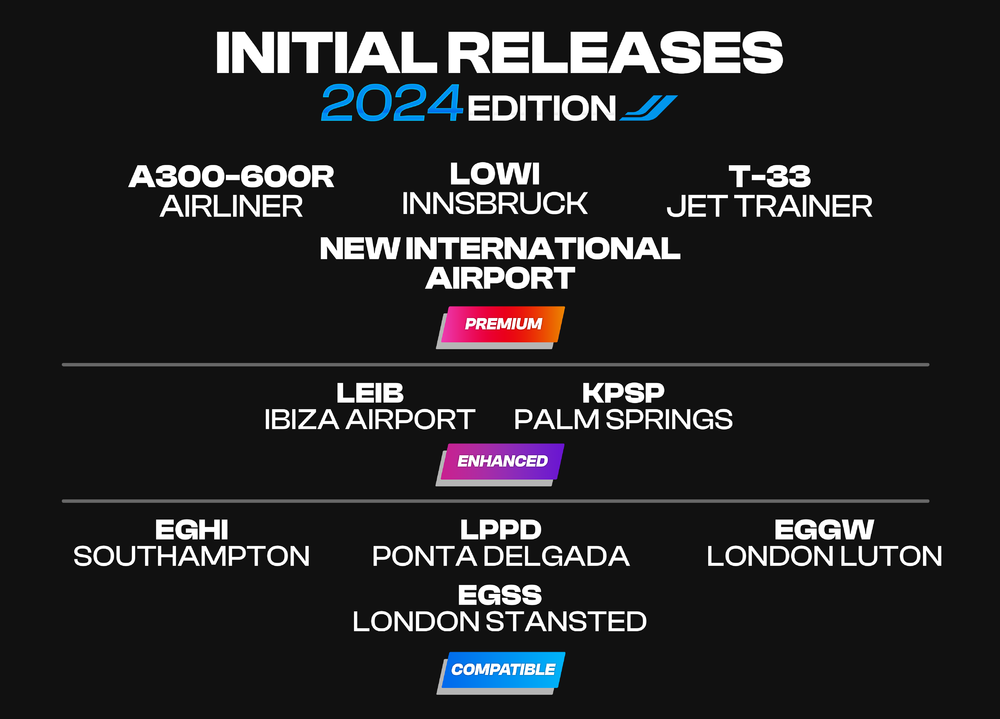
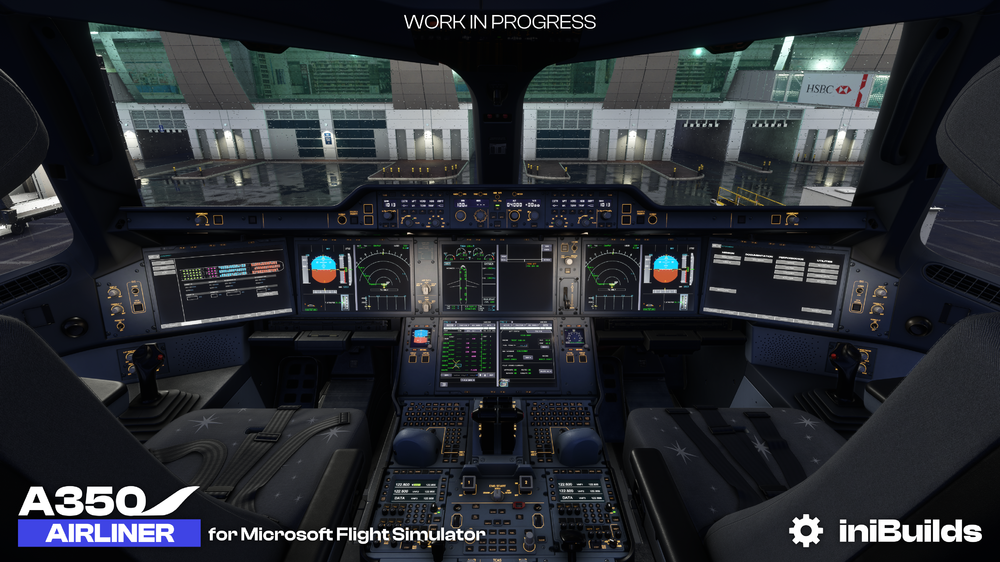
iniBuilds Product Strategy and Plans for Microsoft Flight Simulator 2024 As the release of Microsoft Flight Simulator 2024 is approaching we’re excited to share our new categorisation structure for the store and iniManager. You'll now be able to see that all of our product titles in MSFS 2024 will be split into three distinct editions: Compatible, Enhanced, and Premium. Here’s a breakdown of each: COMPATIBLE Edition [FREE] - A straight port of the original product. - Outstanding bugs from MSFS 2020 have been fixed. - Uses all existing textures and models. - Full performance/function testing for MSFS 2024 to ensure everything works seamlessly. ENHANCED Edition [Upgrade cost applies] - Fixes all outstanding bugs from MSFS 2020. - Models re-exported with new Level of Detail (LOD) system and materials. - Ground polygon textures upgraded to MSFS 2024 standards [Scenery]. - Additional features, like passenger handling and more, added for a better user experience [Scenery]. PREMIUM Edition - New product, complete rebuild or significant update depending on the product. - Full implementation of the new LOD models and textures system. - All the latest MSFS 2024 features added for a cutting-edge experience. - Includes brand-new or fully upgraded ground polygons [Scenery]. This structure ensures we offer something for every type of user, from those looking for a solid, reliable experience with our Compatible Edition, to those seeking the best in realism and features with our Premium Edition. These changes will be reflected across all areas where you see our products - from the iniBuilds Store, the iniManager and Simmarket. We will aim to use these colour profiles to indicate & distinguish between each. We are yet to finalise the structure for the products on the Microsoft Marketplace, and the best way to present this for our customers who have purchased via that method. We will be circulating more information on this when we have access to marking our products accordingly in the Marketplace Content Portal, but we will try and align these as close to what is explained here as possible. On or a few days after release we expect the following products available on the iniBuilds Store (iniManager) & SimMarket: Scenery: Premium New International Airport - A brand new international hub that has been hand-crafted for Microsoft Flight Simulator 2024 from scratch! We attach a sneak peak below; try and guess which airport it might be! LOWI Innsbruck - Nestled amidst the stunning peaks of the Austrian Alps, our latest airport release for MSFS 2020, will be available for MSFS 2020 customers free of charge within MSFS 2024! Enhanced LEIB & KPSP - These two airports have been updated in line with our Enhanced edition which fixes all bugs from MSFS 2020, all models re-exported with new level of detail (LOD) system and materials, all the ground polygon textures upgraded to MSFS 2024 standards and some additional features, like passenger handling for an overall better user experience. If you are a Microsoft Flight Simulator 2020 customer you can purchase the Microsoft Flight Simulator 2024 Enhanced Edition of these airports for £4.99. If you want to purchase these two airports as a new customer in MSFS 2024, the price for each of these will be £15.99. Compatible EGHI, LPPD, EGGW, EGSS - These airports have been updated in line with our Compatible edition which is a straight port of the original product with outstanding bugs from MSFS 2020 have been fixed, uses all existing textures and models and Full performance/function testing for the MSFS 2024 simulator to ensure everything works seamlessly. If you are a Microsoft Flight Simulator 2020 customer and own any of these airports you can download the MSFS 2024 Compatible edition for FREE. If you are a new customer for these airports upon purchase you will have access to both the MSFS 2020 and MSFS 2024 Compatible versions of the product. Over the next few months we will be updating our suite of products in line with our structure outlined today. Please note we aren't going to share which category they fall into and when they will release as some are large hubs; however rest assured any airport released this year will be a free update for MSFS 2020 customers in line with our commitment we shared earlier this year. Aircraft: With aircraft, you can expect the iniBuilds T-33 Jet Trainer Premium to be updated free of charge for Microsoft Flight Simulator 2024 as this product released this year. For the iniBuilds A300-600R Airliner, two versions will be available; Compatible and Premium. The Compatible version will simply work in MSFS 2024, and will be available for customers who purchased the product in MSFS 2020. We will also be releasing an iniBuilds A300-600R Airliner Premium version for Microsoft Flight Simulator 2024. This will have a host of new features targeted at new MSFS 2024 features such as exterior interactions, covers, navigation graphs for passenger seating positions, career mode capability for marketplace, a new flight model aimed at MSFS 2024, dirt, wear and tear, new effects and many more improvements and fixes. The MSFS 2024 Premium version will be £44.99 and if you are a MSFS 2020 customer, you can upgrade to this version for £9.99. To be clear this is NOT referencing the EPIC mod expansion that we have discussed in the past as a potential expansion. This is still under consideration internally and once we have more to update on this expansion it will be shared in a dedicated A300 update. Disclaimers: Please note that we will no longer be making significant updates to the MSFS 2020 versions of ANY of our existing library (scenery or aircraft) when Microsoft Flight Simulator 2024 releases. Please also note we will not be updating all products in our library unless explicitly communicated, so please be aware of this if you still decide to purchase a MSFS 2020 product. The production cycle for both sims, whilst having some shared elements, does have differences and we are not able to commit to servicing both simulators at this time. Changes to Navigation We've made some changes as to how you'll navigate scenery and aircraft options from iniBuilds. Now, when you select iniBuilds -> Scenery/Aircraft from the top navigation bar, you'll be brought to a landing page with the option to select from either MSFS 2024 products, or MSFS 2020 products. Landing Page - You'll be able to select which one you wish to browse, each will take you to dedicated pages showing products that you can use in the desired sim. Home Store page visual example - Johannesburg O.R. Tambo (FAOR) showing that it is a 'Premium' Edition product and tagged in-line with the above guidelines. Product page visual example - Three examples of product pages with their respective edition tags as per guidelines. iniManager Changes! - Coming soon iniManager home page visual example - Examples of product display with their respective edition tags. iniManager visual 'By iniBuilds' - The new 'By iniBuilds' page, which now allows you to search between MSFS 2020 and MSFS 2024 products with ease via the filter tags below each title. The iniManager has been updated to make navigation easier for you to find relevant products for each sim, with the sim names written just below the title, and if you're looking at iniBuilds products, the Premium, Enhanced and Compatible logos will be displayed in the bottom left of each product card. Installation Changes Within the iniManager, we've now given you the option to have both MSFS 2024 & MSFS 2020 installation directories enabled at the same time, you can set your MSFS 2024 Community sim path in the settings or at initial setup. For products with downloads for each sim, there will now be two download buttons on product pages, simply select which one you'd like to download and install, and the client will do the rest! We hope that this outline of our plans helps to clarify what to expect from us and our store in the coming weeks and months as we welcome in the new simulator. We're aiming to have everything ready upon release to ensure a seamless process, so over the next few weeks you may seem some changes coming to the store, iniManager and elsewhere. Rest assured, any changes or important information will be communicated to you across our socials, forum, discord and newsletter. What's next? Well, we are all counting down the days till MSFS 2024 releases, and of course we will be releasing our new international hub along with updates to airports and our aircraft! 🥳 We know a lot of you are keen for an update on the iniBuilds A350 Airliner. As we shared a couple of months ago on our Discord this project is being produced for Microsoft Flight Simulator for 2024 only at this time along with the remainder of our 'big' planes projects. The team is working incredibly hard to get this wonderful aircraft ready for you, and as we previously communicated this product is targeted to release before the end of 2024. However, this product is also setting a new standard for iniBuilds and the aircraft we make and we want to get it right, and if that means a delay of a month or two, then we want to be clear that is the route we will take. Nevertheless, its going to be a truly exciting remaining year and in December we will have a whole host of A350 dedicated content to showcase and preview. Following the release of the numerous airliners we created in MSFS 2024 [A330-200/-300/P2F, Beluga XL, A400m, A321LR, A320neo, A310] the majority of the team is now full speed on the A350! We wrap up this extensive post with a little thank you for getting this far, with a WIP teaser image of the EK359 ready for boarding at DXB! Please note its still WIP and does not represent the final product. Kind regards, iniBuilds Team ❤️


-
v1.0.1 of iniBuilds Johannesburg (FAOR) for MSFS has been released. This update brings fixes for some of the known terraforming issues, adds some more “life” to the runway with colour/tire marks, adds additional heavy gates by removing some static models and more! This update can be downloaded via the iniManager. v1.0.1 - Added some colour/tyre marks to runways (note: provided - reference comparison is out of date) - Fixed various elevation issues - Added additional heavy gates, removed 2 statics. - Fix road elevation issue in cargo area - Added missing security entrance behind cargo area and tidied up the GP - The entire D apron now slopes gently downwards from about D24 to D3 - Some tweaking to terrain and aprons on cargo landside areas - Fixed staging area typo - Rework airline codes for all parking areas. - Adjusted line marking alignments across hold points.
-
v1.0.3 of the iniBuilds T-33 Jet Trainer for MSFS has been released. This brings some changes to a few areas after further feedback from Greg. This includes tweaking the engine mapping for performance and fuel burn, high altitude performance increase and more. This update can be downloaded via the iniManager. v1.0.3 - Engine mapping tweaked for performance and fuel burn, based on further pilot feedback - Dive brake functionality now tied to hydraulic pressure - Fuel burn tuning improved - Elevator trim granularity increased - High altitude performance increased
-
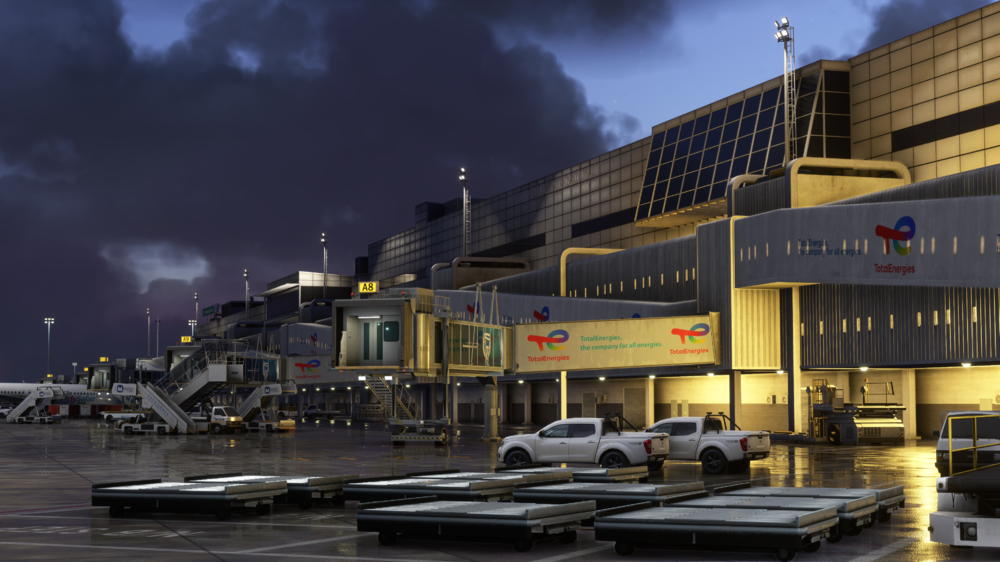
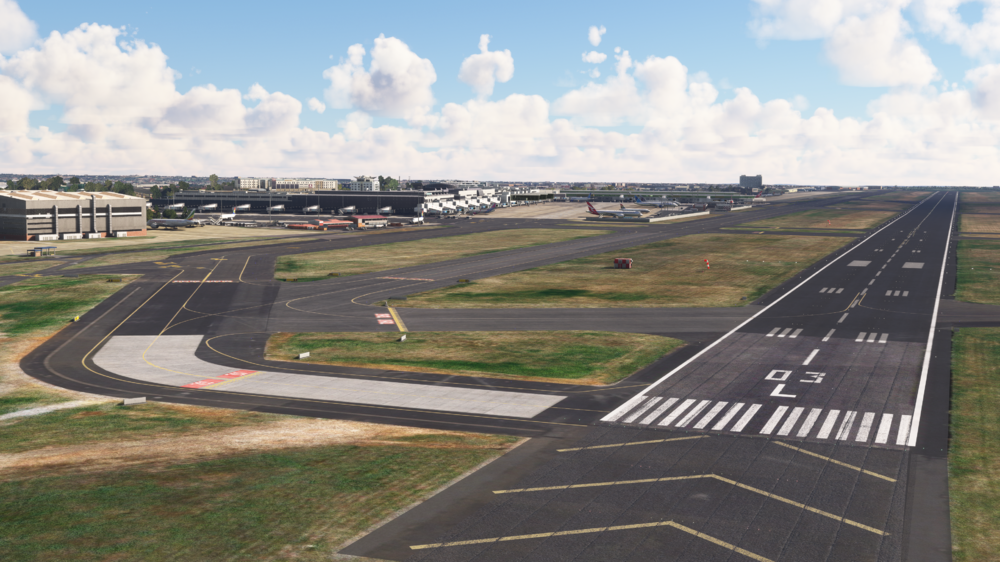
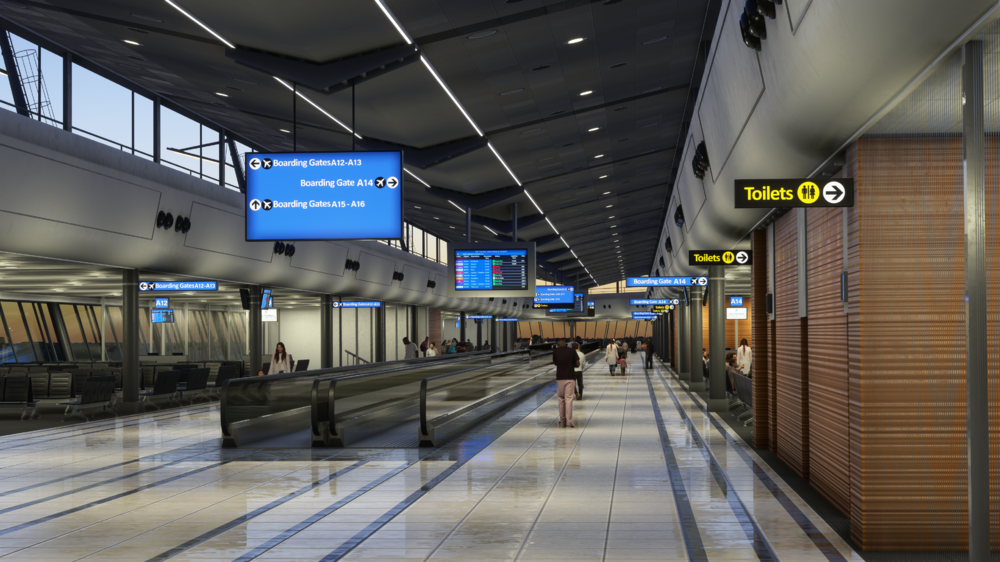
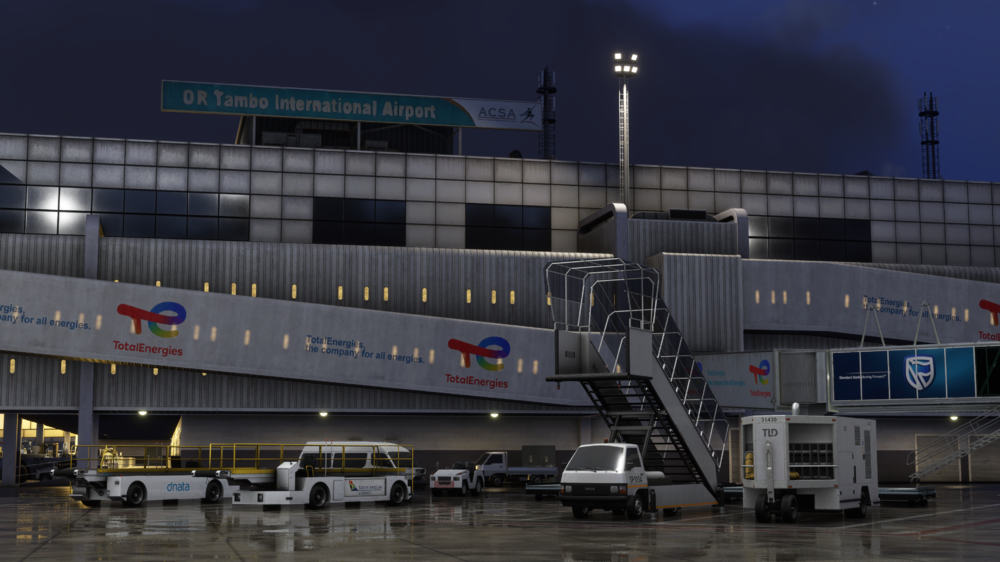
Welcome to OR Tambo International Airport (FAOR), Johannesburg's premier gateway to the world! Experience the bustling energy of South Africa’s busiest airport, beautifully recreated by iniBuilds. From the intricate details of the terminal to the expansive runways, this scenery delivers an immersive flying experience across the African skies. ☀️ Now Available for £14.99 (excl. VAT) here - https://inibuilds.com/products/inibuilds-johannesburg-faor-msfs From the beautifully detailed landside areas to the sleek, contemporary terminals, immerse yourself in the bustling atmosphere of OR Tambo International Airport. As the primary gateway to South Africa and a key hub for airlines like South African Airways, this airport connects you to a wide array of international and domestic destinations. iniBuilds has captured every aspect of OR Tambo, ensuring a lifelike and immersive experience, whether you're taking off on a global journey or arriving in the heart of Africa. Inside the terminals you'll find some truly amazing modelling and texturing work that has been done by the team, from the shiny tiles on the floors, the cladding on the ceilings to the lively atmosphere. Scenery Features Hand-made ground textures with crisp, bespoke texture sets (Runways, aprons, paths, roads) True-to-life airport landside recreation with custom ground decals, signposts, vegetation, parking barriers, and more Accurately modeled and positioned dynamic airport lighting Highly detailed models of all airport buildings, objects, and surroundings Up-to-date airport layout reflecting the current, real-world location Official GSX Profile included in the scenery folder Level of Detail (LOD) optimization for every model to encourage the best performance possible Use of the latest MSFS SDK features to allow for the best optimization and performance possible Full iniManager compatibility to configure your scenery for the best possible performance for your system Bespoke taxi signage as it is in the real world Adventure around the maintenance areas and take a look over the SAA A340s that are laying around, or head over to the busy cargo areas to plan your next load! As you can see, this is a truly awesome scenery - the weathering on the terminal metal cladding adds to the "grunge" feel of the terminal and the night lighting pops! 🔦 We hope that you enjoy this one and that it provides you with a wide selection of routes to fly to & from in the coming weeks. With the latest news on MSFS 2024, we want to let you know that this product will be a FREE upgrade if purchased anytime between now (27th September) and 13th November 2024. Thanks for all of the love and support, iniBuilds ❤️



-
v1.1.6 of the iniBuilds A300 BelugaST ON THE LINE is now available (XP12 & XP11). This update addresses some minor bugs and restores functionality to the auto throttle system. This update can be downloaded via the iniManager. v1.1.6 - Minor bug fixes - Auto throttle functionality restored
-
v2.1.4 of the iniBuilds A300-600R(F) ON THE LINE is now available (XP12 & XP11). This update addresses some minor bugs in previous builds and fixes impact on aircraft/systems due to EFB TO perf and a logs issues. This update can be downloaded via the iniManager. v2.1.4 - Minor bug fixes - Fixed impact on systems/aircraft due to EFB TO perf - Fixed aircraft logs filling out excessively
-
v3.1.1 of iniBuilds London Heathrow (EGLL) for MSFS has been released. This update brings WU17 compatibility, fixes Nool VDGS issues, various other PG items, fixed textures in certain areas, missing SD/HD texture folders and more. This update can be downloaded via the iniManager. v3.1.1 - Compatibility update with WU17 - Fixed Nool VDGS not working - Fixed floating Cars at T2/3 Carpark - Fixed water Mask around the west perimeter river - Fixed ground Texture Conflict near POI-Marriott - Exclude PG Buildings and align placement of POI-Hotel-Business-Cluster with PG - Exclude/Align POI-long-stay-T5 with base PG - Fixed perimeter Wall Floating - Missing SD/HD Texture folders - Fixed 27R duplicated marking at stopway area - Z-fighting textures + Misaligned buildings near T1 landside area - Fixed bridge duplicate + Conflict with Runway 9L light + Trees + Fence - Fixed some Nool VDGS spawning inside terminal - Gate 223 Missing Jetway
-
v2.3.9 of the iniManager has been released (For Windows). This is a minor update that fixes wording in some instances when uninstalling product customisations. This update will be downloaded automatically when you launch the app or you can manually download it here. v2.3.9 - Fixed wording when uninstalling product customisations.
-
Thank you to everyone on the amazing feedback we have had on our T-33 Jet Trainer! We have been listening and have made some improvements based upon your feedback, so we'll give you a quick run down on that below. The has been some updates with cockpit instruments where they weren't working quite right, a few gaps that we found here and there have been patched up with duct tape and we've got a fresh battery in to make the external lights slightly better! We've also been tweaking the autopilot a little bit here and there to give better performance during different phases of flight. One highly requested item was being able to select local NAV1 VOR's to your location on the EFB and transfer them to the NAV unit - We've done some tinkering and we're glad to say this is now available! We are excited to see requests for more liveries and we are pleased to introduce two new bare metal based liveries from Columbia and France, with more variations coming soon based on your suggestions, keep them coming in through the forum, discord or socials! Finally, we've added a new alternate engine flight model as an option for those that wish to use it - Electron Volt's Allison Engine Flight Model. This can be downloaded directly from the product installation page. By default, the aircraft will be downloaded & installed with the Official Engine Flight Model, so to select the alternative EFM, please navigate to the bottom right of the page, click the "Engine Flight Model Selector" button, and select 'The Electron Volt Allison Engine Flight Model'. If you would then like to return to the official EFM, either do a complete reinstall of the aircraft (unadvised), or simply remove the alternative EFM by clicking the trash can icon and confirming this action, then selecting the Official EFM to reinstall this into the aircraft folder. We love getting feedback from the community and it helps us provide you with products you actually want to use - so thank you for all of the useful points we've receive since the last update. We'll continue to address any concerns, bugs and requests so keep sending it in and we'll see what we can do! ------------ v1.0.2 - Patched up see-through holes and light-bleed holes in the fuselage and cockpit models - Beacon light lens does not allow for splash/emissive effect at LOD0/1 - Fixed - Checklists updated with spelling and descriptions errors. - Checklist validation increased to 24% on engine start-up due to FM changes. - EFB ability to list local NAV1 VOR frequencies and transfer to NAV1 unit. - Fuel system page on G3X updated to correct description. - Beacon always flashing fixed. - Colombian livery added. - French livery added.
-
v1.3.0 of iniBuilds Los Angeles (KLAX) for MSFS has been released. This update contains a variety of new changes, from the re-designed taxiway layouts on RWY24L/R, to changes of static GSE to accommodate the brand new - official GSX Profile, as well as some other smaller changes. This update can be downloaded via the iniManager. v1.3.0 - Added official GSX profile (v1.0) - New up to date taxiway layout - Some static GSE been moved or removed completely to accommodate GSX - Further optimisations to some GSE models - Fixed various elevation issues - Gate 159 Wall not flat - Missing Cargo buildings near south FDX Ramp (Taxiway A2) - Gate 155 Jetway too high - Updated wig wags
-
-
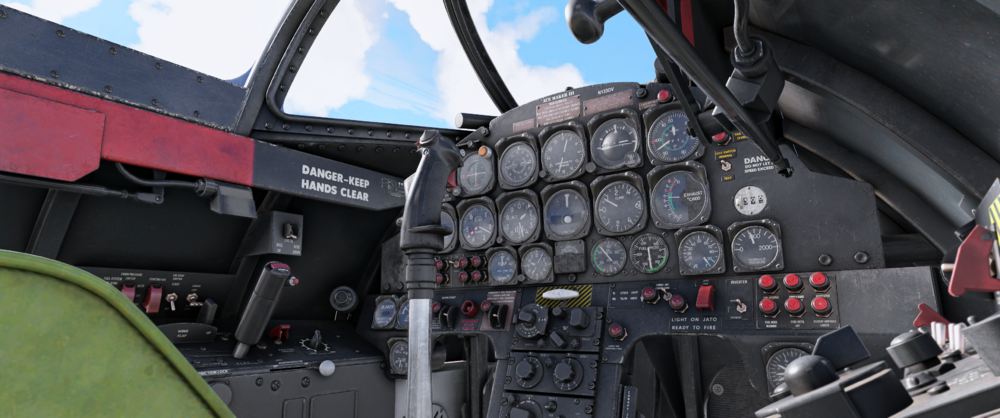
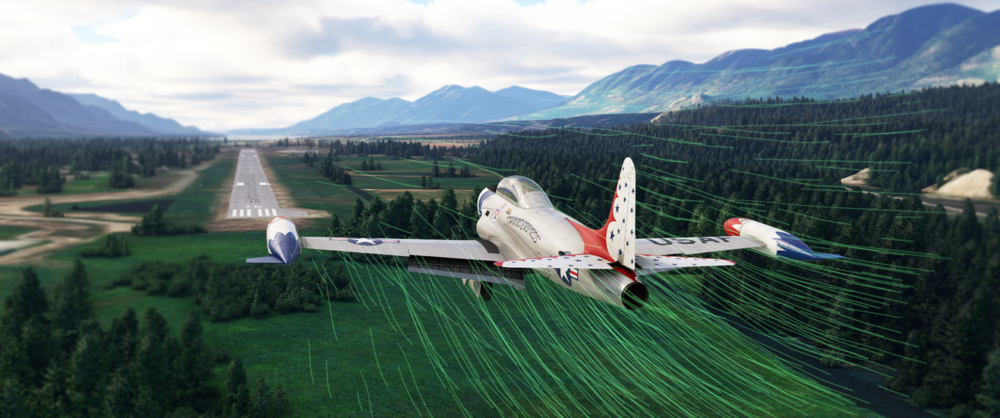
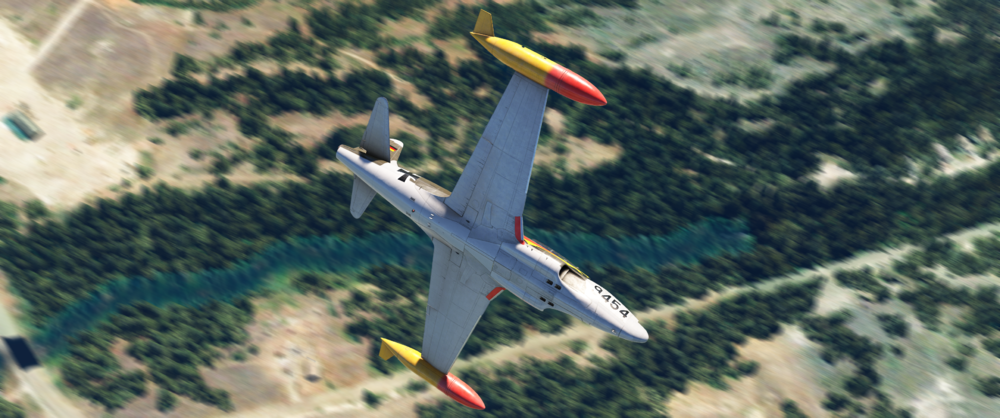
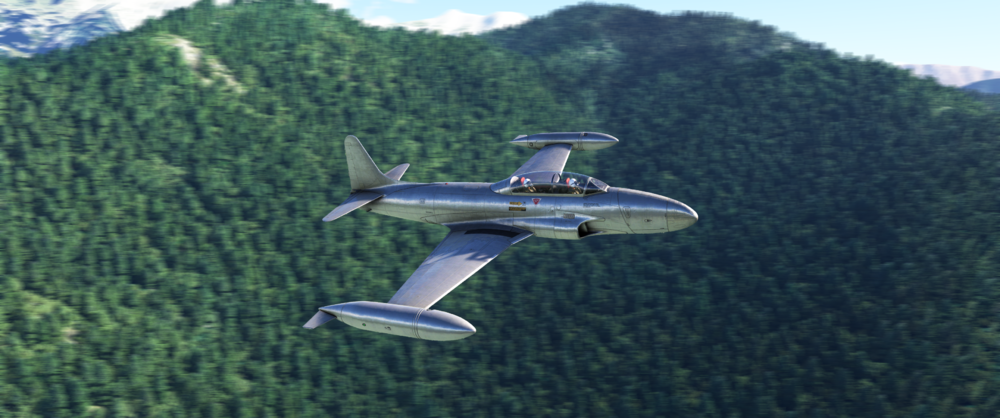
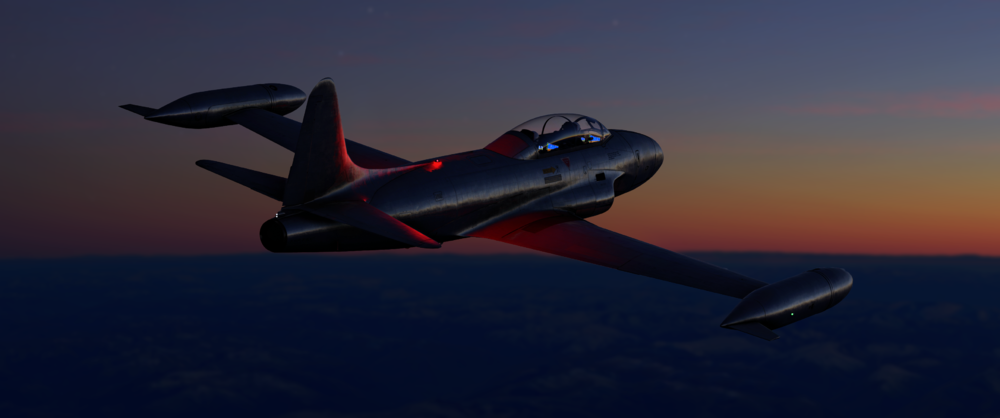
Hello all! 👋 Today we're talking about our latest release and the first update shipped to the T-33 Jet Trainer🚀 If you haven't already picked up a copy, you can get one here and with the latest changes, we're certain you'll love it! Buy Now. The feedback from the community so far has been super useful, with the overall feeling and reception to this aircraft being incredibly positive! We're glad you've been enjoying something a little different to our usual products with this one and hopefully this update today will bring some welcome Quality of Life and other refinements to the aircraft. 💪 Update v1.0.1 brings a variety of improvements, bug fixes and new features that enhance both the visual experience and overall flight experience to the jet, so let's jump right in and see what we've done in the last week since launch! Visual and Texture Enhancements: One of the points of feedback from the community on liveries was the desire for the bare metal to show through how it does in real life, some of the community were quick to make mods for this to get the most realistic representation which we love to see! However to prevent you from having to download something extra to see how it does in real life, we've made the necessary changes for this to be in the base download! We've also had notes of some decals not being placed correctly, so we've resolved these too, these covered a couple of different liveries, so you should see a more accurate representation across the base liveries moving forwards. ✅ Moving on, we have made some slight tweaks and adjustments to the cockpit textures and placements of some items, including general improvements for better clarity and realism. The canopy open/close panel has been slightly shifted to make more visible also and we've added some markings to the fuel pressure gauge to make for easier interpretation. 👀 Other cockpit changes include the elevator trim indicator has now changed to the correct colour, the ADI ball has been fixed to show the horizon line on the gauge rotate in the expected manner with roll maneuvers and other floating cockpit decals have been fixed. 👻 On the outside of the jet, we've added some weathering effects to the luggage pod for a more worn and realistic look as well as some fuselage fixes which had see-through areas, the mechanics have been busy patching these over! Paint Kit 🎨 Now, a BIG request from you guys, which we wanted to have ready for the initial release but it fell slightly behind, the Paint Kit! Finally ready for you guys to get stuck in to with! There's so many impressive liveries out there beyond the ones already made by some, however hopefully this paint kit will make it easier to recreate some of those really awesome paint jobs out there for this historic aircraft. Systems Improvements: Some other QoL tweaks for systems/lighting includes changes to the most of the lights systems, the TACAN panel and updated in-cockpit checklists. 📄 Starting off we've made sure that the beacon light is not always on, this was a weird one but we've made sure that is no longer an issue for you! Next, overall lighting tweaks have been made to bring these closer to real life, including changing the intensity of the landing and taxi lights, these seemed to be rather dim and lifeless initially, but now they should appear at lot more prominently in sim, especially at distance! 🚨 Updated checklists have been included to reflect some of the above points, these should enhance the accuracy and realism of these checklists and operation of the aircraft overall. 📃 Closing out the systems improvement section, we've made adjustments to the TACAN panel, to ensure that the numbers are now correctly displayed, there were some issues causing these to "fall through" the panel and become unreadable, so this should now show as intended. 🔢 Flight Model Updates: On to some of the juicier bits, we've verified with Gregory Colyer from Ace Maker Aviation to ensure figures and details are as expected from the real jet. So with flight model adjustments they are always a sensitive subject, and some tend to have their own ideas on what is right/wrong, which we can totally understand, but they are not necessarily the most accurate in relation to the real jet. 🛩️ So with this, we've made sure to fine tune every aspect of the flight model to ensure an accurate representation of the real jet and meet the expectations of this product. So let's dive into the changes with the first point referencing the Dive break effectiveness; Dive brake effectiveness/performance have been tuned to be slightly less efficient than they were in the release build. Previously they were "too" effective, which in reality is not the case. We've dialed the numbers back a bit so you'll have to think about slowing down a bit sooner now! 🚫 Moment of Inertia (MOI) has been re-evaluated to be in line with NASA test data for a more accurate flight dynamic, in general it has been increased, this will mean that the sense of 'weightiness' has been increased and you'll notice an addition of stability, especially in yaw. Fuel Flow has been slightly adjusted for results closer in line with what we expect from the numbers provided by Greg. This changes spans various altitudes and tightens the tolerances to what we expect to see. The largest change in a sizeable increase of fuel consumption can be seen at lower altitudes! 🔥 Slow Speed Handling, this thing likes going fast, but you'd be amazed at the slow speed capabilities of this jet! We felt that the aircraft was a little too unstable at slower speeds which doesn't reflect accurately on the jet in real life, you'll see that these changes will help maintain stable approaches in landing configuration, as well as low speed maneuvers. Overall the aircraft will feel less sensitive to pitch inputs when trimmed correctly for approach, however don't get soo slow otherwise you'll see the new Stall Mechanics! Stall Mechanics, have been adjusted to an improved and more realistic representation of the behavior you can expect from the jet, whilst this is still an incredibly stable platform to perform stalls, being able to hold a fully developed stall all the way to the ground from altitude if you really wanted to (not sure why you would, but you could! 😅), the characteristics have been fine tuned to be more in line with what should be expected from the real jet. The departure of attached airflow angle and speed have both been lowered, this results overall in stalling speeds being lower in general. 🍂 Aerodynamic Profile, another one which has been update to be a more accurate representation after pilot feedback, are the aerodynamics of this jet. As previously mentioned, it is an incredibly stable platform - across a broad range of configurations. Therefore, we've slightly tweaked the peak AOA lift to assist with departure of airflow across surfaces in clean aircraft configuration and improved control authority at higher relative AOA's 📐 Drag profile is a fun one! Previously the speed decay through the air was too low (if you can believe that!) 🤯 This isn't a high bypass ratio engine, it's effectively a missile with large wings and somewhere to sit! Once you cut that throttle, the aerodynamics of this jet will keep it going for a long time with relatively little effective speed loss. However through the mid ranged Mach numbers, it was proving a little too slippery for what we'd expect to see, therefore we've tuned in a small increase in overall drag to this range and this should hopefully match what we're expecting to see from the jet. 🪂 Engine thrust profile has been tuned according to changes in the drag profile changes as mentioned above. The fuel flow data also plays into this and has tightened the tolerance to the datums. In general a reduction in thrust at mid altitudes will see the biggest difference and will align the aircraft to pilot handbooks. 🚀 Nose wheel suspension, Last on the list for the flight model changes, we have the updated nose wheel suspension. This is a minor change overall, however you'll notice slightly more movement in the nose wheel when applying the breaks, especially whilst taxiing/landing and parking. Before it was a little too stiff and with feedback from Greg it should now have a little more 'bounce' to it. Now you'll feel a bit more connected to the aircraft especially at that crucial point during landing and slowing down! 🛞 Documentation: Flight Manual and the QRC have been updated to reflect the latest changes and improvements. You can find these here - ----------- TL:DR? (but we think you should 😉) T-33 Jet Trainer Changelog V1.0.1 : Art USA livery now has metallic background colour. USA livery decal issues resolved. Bare metal paint scheme added. Paint kit now available. General cockpit texture tweaks. Canopy open/close panel now more visible based on pilot feedback. Mexican livery pilot names now move with canopy frame. Weathering has been added to the luggage pod. Fuel pressure gauge markings have been added. Elevator neutral trim indicator light now correct colour. ADI ball's horizon line now rotates with roll. Various floating cockpit decal's fixed. Environment occlusion mesh tweaked. See-through parts in the fuselage patched. Co-pilot in the rear cockpit now able to be toggled on/off to display or not in external view and cockpit view. German livery decals have been updated. Co-pilot Show/Hide added to EFB Options Page. Pilot models re-scaled. Joystick show/hide ability added by clicking base. Systems Beacon lights always on has been fixed. Tweaks to landing and taxi lights intensity. Checklists have been updated. TACAN panel numbers now showing. Updated sounds for missing elements in the cockpit. Flight Model Dive brake effectiveness tuned. MOI's tuned in line with Nasa Test Data. Fuel Flow updates. Slow speed handling updated. Aero profile updated. Nose wheel suspension updated. Stalling mechanics improved. Drag profile tuned. Engine thrust profile tuned. Documentation Flight manual and QRC's updated. N.B: users of any 3rd party flight model modifications should remove these prior to updating to avoid any unexpected behavior or conflicts. ----------- Thank you to all the members of the community who provided feedback for this update. Your input is invaluable in helping us improve the T-33 Jet Trainer so don't stop! Please keep feeding back anything you think is relevant to a staff member on the forum or in discord and they'll get passed along to the right teams to take a look and be included for any future updates! Thanks again & happy flying! iniBuilds Team ❤️ T-33_MSFS_Manual.pdf T-33_QRC.pdf T-33_MSFS_Manual.pdf T-33_QRC.pdf

-
Getting ready to fly the iniBuilds T-33 Jet Trainer for the first time? Get ahead and learn the bits you need before you jump into the cockpit with our handy manual and QRC! T-33 Manual v1.0.1 (13th Sept 24) T-33_MSFS_Manual.pdf T-33_QRC.pdf
-
v1.0.1 of iniBuilds Dubrovnik (LDDU) for MSFS has been released. This update addresses some small bugs and fixes the no taxi to gate option from ATC, we've also updated GSX to match above. This update can be downloaded via the iniManager. v1.0.1 - Fixed no taxi to gate option from ATC. - Updated GSX to match above. NB: GSX profile updated to accommodate taxi to gate changes (included in download or from the iniManager GSX profile section).
-
v1.0.4 of iniBuilds Chios Island National (LGHI) for MSFS has been released. This update fixes a centreline issue on the runway. This update can be downloaded via the iniManager. v1.0.4 - Fix for wonky runway centrelines.
-
v1.0.8 of iniBuilds London Stansted (EGSS) for MSFS has been released. This update addresses an ILS heading issue, changed some older models out for newer ones, jetway adjustments and more! This update can be downloaded via the iniManager. v1.0.8 - Runway now rotated correctly so the primary/secondary definition is now correct. (fixes ILS heading issue) - Swapped wigwags for new model - Terminal approach road now blends a little better - Terrain around airside terminal should no longer be bumpy - Fixed emissive missing on K hold shorts - '04-22' pavement marking swapped around where appropriate - LOD4 emissive issues on some outlying models - Swapped default fuel trucks for custom Menzies tankers/pumpers - Some unlodded GSE swapped for updated versions - Slight extension to Jetway max length (<1.5m) - Some terminal lighting disappearing at short distance - Nool VDGS missing (check latest nool module installed!) - Replaced 'seasonal' RYR paints with base version - Removed defunct central parking positions particularly Delta and Echo Aprons - Reviewed/updated all apron markings against current imagery - Increased size of some Zulu (Cargo) spaces - Parking 1 to 9 now set as Cargo type - Increased Gate 11, 12 and 13 radius - Swapped all people models - Terminal approach road model now aligns correctly to ortho.
-
v1.0.2 of iniBuilds Leeds Bradford (EGNM) for MSFS has been released. This update addresses some ortho and pg conflicts, a caravan scaling issue and more. This update can be downloaded via the iniManager. v1.0.2 - Issue with custom ortho and new photogrammetry conflict - Fixed lighting/gp alignment - Stray GSE elements - Removed duplicated people - Caravan scaling issue - Missing fuel truck textures - Replaced some GSE models with newly LODded versions - Replaced wigwags with new animation - Repositioned various elements (cars, t-signs, fencing) - PAPI position incorrect


