




spottersim
Member
-
Joined
-
Last visited
Everything posted by spottersim
-
Can't see any improvements. CI127, RR Phase Plan kg/h Sim kg/h Δ Weight-adjusted Δ Climb 27,080 24,470 −9.6% −9.7% FL350 14,140 12,520 −11.5% −11.8% FL370 13,300 11,770 −11.5% −12.4% FL390 12,110 10,730 −11.4% −13.3% FL400–411 11,210 9,860 −12.1% −15.1%
-
Also note that it does not seem to consider the FOB entry for the display of the GW when on ground.
-
-
-
-
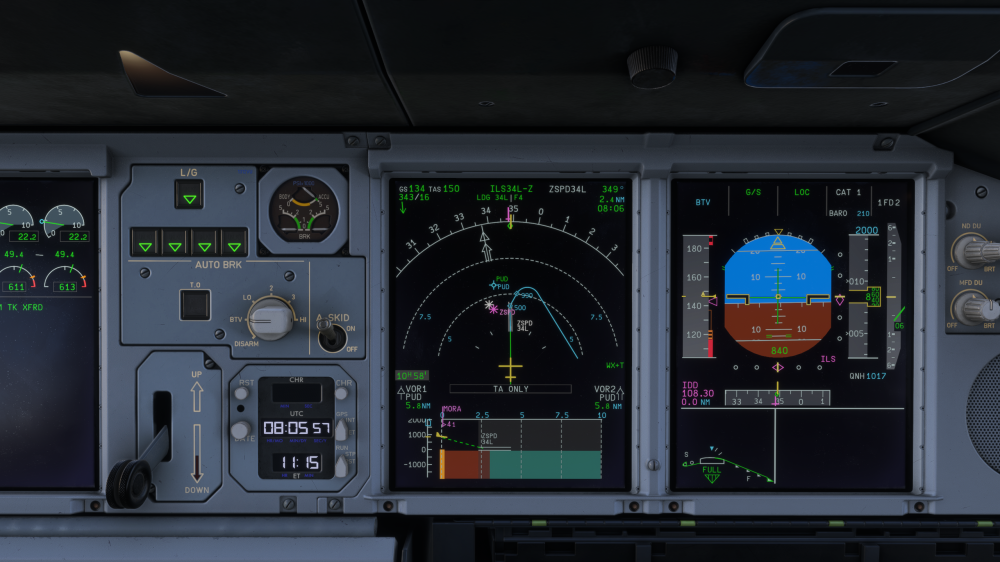
Also note that the VSD should not be showing a dashed profile line.
-
Turn predictions should not be shown on the MAP path. Same issues reported in the A340 and A350, again... I think it was eventually fixed in one of those aircraft.
-
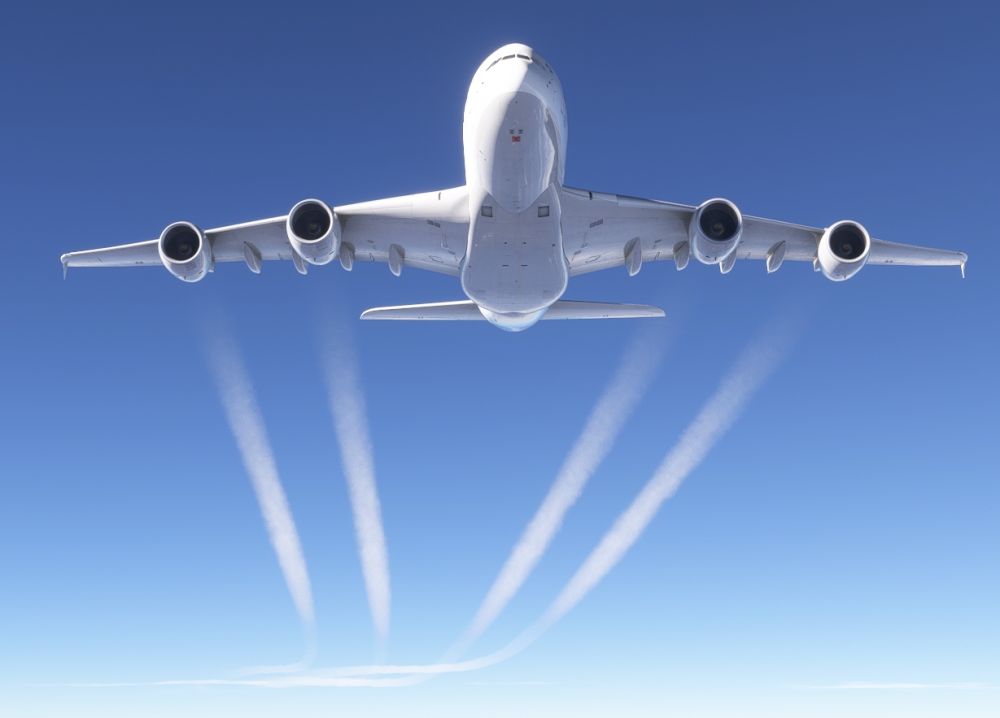
Leaving the field empty and selecting ENT will populate the current ZFCG. Microsoft Flight Simulator 2024 2026.10.13 - 10.20.45.05.mp4 During deboarding with a cleared MCDU, the GW still shows and decreases.The contrails move straight back for a few hundred meters, then curve according to the wind... Why hasn't this been noticed? This issue has also occurred on other iniBuilds aircraft and it's been documented.
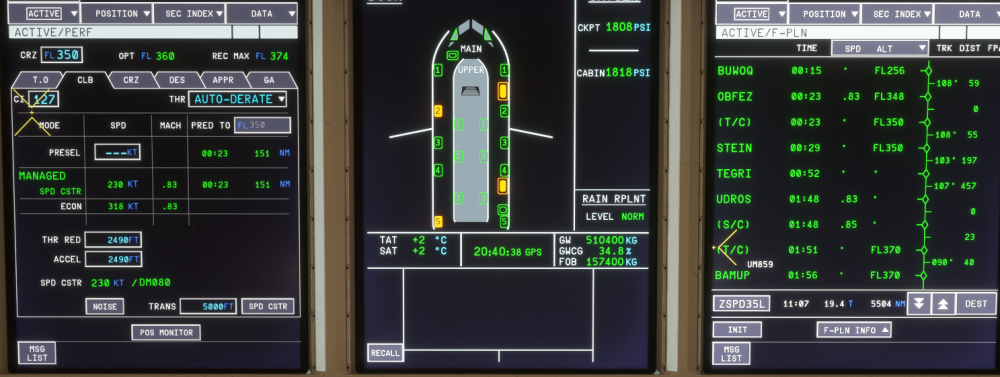
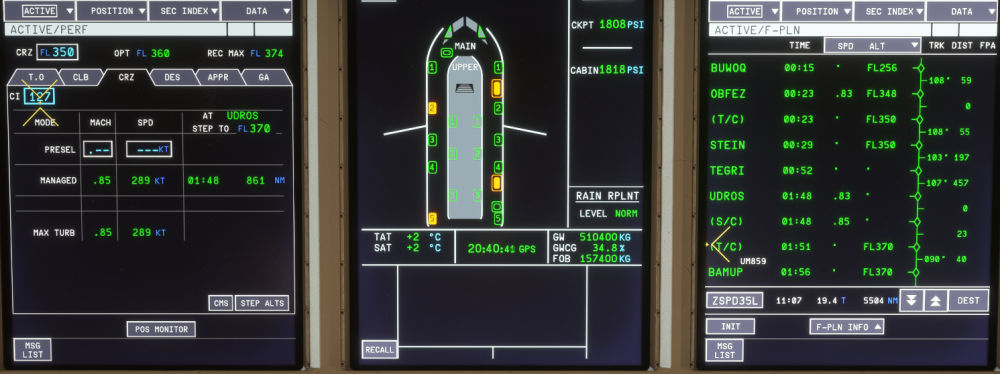
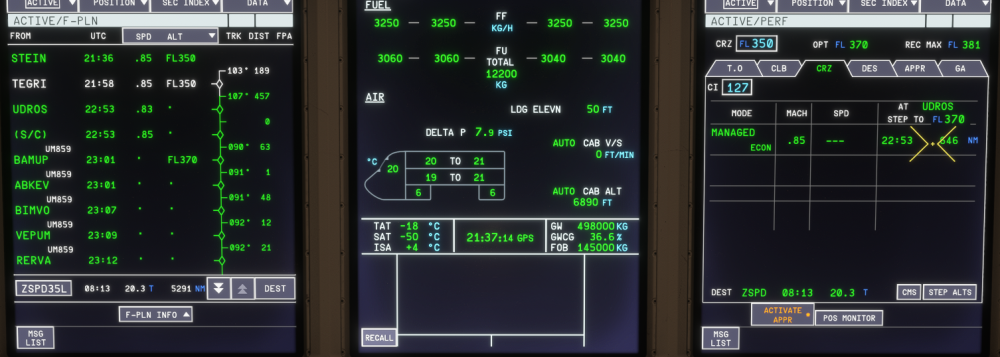
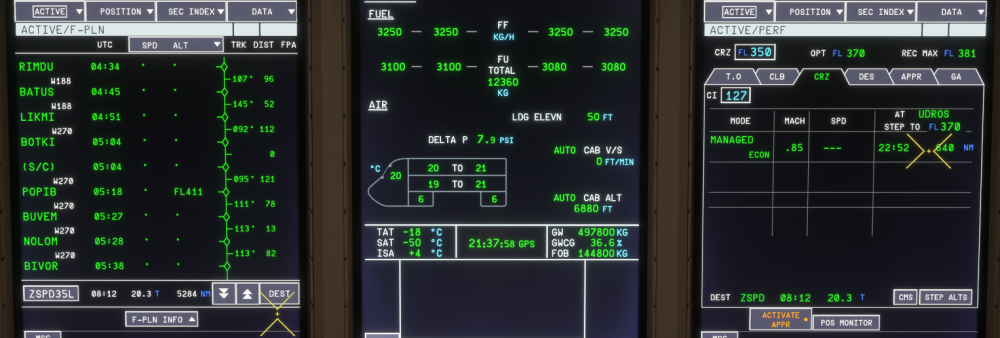
 Opening FIX INFO from the FPLN page will open up the last viewed page, e.g. FIX3. Shouldn't it always revert to FIX1?The engines over- and undershoot the new target for a few seconds until eventually settling at the manually set thrust. During takeoff, it sets more than the reference thrust and only attains it well into the takeoff roll. IRL: https://youtu.be/pHui34_ODnc?si=5S60ZZLikMzVVFl1&t=14The latest changelog mentions the following: FIXED ECON SPD mismatch Unfortunately, this does not seem correct. On ground: .83 shown as cruise speed on FPLN page, .85 shown on CRZ page (seems to refer to the speed at/after the first STEP), speed changes with S/Cs In flight: Cruise speed .85, but WPT prior to STEP shows .83 (please verify whether the aircraft resumes the original climb schedule for a cruise climb), no more speed changes throughout the FPLN, regardless of HWC/TWC, ISA, and FL changes.
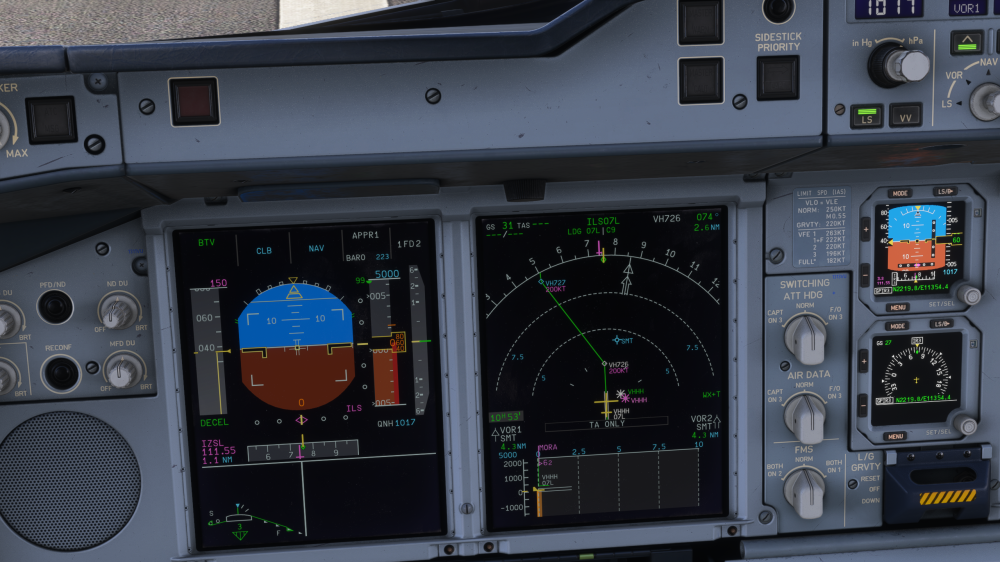
 The latest development update did not mention any changes to the A340. Can you confirm that it will still receive updates? It also mentions flight model fixes for the A350, but this image shows the same THS landing trim issue in the A350 still present. https://www.jetphotos.com/photo/11177727Would it be possible to make the Aircraft and Failures/Situations settings persistent as well?CI200: Weight confirmed with Simvarwatcher. Runway change and shortcuts on arrival. TAS was sometimes up to 10kts higher than planned. Plan Sim Δ Trip fuel (takeoff → touchdown) 148,661 138,625 −10,036 (−6.8%) Landing fuel 16,706 26,230 +9,524 Airborne time 11:08:35 10:51:40 −17 min Taxi-out (APU + start + taxi) 1,089 ~1,600 +500Going through irl. footage, it seems that sometimes it stays blank https://youtu.be/3oAxCEvgSuw?si=uvDRqBpcO0fvWPX3&t=5652, sometimes it reverts to 100 when leaving the runway https://youtu.be/3ogA1Qxn1ow?si=Y7mDPJNuhmqbN2tG&t=546, and very rarely it stays at the previously set speed https://youtu.be/lGXyY45d-S8?si=ot3uXRyMW5kY8I0m&t=707 (FD OFF landing).VHHH shown two (three times) when also set on the fix info page. Also note that there seemed do be a white VHHH marker hidden underneath the magenta one. Furthermore, the green VHHH marker had a white symbol...? BTW: Vertical deviation shows +9999 on an ILS approach, shouldn't it not show at all? Same for A340 and A350.
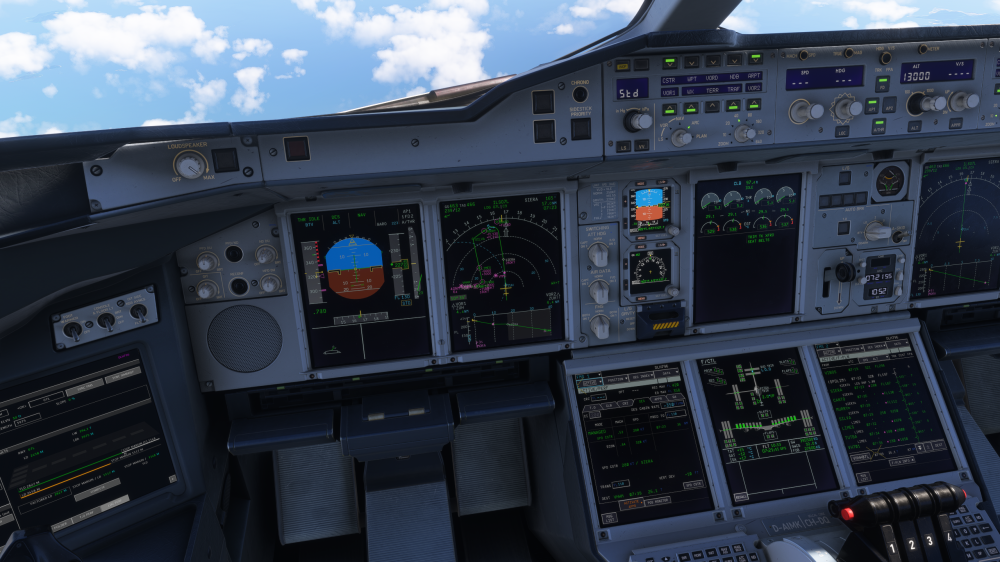
 SPD BRK ECAM memo message not shown with speedbrakes extended, shouldn't the message display in this case?
 1st image was taken during landing (flaps) and second one prior to THS reset after landing. Feel free to check any A343 image during landing. The left side of the THS also features a ‘GND SET’ marking which is an excellent reference when comparing it to the inibuilds A340. Furthermore, irl F/D footage shows the aircraft re-trimming for a few seconds after landing to re-establish the GND SET setting. This is not the case in the ini A340 as it lands which roughly that trim setting. This behaviour has proven to consistently occur during landings in the ini A343. Not sure how weight, fuel loaded, and distance from threshold have an effect on the THS trim setting. I think it should largely depend on flap setting and CG, perhaps minor differences based on G/S angle and wind additive.


