





Jamir
Member
-
Joined
-
Last visited
Everything posted by Jamir
-
Thank you for this, I looked through some forums and users are saying that this is an issue with Default Heathrow when flying into 27L/09R; as you stated above the default EGLL is disabled. What I think may have happened is the airport navdata for EGLL default is being prioritized instead of the scenery data. There is a way to check this; Launch MSFS 2024. Go to Options from the top menu, then select General Options. Scroll down the left-hand menu and select Experimental. Find the Package Reorder Tool and toggle it ON. You will see a list of installed scenery packages. Low-level base content is at the top (and usually locked). Add-on scenery and navdata are at the bottom. Before you re-order anything, attach an additional screenshot of the load order from when you open it that way I can at least verify before any changes are made that might not be necessary. Thanks Use the Up and Down arrows to arrange the order. To place navdata first: Move the "navigraph-nav-base" package near the top. To give scenery priority: Move your custom 3rd-party airport or navdata folders below the default Asobo scenery so they overwrite it.
-
Venice Beach and Hooper are still being addressed, I'll have to update the team on SOFI following CU13 and 1.0.2
-
Video is private.
-
Hey, I'll ask the team on Monday as most of the guys that would be able to give me an answer are gonna be away for the weekend, until then and then if you don't hear back in here by Wednesday bump this thread. Thanks
-
Hi, have you attempted to uninstall the aircraft, relaunch the sim, and then reinstall. I'll see if anyone else is having this issue and if you could send a video of the manual procedure and auto not working that would be helpful so I can see if there might be anything out of the ordinary. You can link from YT or Google Drive back here. Let me know if you're able to or unable to as well if the earlier instructions help. Thank you
-
Just want to verify if you both are using Sim Data or Navigraph as well as making sure the default Heathrow is disabled/uninstalled? If one of you could upload a video of this occurring in case I can't get around to it by Monday. Thank you
-
The Cabin Packs were discontinued following v.1.1.7, You can read more about this here. https://forum.inibuilds.com/topic/34539-inibuilds-a350-airliner-for-microsoft-flight-simulator-2024-2020-v117-released/ Thank you.
-
Sounds like something corrupted during activation/install depending on if you stream or download the aircraft. If you download the aircraft, uninstall it, restart the console, then relaunch and reinstall it. If you stream it, then disable the aircraft, restart the console and then re-enable the aircraft following console restart. Let me know if this helps.
-
Thank you :)
-
In this case I'll have to refer you to our support team as my knowledge of all things IT ends here unfortunately. https://inibuilds.com/pages/contact Thank you for understanding.
-
Hi, can you send the Simbrief RTE PLN you used here, I don't believe this was encountered in testing; Does this only occur when transitioning to the 8-9 Segment or did this occur prior? Has this occurred on any other differing routes with less than 8 WPTs? Did you auto-import or manually enter the routes? What is your alignment settings (Realistic, Fast, Slow)? Anything else that can be recalled or referenced to in the next time you fly this would be helpful when able, thank you :)
-
Hey all, We have released the LVARs into the FAQ Section of Tristar and you all are able to view them here: https://forum.inibuilds.com/topic/36848-how-to-autopilot-keybinds/ https://forum.inibuilds.com/topic/36849-how-to-light-keybinds/ Thank you all for your patience.
-
Try clearing all cached files and revert your manager to its default settings by deleting all files in these locations: %appdata%/inimanager %localappdata%/inimanager. Then, download and install the newest version of iniManager from the website Also try to "Run As Admin" the iniManager app.
-
Hi, A300 was built on a different code base from A340 and A350 as well as built in 2020 and later upgraded to 2024. I'll ask the team about this but it's highly unlikely that A300 will have this feature added to it so late into it's life but I can ask. Thank you.
-
Hi, do me one favor and take all of this and copy it into this thread here: https://forum.inibuilds.com/topic/35479-inibuilds-a350-master-wasm-crash-thread-v126-fs24/
-
Hi, You can install the Terrain Data from the EFB inside the aircraft directly. Let me know if this helps.
-
Hi, No we do not plan to release LGZA onto 2020; and no it will not run on 2020 as the SDK architecture is different so going backwards with 2024 scenery doesn't work here the same as going forward form 2020 to 2024. Thank you.
-
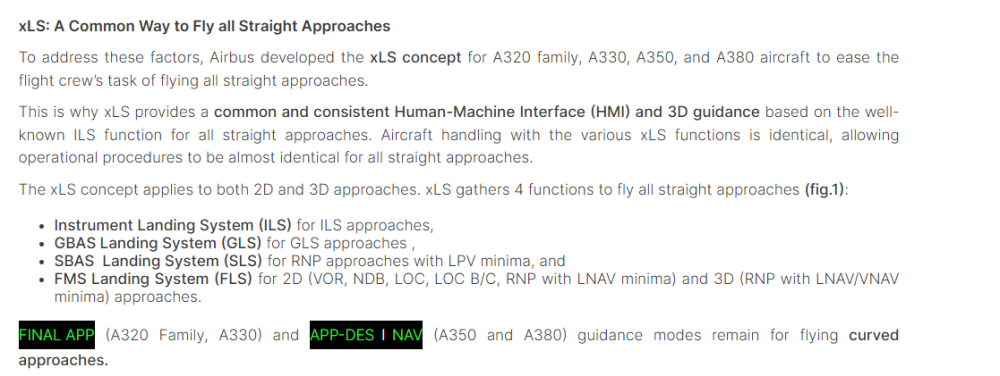
I was able to find information corroborating your statement here within the Safety Airbus Website as I agree with this being the case as it's something I've been told before, what I had logged was regarding Deselecting SLS, I still am working on keyboard clarity when addressing multiple issues in one post; https://safetyfirst.airbus.com/lets-use-xls/?airbus-iframe=true&airbus-post=2048
-
Logged for the team
-
Logged for the team
-
I'll bring this up to the team if there is any update
-
I'll look into this as well as pass it along to the team, thanks.
-
Feedback regarding the Brakes and Heating Behavior has been passed along to the team.
-
Hi, we'll take a look into this, I'm gonna pre-emptively assume (and I might be wrong so don't quote me just yet) but regarding the autosave I think it only saves anything that has an associate LVAR with it as well as the flightplan data. BTV and Checklist are digital items and the sunvisors just might not be included. I'll ask about this too. Thank you.
-
I'll pass this along to the team.

