





AndyM
Member
-
Joined
-
Last visited
-
Thank you, thought I was going mad.
-
Hi, yes the default handcrafted London scenery has been disabled, and I'm only showing the Ini EGLL file in the GSX folder. I noticed you have loaded up the -300, do you have the -200ER to try as that is the one I use? Thanks.
-
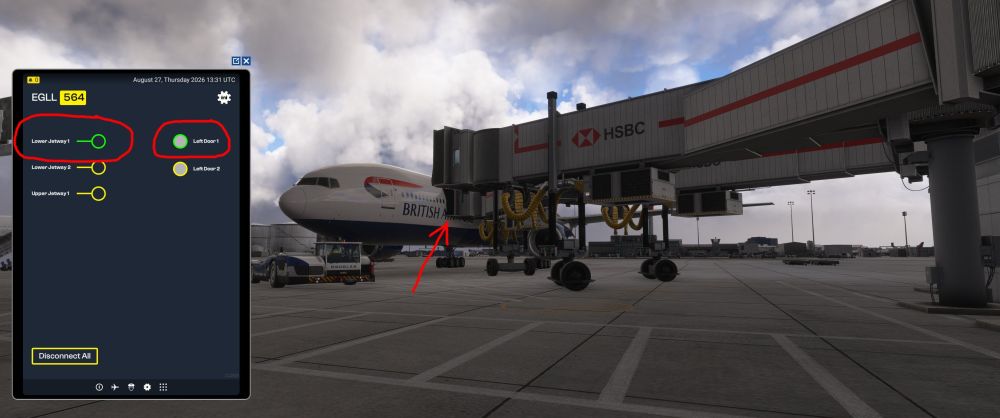
GSX profile deleted and reloaded via IniManager. Not had a chance to test other stands, but 564 is definately not right. L1 and Door 1 selected, but goes to door 2.
-
Thank you, will do. I see you have selected U1 to door 2. I did L1 to Door 1, and L2 to Door 2. I didn't select U1 as in the real world that is for the upper deck.
-
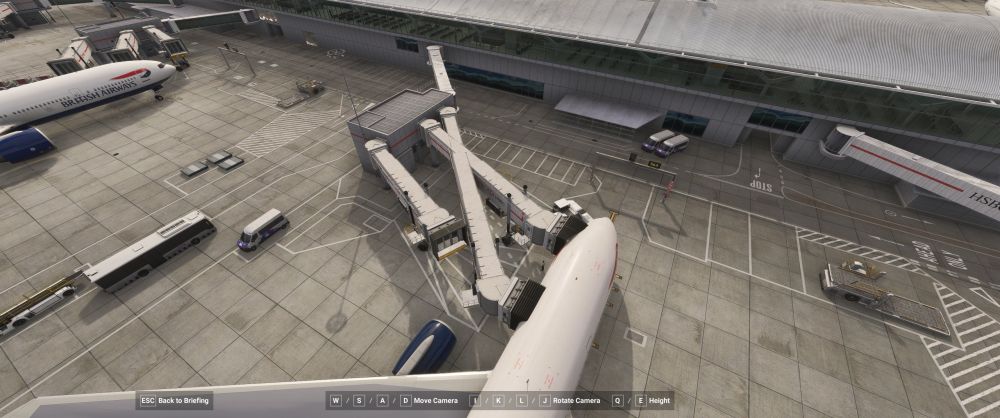
First try at the multi jetways at EGLL, only tried one stand but something not quite right. If I select jetway 1, door 1, it goes to door 2. If I then select it to go to door 2, it goes to door 1.
-
That seems to have done the trick thank you. Never had an issue in the past with just having the 777 Airac installed, maybe something changed in a SU? Thanks again.
-
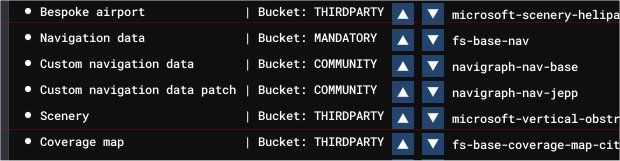
I'll try and check it out over the next day or so, but I've installed the Navdata, this is where it's been placed by the installer. So I'm guessing the Navigraph being below the Asobo navdata, the Asobo data will be overwritten? Thanks.
-
Ah, okay, I'm guessing that might be my problem. I only load the 777 PMDG NavData package using the Navigraph Hub, not the gereral Navigraph Airac into MSFS. Do I need both the 777 Airac cycle and the Navigraph base cycle loaded together? I have never used the Navigraph Base Airac in the past, just the 777 package and have never had any problems. Thanks.
-
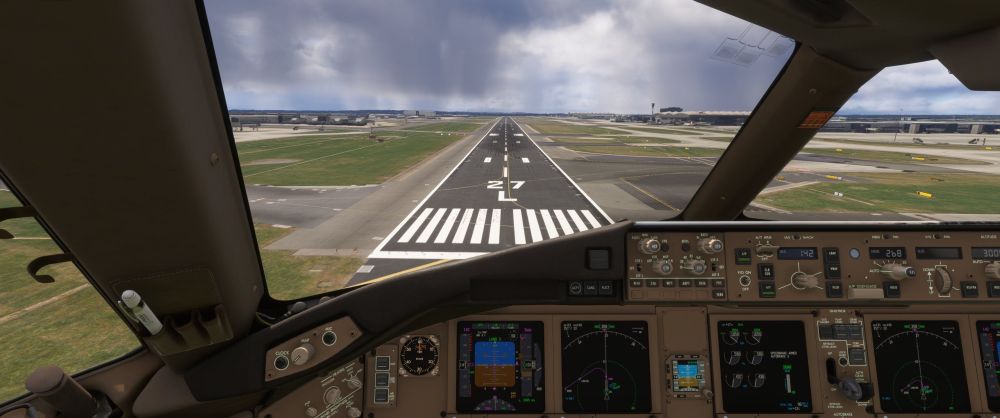
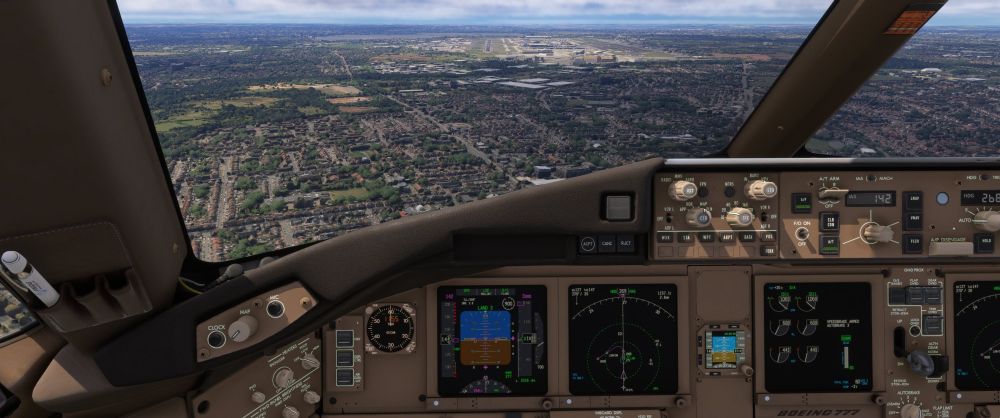
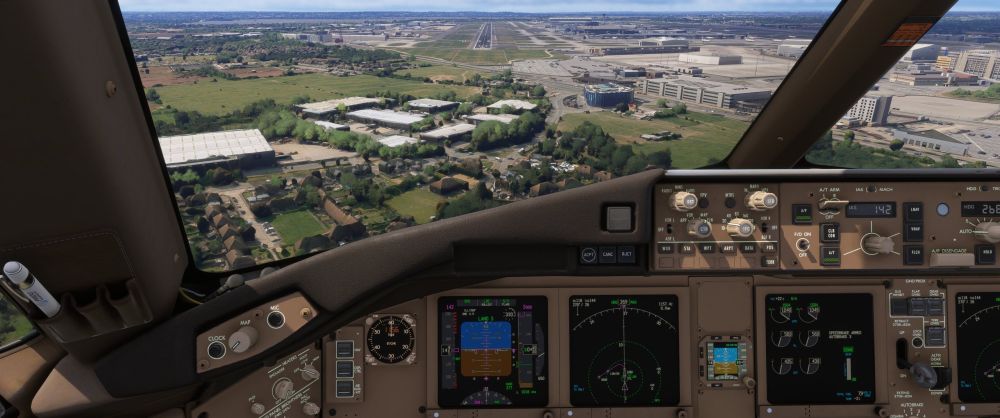
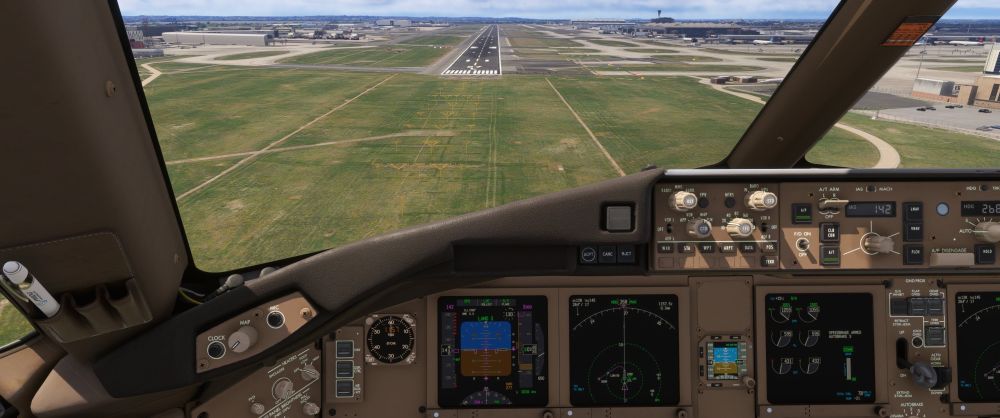
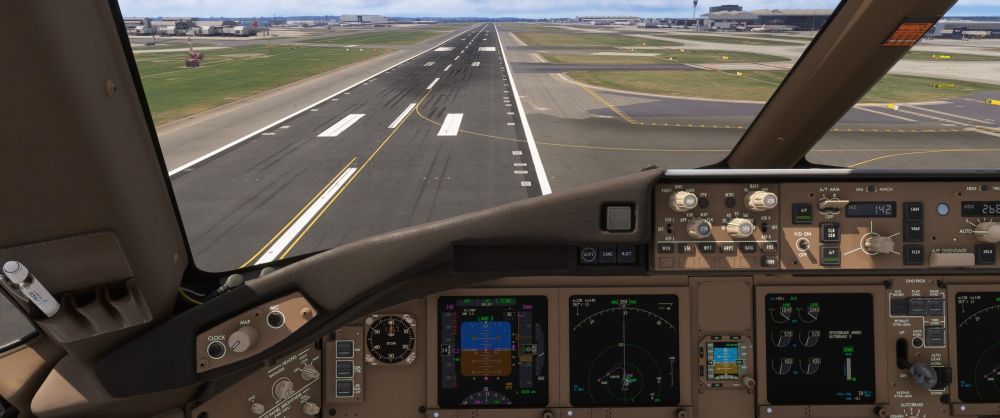
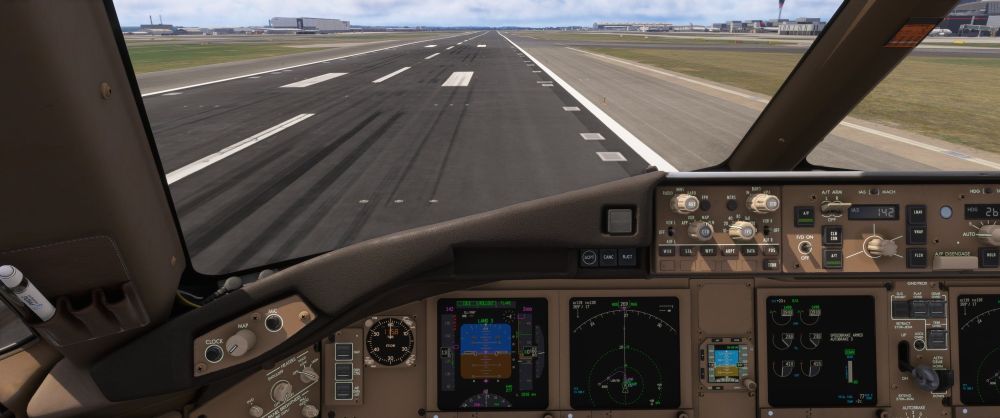
Hi, thanks for the reply. I'm using Navigraph and with a different cycle, the default EGLL is disabled. Never done a video before, so not sure on how to, but I've done some screen grabs, hope they help. Again, full auto land on 27L and the same amount of offset occurred. Thanks.
-
Good to know I'm not the only one. I've not had a chance to re-test it. When I next land on 27L I'll grab a couple of screen shots. Hopefully Ini will look at it and either confirm if it's a problem with their scenery or not.
-
Anybody land on 27L recently. Did my first flight in a while and did a full autoland in the PMDG 777, although I just about landed on the runway, I was well right of the centerline. Not sure if this was a problem with the airport or maybe SU5.
-
I have all the updates, but they are all streamed. I've also disabled the stock airports that would clash with the ini addons. I use Addon Linker and only load the airports that I'm curently using for that particular flight. I also had the premium 2020 so have that content available, but not downloaded. So, the only things that are physically downloaded and in my community folder when I'm playing are the airports I will be using for a particular flight, the aircraft that I will be flying, Justflight Fstraffic and GSX Pro.
-
-
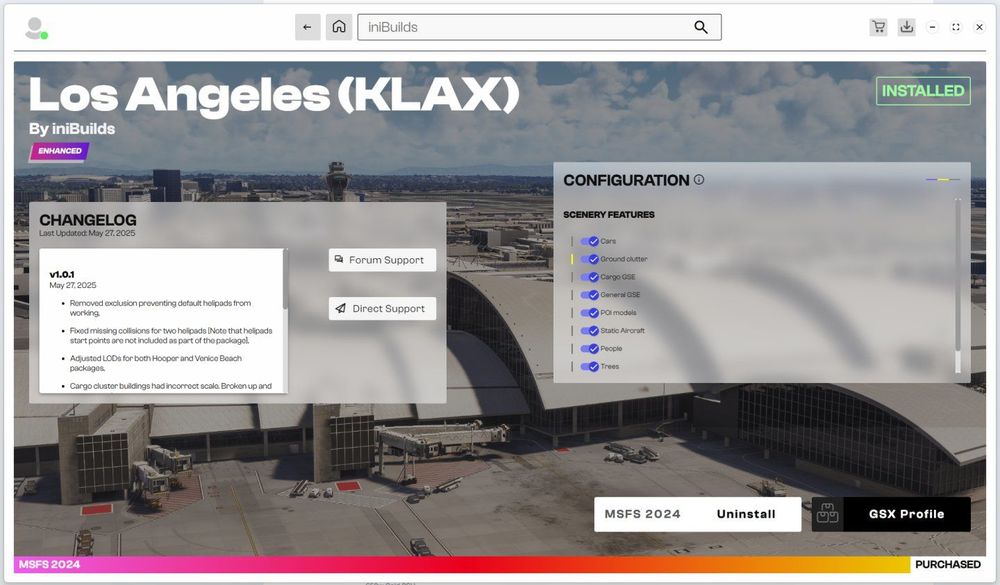
Is your IniManager up to date? Maybe uninstalling and installing the IniManager from the latest executable. This is what I see ...
-
Ah, okay, the pictures I have are from 2023, so they have obviously changed since then.


