




fishermanivan
Member
-
Joined
-
Last visited
-
All settings turned on in the EFB, no callouts or visual warnings on the instruments for the runway.
-
Solved it, thanks Kyle
-
Is this still a thing? Content manager says 1.0.6, but the EFB and OIT both say 1.0.0.
-
It would be neat to see the system get used throughout the flight, so you actually need to refill the water tanks, and empty the lavs. Just a thought! I'm really enjoying this. Honestly, the best airliner in the sim right now, well done to everyone.
-
I've downloaded the terrain map via the INI manager, and put it in a community folder name "A220 terrain" I clicked the EXE and it runs for a split second and then nothing. It does not work in game. The log says this. 2026-08-05T22:57:13.274347Z INFO a220_launcher: C:\Users\rargu\AppData\Roaming\Microsoft Flight Simulator does not exist, skipping 2026-08-05T22:57:13.296261Z INFO a220_launcher: Updating C:\Users\rargu\AppData\Roaming\Microsoft Flight Simulator 2024\exe.xml 2026-08-05T22:57:13.321081Z INFO a220_launcher: Updating C:\Users\rargu\AppData\Local\Packages\Microsoft.FlightSimulator_8wekyb3d8bbwe\LocalCache\exe.xml 2026-08-05T22:57:13.322112Z ERROR a220_launcher: Failed to read C:\Users\rargu\AppData\Local\Packages\Microsoft.Limitless_8wekyb3d8bbwe\LocalCache\exe.xml 2026-08-05T22:57:13.339931Z INFO a220_launcher: Waiting for A220 to load
-
Glad it's not just me and user error hah!
-
No problem.
-
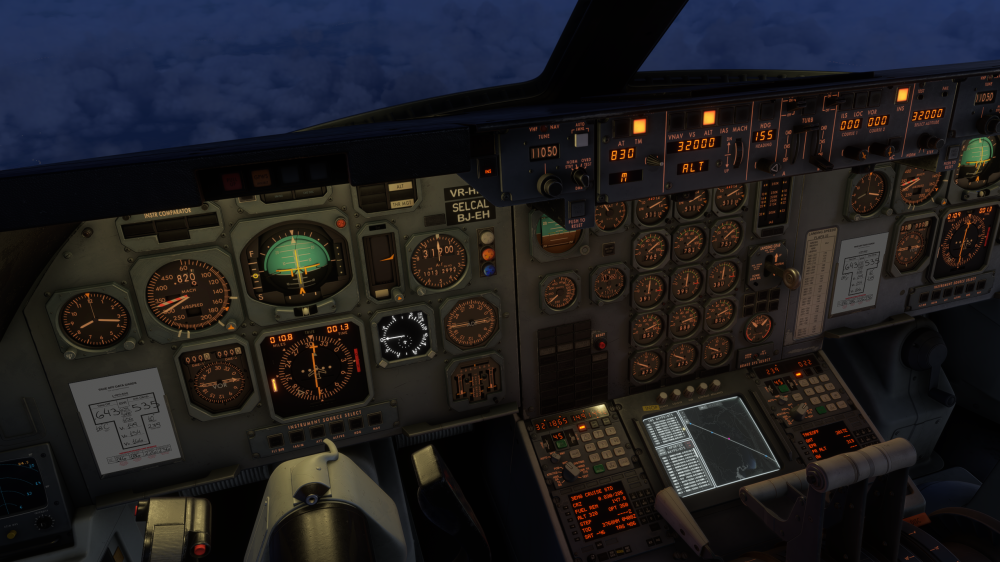
So it's almost certainly wind, and not correcting enough. Loaded up Sydney to Kai Tak, Look at the wind in INS2, and the cross track, it's not compensating enough and getting blown off track. It's also hunting headings as well, when it gets to waypoints that are on the same track, it turns away, then comes back... currently heading to a waypoint 35 miles away and it's in a 2-3 degree bank while still offset from the CDI needle.
-
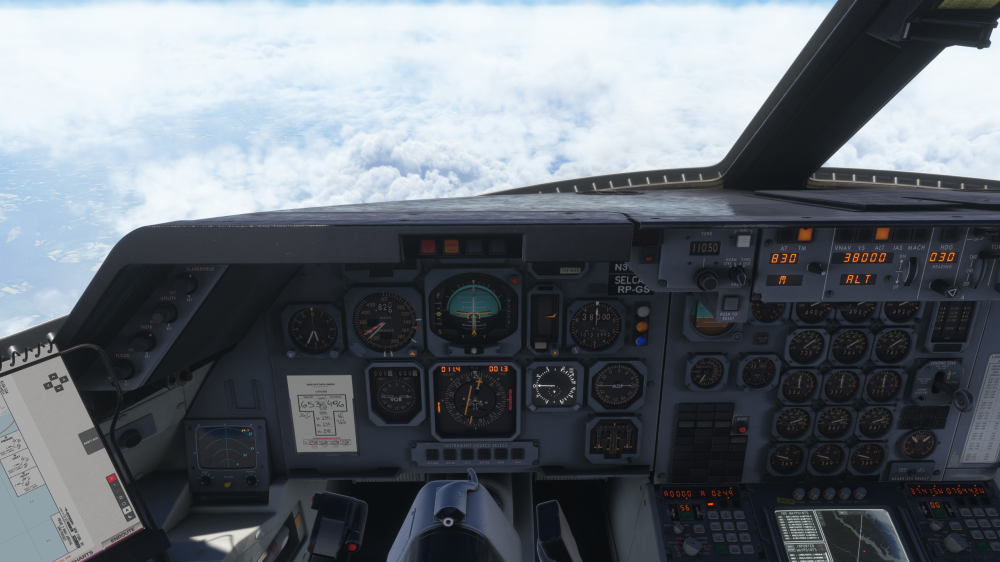
Hey, It's on all waypoints. I'm still flying to see if it would figure itself out. Auto-import into the INS, haven't tried anything with less waypoints. Fast alignment settings. It has progressively got worse as the flight goes on. Here's another screenshot and the flightplan. As it came to the waypoint here, it missed it so badly it tried to turn around. I went heading mode, loaded 6-7 for the track and now it's trying to recapture and is still offset. I'm 99% sure that I entered the starting gate correctly, but before you guys go digging around let me finish this flight and I'll reset the INS' and try again. I tuned up a VOR, and if I had to guess, it's not compensating well for winds in INS mode. KMIAKLGA01.fpl
-
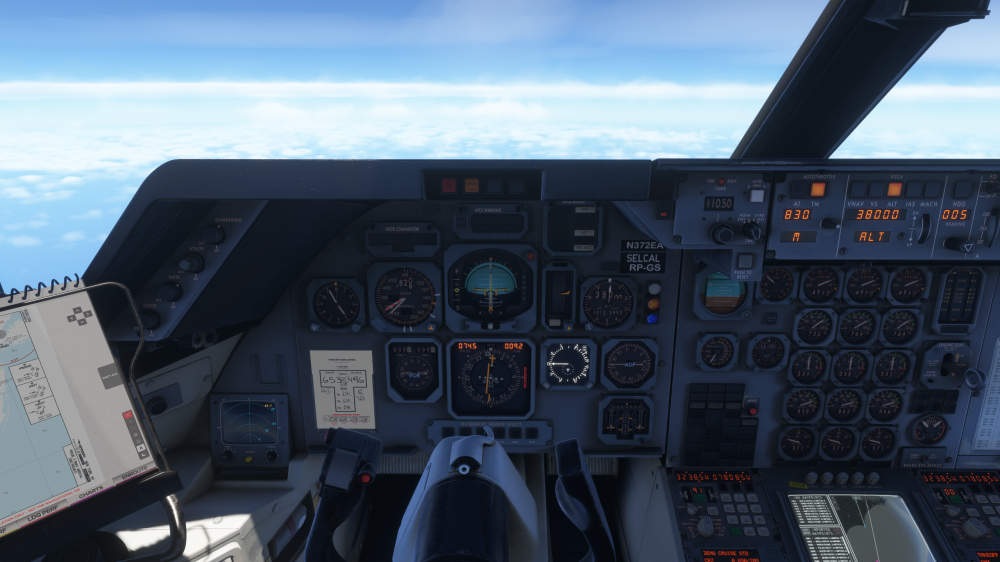
Just FYI, first time I've seen this. Happen in the 8-9 waypoint leg as well. I tried correcting back on course with HDG mode and when I put it back in INS, it immediately went off track again.
-
Still seeing this in 1.0.6, FYI.
-
Any chance of adding these things like they’re available in the A340?
-
Yeah +16 degrees at 36,000 feet (or whatever) would be absurd, it can’t calculate anything with that number.
-
You do NOT need to fly in LOC mode before ILS. When you're intercepting the localizer you just use ILS (or APP in different aircraft). I have no idea why so many people do this, the only time you'd use it is if the G/S is not working.
-
Yes it does need the AP. Says AP must be on in CMD and VNAV selected.


