




Matthias0412
Member
-
Joined
-
Last visited
Everything posted by Matthias0412
-
I also think the simbrief file is not the problem at all. The changes in the calculations are happening during the flight in the fms. See my last posts above.
-
Another anomaly: this time I only inserted step climbs into the flight plan. The FUEL/PAYLOAD page showed the correct EET of 10:12, but the trip fuel was far too high (10 t more than in the SimBrief flight plan), so I got the DEST EFOB warning. When I then entered the estimated time of departure in the flight plan, the excessive trip fuel suddenly made sense, because the EET jumped to 11:30! So again roughly 80 minutes more than in the flight plan. On the F-PLN page, the EET stayed at 10:12 the whole time. Hope this helps the iniBuilds team track down the issue!
-
Something I've now noticed that could also be part of the problem (illustrated with an example): the flight plan in the FMS is fully populated (F-PLN page), but no step climbs have been entered yet. The aircraft is fueled. On the FUEL/PAYLOAD page, the planned ZFW and ZFWCG as well as the block fuel are entered. In the fuel section of that page, trip fuel shows 70 t and an EET of 06:10. The same values appear in the footer of the F-PLN page. The SimBrief flight plan shows a trip fuel of 67 t and an EET of 06:02. Now I insert the step climbs, and both the FUEL page and the F-PLN page show almost the same values as the SimBrief plan. So far, so good. However, here is a procedure that causes a discrepancy: if, in addition to the step climbs, I also enter an estimated time of departure in the flight plan and then insert both into the plan at the same time, the FUEL page suddenly shows a trip fuel of 72 t and an EET of 07:22. That's suddenly 80 minutes more flight time. Strangely, the F-PLN footer correspondingly shows insufficient arrival fuel, but the EET there still works out to just over 6 hours. If the step climbs and the estimated time of departure are inserted separately, i.e. not in a single step, the problem doesn't occur, or at least it didn't in my case (tested only once so far).
-
Same issue on my side...
-
Just tried with default (handcrafted) SYD Airport. More fps on take off roll but the same issue during rotation and until reaching 200-400 feet. So taking off is not something I enjoy right now
-
I installed low res pack and activated Performance Mode. It‘s smoother in Cruise (Auto Fps leaves the TLOD Level at 200) but still very Heavy stutters on take Off Roll Maybe it‘s the Dubai V2 scenery? I have to Check with other non Performance Heavy Airports
-
-
NVIDIA GeForce RTX 4080 Laptop GPU (12 GB) Intel(R) Iris(R) Xe Graphics (128 MB) 64-Bit-Betriebssystem, x64-basierter Prozessor 13th Gen Intel(R) Core(TM) i7-13700H (2.40 GHz)
-
I think the title is self explanatory. Has anyone else experiencing this? During take off roll everything runs smoothly til about V1. Then there are massive stutters during rotation and in the air until about 200-400 ft above ground.
-
-
I read in the comparison BATCH 2 and BATCH 7, that there is automatic Speed Brakes deployment during descend? When ist it activated? I was 1-2.000 ft above descend profile but they did not deploy and the aircraft did not descend faster.Can also confirm. Just as one reaches TOC, the prediction suddenly changes to a value that comes close to the prediction in simbrief. Also: the initial cruising alt from simbrief (offical inibuilds A380 profile) is always 2-4k ft lower than the actual optimum altitude in the fms. Just as one reaches the end of the flightplan, the optimum cruise alt in the fms corresponds to the step alt profile from simbriefWhat I also figured: Sometimes at the gate, the plane suddenly begins to bounce (extreme wingflex also). It bounces so hard out of nowhere, that it actually relocated itself away from the gate... This also leads to significant FPS drops, especially after a flight at the arrival gate (but I don't know if those two things are dependent on each otherHey guys, why are the stairs not connecting to the door? It seems, it's configured correctly in gsx airplane profile
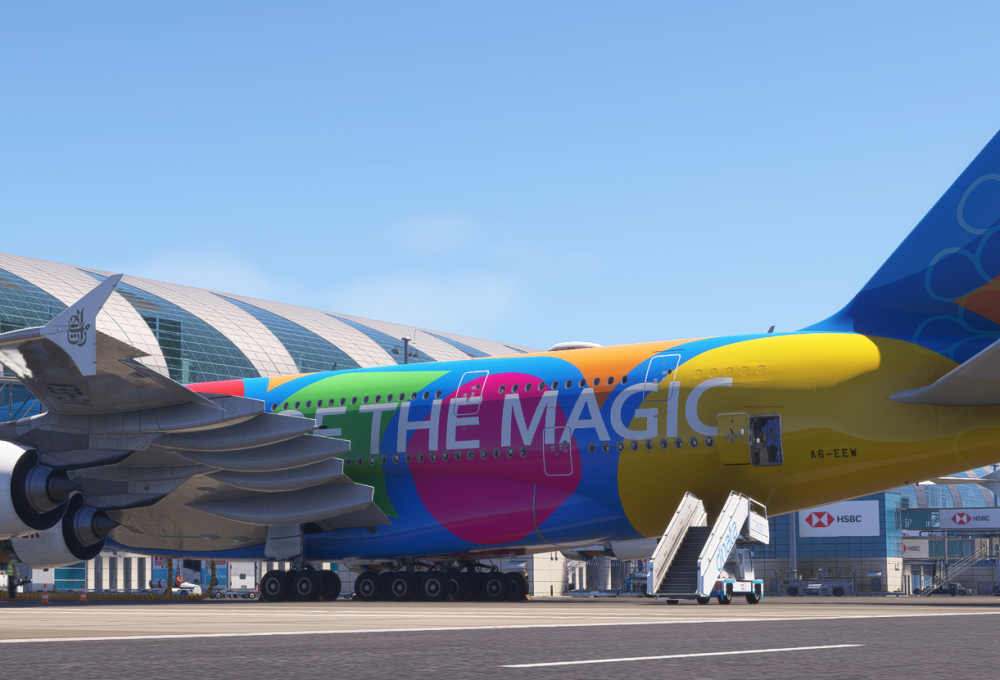
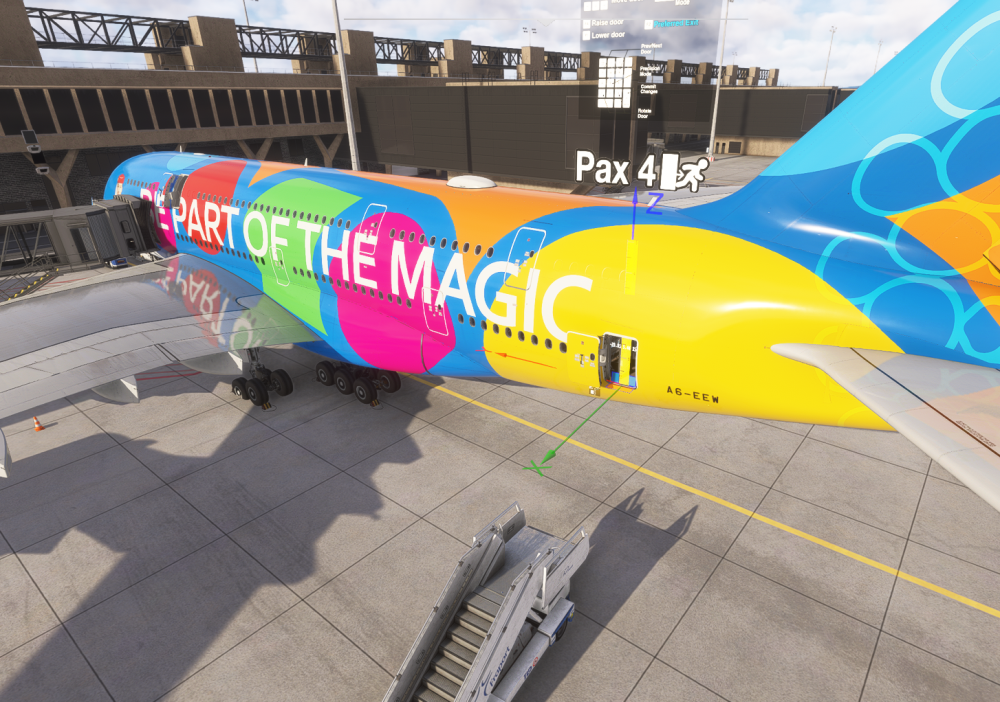 Guys, this is not acceptable for a product of 82 Euros happend after a jump ahead
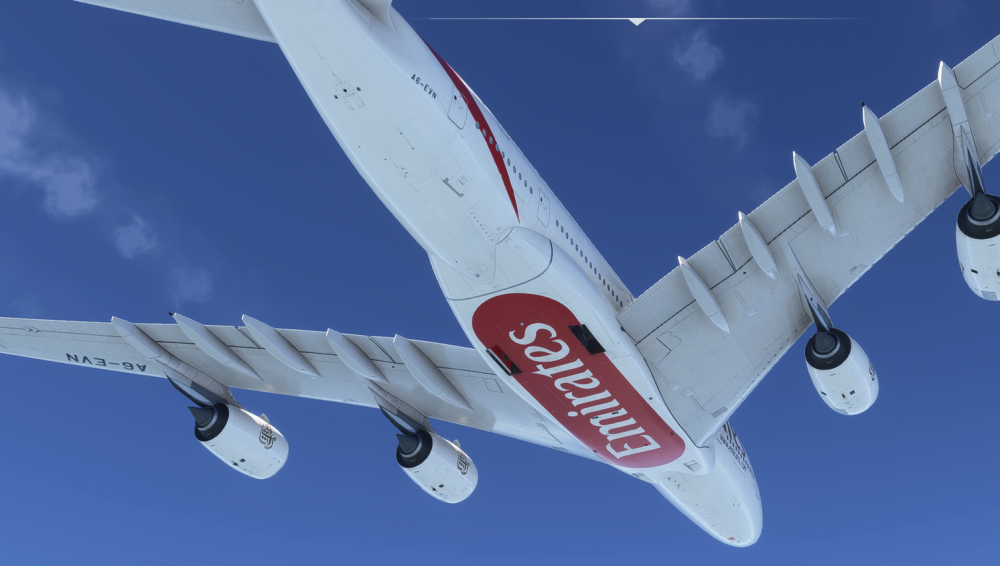 What is going on here? 😁
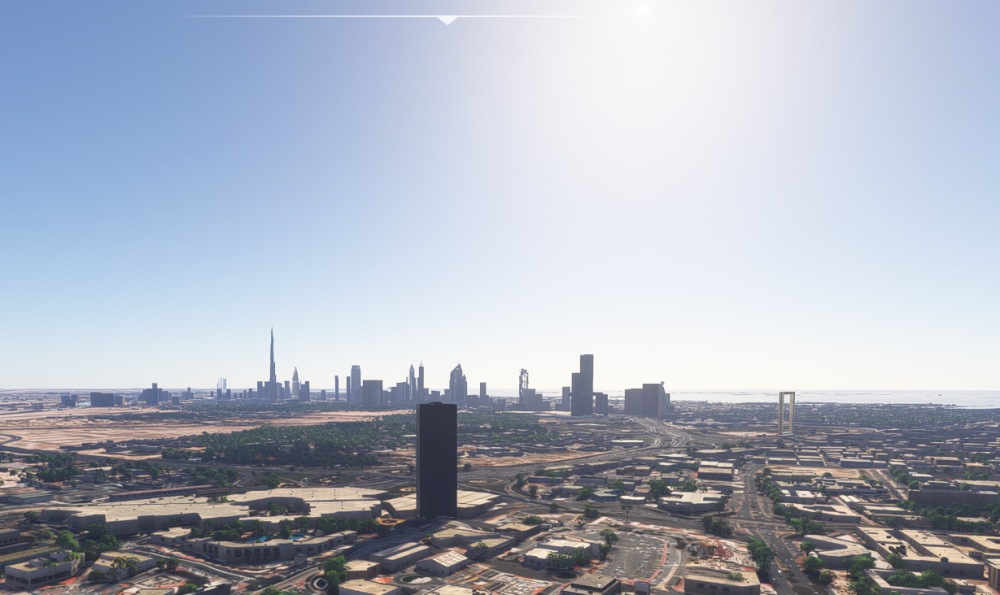
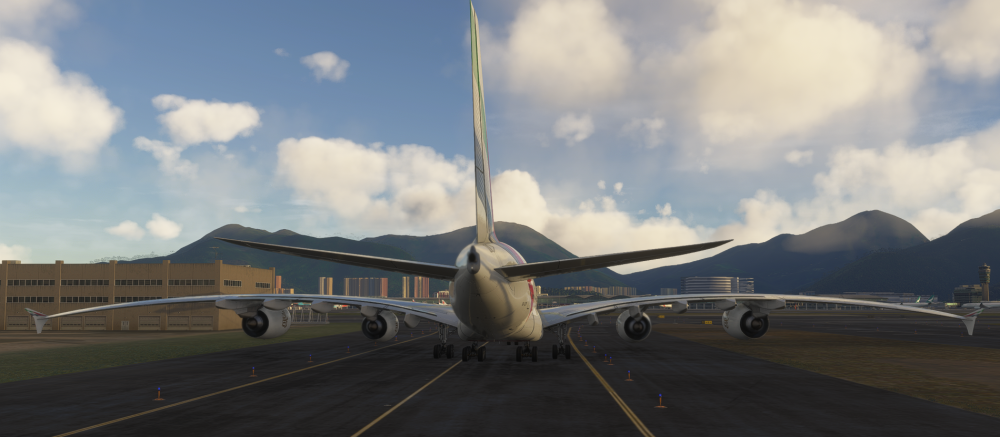 sorry for the confusion. I just figured, all the streamers on youtube are using the Dubai Landmarks by Orbx 😆So I figured, the city is enabled by the OMDU Skydive Pack, which is still Version 1.0.0 and automatically installed together with OMDB Version 2.0.0
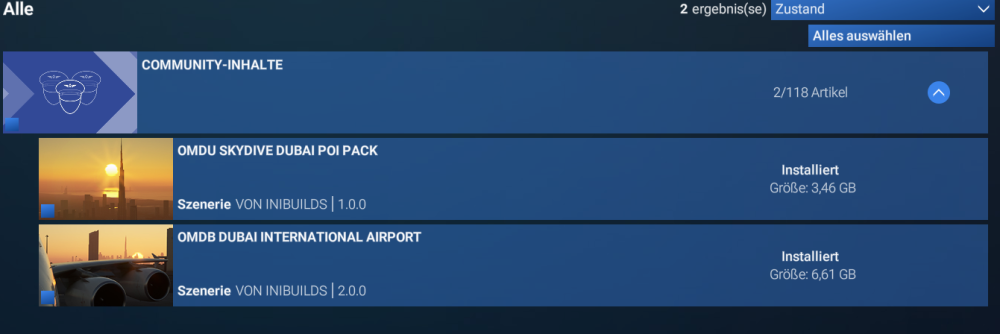 As you can see, the landmarks didn't update with version V2 on my install. I already tried uninstall and reinstall and also delete rolling cache.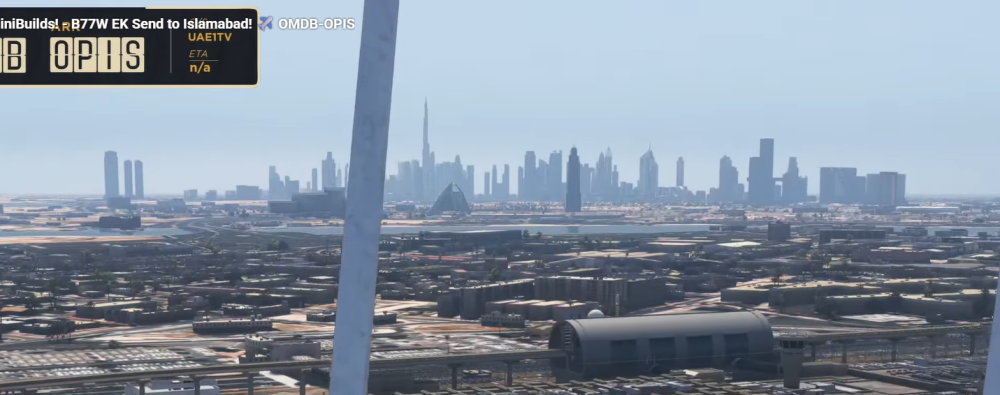
 I don't want to start a new thread just for this, so I'm using this one. I have a general question about nose wheel control in ini aircrafts (A350 and A340): When I move the tiller while the plane is stationary, the nose wheel turns. This isn't the case with the PMDG 777 or the Fenix A320. Also: When I bring the aircraft to a stop while turning and release the tiller, the nose wheel straightens out immediately. With the other two aircraft, the wheel remains in the turned position. Is this the right behavior in Airbus longe range aircrafts? Why should it be different than the A320 for example?


