




mark75
Member
-
Joined
-
Last visited
-
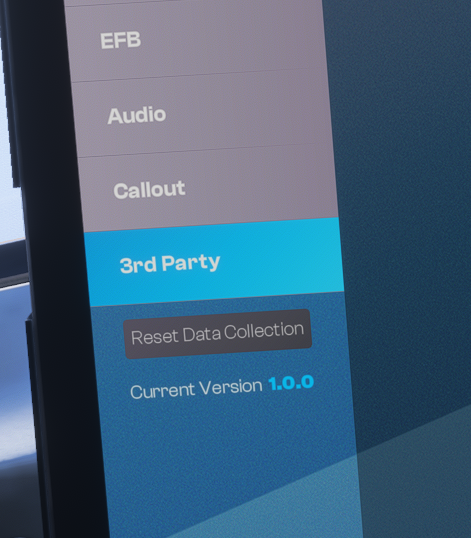
Hi, thanks for the amazing aircraft. I've noticed a small bug (or omission) though - with the 1.0.1 update the EFB still shows v1.0.0.
-
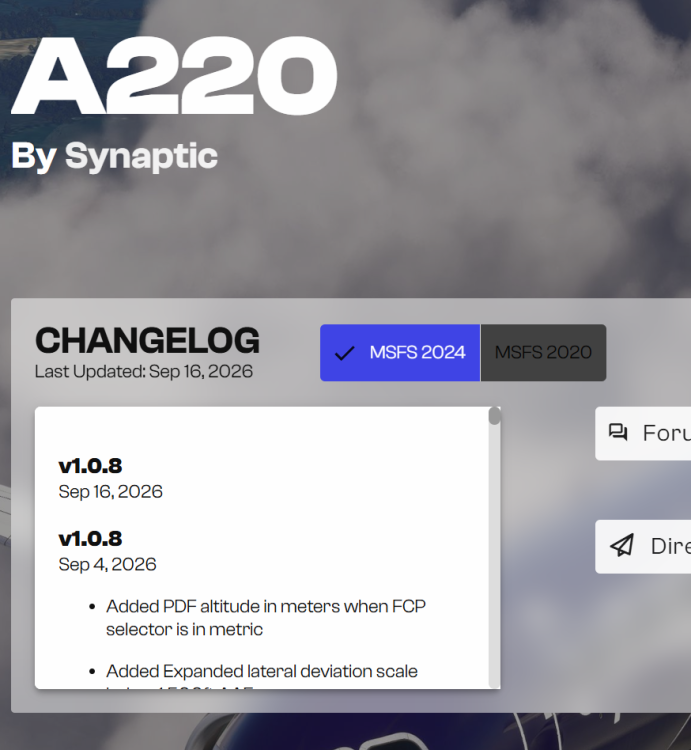
To be honest, it's getting ridiculous. For almost a week there has been a newer version of this airplane on Marketplace. It's really bugging me why IniBuilds don't upload that version on IniManager when it apparently works when streaming from Marketplace.
-
Marketplace version is 1.0.9 as far as I know.
-
So it seems that I updated from v1.0.8 to v1.0.8. Great 🙄
-
Hi, Can you please fix this?
-
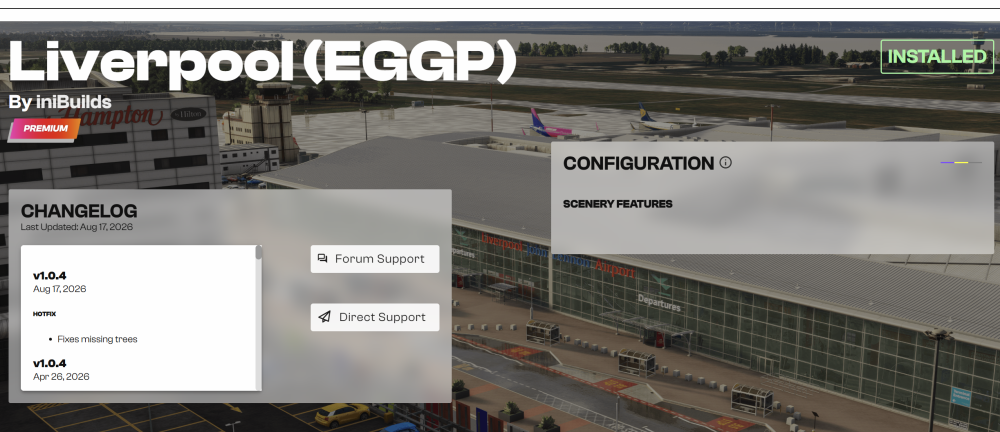
Yes, I have this file in the folder. I also tried to completely uninstall the manager, manually delete the manager's folder in the Roaming folder, installed the manager again and the same - no configurator for EGGP. Just a half of its window shown. The configurator is normally shown for all IniBuilds sceneries that support it but this one just isn't. I just give up for now. I wish IniManager was better designed. There are no update notifications except the green dots (which are unreliable when there is a separate MSFS2020/MSFS2024 version of one scenery) and it's just a pain to do anything in it with many sceneries purchased. Thank you for your help, anyway.
-
Of course I've tried that (I said that in the original post). But unfortunately with the same result.
-
Sorry Kyle, but I'm not so dumb, I've tried that many times. I own practically all IniBuilds sceneries, so I know how quirky the IniManager can be (really, it needs to be redone from the scratch). I have restarted the IniManager many times as well. Just for this particular scenery the configuration doesn't show up.
-
After applying the hotfix to EGGP released a couple of days ago I lost the possibility to configure the scenery. I've tried to reinstall but no success.
-
-
Hi, I've just come to report this issue. Thanks for the reply but my question is will this ever be fixed?
-
-
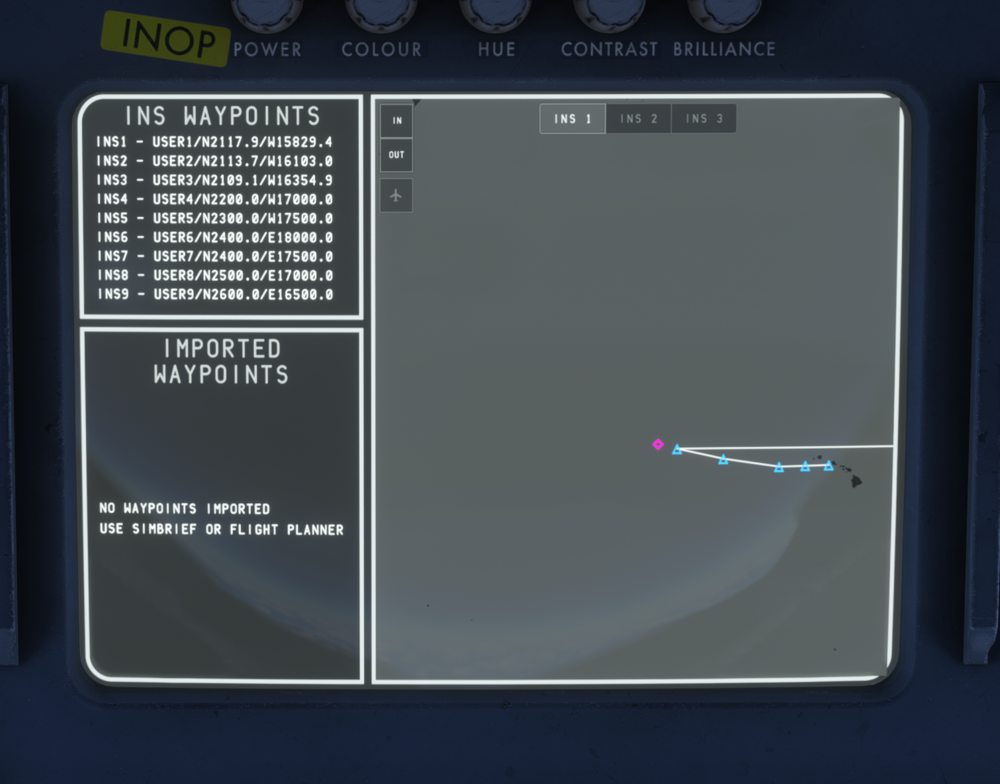
Hi, my first flight with v1.0.4, flying from Honolulu PHNL to Osaka RJBB. On this route there are two consecutive waypoints where one is on W latitude and second is on E longitude. The aircraft correctly continues to fly to the next waypoint (INS6 in my case) when reaching the last W longitude one (INS5) in INS lateral mode but the map can't deal with it. See the attached screenshot.
-
Maybe. But anyway, that SAT on Cruise page is taken from Flight init page. I entered a correct value, according to the PMS guide.
-
Hi, thank you for the reply. That was a real SAT, in New Delhi. Anyway, thanks for the explanation.


