Matteo Spacca
Member
-
Joined
-
Last visited
Everything posted by Matteo Spacca
-
All good now. Thanks
-
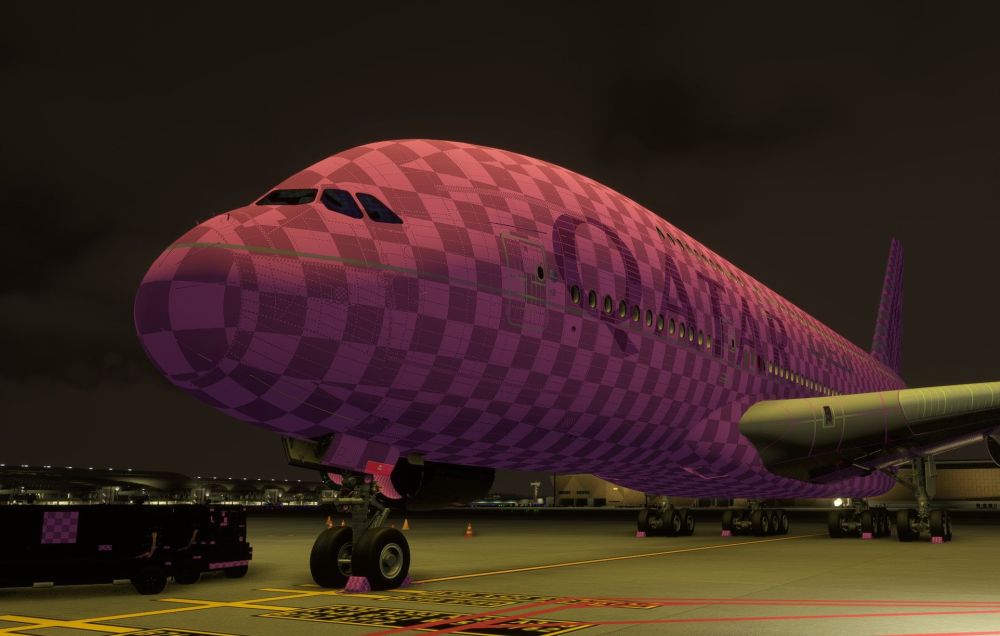
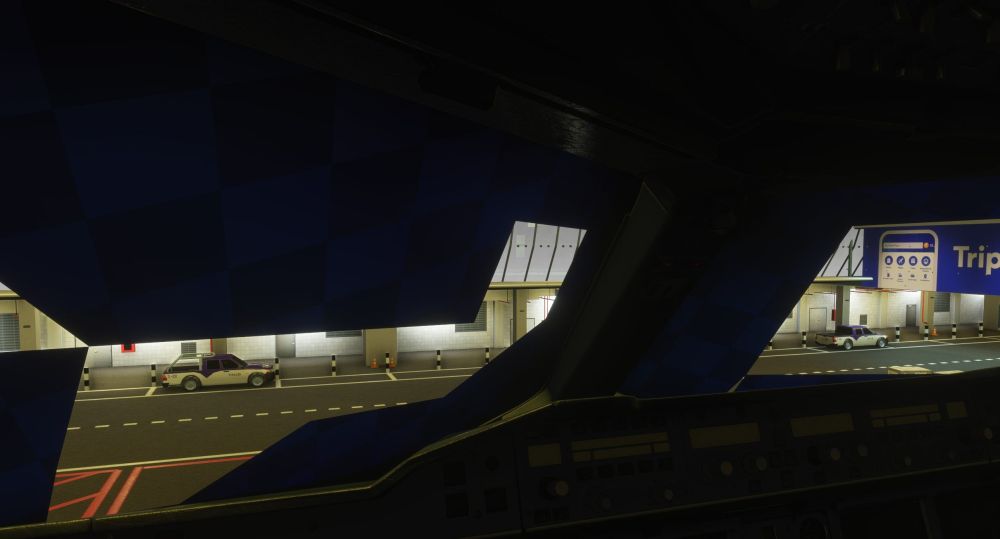
After update I get this. How do I fix it? I tried to reload the aircraft and restart the sim but no luck. Liveries also updated Thanks Matteo
-
-
Try this, I solved the issue a few weeks back. It looks like several people are affected lately. https://forums.flightsimulator.com/t/ctd-d-t-d3d12core-dll/756308
-
Thanks
-
Good evening. I have recently bought the ursa minor throttle from Wingctrl. Calibration and controls are perfect but I cannot get the automatic backlighting to work. I'm asking because I have no issues with the A320 from Fenix. Thanks
-
-
I do confirm
-
There are several topics on the navigraph forum. This has to do with 3rd pary airports not adhereing with new new packages prioritization introduced with MSFS2024. It’s not 100% clear to me but scenary developers need to update their airports to be compatible with the new sim otherwise you may find missing/wrong fixes in approaches and departures. No issues with aircraft having their own Airac database like the Fenix or the A350 but with default aircarft you may encounter issues
-
Thanks. I figured it out this morning
-
Is this related to one sim or happens on both? I had a few flights in 2020 and 2024 but did not experienced any issues with frozen display/WASM Matteo
-
I believe it is just a matter of personal preferences. but for sure IRL you can here engine whine and nose gear bumps
-
Good question. I can barely here them from the cockpit
-
Unfortunately it doesn't work
-
I'll try. Thanks
-
God afternoon, Using Thrustmaster TCA Airbus. I calibrated multiple times but the thrust doesn't go into reverse. Reverse on axis is clicked and also tried multiple dead zones values. No issues with MS2024
-
There are issues with addon airports and the LIDO/Navigraph database. I believe you are using a 3rd party VHHH. IN this case go to the community folder and add an "A" in front of the name of the scenery folder. This will solve your issue. Note that this trick doesn't work for all 3rd party airports SID/STARS Matteo
-
This is because all HH fixxes in the sid/star are populated with longitude/latitude equal to 0N/0E
-
I also had the issue with VHHH. The “A” trick solved the issue in this case. For example this trick doesn’t work for all the MC fixes in LIMC
-
There are issues with Navigraph/MS/ASOBO/Lido at the moment. Fisrt workaround is to add an "A" in front of the scenery name in the community folder but it doesn't always work for me (at least not for every airport). Navigraph is aware of the issue and already opened a ticket with MS/Asobo Matteo
-
You have it correctly installed but I believe the FMC is still showing/loading the stock LIDO data (AB49012001)
-
Good evening, Today Navigraph released their AIRAC cycle for MSFS2024, I loaded in the A330 but I can see that the airac is not loaded and the aircraft sticks with the default MSFS24 database. Is there a workaround for this? Matteo
-
Same here. Sometimes all ok some others stutters every second. I does not depends on location. Tried EDDP with the PW Freighter. First flight stutter second and 3rd all fine...today stutters every second again. 4090 + 7800X3D
-
Same for me the first time I loaded in. After restart I did’t have the issue anymore Matteo
-
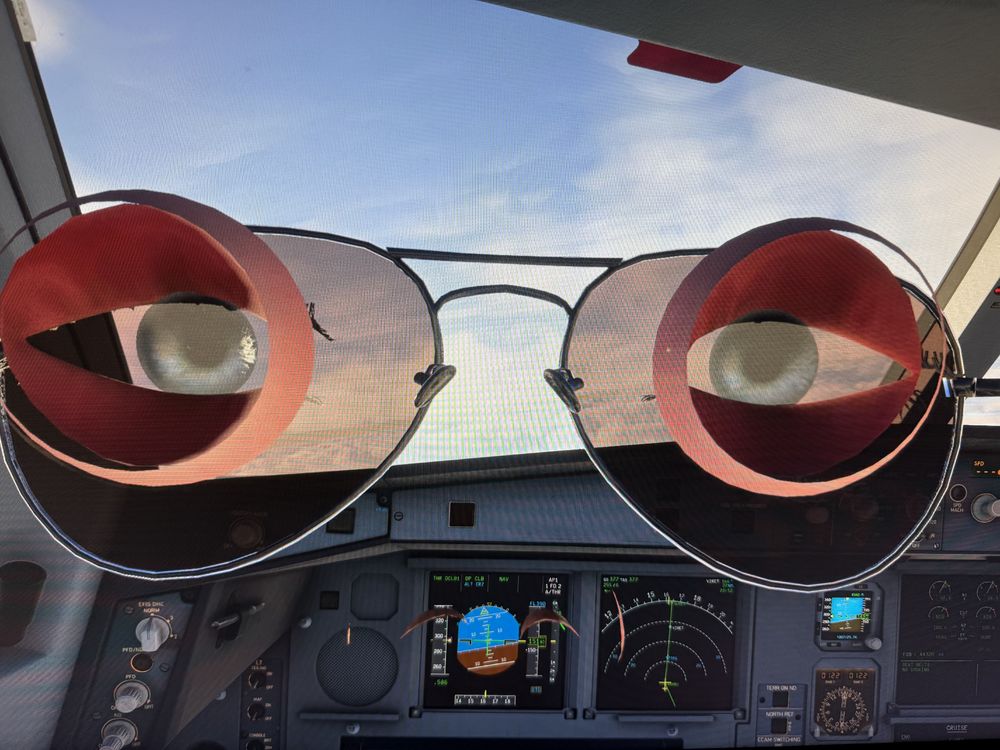
Hello. Is there a way to solve this? My entire flights are inside the captain head. I did not find a way to remove the avatar Matteo