




asdy
Member
-
Joined
-
Last visited
-
I have the same issue with AP 1. Randomly disconnect while climbing or cruise. Using Thrusmaster Hardware but no key bindings. But still the only bug I have. Very good plane ☺️ I using time acceleration 4x maybe there is some connection?
-
-
Thanks for your advice. I will delete all files in community and keep testing.
-
Today directly while entering the A350-900. Installed everything yesterday new, cleared the Wasm. Another Saturday finished......
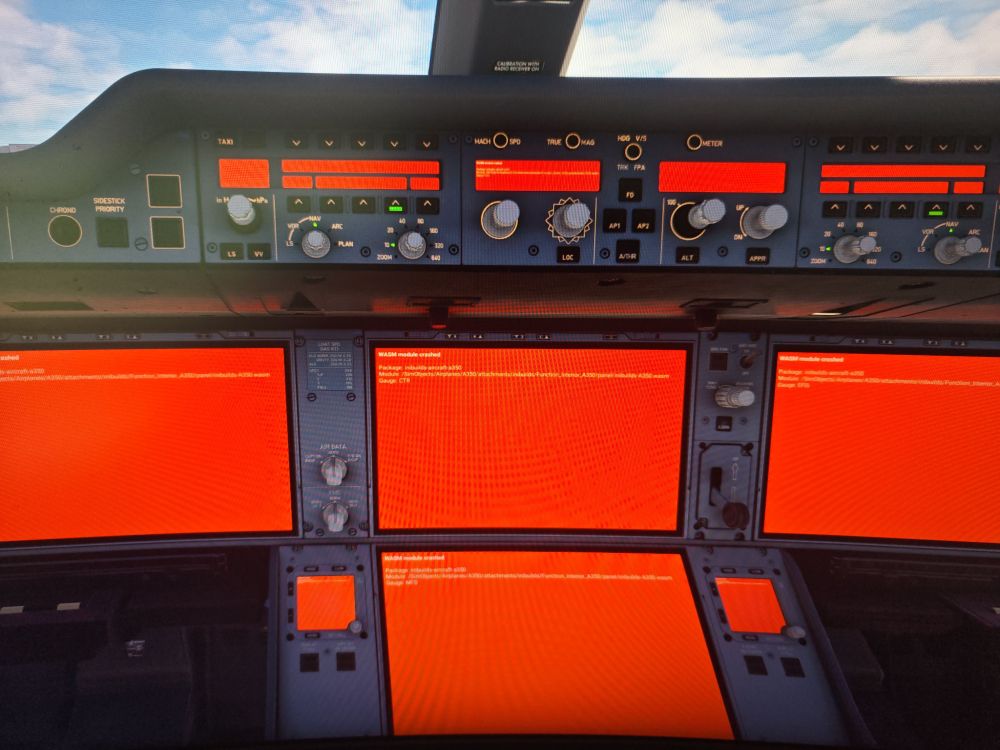
-
I’m honestly extremely frustrated at this point and slowly losing the motivation to keep using the aircraft for long haul flights. Today, after the latest update, the aircraft just suddenly fell out of the sky during a flight from Chania Cretes to Rio de Janeiro completely out of nowhere. Before the flight I specifically cleared the WASM folder after updating, reloaded the aircraft, and tried to do everything properly to avoid issues. At this point it feels like I spend more time troubleshooting and trying to eliminate possible error sources than actually enjoying the aircraft itself — which is a shame, because the aircraft is genuinely fantastic when it works. But slowly I’m losing the motivation to even plan long haul flights anymore when there’s always the feeling that the flight has a significant chance of crashing after several hours for no apparent reason. Really disappointed.
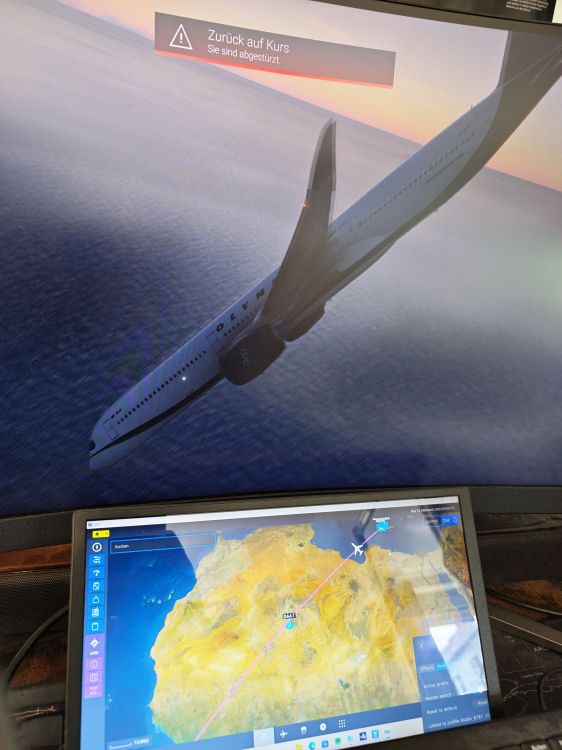
-
Had today directly after update the A350 for MSFS 2024 two D3D12Core.dll CTDs. Never had this before......

