




Deleted Account
Member
-
Joined
-
Last visited
Everything posted by Deleted Account
-
Yes, the RAT does work, there is no model of it though. I´ll add a RAT model to our internal feedback thread 🙂
-
The aircraft definitely already uses 3D sounds. It´s just not anticipated, that someone operates the switches from outside the cockpit. I did however add this to out internal feedback thread.
-
Heya, added this to our internal feedback thread. Thanks for your suggestion 🙂
-
Heya, added this to our internal feedback thread. Thanks for your suggestion 🙂
-
Heya, added this to our internal feedback thread. Thanks for your suggestion 🙂
-
Heya, added this to our internal feedback thread. Thanks for your suggestion 🙂
-
Heya, added this to our internal feedback thread. Thanks for your suggestion 🙂
-
I actually got another report that the engines continue to consume fuel while in the pause menu; which I was also able to replicate. So I´d assume you just ran out of fuel. I already logged this bug, should hopefully be fixed in the next build 🙂
-
I tried it with the default A320 and the H4, both aircraft mirror the same behaviour.
-
Will relay this to our texture team, thanks for reporting 🙂
-
Noted this feedback, thank you 🙂
-
The sound also doesn´t cut out when in external cam for me. It however also doesnt´t cut out in any other plane I´ve tried this with.
-
Will relay this to the appropriate teams, thanks for reporting 🙂
-
Yup, that does sound like a bug and I can reproduce this. Thanks for reporting! 🙂
-
We´re already investigating FMC freezes. If you can reliably replicate how you froze the FMC, please let me know the steps. Would be greatly appreciated 🙂
-
Also maybe send me a screenshot of your brake pedals please.
-
In that case please make sure that there is no button, slider or whatever else bound to a brake command. I do not think it has anything to do with shadow maps, no.
-
- if using Navigraph, please update your cycle - if youre not using Navigraph, please try again with an empty community folder - custom airports may cause this issue
-
Yup, known misspelling, will be fixed in next version 🙂
-
Heya, can you please try with the native pushback and see if you still have the issue, then report back? Thank you!
-
Heya, can you try again and see if you can reliably replicate this? If so please tell me the steps on how to do so. Normally pressing ESC shouldnt turn the engines off.
-
Heya, ATIS request freezing up the FMC is a known issue, it doesn´t happen every time, but it is advised to not use it for now. There will be a fix in the next version 🙂
-
I forwarded your issues with the right wing to the correct team. Our flaps actually are double slotted!

-
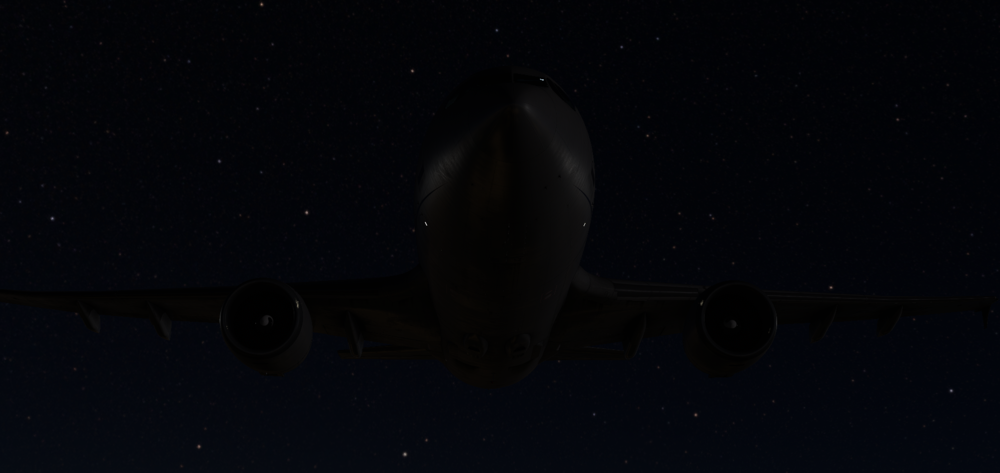
Heya! I can´t reproduce this, could you please send a screenshot with what you mean?
-
Heya, so I tried to replicate it with the auto checklist and the same how you did it in the video - but I unfortunately still cant reproduce this. I put our testing team on it to see if they can reproduce this, I´ll report back once I have their findings.


