




AndyM
Member
-
Joined
-
Last visited
Everything posted by AndyM
-
Can I make a suggestion regarding the ILS issue you have if you haven't already tried it. Remove all other addons from you community folder (cut and paste to a separate folder), and again delete the content.xml file, and try it with just the EGLL scenery and your FBW aircraft.
-
For some of us deleting the Content.xml file has fixed this issue. Personally I uninstalled the default Asobo EGLL and cleared my cache as well.
-
No, it's easy, just cut and paste to a different directory. The reason I mention it is that there may be a conflict between the addons. If your community folder is empty with just your EGLL in it, and it's still the same, then inibuilds may have used a default texture that you may be missing.
-
I know you have probably done most of this already, but can I suggest you start MSFS, delete any cache, close MSFS. Delete the Contents.xml, then move all the contents from your Community Folder to a different location so that it's empty. Then do a clean install of just the EGLL scenery, start MSFS and see if there is any difference.
-
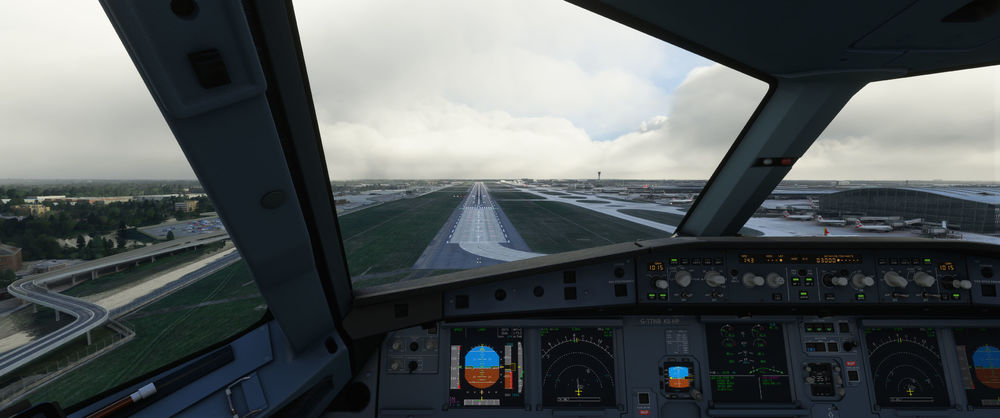
Which ILS? I've just finished a flight using 09L and all was okay. There was an issue with the ILS for some people (including me) which was resolved by deleting the Content.xml file.
-
Do you mean ALL buildings, or just those over a certain height like the control tower?
-
If you have the MS Store version, it should be .... C:\Users\xxxxx\AppData\Local\Packages\Microsoft.FlightSimulator_8wekyb3d8bbwe\LocalCache Where xxxxx is you user name. For Steam, I don't know, sorry. ( For Steam it might be ...... C:\Users\xxxxx\appdata\roaming\Microsoft Flight Simulator\Content.xml )
-
I just switched back from the Development version to the latest Experimental version of the FBW A32NX and just tried exactly what you did, and 09L ILS was working for me. The only thing I've done recently was to delete my Content.xml
-
Okay, I switched from the Experimental version to the Development version of the FBW A32NX and 09L worked for me this time, so it looks like it may be an issue within some aircraft.
-
Yes
-
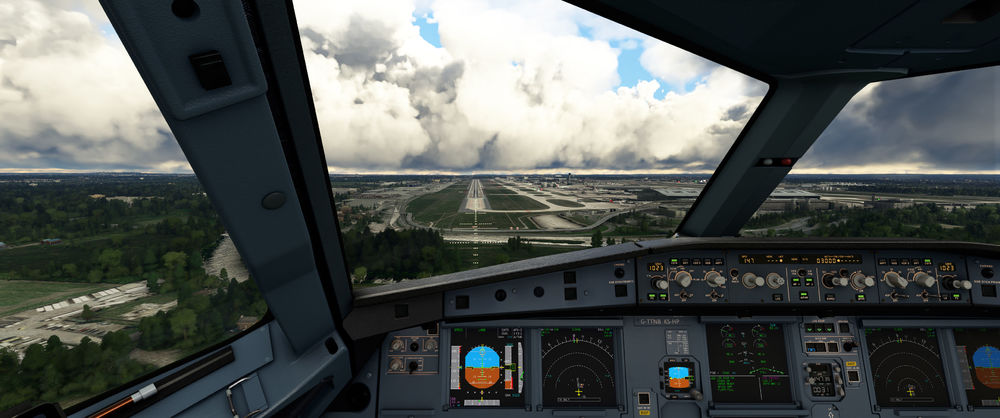
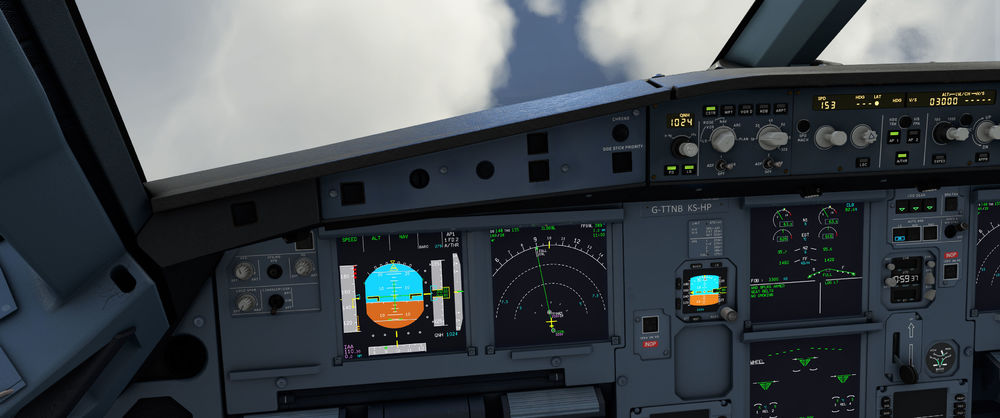
I've just tried the ILS 09L in the FBW A32NX and it didn't work for me either. I'm using the MSFS SU8 beta version, version 1.1.0 of the EGLL scenery and I do not have the Asobo version installed. 27L worked okay for me yesterday.
-
You remove through the Content Manager
-
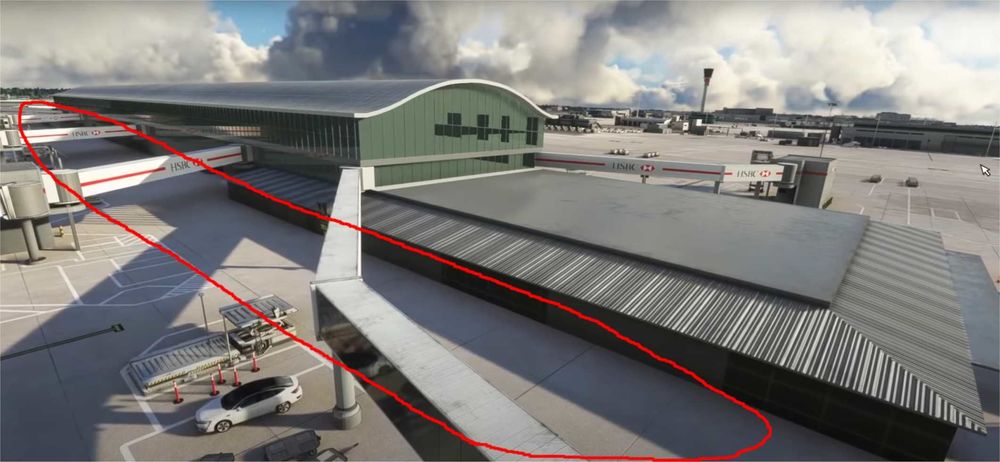
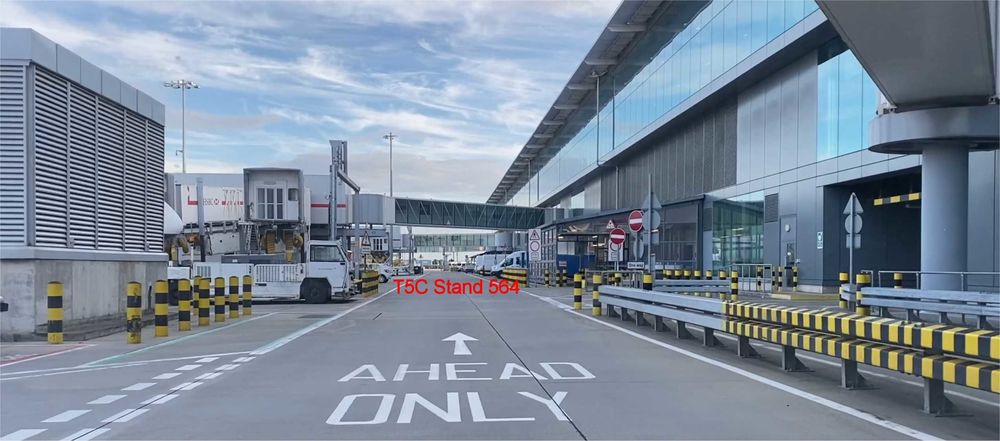
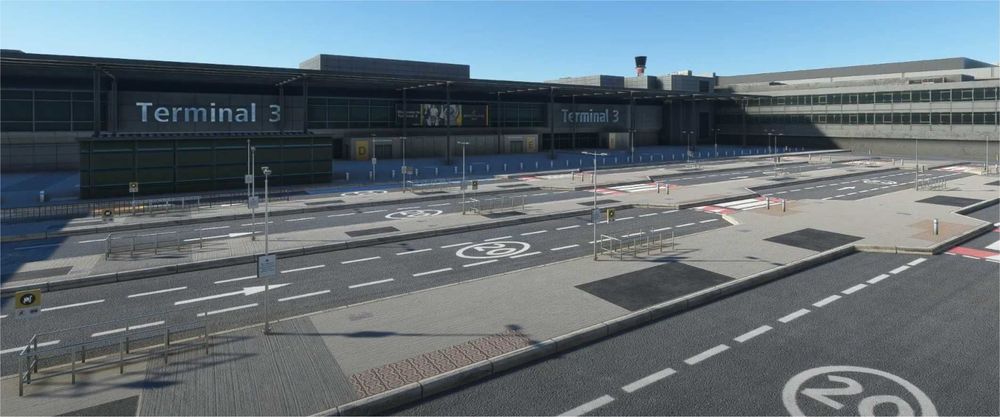
Will any details be added to the front of the terminals airside as they look a little sparse when you taxi around and pull up on to stand? More effort seems to have be put in to the landside areas where you don't taxi. Thanks.
-
Do you have "Bing world data" enabled in the simulator? If not, enable it.
-
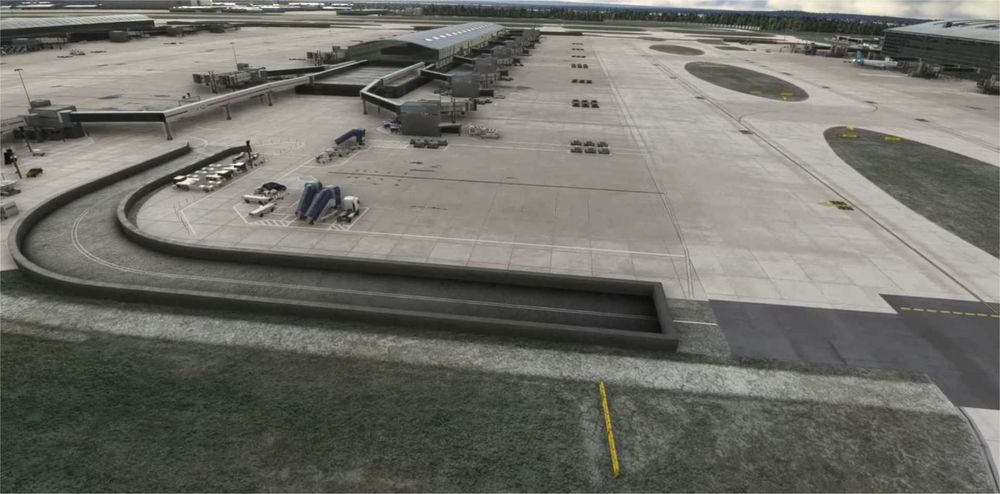
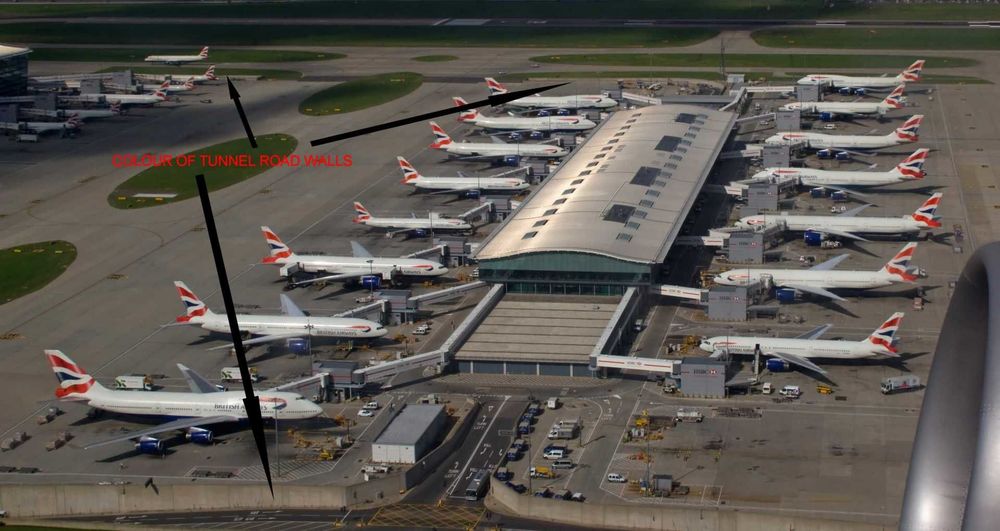
Excellent news that you are tweaking the airport, can I make a simple suggestion please, change the colour of the road tunnel access walls, they look a bit dark.
-
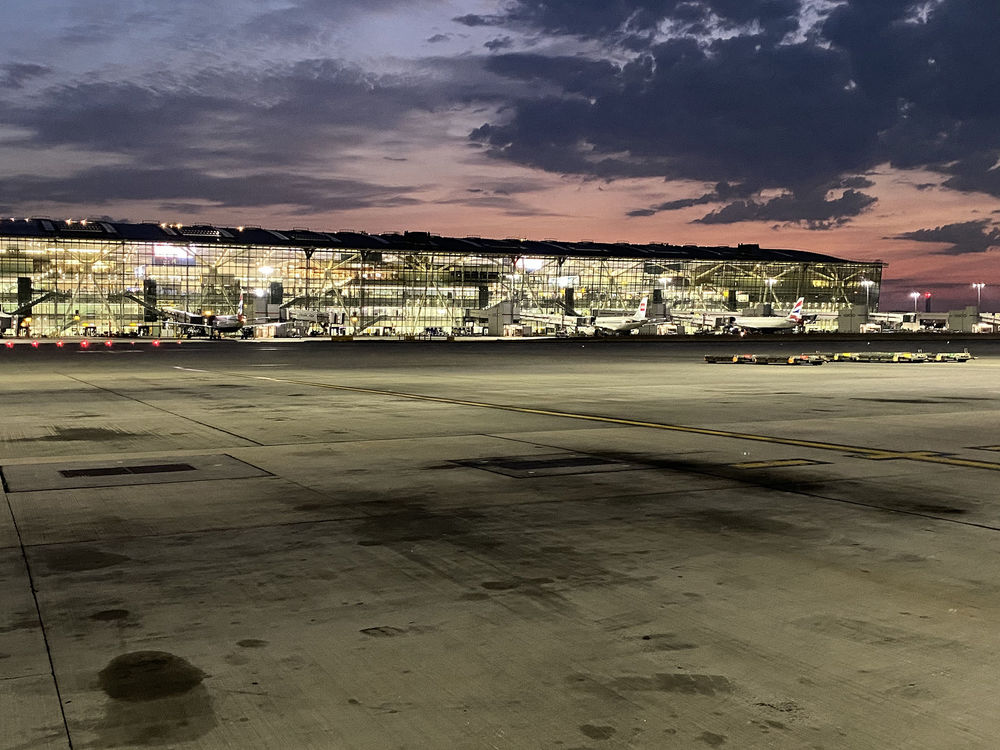
This is how T5 looks lit up.
-
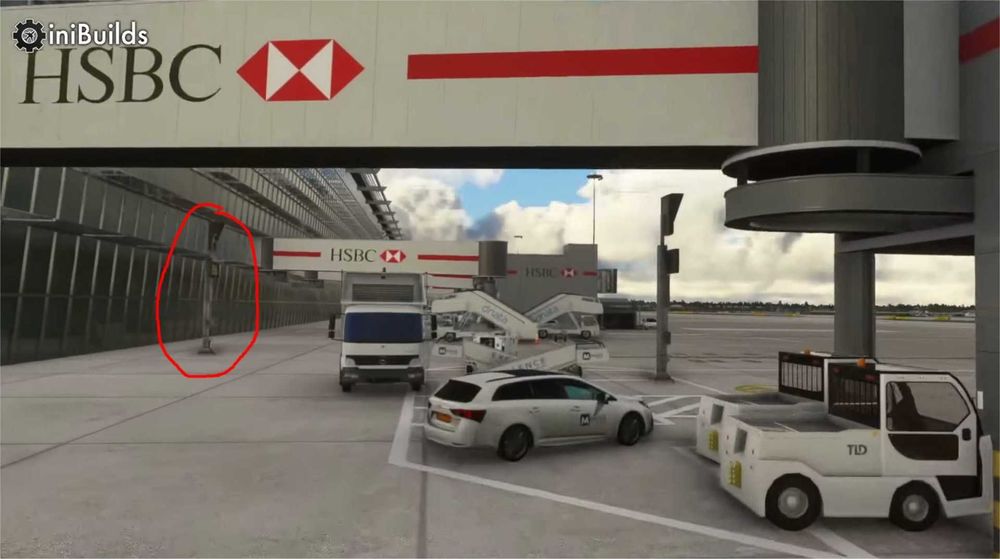
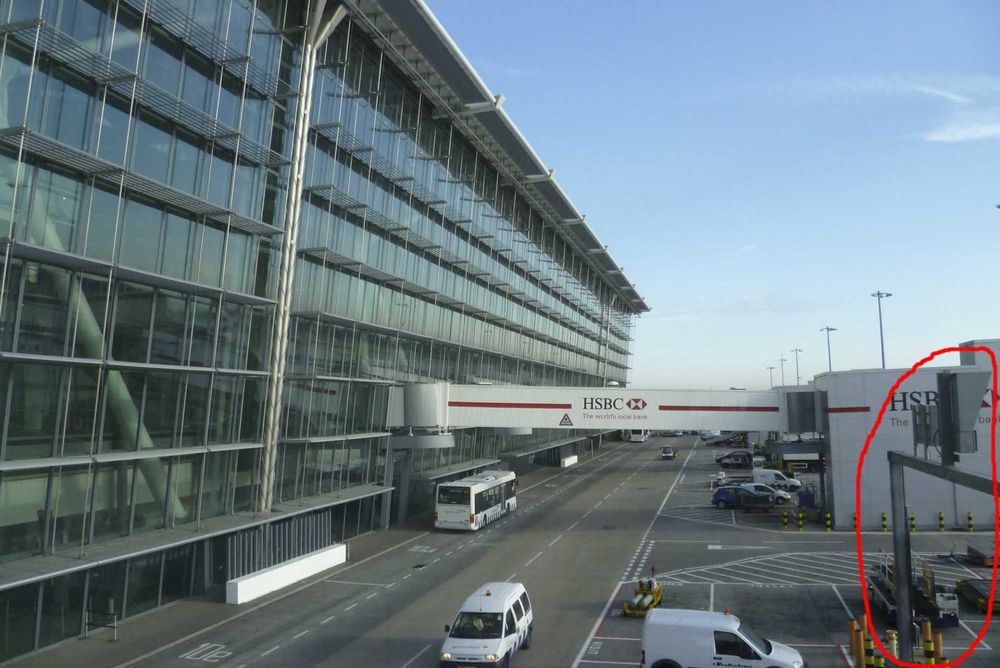
Ah, okay, didn't see them on the Youtube videos, but they do look a little too far away from the Terminal.
-
Some of them along the front of T5A are gantry type.
-
Also saw the excellent trailer, I'm hoping that a little more detail goes in like the road textures and pavements between the terminals and the stands, and that the VDGS post locations are moved a little to more accurate locations.
-
Any info on an approximate release time (i.e. a week or two, a month or two)?


