




abdulaziz
Member
-
Joined
-
Last visited
-
abdulaziz changed their profile photo
-
okay, i deleted the content.xml and it worked
-
Hello, i installed v1.2 of EGLL and it is okay, but the olny thing that is not good is the VDGS, i installed everythimg correctly, but it is not orking, any suggestions?
-
Hello ! i wanna talk about a different topic if it is okay, Can u add nool aerosimulations VDGS, it is working perfectly in NZAA and LJLJ, please add it, it will make EGLL one of the best addons ever
-
yes! it worked perfectly , thanks my bruda ❤️
-
I will try that, I hope it will work
-
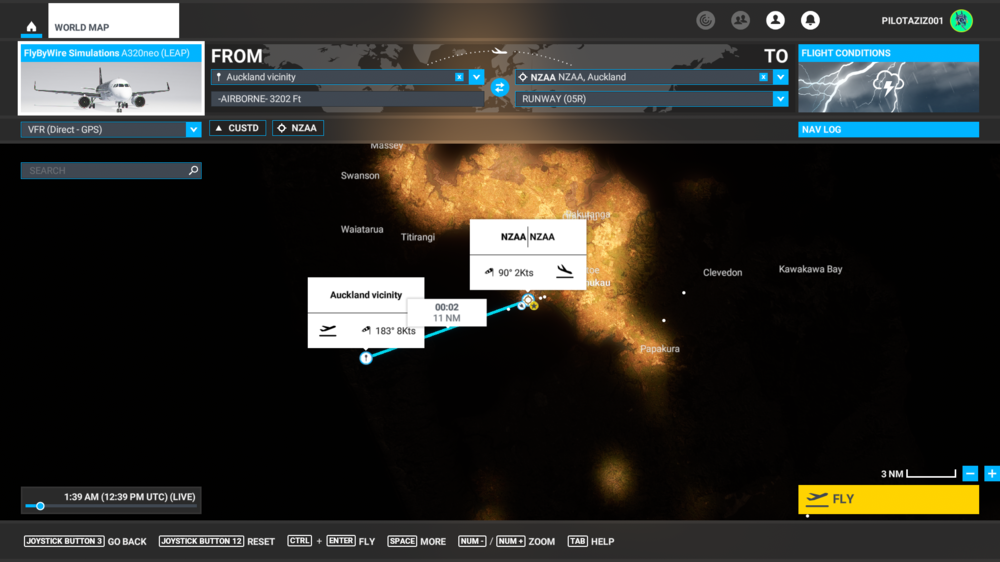
in NZAA it works perfectly, just EGLL it is not working, i tried with full professional flight, and i found this issue
-
Microsoft Flight Simulator 2022.03.01 - 16.38.06.02 (1) (1) (1).mp4 this is the flight, i will send u the same steps from another airport and it is working
-
i hope the update of the sim will fix this, if not, i will contact them via email to check my version if it is broken or noti dont think it is from the aircraft, because none of my aircrafts worked, even the CRJ 900it is not working, i will try removing from add one linker and another version of FBW
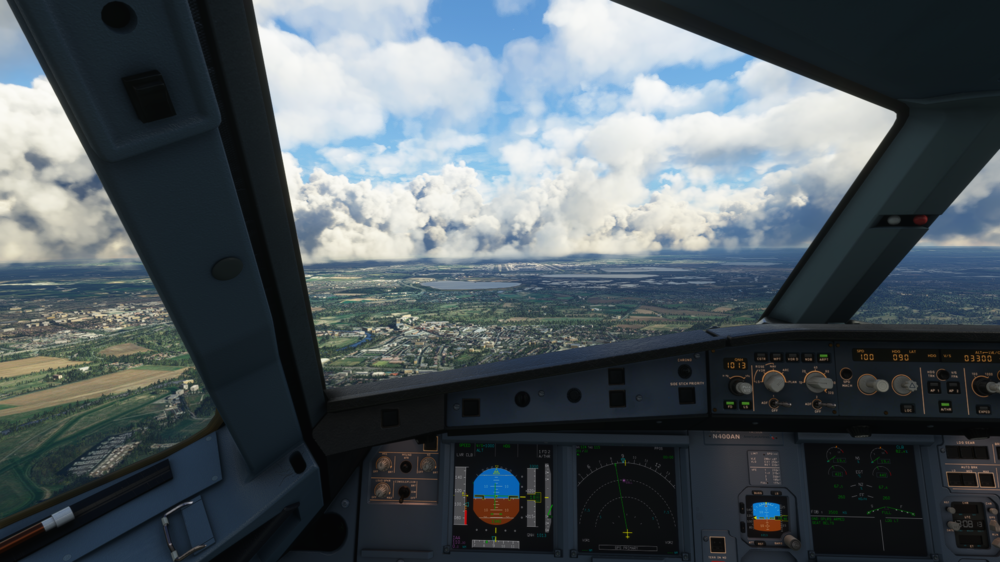 does MSFS addons linker have an effect?Which version are u using?Nope I am notcan you test it with FBW or 747? i dont like to fly these regional airlines, i need global ones to work i tried everything and it is still not working


