LondonLCY
Member
-
Joined
-
Last visited
-
Thanks for your help, the most recent update has since fixed these issues for me.
-
Unfortunately no difference, the only one I haven't tried is moving everything from my community folder, but it seems a bit extreme to do.
-
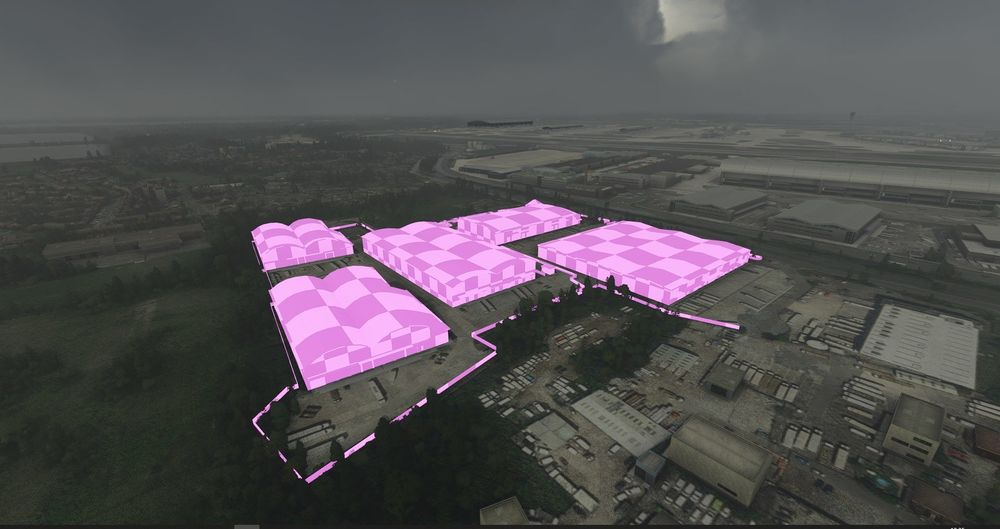
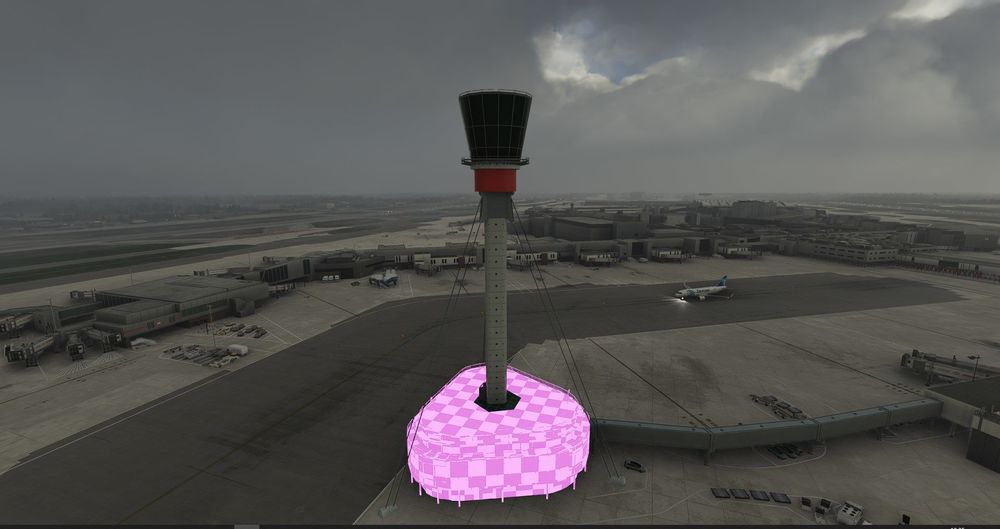
Hi all, Hope you are all having a good week and looking forward to the weekend! Just wanted start by first off saying, really enjoy the scenery, the work gone into is fantastic, so great job. However if you could look further into performance tweaks, as FPS really does drop here. (Ryzen 3900XT, 3080, 32gbs RAM) However, my biggest problem currently is that I'm missing textures after the most recent update. Specifically on some warehouses located outside of the airport and on the bottom area of the tower. Has anyone else experienced this? I have the premium deluxe EGLL uninstalled, I deleted my rolling cache, tried numerous re-installs and restarts, but alas no fix. I'm hoping here someone might be able to help me to fix this. Thanks in advance!