





AndyM
Member
-
Joined
-
Last visited
Everything posted by AndyM
-
-
-
-
It loads no problem for me, certainly no longer than any other 3rd party airport.
-
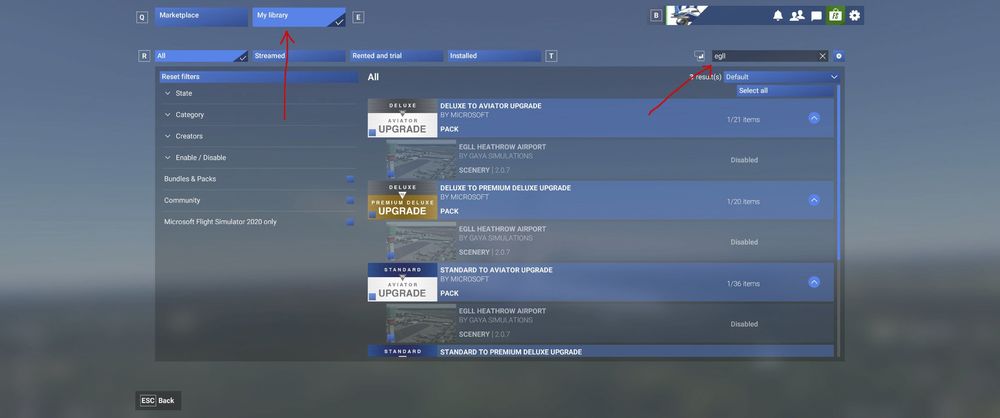
I am assuming that you are using MSFS 2024 with the IniBuilds version of EGLL 2024? If so, this is done In Marketplace, select My Library, then search for EGLL, and then select the default EGLL and then disable it. How to enable and disable content in the simulator – Microsoft Flight Simulator Support
-
I didn't think there were static aircraft in the scenery, you have probably got traffic enabled in the MSFS options.
-
Do you have photogrammetry enabled? Needs to be on.
-
Is it absolutely necessary to uninstall the GSX profile in 2020? I use 2020 more that 2024 at the moment due to aircraft compatibility. Thanks.
-
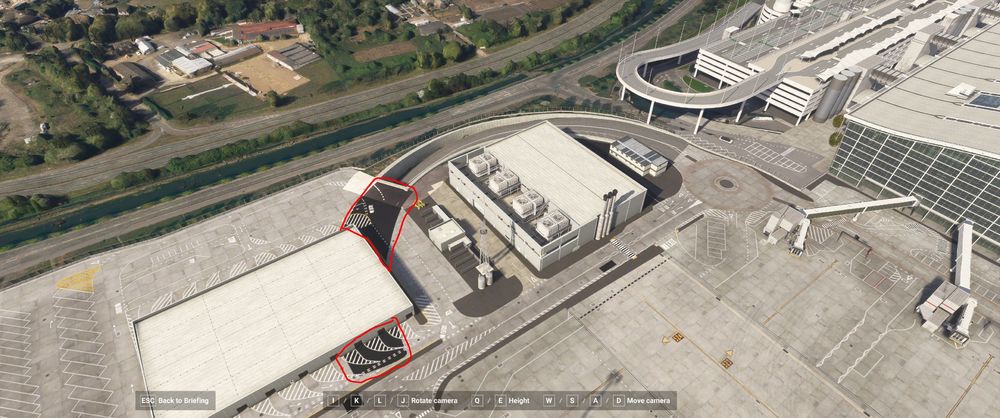
Spotted another texture error?😉
-
Weirdly I reloaded the scenery without any traffic (aircraft), and didn't see any floating cones anywhere, so not sure if it's connected to having aircraft enabled, or maybe GSX if that has an input?
-
On the main menu, select Marketplace. In Marketplace select My Library, then search for EGLL, and then disable it.
-
I disabled the default EGLL and have restarted the sim a few times and it has remained disabled. I do run the sim with admin rights, not sure if that may help?
-
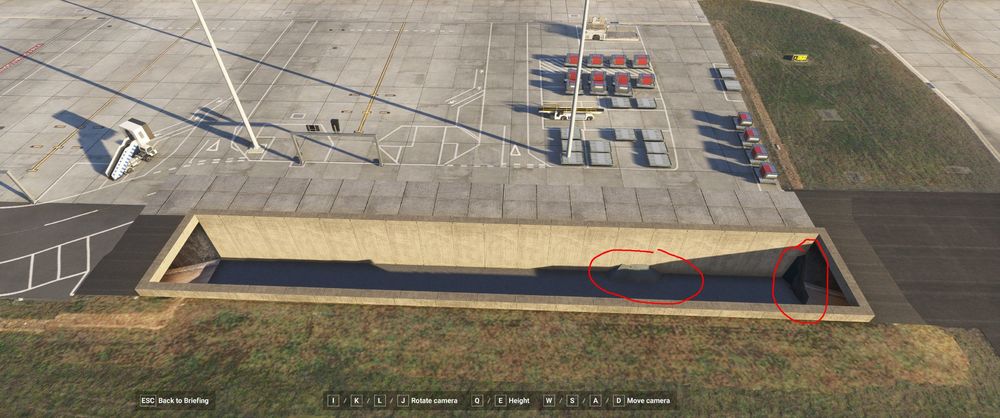
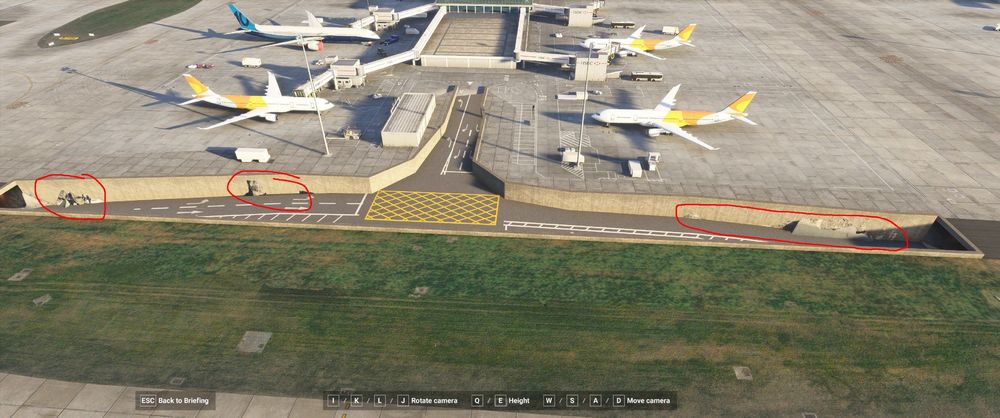
I'm not seeing that, do you have photogrammetry on? I am seeing a few minor mesh errors though.
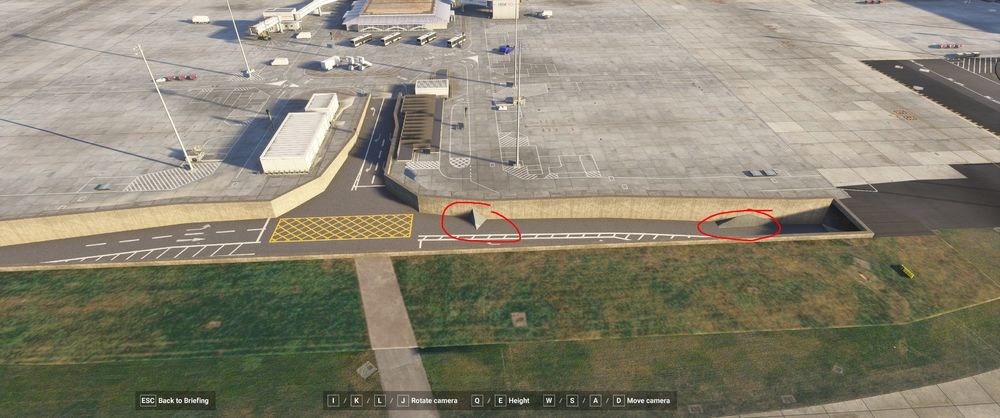
-
Thanks, didn't spot the dual scenery. I disabled the default scenery, deleted the rolling cache, but still seeing the odd floating cone, but they turn up in random spots. Also spotted a few other minor issues.
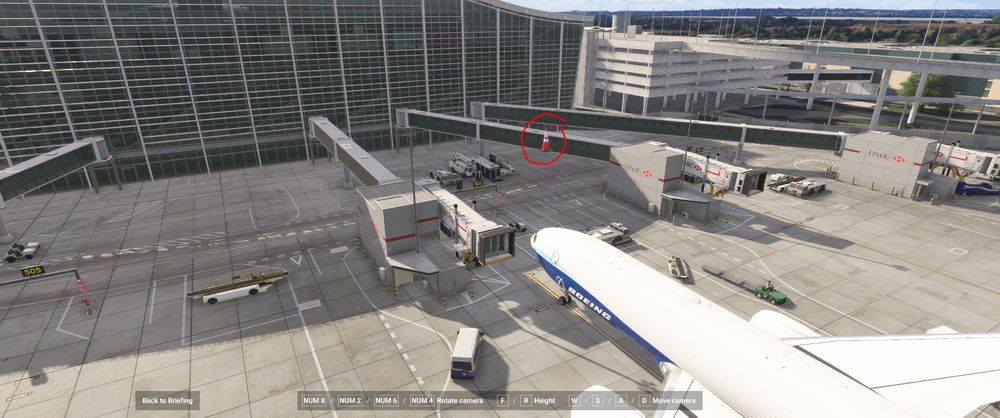
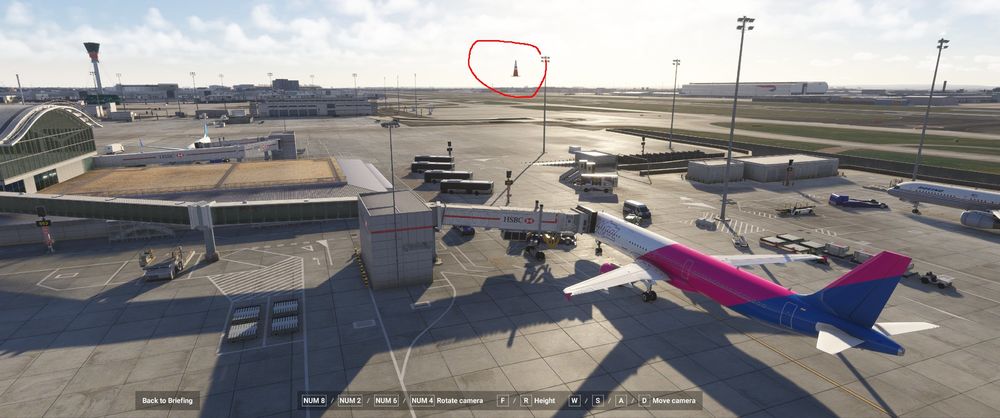
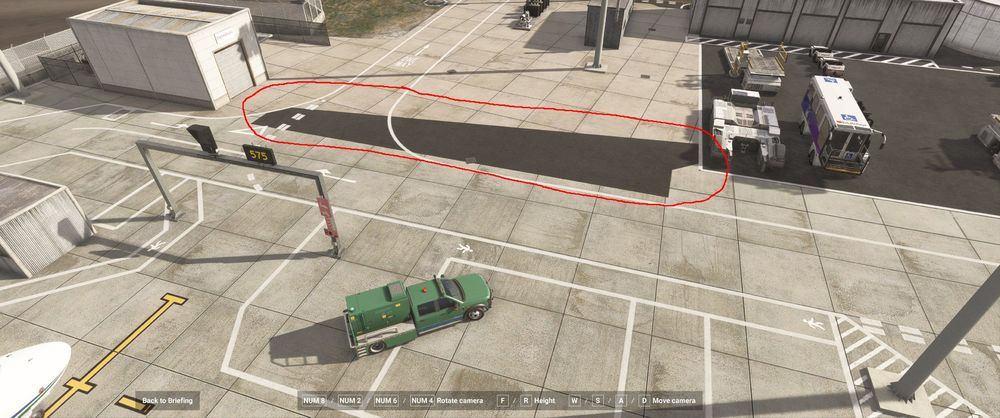
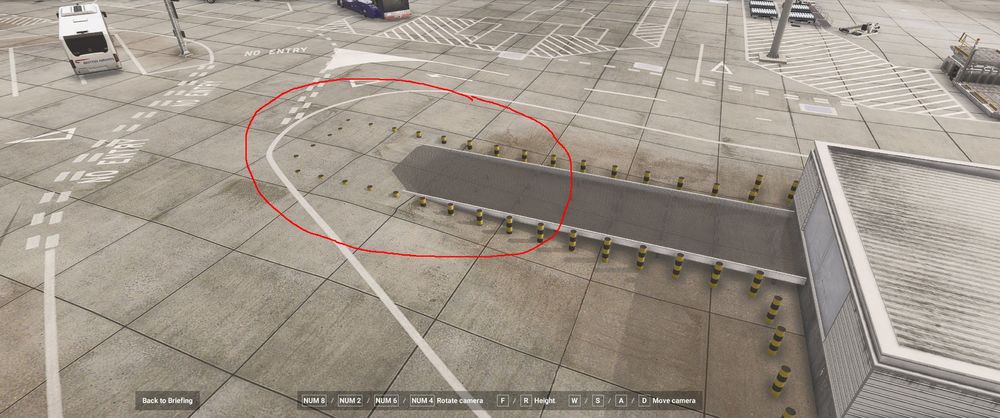
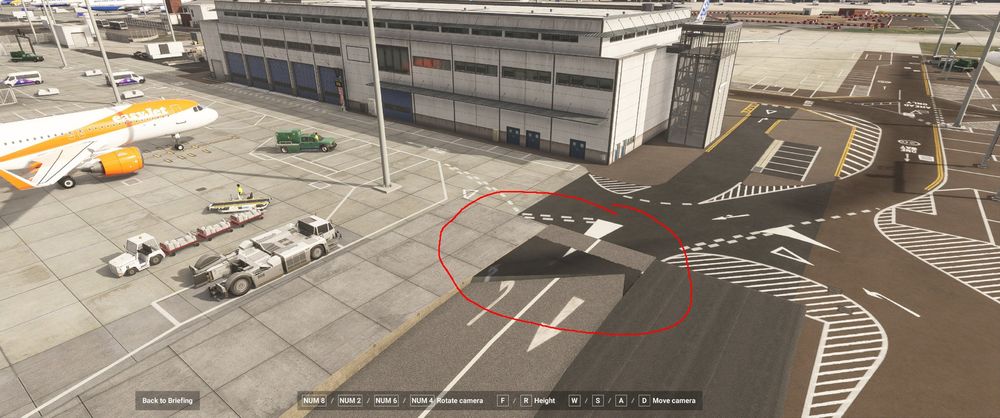
-
Scenery looks great so far, just spotted this ...
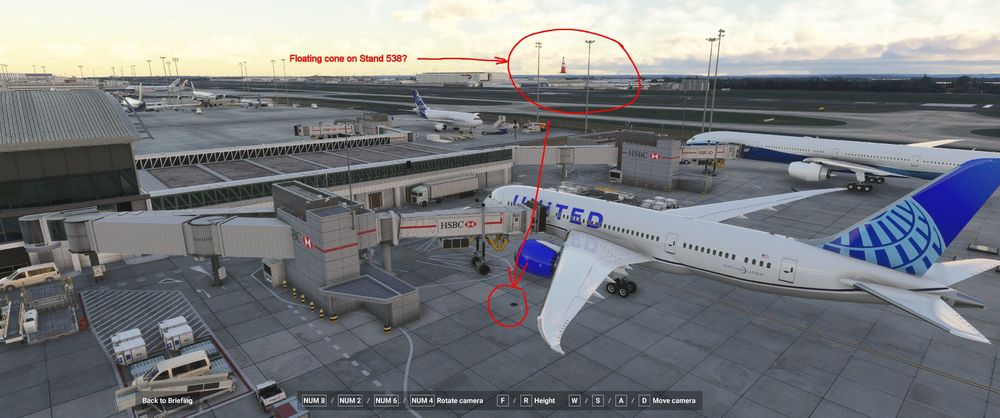
-
I did a couple of high speed taxi checks (80 -100 knots) along 13L/31R, and did notice a slight bump around this area that made the aircraft move around, but not enough to cause me to crash, weird how it affects some people more than others. Obviously this is not ideal, the runways and taxiway's should be flat, hopefully the developers will carry out taxi and take off checks of their own.
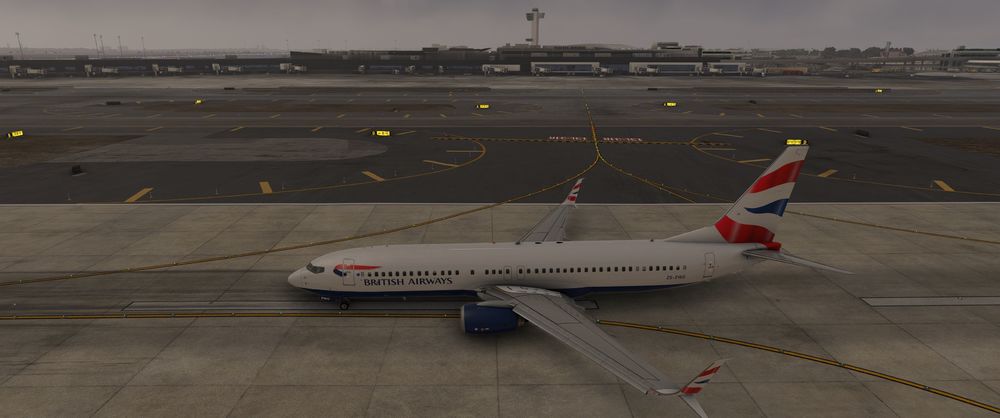
-
I had a quick look and can't see any bumps on 13L/31R runway (although I just used the external camera and didn't taxi or try landing on it). Are you using GSX? There is an interesting post here if you are. Troubleshoot - GSX Causing Bumpy Terrain, Double Parking Spots & Broke – Macco Simulations
-
I use addon linker and have not had any problems in the past, weird.
-
The only thing I can suggest is to temporarily remove ALL addons from the Community Folder, start MSFS, turn Rolling Cache on, physically delete any rolling cache and turn it off, then close MSFS. (I know you mentioned that it's not turned on, but there could possibly be an old cache present). Delete any scenery indexes (I know you mentioned that you had already done that, but do it again), do a fresh install of the Luton Scenery (do not put any other addons in your Community Folder) and then start MSFS. In options, just make sure the Bing Data and photogrammetry is turned on, I've had the odd occurrence of them turning off, and see how you get on.
-
Do you have photogrammetry turned on?
-
You could try deleting the contents of the SceneryIndexes folder
-
Do you have Bing Data and Photogrammetry turned on in the MSFS options?
-
Seems to be working okay for me now
-
Same issue here
-
I don't have this scenery, so can't test it myself. In general, if I have had terrain problems, I have found that having Bing Data and Photogrammetry turned off can cause these issues, and also clearing out Rolling Cache and the SceneryIndexes can sometimes help.


