ItzChickenYall
Member
-
Joined
-
Last visited
-
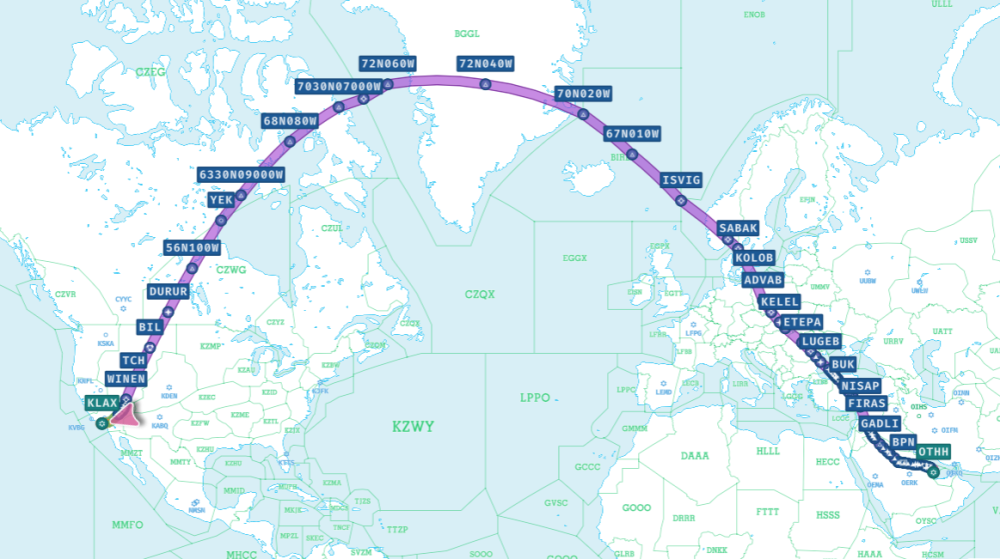
I might be having this issue as well, though I've never seen it in person. Im having issues where on long haul flights my TOD is pushed back so much and i lose so much fuel. At the photo icon was when I last checked on my flight and everything was looking good, TOD time was correct, was predicted to be landing with 8.6 tonnes of fuel left. In fact, my tod time was actually earlier than the predicted time upon departure. But when I came back to my TOD it had been pushed back by 3 HOURS, and dest efob had dropped down to 1.4 tonnes! A member of the community pointed out that my issue could be related to this Thread. Perhaps it may have happened when i was flying over the north pole / arctic? Route: OTHH/34R TULU3E TULUB B457 NARMI N697 PASIT T503 OVANO L768 SOKAN DCT FIRAS DCT NISAP UM861 BUK UL621 ODERO L746 LUGEB DCT DIRAL DCT LAPKA DCT ETEPA DCT KEKED DCT KELEL DCT SUDOL DCT ADVAB DCT KOLOB DCT SABAK DCT ULMUG DCT ISVIG DCT 67N010W DCT 70N020W DCT 72N040W DCT 72N060W DCT NADMA DCT 7030N07000W DCT 68N080W DCT 6330N09000W DCT YEK DCT 56N100W DCT DURUR DCT BIL DCT TCH DCT WINEN Q73 HAKMN ANJLL4 KLAX/CRCUS.I24R Plane: Qatar Airways A350-1000 Specs: GPU: 9070XT CPU: 9800X3D RAM: 64GB DDR5 My specs are quite good and they pointed out it could be performance related. But i doubt thats the case.
-
Hello what is the status on this?
-
Hello i am getting the same issue in FS 24 My process is exactly the same as starting engines for first time. i checked everything It doesnt go past 29.6 N2%. it just spool up to there and just stay there, while the EGT decreases. At first it was both engines then i tried toggle on and off the ignition and engine master switch and only engine 2 started but not 1
-
Hello i am wondering too
-
Same I am wondering too
-
I have same issue
-
I have the same issue. In my landing at AT98 video you can see on the ND that the actual runway is not where the airplane says it is. https://www.youtube.com/watch?v=mZ63yBL9WSU
-
I have the same issue....
-
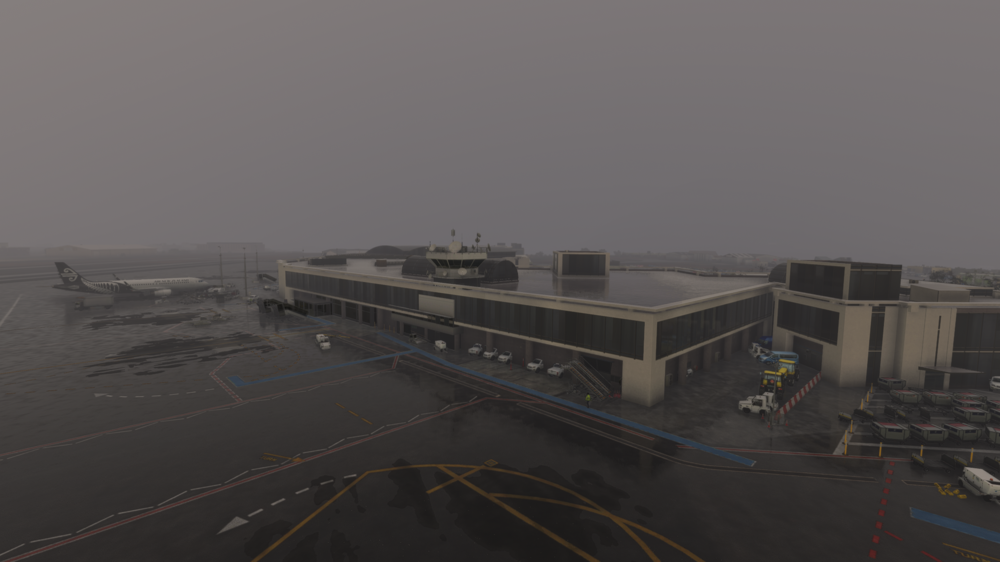
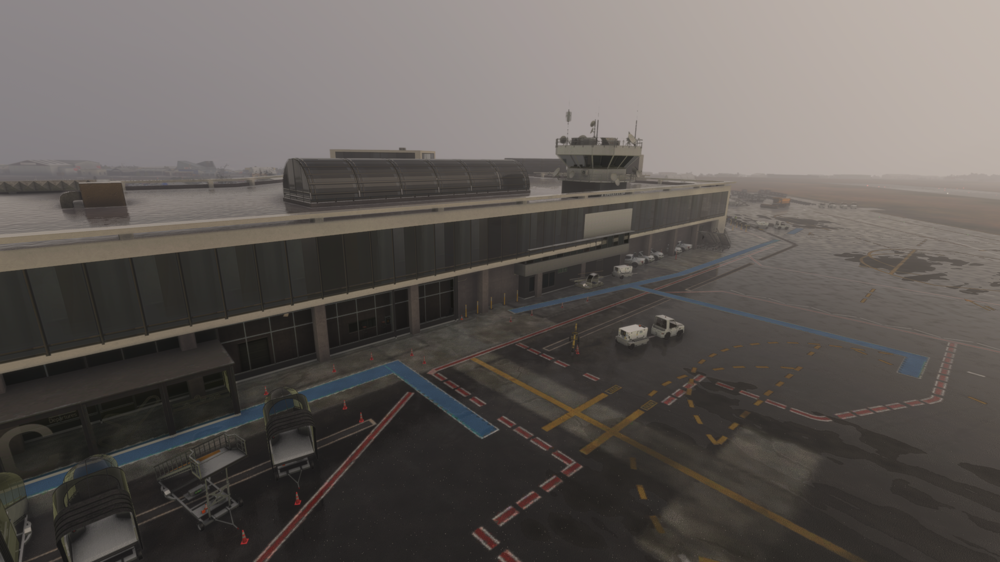
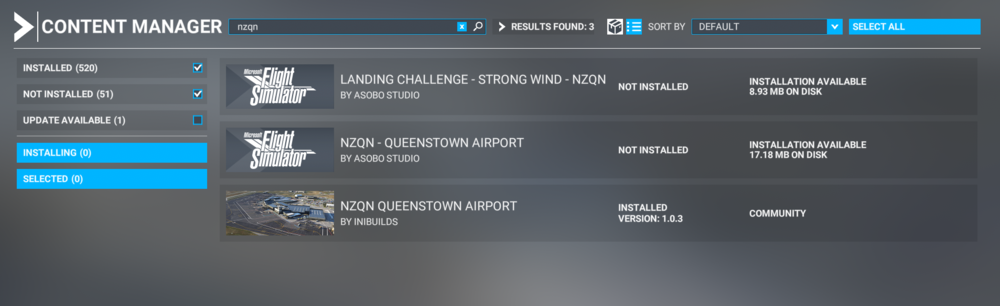
Hi, ive owned the NZQN for quite a while now and for most of the time Ive had it it has worked with no issues. However recently, my FS24 premium deluxe was automatically transferred to FS20 which i had standard for, and this automatically installed stuff including the 'Asobo Studio NZQN'. Now i do not know if this is the exact cause of the issue, because i have went into content manager and uninstalled it and the issue still remains, but I do know that i have been seeing this issue since then. The issue i am facing is that the airport looks like its merged with default buildings, and it 100% is not the NZQN airport I know. Please help, thank you.