Freeman494
Member
-
Joined
-
Last visited
-
You know I like to have a theory on this thread lol But I have updated to V1.0.6. Last night I operated EGLL - WSSS. I did not use the OANS system and on take off I had no stutters. This morning I loaded into a EGLL - KSFO with BAv, did not use the OANS to taxi around and again no stutters 🤷♂️. I still Nvidia App installed. Anything in this do you guys think?
-
ok.... just loaded into a flight and stutters have come back slightly. Not as bad as before but was not as smooth as before.. I will keep looking into it and trying 😓
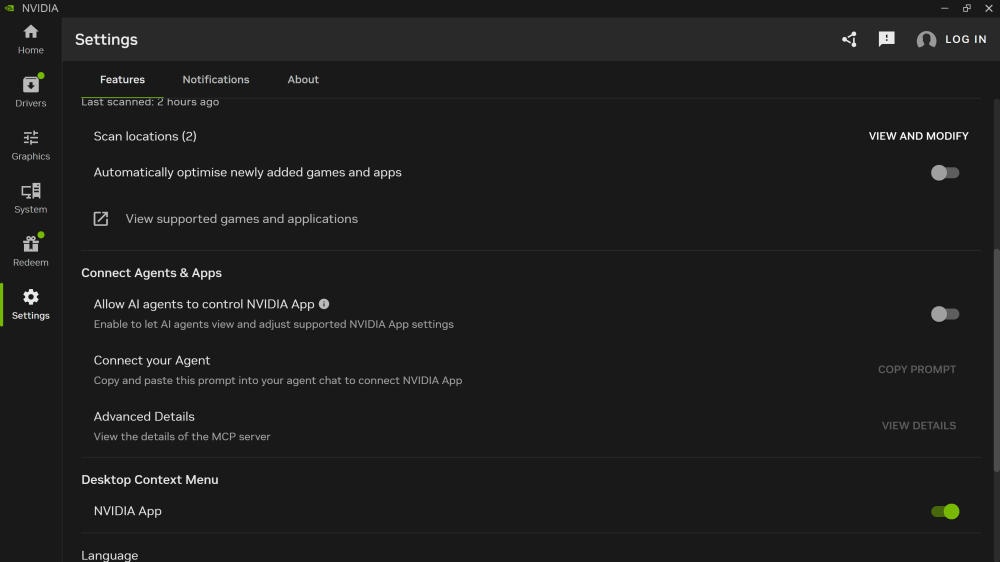
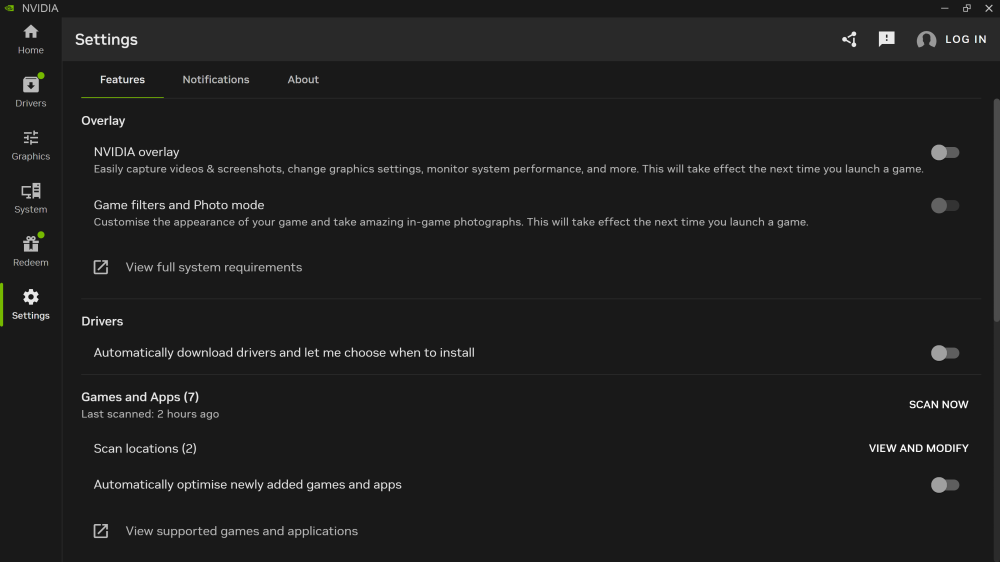
-
ok guys so I think I have found a fix for the Nvidia App interfering with the A380.... Dont quote me but i had massive stutters on departure until I went into Nvida App settings... FEATURES turned both Overlay and Game filters and photo mode to OFF. Also scrolled down to CONNECT AGENTS AND APPS... Allow AI agents to control Nvidia App.. and turned this to OFF On initial run of my findings I have had not one stutter out of the A380 after 10 take offs at various airports all times of day. Let me know if anyone gets the same. See screenshots for settings in Nvidia App.
-
I have just updated to V1.0.5 and confirm the stuttering is now back on take off roll
-
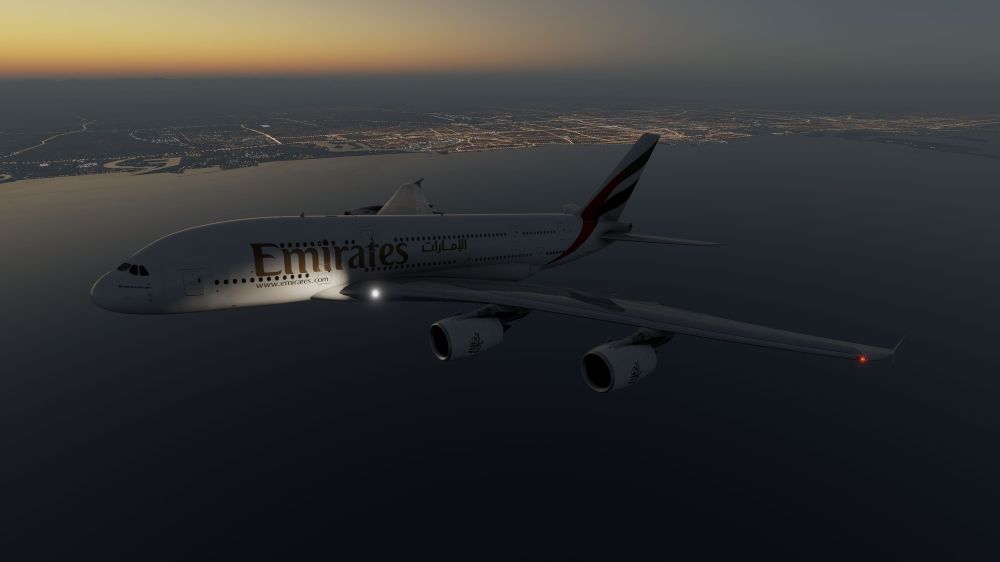
Hi Guys, Just to let you all know I solved my stutters on take off above 100kts and 400ft. All I done was go into my marketplace account and physically downloaded the A380 and not have MSFS24 stream it. Just loaded into a flight OMDB - CYYZ and departed without stutters butter smooth. Hope this helps 🙂
-
Ok so an update. I deleted the WASM files and loaded into a free flight with A380 at Dubai and allowed the WASM to be compiled. Closed the sim down and reloaded in. Set all my views and throttle calibration and exited the sim. Reloaded into Dubai RWY12R set take off thrust and stutters begin at around 100kts and continue up until about 400ft maybe then everything smooths out. Would downloading the aircraft instead of having it streamed take effect do you think? Or not worth it. I mean I do have really good internet so it shouldn't be a factor but I'm just thinking outside the box a little.
-
I will do thankyou for the reply. Have you had another other users report this? If so how did they solve?
-
After V1.0.1 release notes said stuttering should disappear but if not to let you guys know. Seem to have few more stutters on the ground than I used to but less stutters when moving around the flight deck. CPU is Ryzen 9 9950X3D GPU 5090. Do I need to re compile WASM maybe?
-
All the buildings dont load properly the sim is stuttering and completely unusable. I have unisntalled and re installed, deleted scenery cache and no avail. Jetways floating in the air and all sorts. Anyone can help? When you click on a gate to start from it just puts the plane anywhere it wants 🤷♂️