





D.Fidalgo
Member
-
Joined
-
Last visited
Everything posted by D.Fidalgo
-
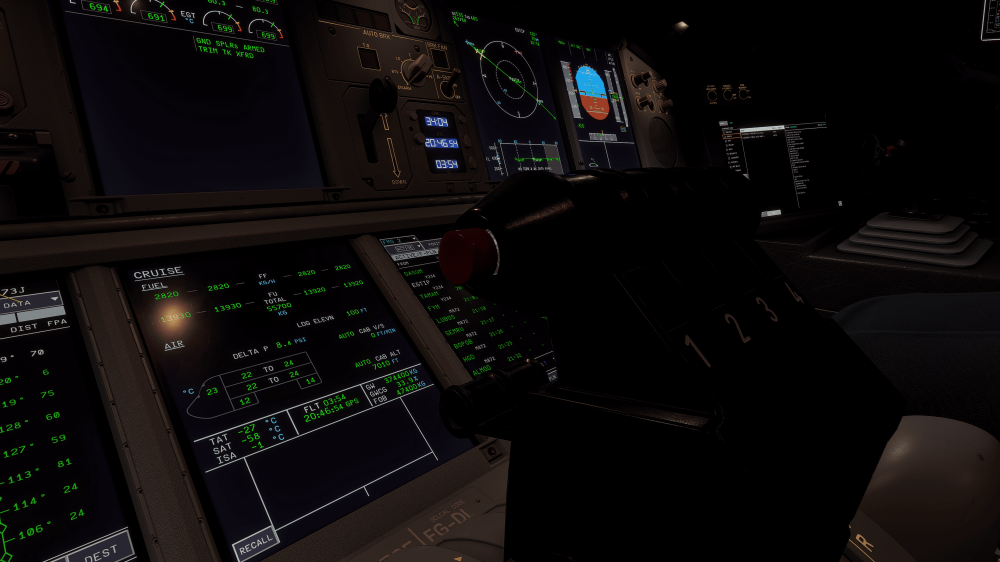
Gap in the autothrottle disengage button, Thx!
 Hi Ini Team, I've come across a few strange things, the labels on the lights on the right wing are reversed, and the parts around the lights on the left wing have a different dark texture without markings, which differs from the right wing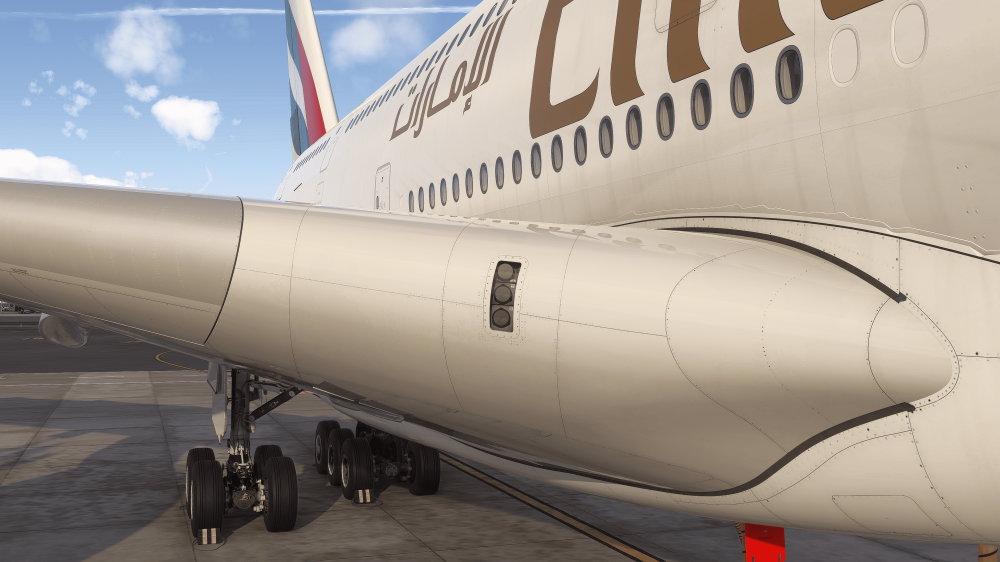
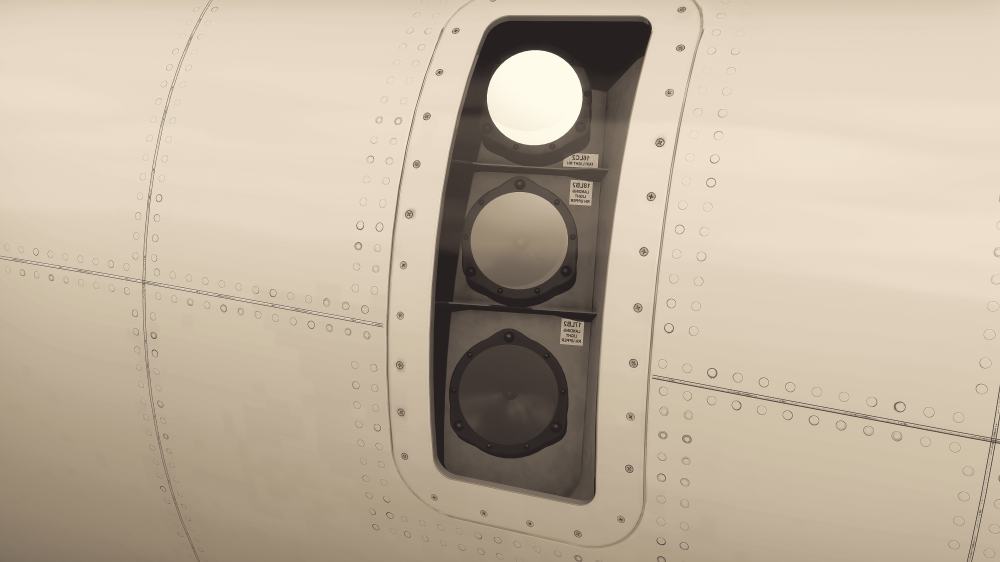
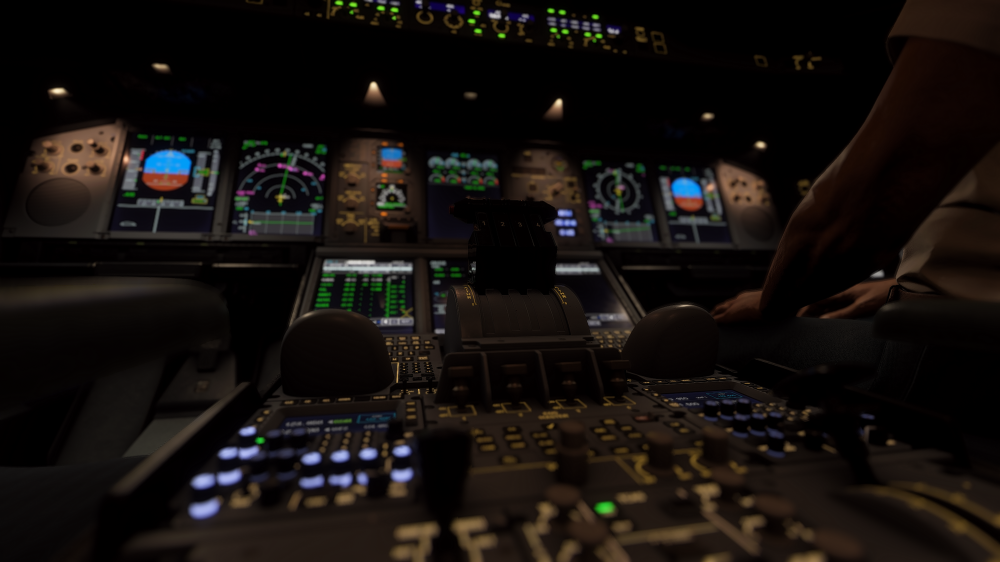
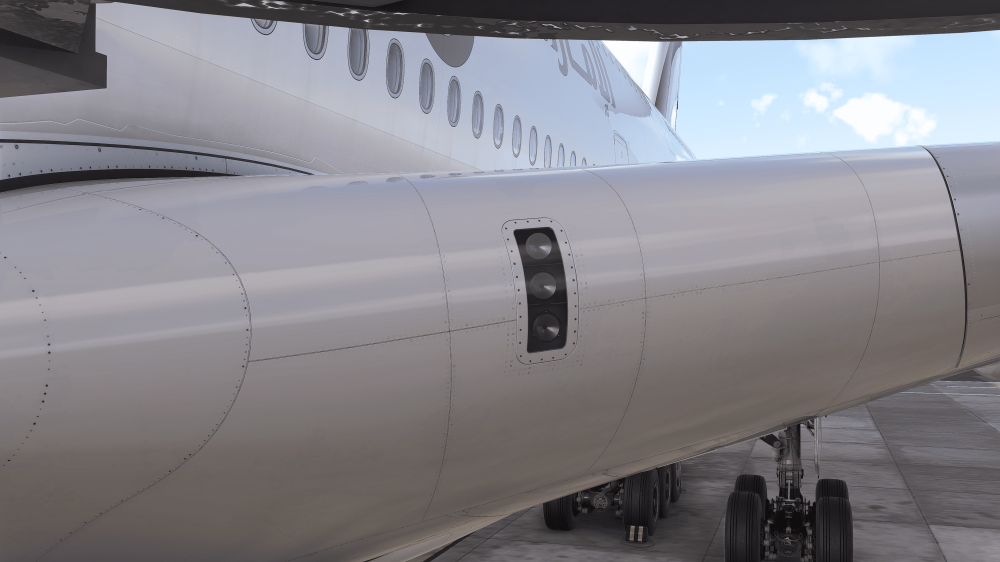 A few details of this lovely, intricate A380 by inibuilds – I love it
 In fact, only the clearance tab allows inputs and works.Thank you very much. Hopefully we will have good news soon.yes, not working on 1.1.16, tested yesterday, any plan for fix this please Ini Team? its esencial for oceanic routes and vital for simulation inmersion...Any updates on this?this is and option in the sim, try to ser offsame here, does not accept any inputs... it is confirmed that oceanic ops its not available yet on v1.01?


