





D.Fidalgo
Member
-
Joined
-
Last visited
-
This problem remains in the latest update, version 1.04
-
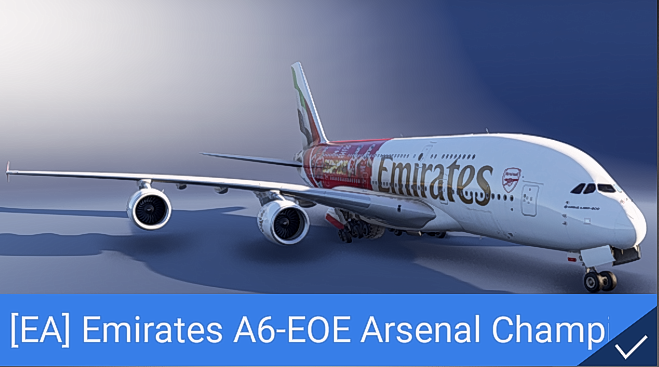
In the livery selection menu, the image of the Arsenal A6-EOE special livery shows the landing gear in the semi-retracted position, unlike the other liveries, which are shown with the landing gear in the normal position
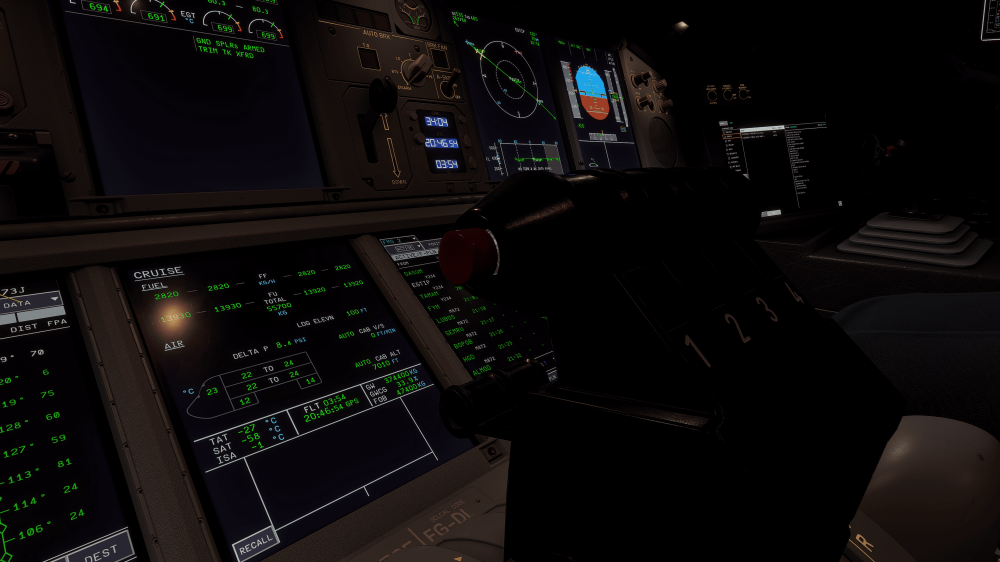
 yes i can confirm that in the Arsenal A6-EOE liveryGap in the autothrottle disengage button, Thx!
 Hi Ini Team, I've come across a few strange things, the labels on the lights on the right wing are reversed, and the parts around the lights on the left wing have a different dark texture without markings, which differs from the right wing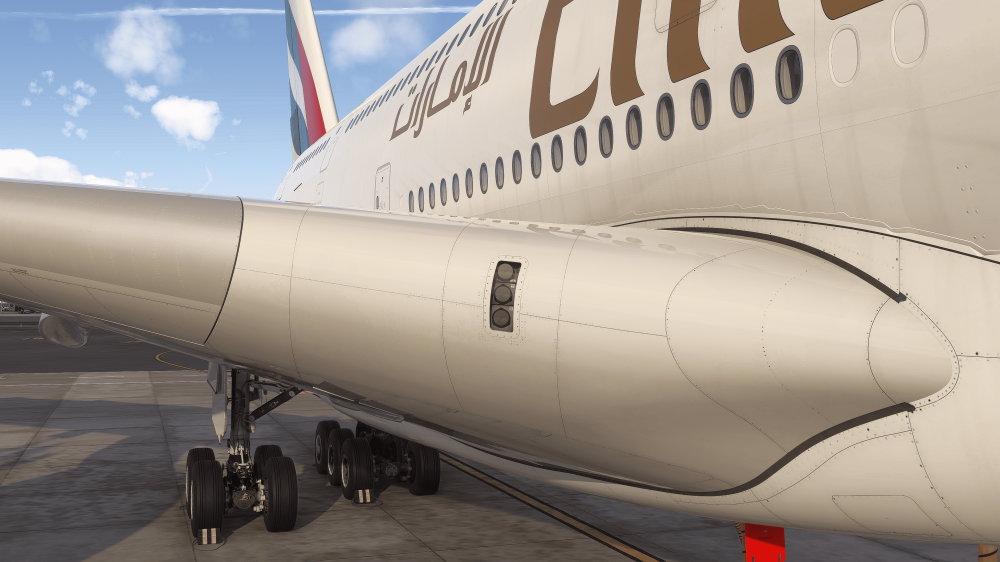
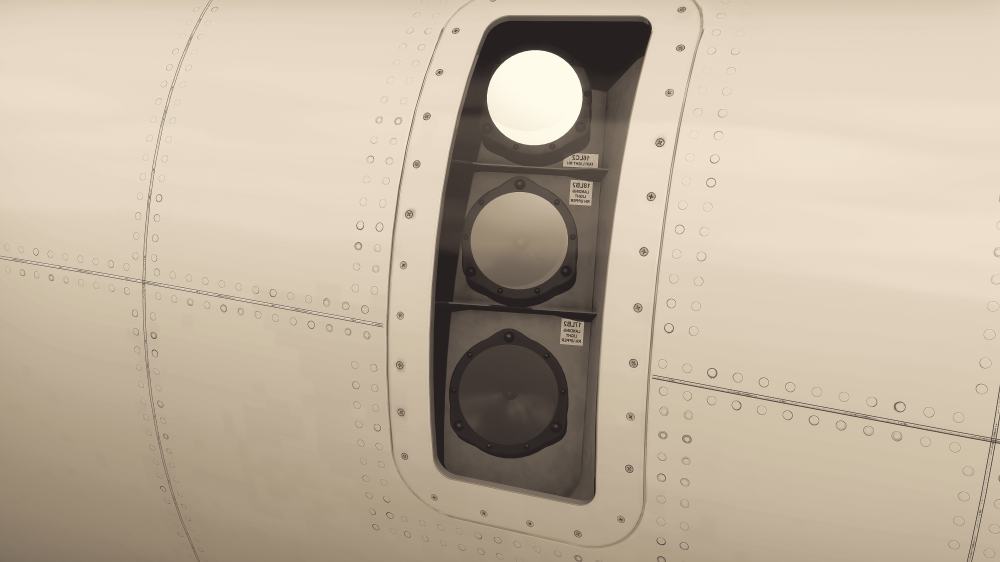
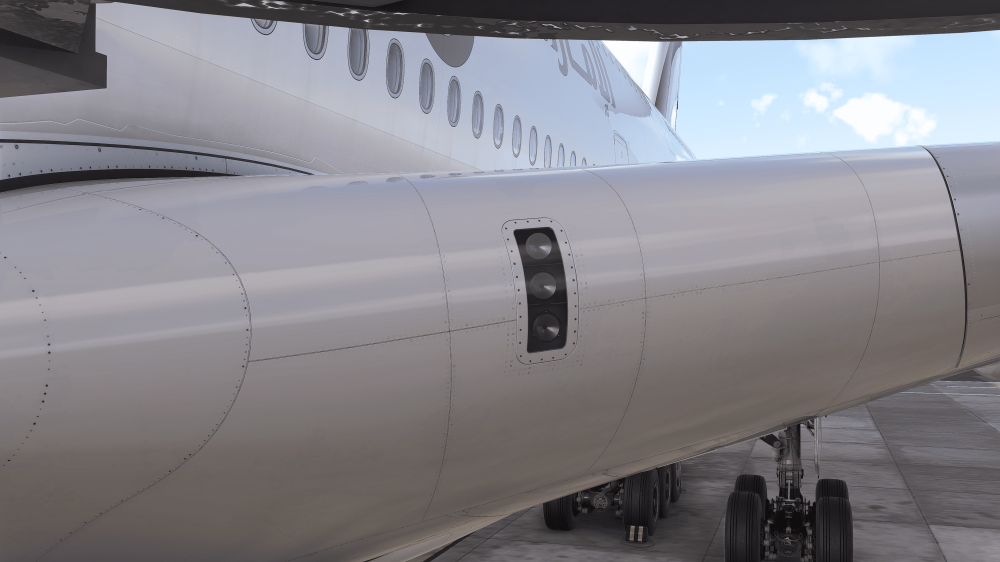 A few details of this lovely, intricate A380 by inibuilds – I love it
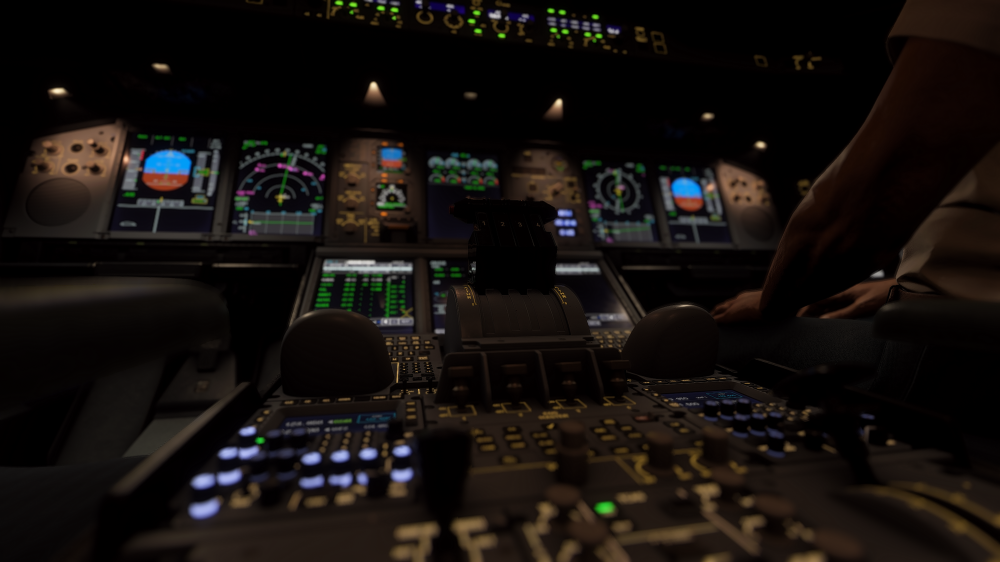 In fact, only the clearance tab allows inputs and works.Thank you very much. Hopefully we will have good news soon.


Account
Navigation
Configure browser push notifications
Chrome (Android)
- Tap the lock icon next to the address bar.
- Tap Permissions → Notifications.
- Adjust your preference.
Chrome (Desktop)
- Click the padlock icon in the address bar.
- Select Site settings.
- Find Notifications and adjust your preference.
Safari (iOS 16.4+)
- Ensure the site is installed via Add to Home Screen.
- Open Settings App → Notifications.
- Find your app name and adjust your preference.
Safari (macOS)
- Go to Safari → Preferences.
- Click the Websites tab.
- Select Notifications in the sidebar.
- Find this website and adjust your preference.
Edge (Android)
- Tap the lock icon next to the address bar.
- Tap Permissions.
- Find Notifications and adjust your preference.
Edge (Desktop)
- Click the padlock icon in the address bar.
- Click Permissions for this site.
- Find Notifications and adjust your preference.
Firefox (Android)
- Go to Settings → Site permissions.
- Tap Notifications.
- Find this site in the list and adjust your preference.
Firefox (Desktop)
- Open Firefox Settings.
- Search for Notifications.
- Find this site in the list and adjust your preference.