




frank_m
Member
-
Joined
-
Last visited
Everything posted by frank_m
-
Thats a known issue of the MSFS Plattform. Please use the search functionality for details, it was already explained by the dev team. You have to switch on the wipers.
-
Oh please, use the search functionality. The Problem has really been discussed more than necessary.
-
You will really download bin files somebody you have never seen before has uploaded into a forum? Be serious. 0 downloads after 2 days. This is a user Forum, not an official support channel. Nobody will take a look into this files. I'm even not sure if the files contain the necessary information. Either you provide the data in a way everybody can read without downloading such files, or nothing will happen.
-
Are you using cabin addons? Resp. which cabin are you using?
-
I'm pretty sure nobody will download bin files and open them on his computer for security reasons. And with the current available information it is more or less impossible to analyze the issue. If you do not supply detailed information about your MCDU and plane settings, nothing will happen here.
-
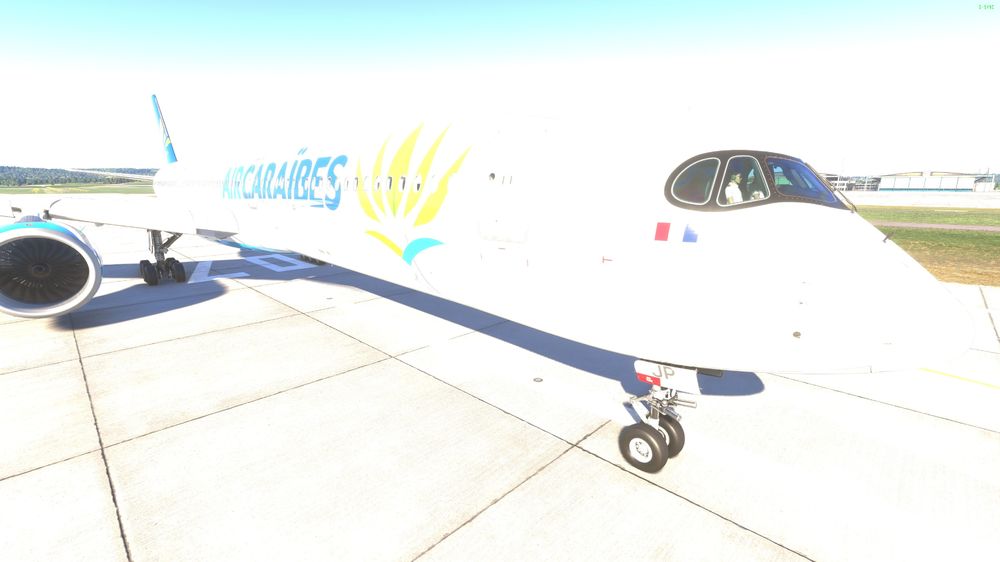
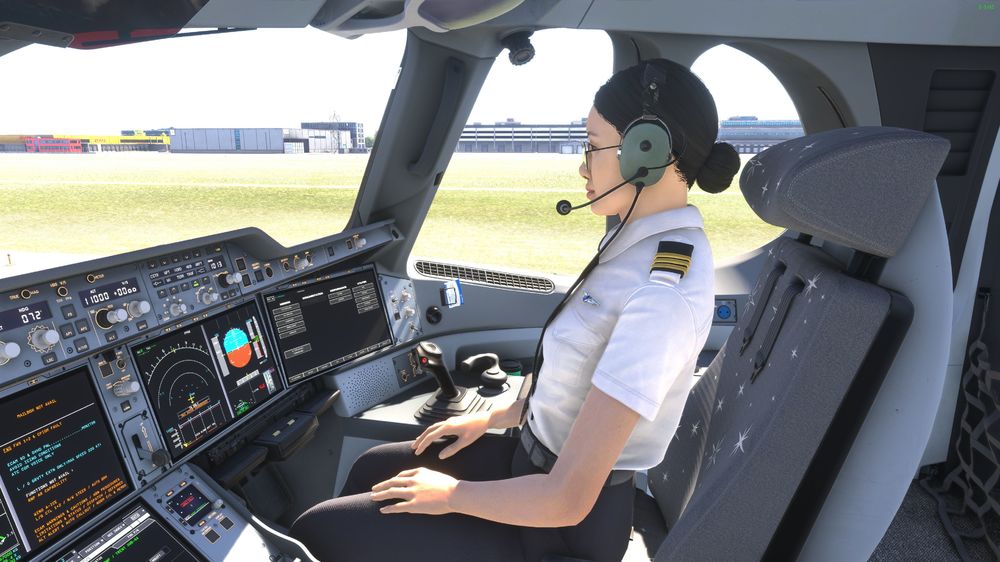
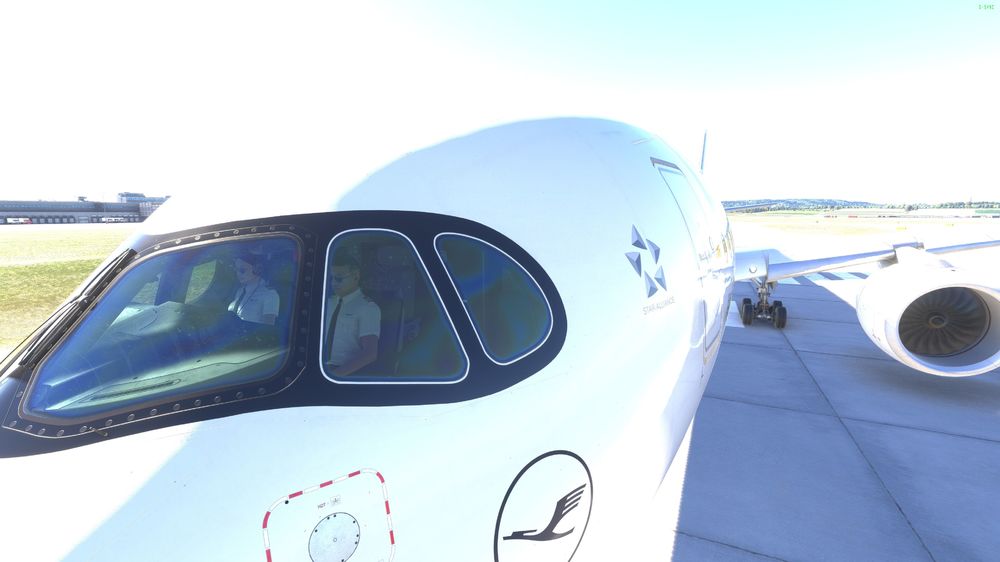
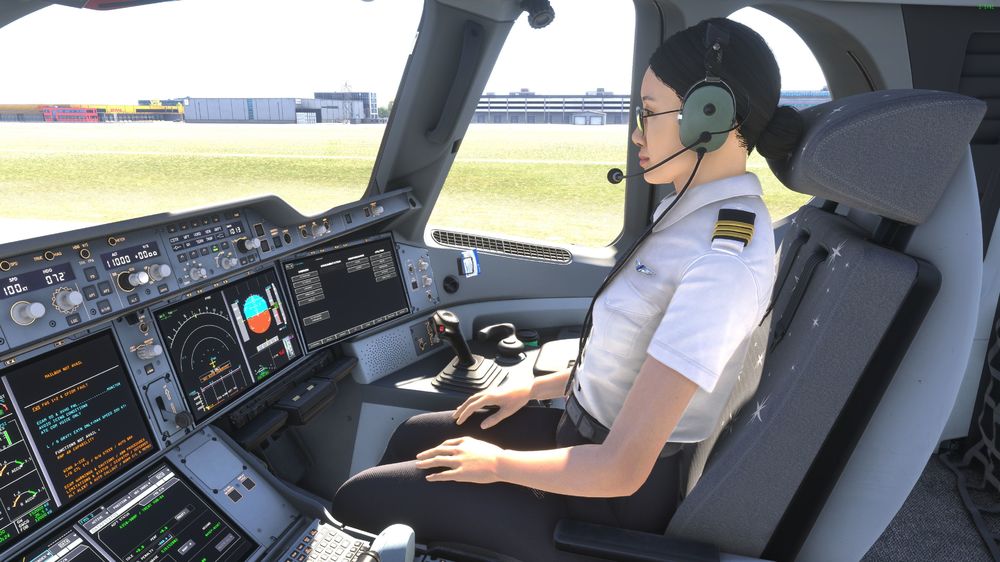
Well, I have a Co-Pilot as well in the -900 and the -1000. Sorry, the images are made in HDR and look too bright. A350-900: And A350-1000: I did not know, that you can do something (wrong) in order to let them disappear.
-
Well, first question: why are you setting the speed manually and are not in managed speed? And: you are too slow and set the speed manually even slower. Why? But in order to evaluate the problem we need to see your settings and configurations, also in the beginning of the flight.
-
You are far too slow, and your speed setting is even slower. Why?
-
You mean automatic tuning if the ILS frequency? It worked for me around 1 hour ago with SU4.
-
Switch on the wipers.
-
1.0.5 or something? I'm using it for a long time now.
-
That has already been fixed several revisions before.
-
I had never a problem with 8x, even before SU3. Ryzen7900 and RTX4080.
-
The workaround mentioned above has nothing to do with nVidia or AMD. It is a setting in the developer mode of the simulator.
-
That is a problem of the controls, most likely a double association of a key.
-
Thats a complete different problem. It has an own thread in this forum.
-
-
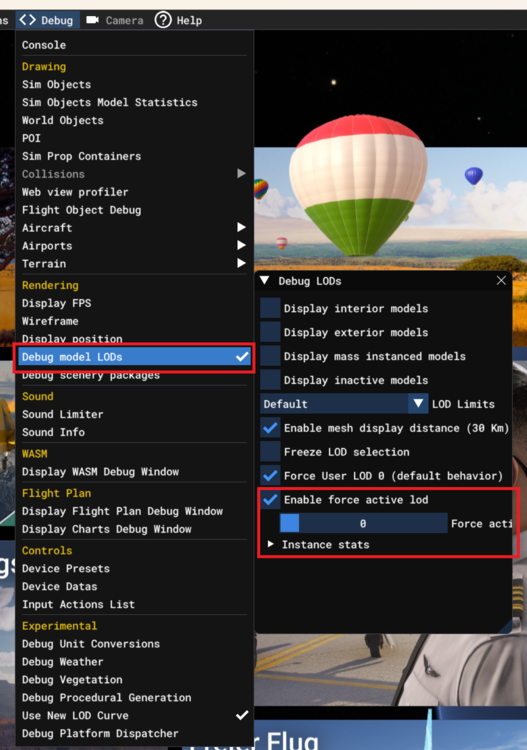
It's easy. Please take into account, that this setting will influence the performance, since all objects will be fully drawn all the time.
-
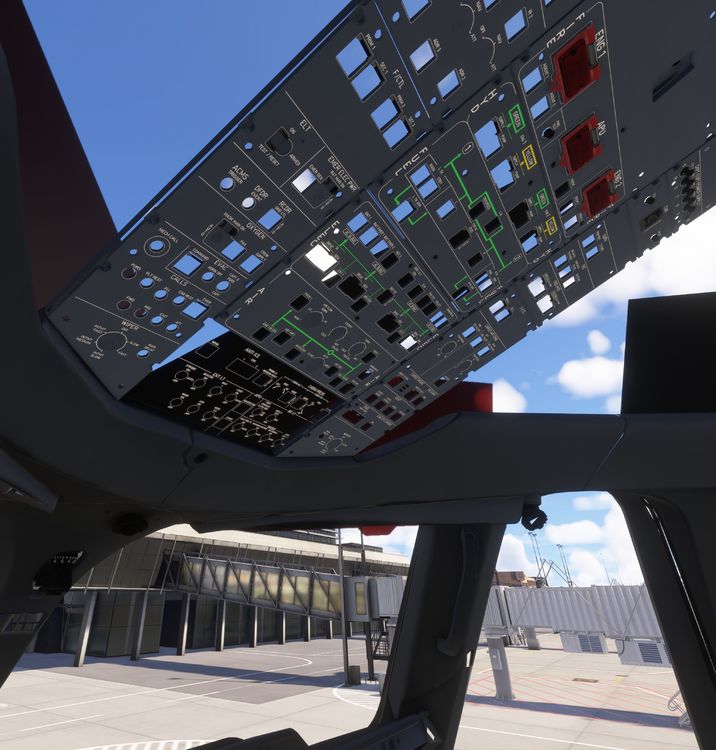
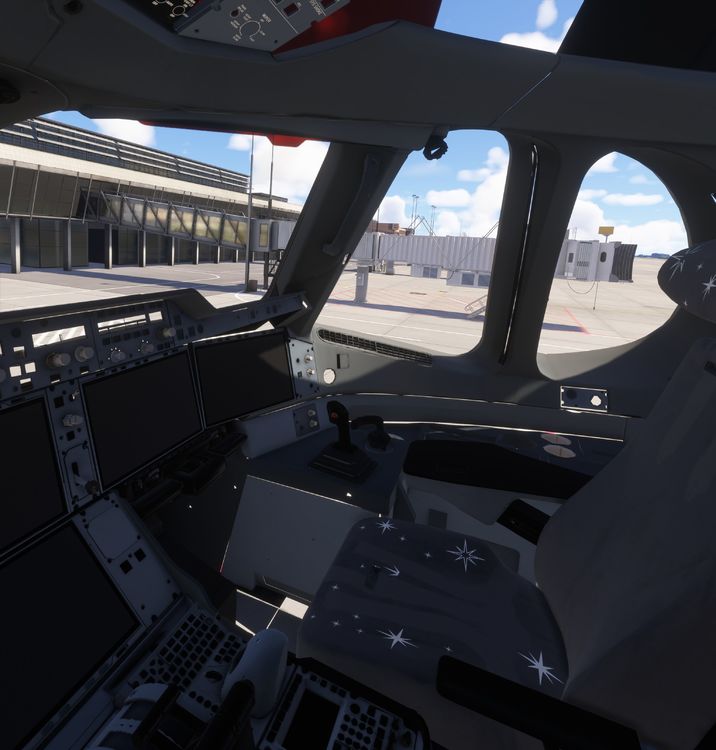
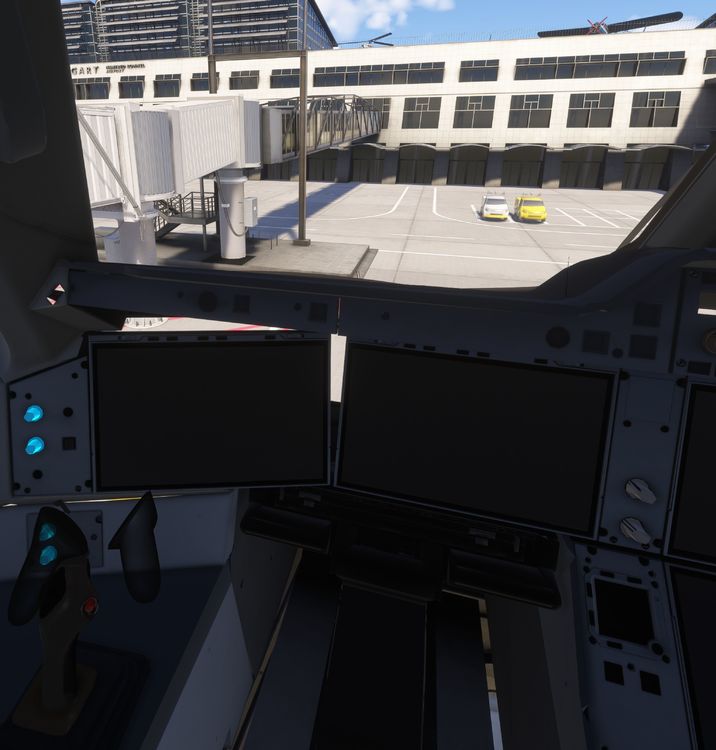
Hi everyone, In SU3 1.5.25.0, the new LOD curve has also been activated for VR. As it is a significant improvement, I am fairly certain that the curve will be included in the final version of SU3. Unfortunately, there are some problems with the A350 v1.1.3 and the new LOD curve in SU3 1.5.25.0 in VR: Several objects are invisible and therefore unclickable. It is impossible to start the plane due to the invisible battery switches. Please see the attached screenshots. By the way, activating 'Debug Model LODs' and setting 'Force LOD 0' shows all objects and the plane becomes operational. I think it would be worth addressing this issue in good time; otherwise, there will be a lot of complaints as soon as SU3 is published. Regards, Frank
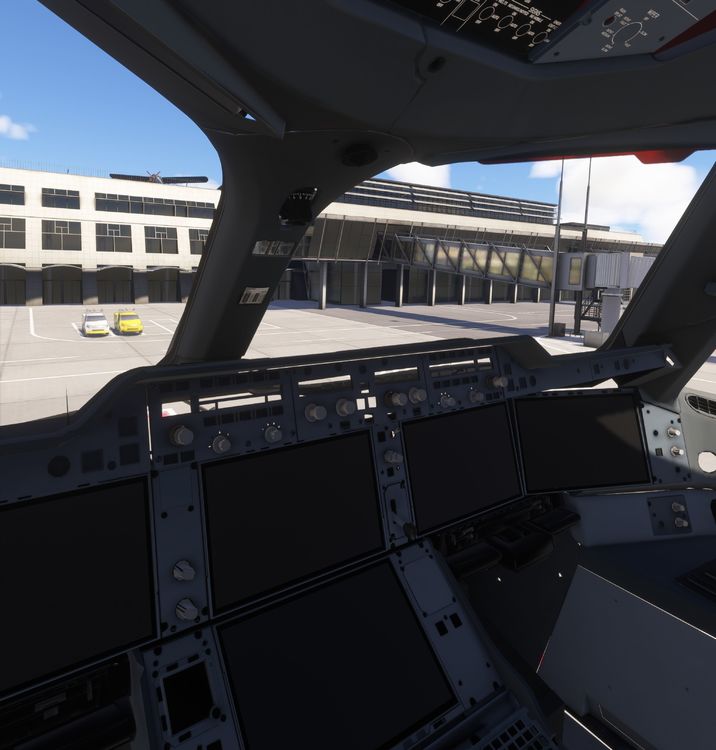
-
-
That was a GSX Bug. There is a hotfix available for 3.6.4. Just click "Check" in the FSDT Installer.
-
I another forum I have read today, that some pushback toolbar or addon caused the issue.
-
What was the solution? Please consider how other users with the same problem could benefit from your solution.
-
There are several WASM folders. You have to find the right one and delete it. That is senseless. Is the navdata for the flight plan, the simulator and the plane consistent?
-
Reinstalling won't work. That does not delete the WASM folder. You have to find and delete it yourself. In the Screenshot above everything is fine. If you have a problem, you should post a screenshot from the problem, and not one when everything is perfect.


