SERGEI 1991
Member
-
Joined
-
Last visited
-
After the update I can't hear the engines starting, the flaps' sounds are terrible and loud. When will this be fixed?
-
I installed SU4 and everything worked perfectly. Many thanks to the development team for the plane, and especially for the telemetry. This is the best plane I've ever flown.
-
Others fly well, such as the Fenix 320
-
This isn't funny, it's terrible.
-
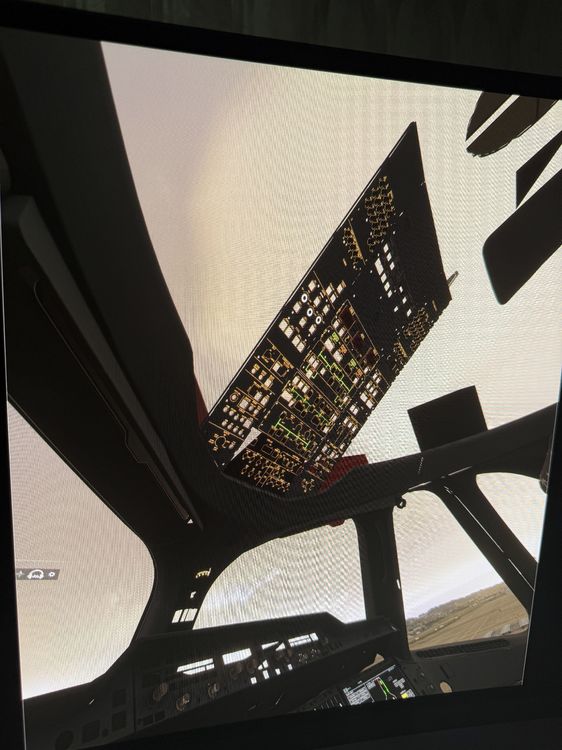
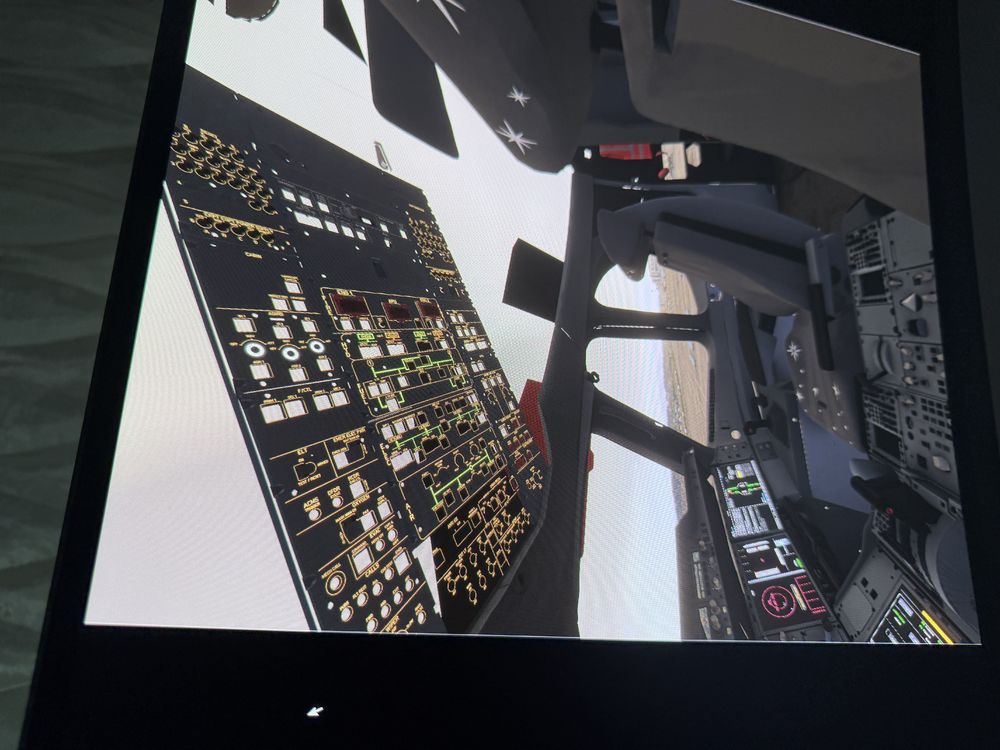
PLEASE HELP ME, TWO UPDATES HAVE BEEN RELEASED, AND THE COCKPIT IS NOT WORKING. IF I TURN OFF VR, EVERYTHING IS FINE, BUT AS SOON AS I TURN IT ON, THE COCKPIT DISAPPEARS. I'VE DELETED IT AND RE-DOWNLOADED IT, BUT IT DOESN'T HELP. OTHER PLANES WORK FINE IN VR.
-
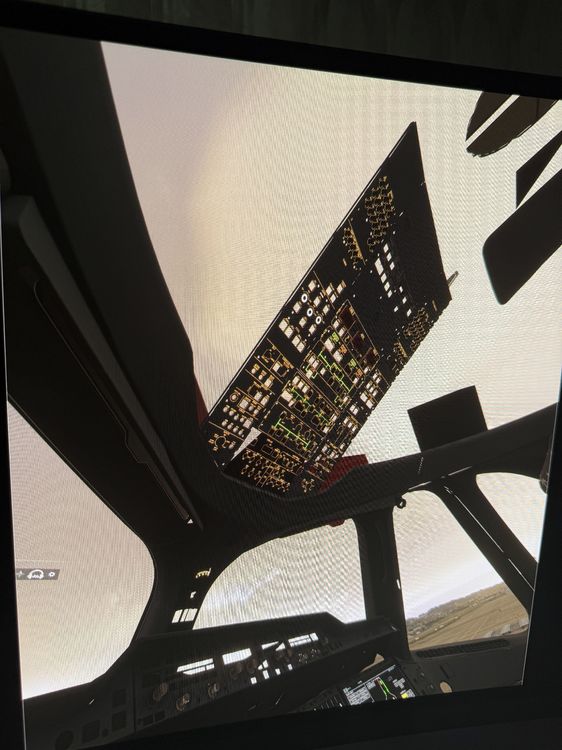
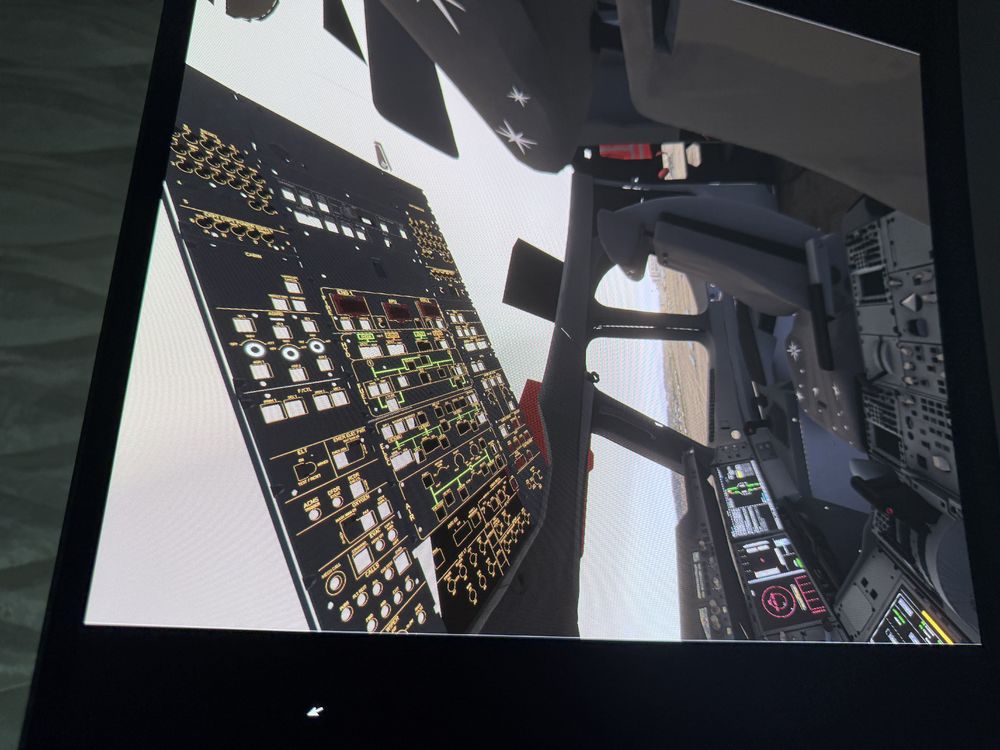
PLEASE HELP ME, TWO UPDATES HAVE BEEN RELEASED, AND THE COCKPIT IS NOT WORKING. IF I TURN OFF VR, EVERYTHING IS FINE, BUT AS SOON AS I TURN IT ON, THE COCKPIT DISAPPEARS. I'VE DELETED IT AND RE-DOWNLOADED IT, BUT IT DOESN'T HELP. OTHER PLANES WORK FINE IN VR.