




Cule1899
Member
-
Joined
-
Last visited
-
-
Hmm… anybody tried a reinstall? I haven‘t tried it…
-
This is wrong! I have this bug and I‘m on MSFS 2024! 2020 is uninstalled…
-
Nope - issue still persists. I have the same, on the ground they move smoothly but not when airborne…
-
Hi, so I just got MPTO. Awesome scenery! The only thing I found missing, is the Parkingposition 204W for Terminal 2. Since it's the one used for example the KLM Triple-7 I'd love to see it implemented. Since the ground Marking is already there... Unfortunately I can,t select it so it must be missing in the BGL of the Scenery. Thank you :) Kind regards Jota
-
Sams issue. Using the Winwing Joysick and the HC Bravo…
-
-
Sorry, didn‘t mean to write that twice hahah
-
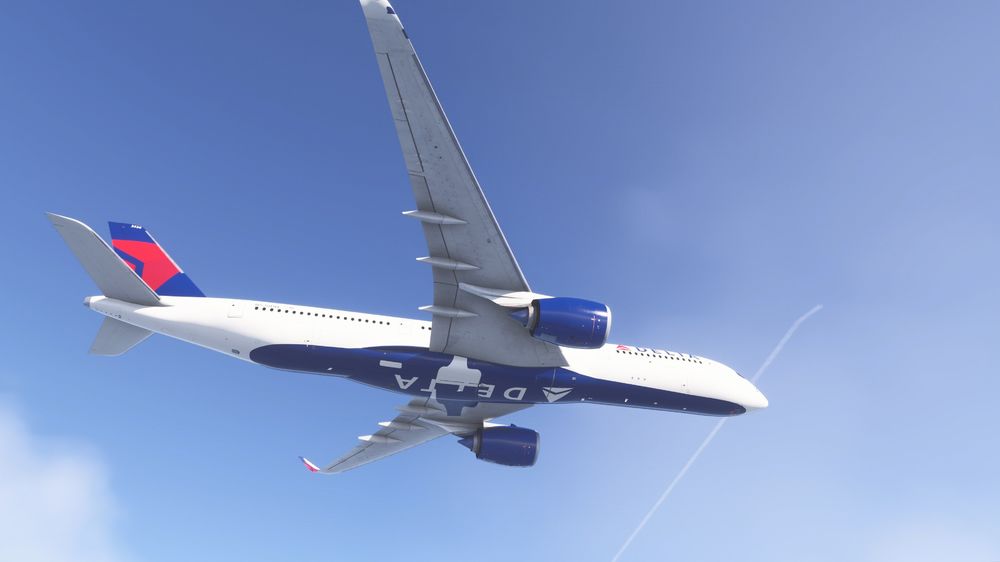
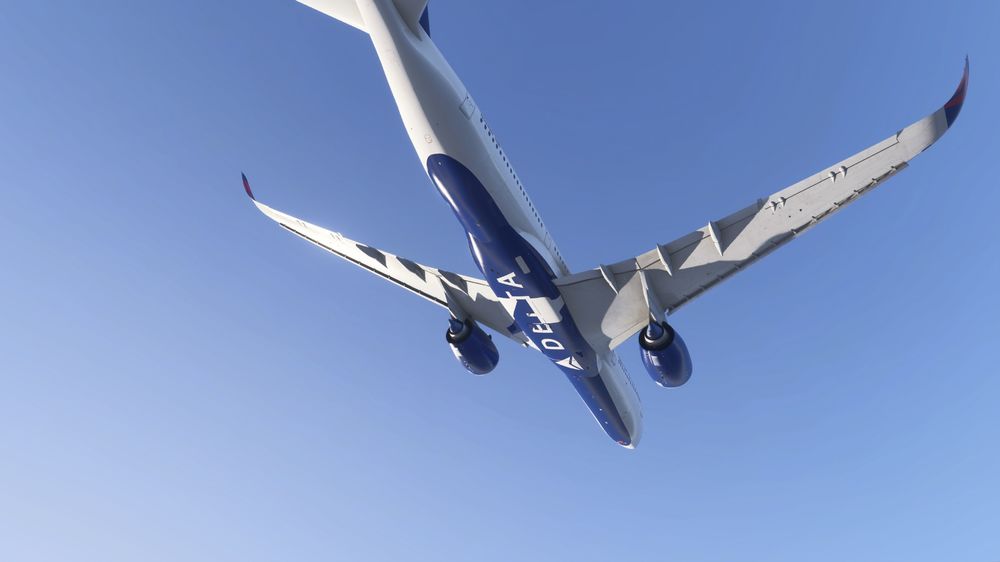
Thank you very much, N526DN has been updated and the issue has been solved for that registration. But the same issue as in the screenshot persits for the N503DN, N513DZ and N569DZ. And for the Winglets of HB-IHC it says ‚controlled by livery‘ and shows the long Winglets blank… Again thank you very much for your fast response! Best regards 🙂
-
Thank you very much, N526DN has been updated and the issue has been solved for that registration. But the same issue as in the screenshot persits for the N503DN, N513DZ and N569DZ. Again thank you very much for your fast response! Best regards 🙂
-
Hi so the Delta Liveries seem to have some issues with the gear cover... I'm still on SU3 if that helps. It doesn.t happen on both special liveries. Some configs may even have the wrong Winglet type on other liveries as for example Edelweiss... Can anyone tell me if they have the same issues? Thx for the help.
-
Hi, so I find the tint on the windows a bit too dark… it changes the look of the sim. Having been on the 340 irl i didn’t feel like i had my sunglasses on hahah. It would probably be nice to add a slider to change the tint a bit for personal preferences. Keep up the great Work!
-
Hi, so I‘ve come across the Winglet-issue. Some Liveries (Edelweiss, Emirates and prob. more) seem to load the winglets blank. Sometimes they pop up for a milisecond but disappear again. I haven‘t tried the .cfg trick yet but I just wanted to make sure that might be something to look into. Anyways, keep up the great work and thanks for everything! Best regards!
-
-
So I've tried it again today and the same happened... I'll try another route to figure out if it might be related to the region. EventData Bucket 1722771914644908259 BucketType 4 EventName APPCRASH Response Nicht verfügbar CabId 0 P1 FlightSimulator.exe P2 1.39.9.0 P3 00000000 P4 FlightSimulator.exe P5 1.39.9.0 P6 00000000 P7 c0000005 P8 00000000002673d4 P9 P10

