magret2canard
Member
-
Joined
-
Last visited
Everything posted by magret2canard
-
Dear Team, I finally convinced myself to buy your HKG scenery—even though we already had a decent version on the market—and the result is... WOW. What happened, guys? I’ve never seen such an optimized, FPS, and VRAM-friendly airport come from your studio. Have you found a magic trick? I’m genuinely curious, especially when comparing it to DFW. There is clearly some 'secret sauce' here that would be amazing to see implemented in your heavier sceneries like Doha, Dubai, LAX, and DFW. Keep up the great work and thank you!
-
Dear team Would you consider to create liveries for Vietnam Airlines? The pack of Aanerud is unfortunately obsolete due to the latest build and he's really busy IRL right now. The others one on fs.to are poor quality Kind regards
-
-
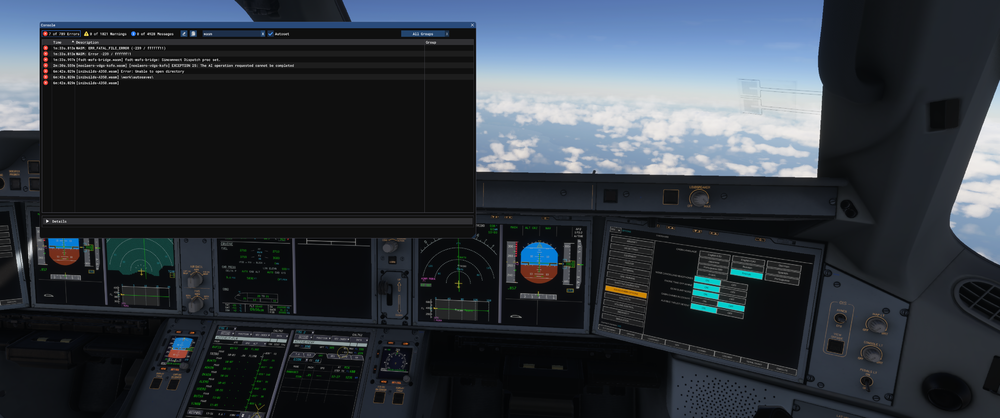
Aircraft: A350-900 Simulator: FS2024 SU4 Navdata Method: NAVIGRAPH OFP: Include a PDF of your Operational Flightplan (OFP) if related to FMS/Route Procedures crashes WASM Error: WASM: ERR_FATAL_FILE_ERROR (-239 / ffffff11) Specs: i7-13700KF / 64g RAM / 4070ti 12g Autosave File: attached 1765360386.bin
-
Could be nice to get an answer from Ini here 🙂 Or at least get a reason why they don't want to implement it
-
Hello Bump 😃 Still not corrected in the latest build 1.1.8 Kind regards
-
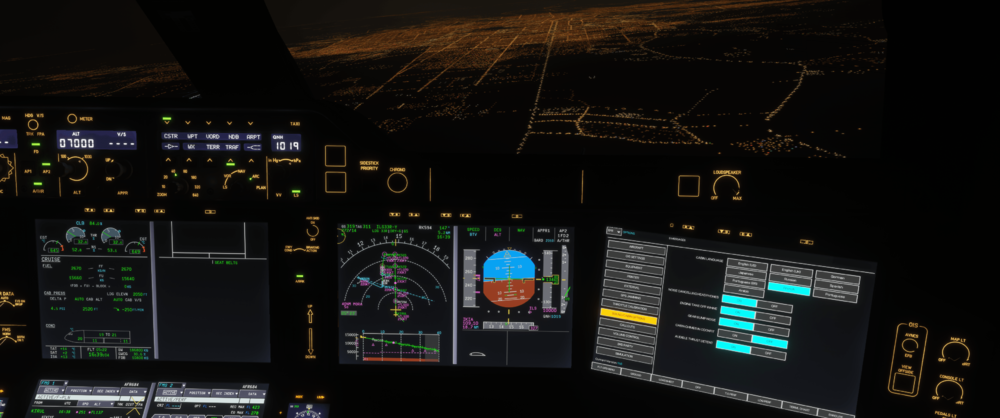
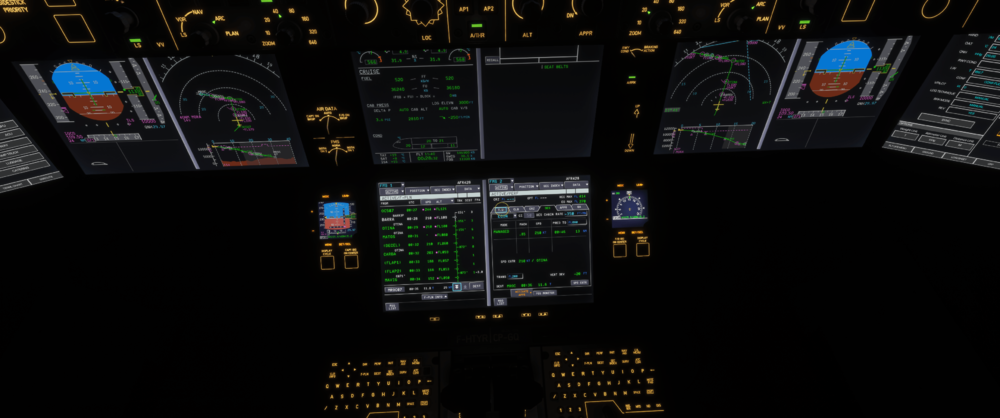
Hello Did you try to manually install the official GSX profile? Kind regardsOn my side, definitely. Never had this issue with any other addons (ini350, fenix, pmdg ...)or at least could you put an INOP sticker on it 😄 ?Hi I got the same issue as wellDear team Is it possible to implement the Headphone Simulation Noise Reduction feature like in the A350? Thank youHi It seems that this issue came back in the latest update (cf screenshot : 2 different exemples are attached). Kind regards
 fixed with 1.0.10 thank youme i'm still with the 566.36 :dThis issue is linked to the boarding done via GSX. Could you try just to load and apply ZFW/Fuel from the OIS without using GSX?I tried to delete the wasm folder once again, but same problemHello Since the update, I have the "screens frozen" wasm crash. I deleted the wasm folder before updating. I got it straight when I clicked on the Init Page on ground (so basically few minutes after loading the aircraft at the gate) Specs : i7-13700KF, RTX4070TI, 64go RAM WASM: Exception c000001d in gauge MFD in module vfs://inibuilds-aircraft-a350/SimObjects/Airplanes/inibuilds-aircraft-a350-900/panel/inibuilds-A350.wasm MSFS 2020 OFP : not relevant, I got the crash even before loading the FPLN Database : Navigraph 2504 thank you 1745051966.bin 1745051713.bin
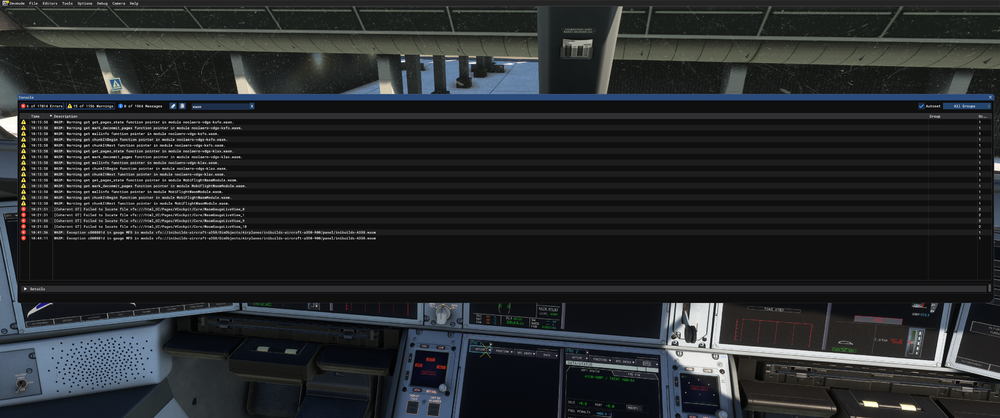 @Eddie hi eddie, sorry for the ping but I don't know if opening a post on the forum is the right way to report a bug. I hope this post can assist you to improve your product. thank you 🙂😞😞😞Any chance to get an update from Ini on this 😞 ?🙈So: the value displayed on the PFD depends if you're flying STD or QNH. Just pull/push the knob and it will modify the value On the F-PLN, the constraints remain written as FL.
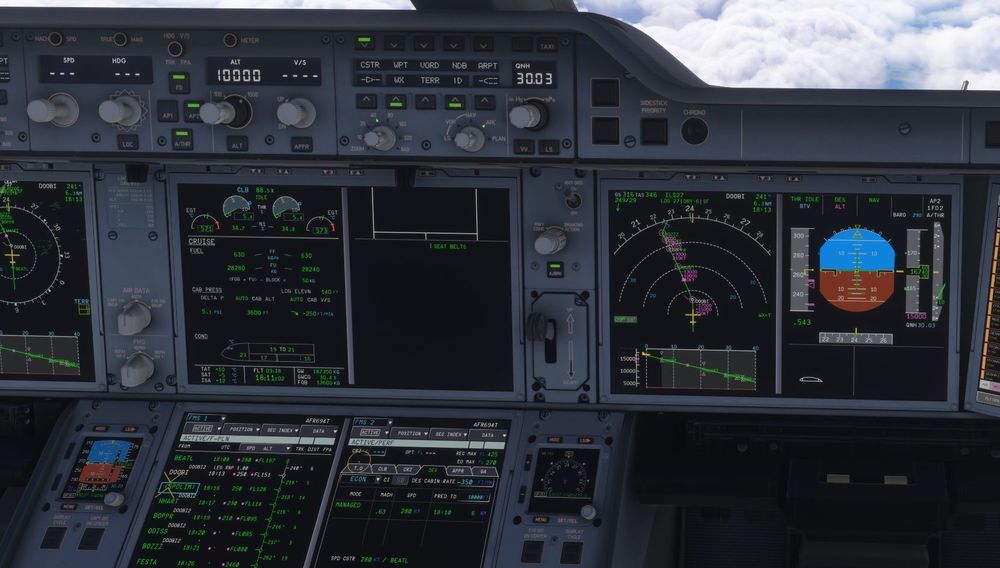 Also FL170 is written on the PFD. It seems that the TL in the perf page is not taken into account