




Harry320
Member
-
Joined
-
Last visited
-
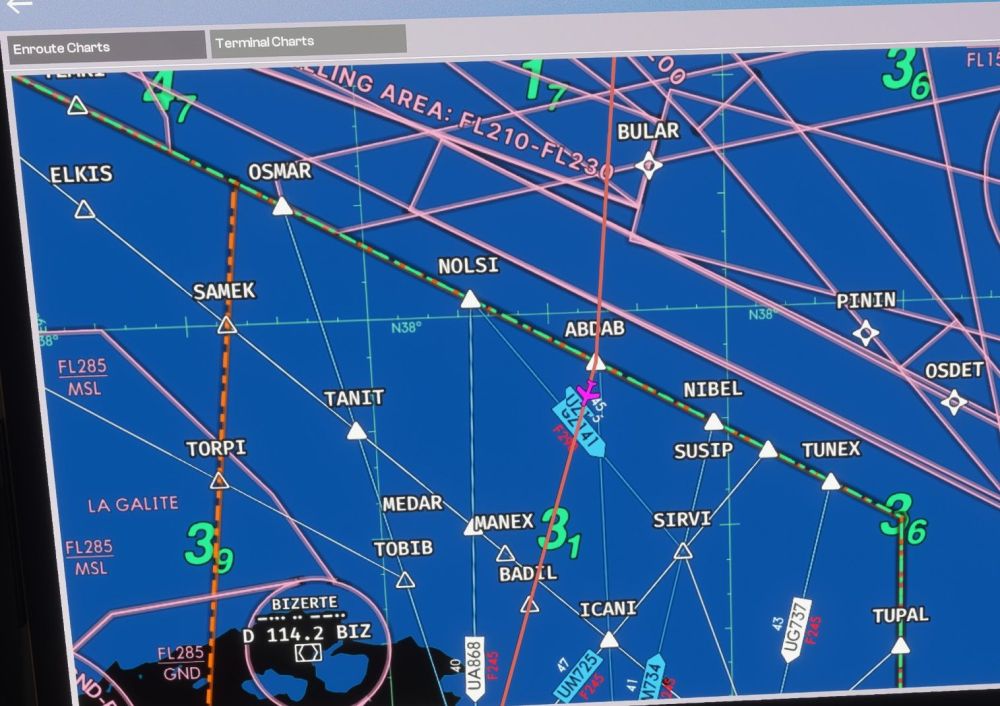
Hi, Yes, I’ve had the same problem since updating to version 1.04. Switching to a different card and zooming is extremely slow, and the flight path tracking doesn’t work either when you click on the little aeroplane icon in the top right-hand corner. It just jerks about! If you look closely, you can see that the aeroplane is situated in a small square below the map.
-
Severe stuttering during take-off and landing when the NVIDIA app is installed. Even though neither the MSFS 2024 game optimisation nor the overlays are enabled. If I uninstall the app, the stuttering during take-off and landing disappears. Once reinstalled, the stuttering returns. Tested in EDDF and OMDBV2 I’m only speaking for myself, as there shouldn’t actually be any connection. But is there a problem with the A380 and the NVIDIA app?
-
deleted
-
Same here. After I click the “Check AIRAC” button, only “Cycle: 2609r1” appears. No new AIRAC is offered. Logging in and out of Navigraph doesn't change anything. The problem persists. Correction: After I renamed the Community to Community1 and restarted the simulator with an empty Community Folder, it works perfectly. Something seems to be preventing the update process!
-
Hello Kyle, i've already manually uninstalled the GSX profile several times and reinstalled it using the INI Manager. But it seems that it might be a user error on my part. I start the simulator and select, for example, Heathrow and the gate. But on the world map, I'm too far away to see if the jetways have already loaded. It takes a while for them to load. That's why I have to zoom in close to see if they've definitely loaded. Maybe I started too early, and the jetways hadn’t fully loaded yet, which is why it didn’t work. If I started the flight too early, the jetways didn’t load until I was already sitting in the cockpit—much later. Then it didn’t work. I'm going to keep testing it.
-
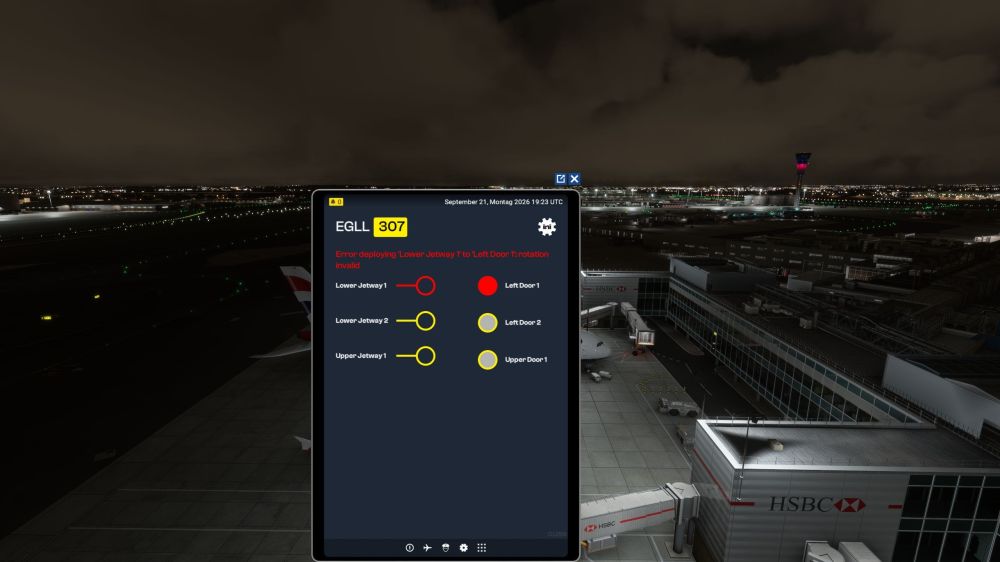
same here, Not a single jetway is working. Everywhere I see the message “Error deploying ‘Lower Jetway 1 to left door 1’: rotation invalid.” The same thing is happening with Jetways 2 and 3. Very annoying! Yes, and this happening repeatedly! And it doesn't matter which plane I take.
-
I've noticed that, too. I do it exactly as described.
-
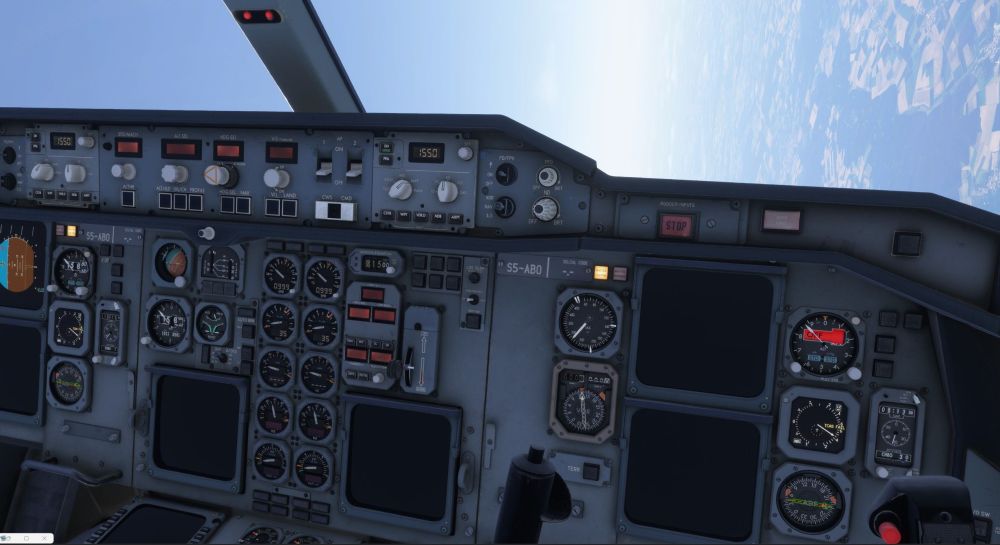
Hello, I can't complete a single flight with the A300-600. About half an hour into the flight, all the systems fail and the plane becomes uncontrollable. Reinstalling the A300 and deleting the WASM A300 folder didn't solve the problem. This happens on every flight.
-
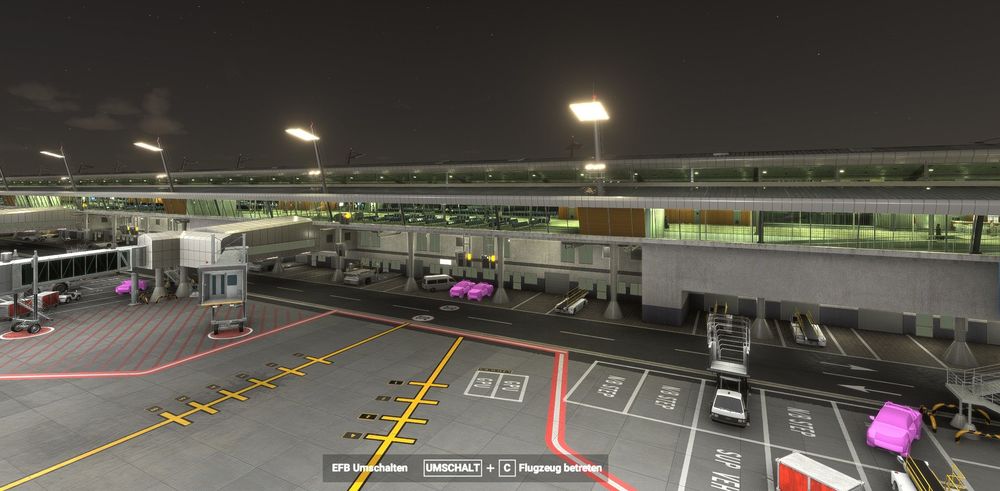
Hello, The issue with the pink vehicles has nothing to do with the FAOR Johannesburg Scenery by Inibuilds! It was caused by a corrupted scenery package named “microsoft-world-point-of-interest” in my Official2020/OneStore folder
-
Dear INIBuilds Team, in the Sceney FAOR Airport for MSFS 2024, vehicle textures are missing. Even after a clean install, they're still not there.
-
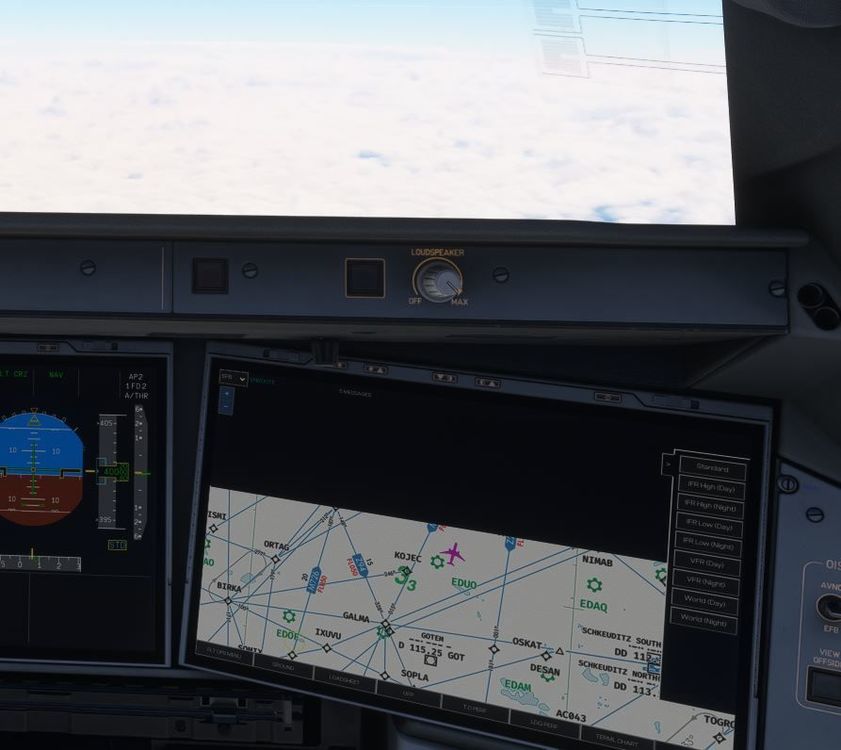
Hello Guys, I have a problem from the beginning with the ENROUTE MAP At the start of the flight I can see the different charts like IFR Day, IFR NIGHT, WORLDMAP or VFR DAY etc.. The problem is that the aircraft remains in the center of the screen but the map moves down. So the airplane leaves the area of the map and the area becomes more and more black. You can see it on picture 1 and after some time on picture 2. The standard map behaves differently. The map moves, but does not leave the screen

-
the same here
-
thanks for your responce, to explain it better, a little addendum again it doesn't happen when I enter the frequency, it happens when I enter the codes Example: Madrid Sid NANDO 3N Enter VOR 1 SSY -> OK Enter VOR2 RBO -> crash Enter VOR 1 117.85 -> OK Enter VOR 2 113.95 -> OK
-
The input freezes when I try to enter VOR 2 in the FMS. Always needs a restart. Every attempt to enter the frequency fails MS2020


