




Tripdog87
Member
-
Joined
-
Last visited
Everything posted by Tripdog87
-
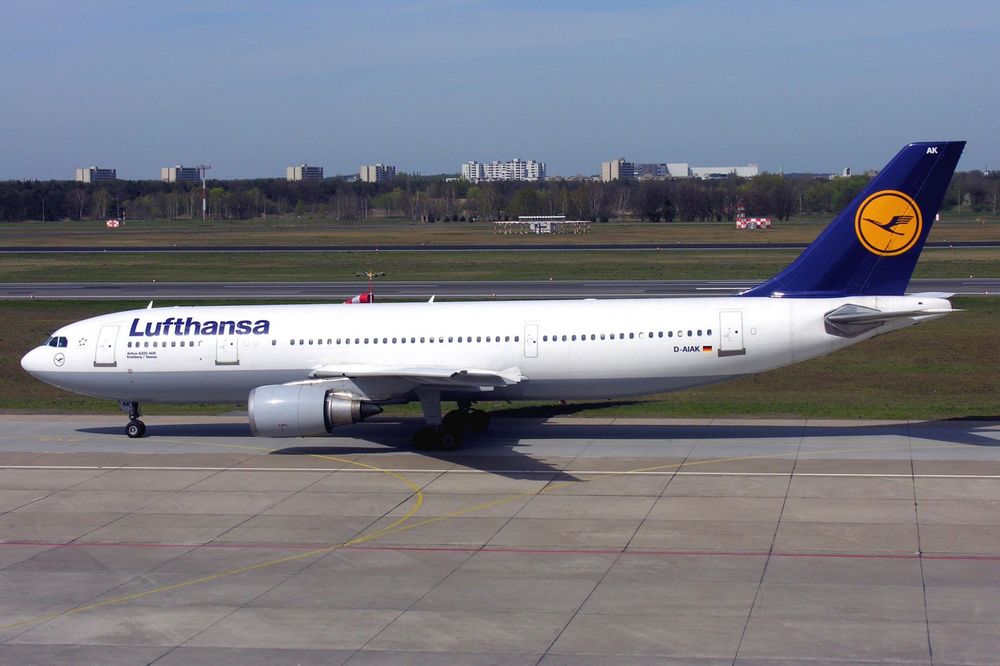
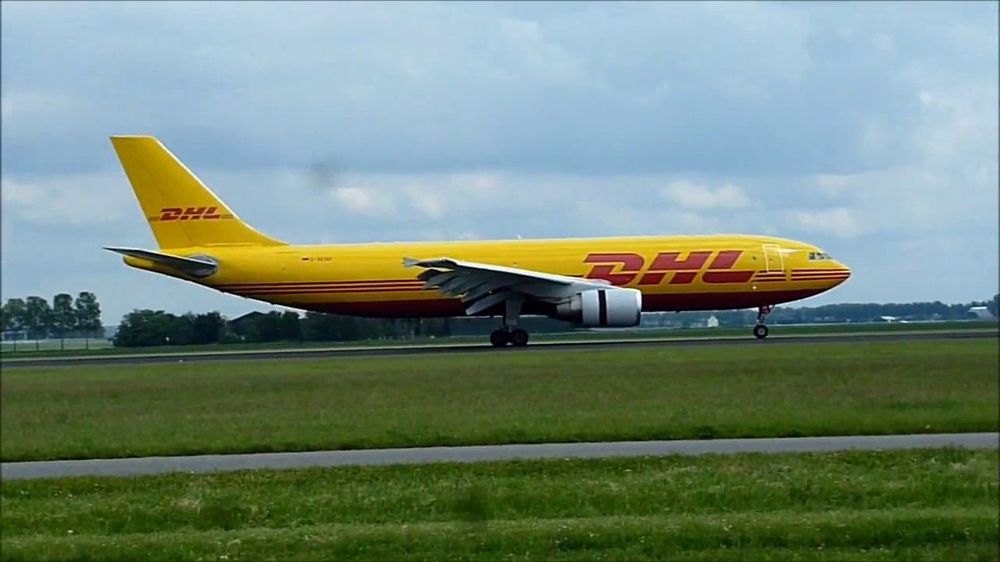
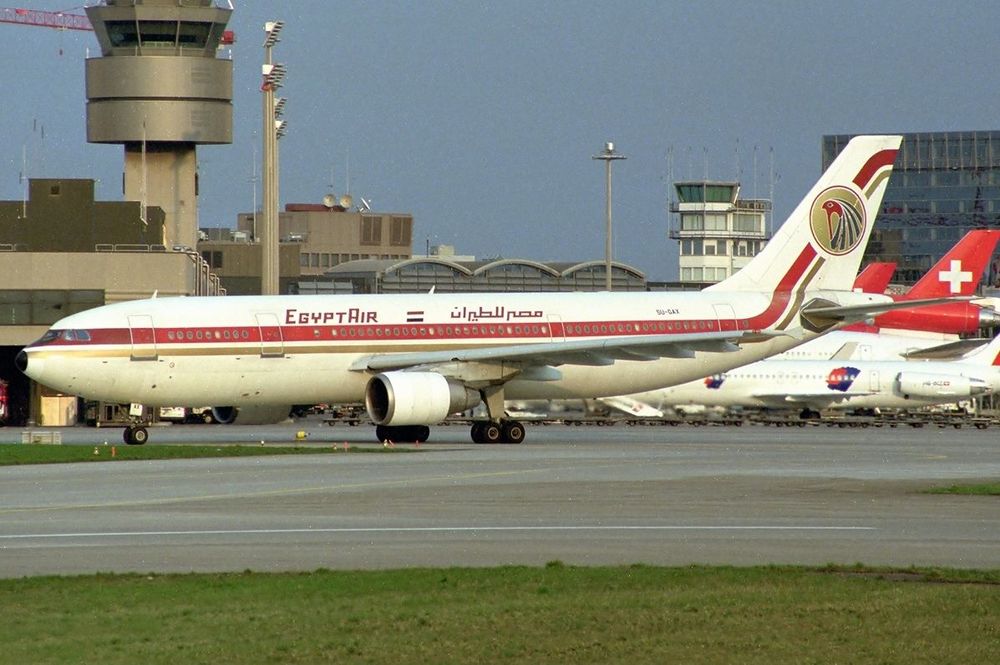
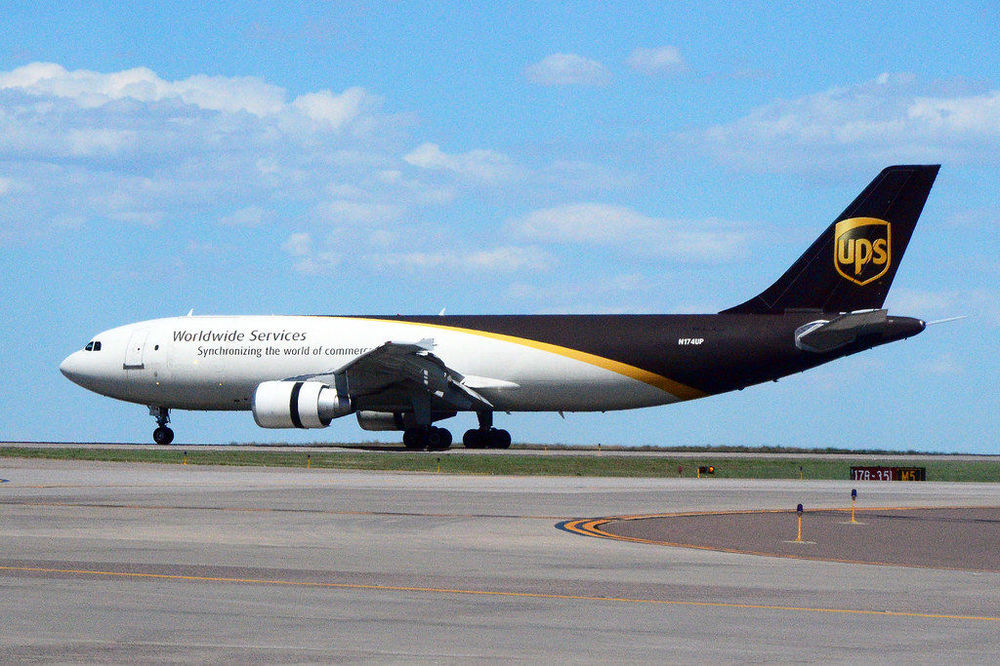
This one is tough while I do see what you folks mean in some of these photos where you can say, "yeah there is definitely a nose down" but some of these photos I have uploaded like the UPS and DHL it looks as though the fuselage is flush. I am torn...
-
I am getting around to producing a short clip of the oscillation the airplane does when AP is engaged. Overall though I it is improving!
-
+1
-
I figured it out 😆, thank you!
-
-
Hi all, After several flights I am noticing a trend where during the climb out, with the airplane trimmed to corresponding FD as soon as I engaged AP the A/C wants pitch down abruptly in a slight oscillating motion. I have hand flown the A/C at various altitudes and it is truly a breeze to fly manually but as I said as soon as I try to engaged AP she wants to have an "attitude" with me LOL... Has anyone else experienced this? 😎
-
In the EFB/Ground Equip but I did notice when the lights are on the further I expand in thr drone view the lights do not appear. It is only when you zoom/move closer to the aircraft that they are noticeably on.
-
Do you happen to have the v1.0.1 update installed via the iniManager?
-
Door 1L and Door 4R for whatever reason has slides deployed, is there a way to fix this?


