Mr Mix Tea
Member
-
Joined
-
Last visited
-
Removed sound, updated link https://drive.google.com/file/d/1eFLwlhRhU5JfzCcvla1C_CWdDLr7sI-S/view?usp=sharing
-
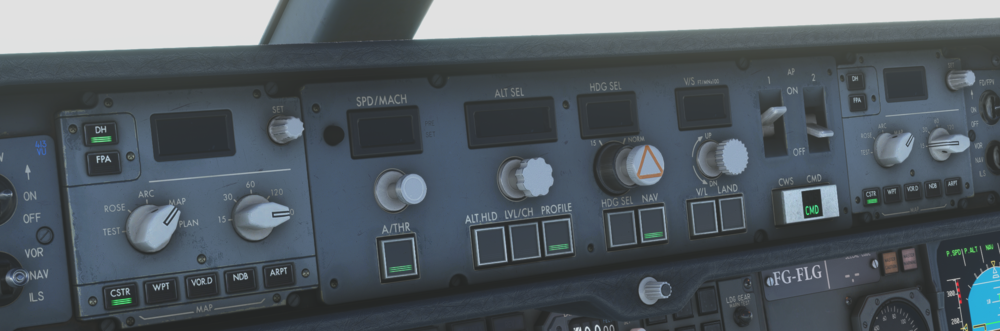
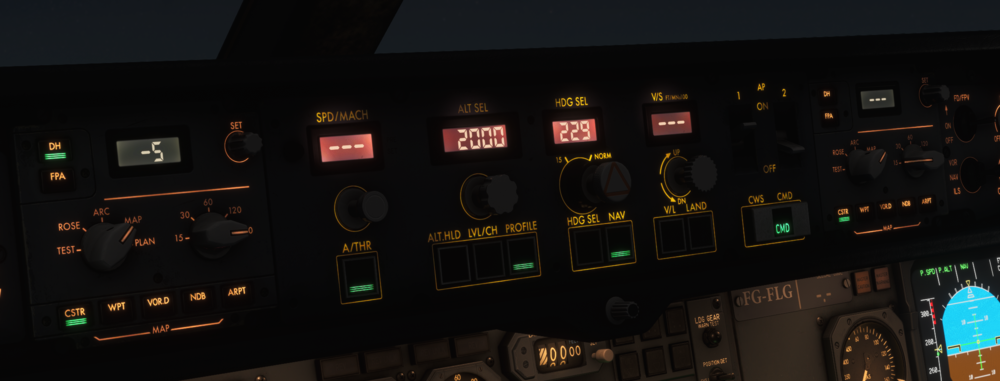
Here is a video of what is happening when going from day to night and back, the panel lights go black. https://drive.google.com/file/d/1xC9hrHmSHg62piXWzv1l9fWmt8jYLHna/view?usp=drive_link
-
The lights are all out during the day, but at night they are fine.
-
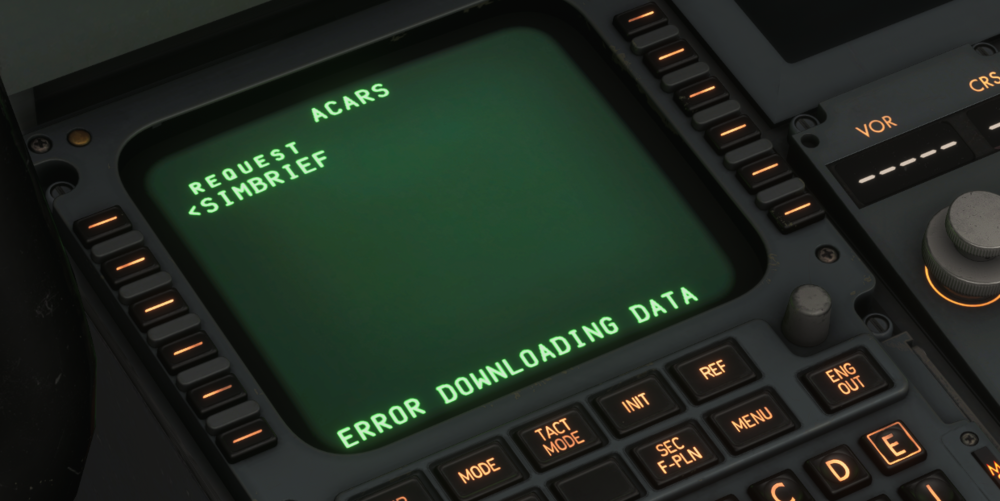
I resolved mine, my simbrief name has spaces, and you need to remove the spaces now when entering into EFB under settings. Tim
-
Hello, I updated to the latest version, and also deleted the entire contents in the %LOCALAPPDATA%\Packages\Microsoft.FlightSimulator_8wekyb3d8bbwe\LocalState\Packages\inibuilds-aircraft-a300-600. I'm still getting the same error when requesting simbrief from ACAR. I also tested the connection with other aircraft such as the cargo variant RF, and the same thing. This is really having me scratch my head, as it was working before and now all of a sudden, it's not. Any other things I could try? Tim
-
Hello, I tried again today, still not loading simbrief under ACARS. I even tried a different plan in a different city, with no luck.
-
Hello, This just started happening and was working before. I can no longer download the flight plan from simbrief. I've uninstalled and reinstalled the A300-600 but getting the same results. My Sim Brief name is correct, as I've not touched it. Any other things I can try?