




AndyM
Member
-
Joined
-
Last visited
Everything posted by AndyM
-
You mention Installer 1.0.0, the latest installer is 3.3.0, may be worth using that one. Index of /MSFS/VDGS/Releases/ (nool.ee)
-
I'm also seeing this.
-
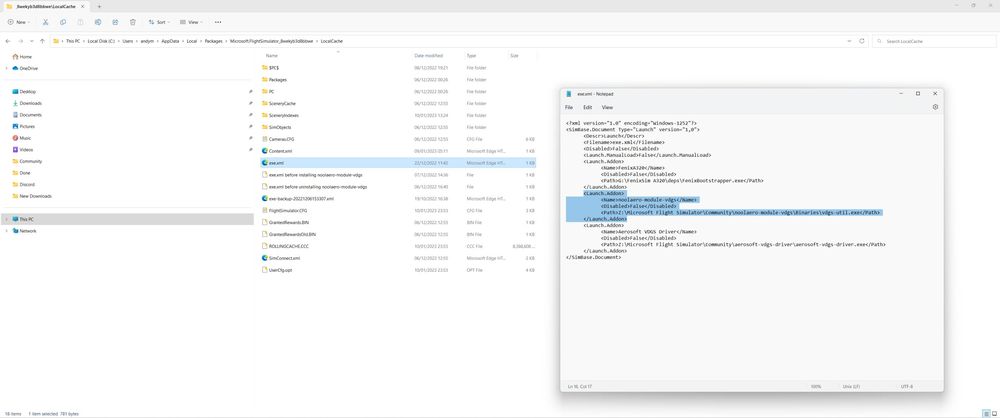
The exe.xml is a file that MSFS uses to load addons, just worth checking that the VDGS executuion lines were added. I found when I was on Windows 10 that I had to 'Run as administrator' MSFS to get the VDGS to work. I've sinced moved to Windows 11 and do not have that problem. I'm not sure if there was a glitch or some 'privilages' issue in my system preventing the addons from being run. It was the same for the Fenix A320, it would only work if I ran MSFS in Admin mode.
-
Make sure the noolaero-module-vdgs addon is in the exe.xml file (open the file with Notepad) For MS Store version it's located in ..... C:\Users\andym\AppData\Local\Packages\Microsoft.FlightSimulator_8wekyb3d8bbwe Try running MSFS in 'Admin Mode' to see if that works.
-
Downloading now .....
-
Do you have any other addons in your Community Folder? If you do, there may be a conflict, try removing everything from you Community Folder, doing a fresh install of EGLL, and see if the problem goes away.
-
Might be worth trying this ... Disappeared airport buildings? How to fix. - Microsoft Flight Simulator Support Forum - Orbx Community and Support Forums (orbxdirect.com)
-
Also check to make sure you have Bing data 'ON' in the sim settings.
-
I have to run MSFS in Admin mode to get the VDGS to work for some reason, might be worth trying that if you don't already.
-
Glad you got it sorted, there is a post on the LVFR forum regarding static aircraft. May be worth trying this to see if you have the same issue. Static Problem for Iniscene EGLL -LatinVFR forums
-
Remove all addons from your community folder other than the iniscene EGLL scenery and try again. I see that you have static aircraft (maybe LatinVFR?), that could be your problem.
-
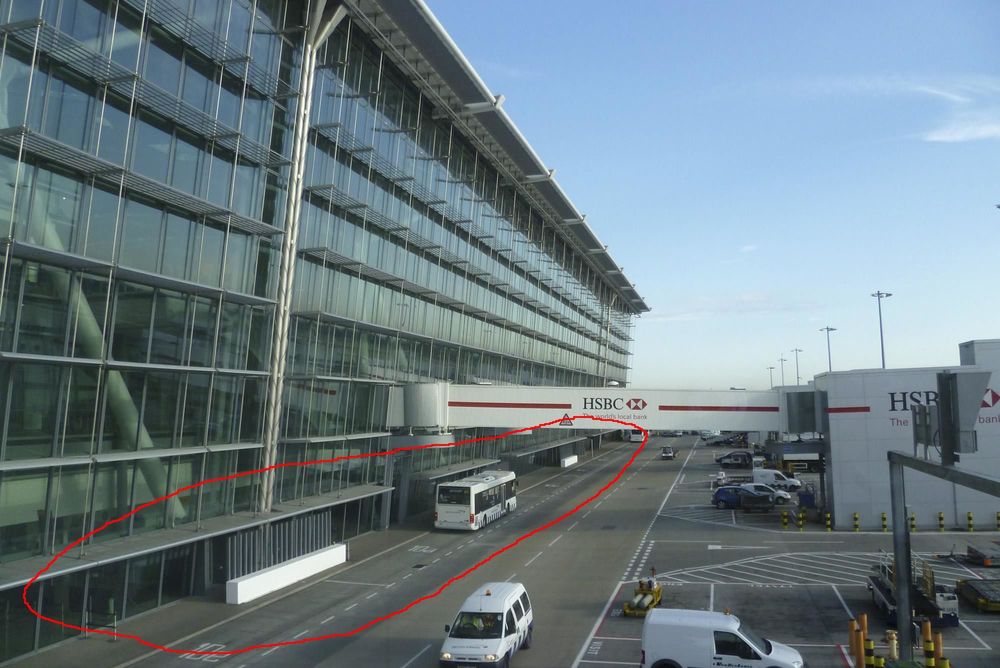
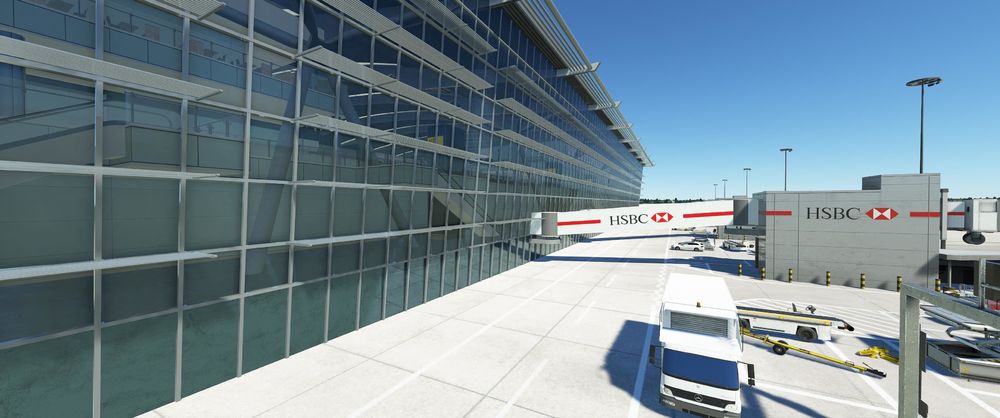
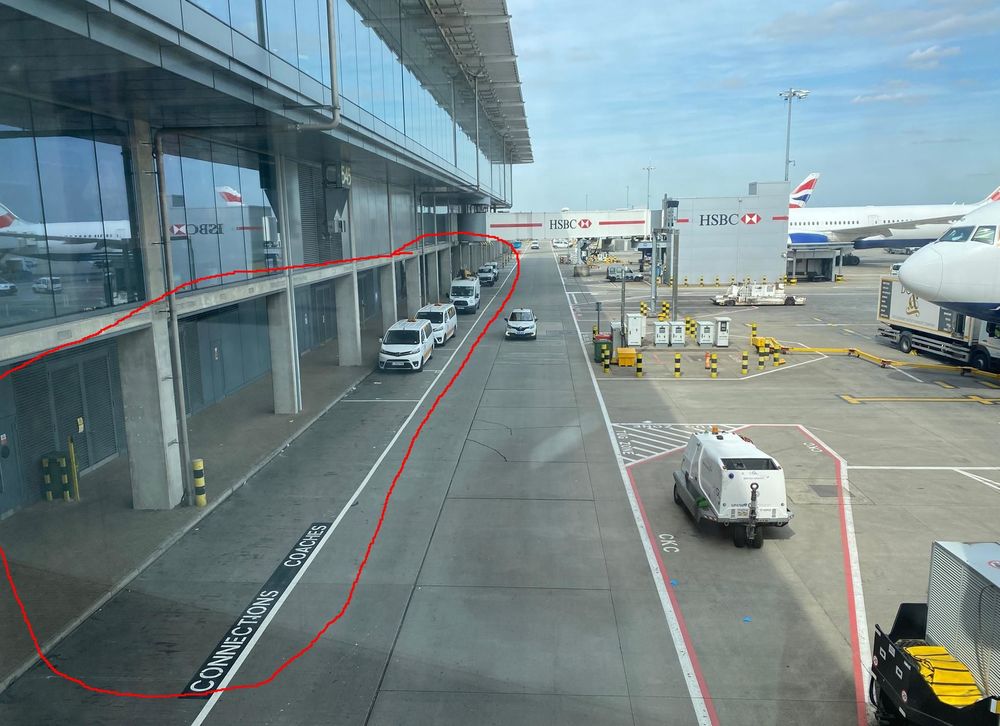
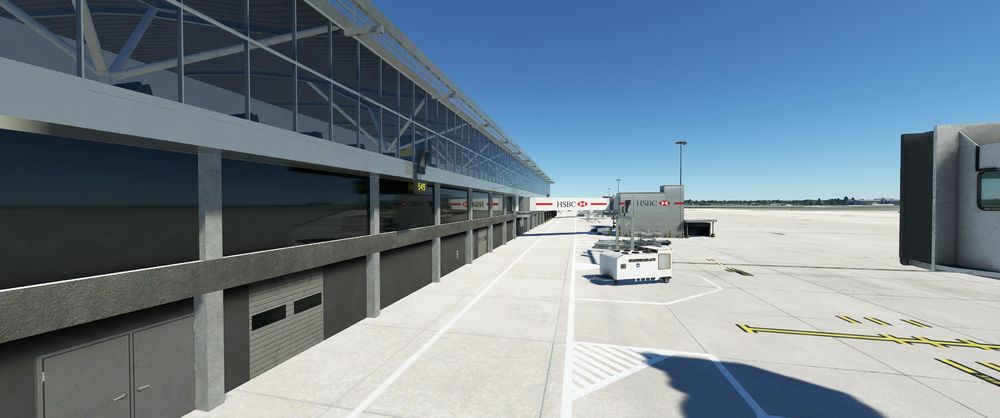
Hi, overall, nice work on the V2 improvements, especially the performance, but one of the improvements that I was hoping for was just a little more detail to the front of the Terminals (what you see out of the flight deck windows when setting up the aircraft for departure, and taxing on to stand). hopefully this may get looked at in future?
-
I load in to an airport, then I start TC as Admin. I don't have auto inject enabled, I let TC start, wait for a few seconds then click on 'inject' I'm using both DX12 and DLSS, but to be honest I didn't notice much of a difference, although I do have DLSS on quality.
-
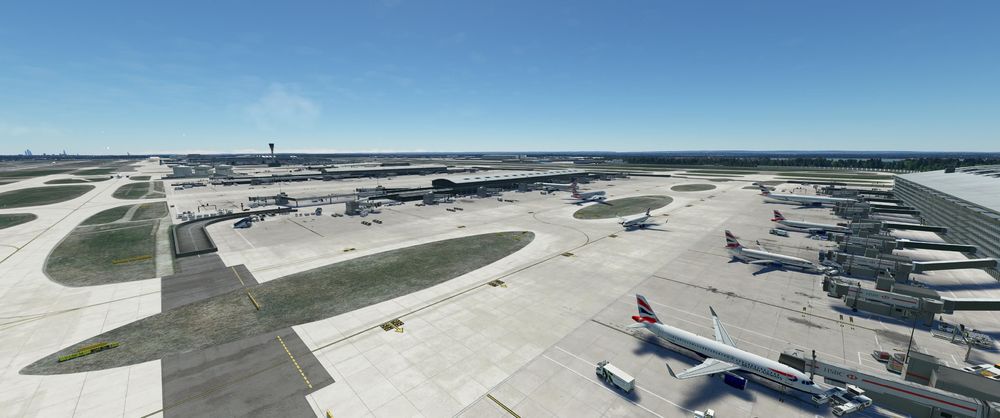
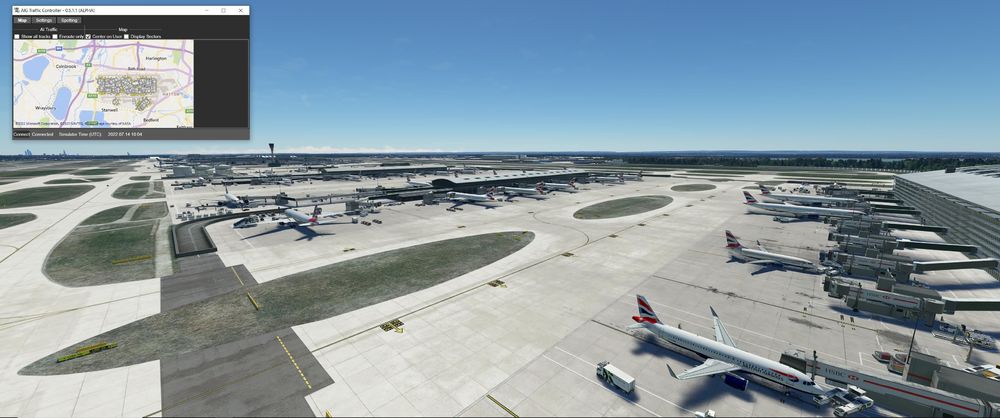
AIG works fine for me in SU10 Beta using Live Traffic and TC.
-
Okay, just trying to help
-
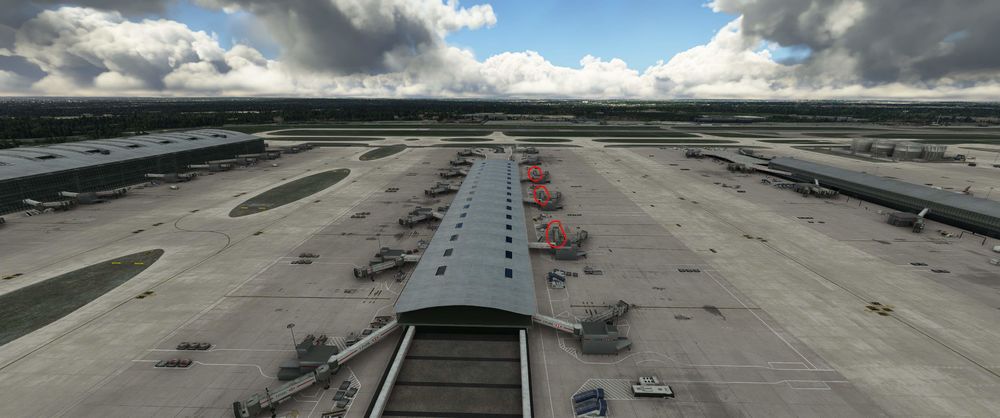
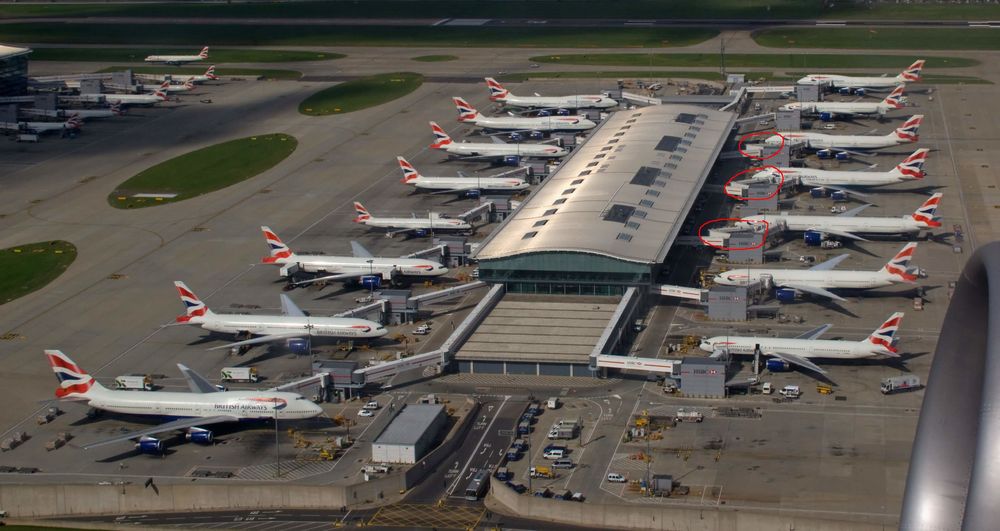
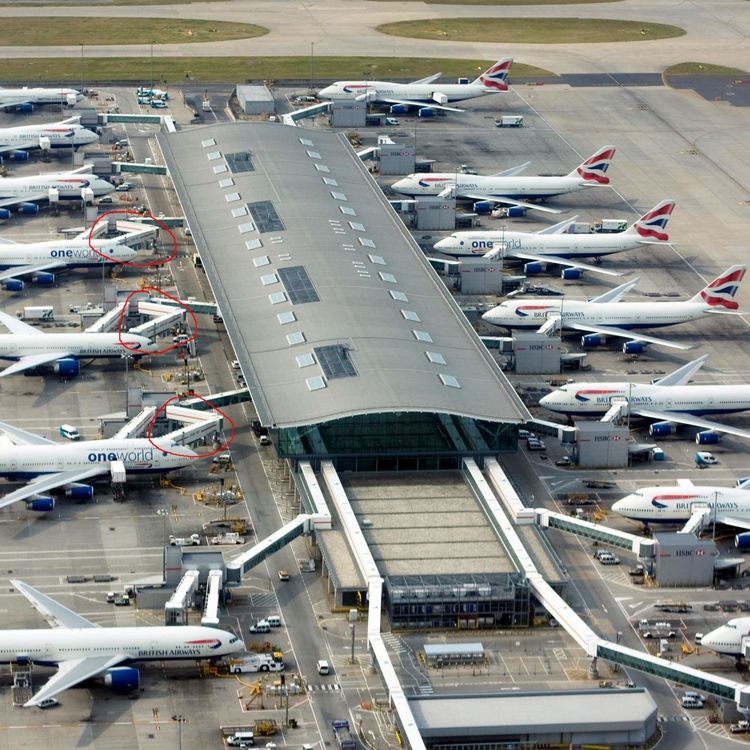
Don't know if it's too late, or how much work it would involve, but noticed that a few jetways in T5B are a little off.
-
Yes, just seen it. If you click on the menu to the right in Content Manager and then search, check to make sure the Default EGLL is uninstalled.


-
Or something like the EGLL Static Aircraft addon from Flightsim.to, that could cause an issue.
-
I'm on SU10 beta with similar spec's to you and don't have a problem. Try removing everything from your community folder except for EGLL and try again. If that works start adding in the other addons until you get the CTD.
-
Does this not cover it? - Rework of airline gate allocation
-
I see that you have liveried aircraft in the images, have you tried it with just the EGLL scenery in the community folder and no other mods? I know that some parking gate mods can cause issues like this.
-
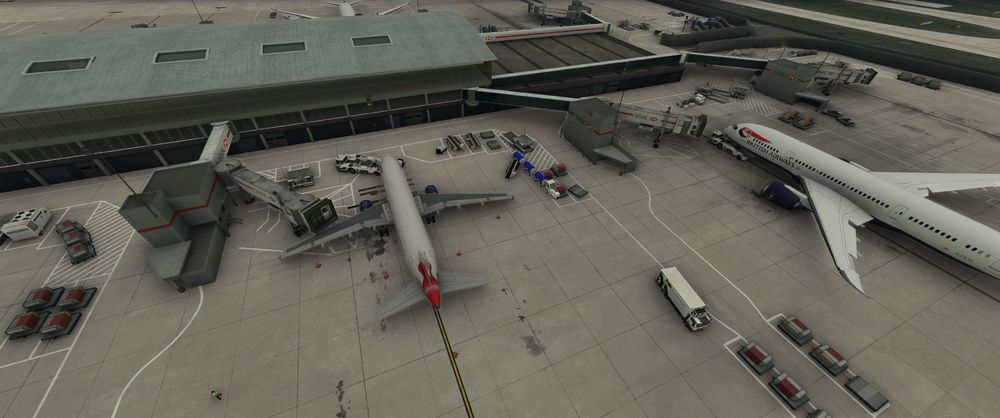
No problems here, try this ...... 1. Delete any rolling cache, and temporarily turn it off. Ensure you have the default Asobo EGLL uninstalled. 2. Exit MSFS 3. Delete the Content.xml file. For MS store version it's :- (AppData\Local\Packages\Microsoft.FlightSimulator_8wekyb3d8bbwe\LocalCache\Content.xml) 4. Delete the Scenery Indexes .dat files. For MS store version it's :- (AppData\Local\Packages\Microsoft.FlightSimulator_8wekyb3d8bbwe\LocalCache\SceneryIndexes\*.dat) 5. Remove everything other than the EGLL scenery to the Community folder. 6. Start MSFS and spawn in to the scenery, if everything is okay start to load and re-enable addons and options, testing the scenery as you go.
-
Content.xml is in the ..... C:\Users\xxxxx\AppData\Local\Packages\Microsoft.FlightSimulator_8wekyb3d8bbwe\LocalCache for the MS Store version.
-
Also make sure you uninstall the default EGLL if you have that installed, and another thing to try is to delete any rolling cache.
-
Awesome news, wasn't expecting this. Personally I'd like to see a little more detail along the front of the terminals airside (it's what you look at when taxiing on to, and sitting on stand). Jetway repositioning as I have noticed issues with parked aircraft and VDGS in the past. Other than that, maybe improvements to the terminal interior lighting?


