Skip to content
View in the app

A better way to browse. Learn more.

iniBuilds Forum

A full-screen app on your home screen with push notifications, badges and more.

To install this app on iOS and iPadOS
  1. Tap the Share icon in Safari
  2. Scroll the menu and tap Add to Home Screen.
  3. Tap Add in the top-right corner.
To install this app on Android
  1. Tap the 3-dot menu (⋮) in the top-right corner of the browser.
  2. Tap Add to Home screen or Install app.
  3. Confirm by tapping Install.

Speedbirdsimulations

Member
  • Joined

  • Last visited

  1. last of the screenshots, sorry i couldnt compress them smaller, hopefully this shows my issue kind regards
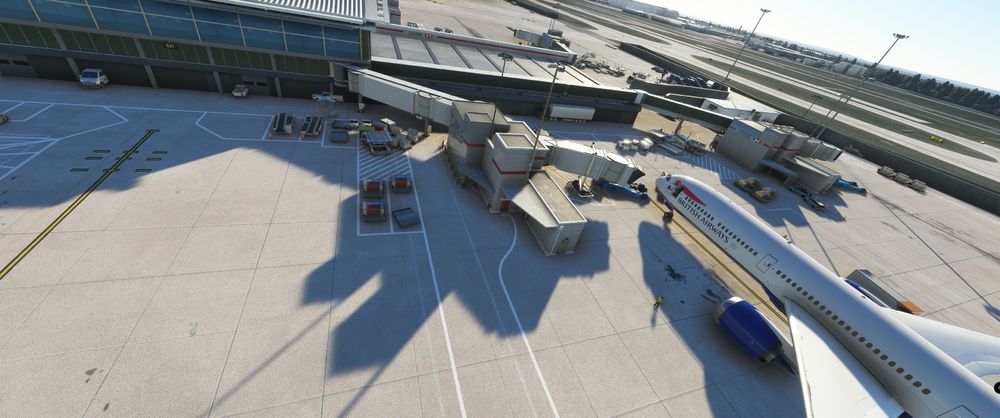
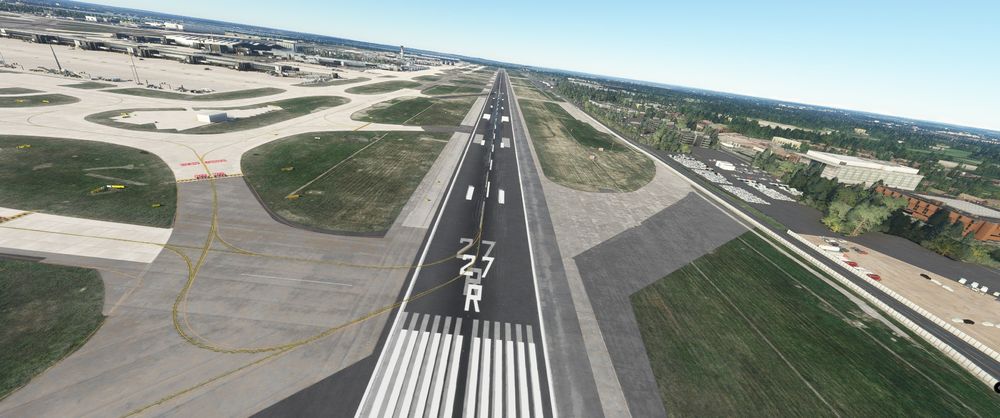
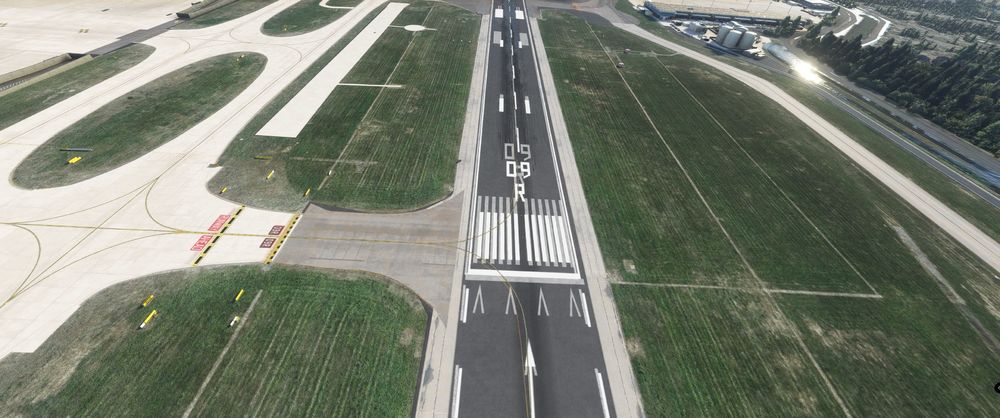
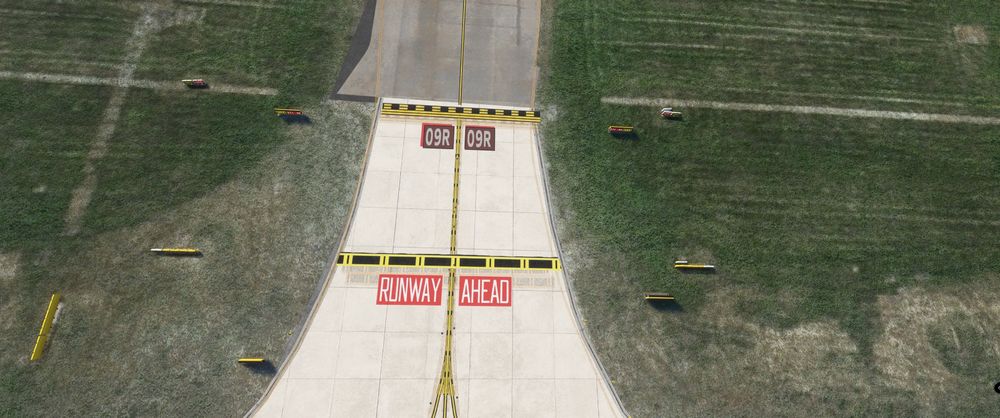
  2. great job on EGLL guys. i have a problem with textures (runway numbers / runway entrances jetways) etc appearing doubled, i own the premium deluxe version of the sim, and i assumed i'd have to uninstalled EGLL (hand crafted) from content manager, but for some reason unbeknown to me, that is not present in content manager( all other handcrafted appear), not sure if this is a isolated issue for me, or if a known issue / fix? also get alot of CTD upon trying to spawn at airport will attach files.
Account

Navigation

Configure browser push notifications

Chrome (Android)
  1. Tap the lock icon next to the address bar.
  2. Tap Permissions → Notifications.
  3. Adjust your preference.
Chrome (Desktop)
  1. Click the padlock icon in the address bar.
  2. Select Site settings.
  3. Find Notifications and adjust your preference.