jan_aviation
Member
-
Joined
-
Last visited
Everything posted by jan_aviation
-
Hi guys, today I got the same problem, I tried to select an ILS 23R or L for EDDL and 14L/32R for EDDK which both did not work sadly. My A388 is also running on the latest Navigraph Airinc (3-30.9.26). Best regards Jan
-
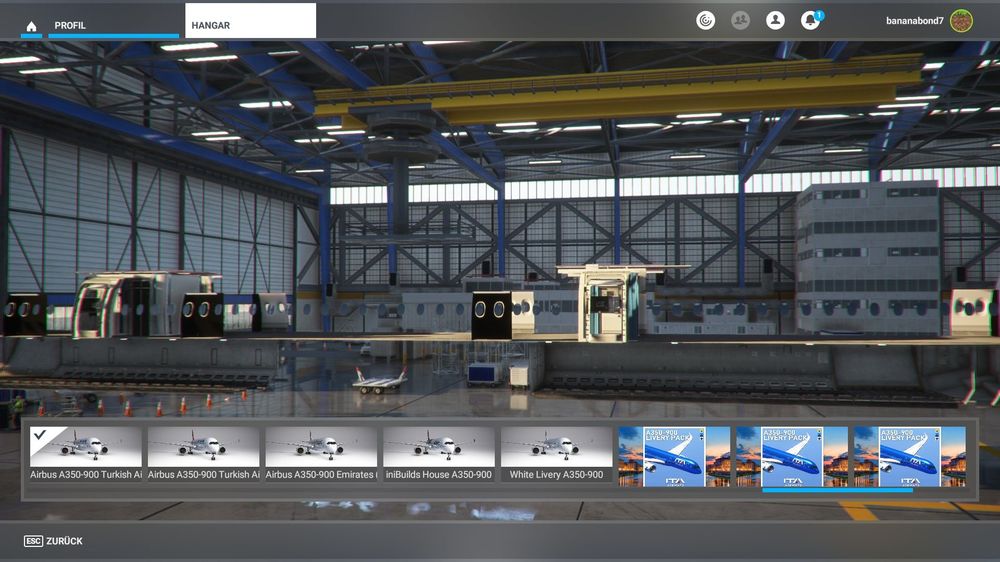
Hello guys, I tried to load in the INI 350 several times, it did not work any time, so I deinstalled the plane and re installed it, but now it loads in , but without any cockpit like in the attache picture. Any ideas how to fix this? Jan
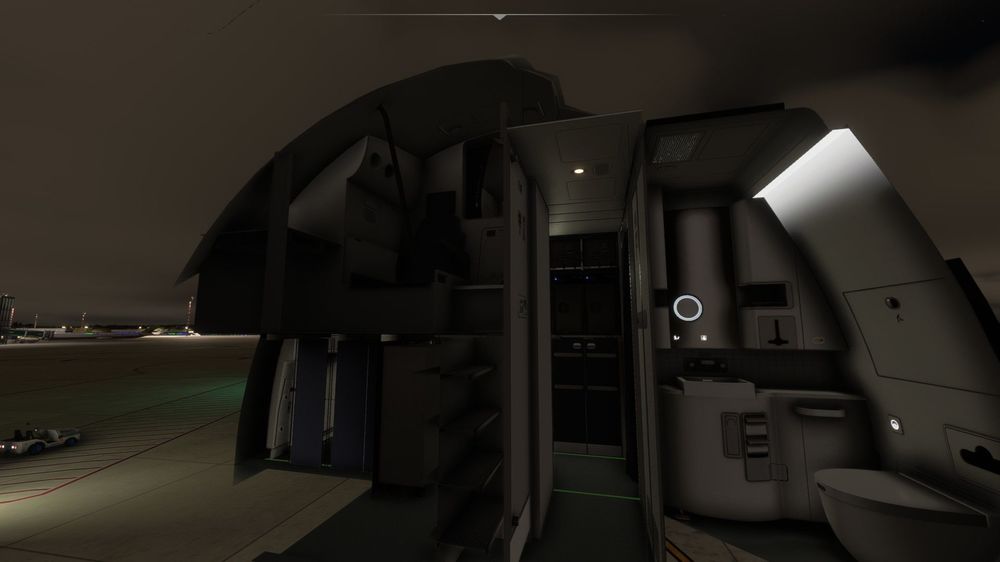
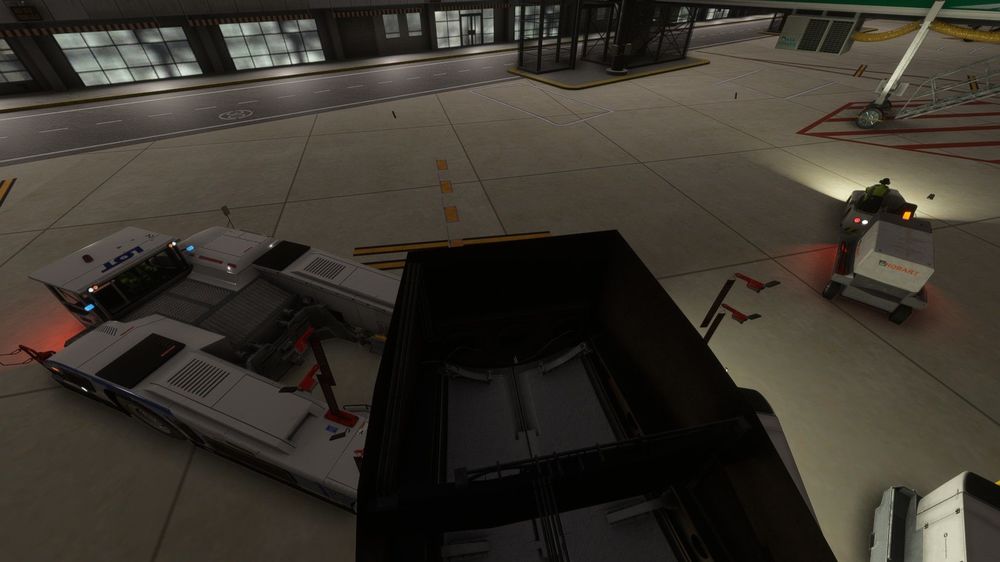
-
And there are not any solutions? 😪
-
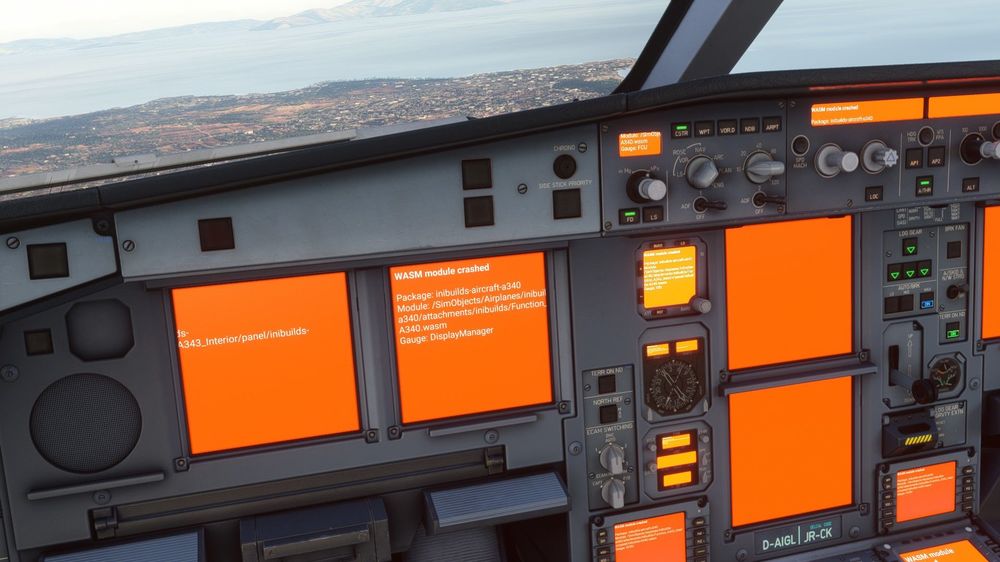
Helllo guys, I took off from Athens today with the 340 and shortly after takeoff I had this bug in the cockpit with the screens etc turning orange and saying WASM module crashed, what do I have to do to solve this? Jan
-
I downloaded the newest version of the A350 for Msfs 2020 and since then everytime I try to load the plane into the sim, the sim crashes and I get back to Desktop. Do I need to uninstall the plane (and the liveries) , or is there anything else I need to do? Thanks and have a nice holiday Jan Ruemmel
-
Hi everyone, I downloaded the newest version V 1.17 , and it looked like the added picture. No changes even if I changed the liveries. This is terrible to be honest...