





DMP79
Member
-
Joined
-
Last visited
-
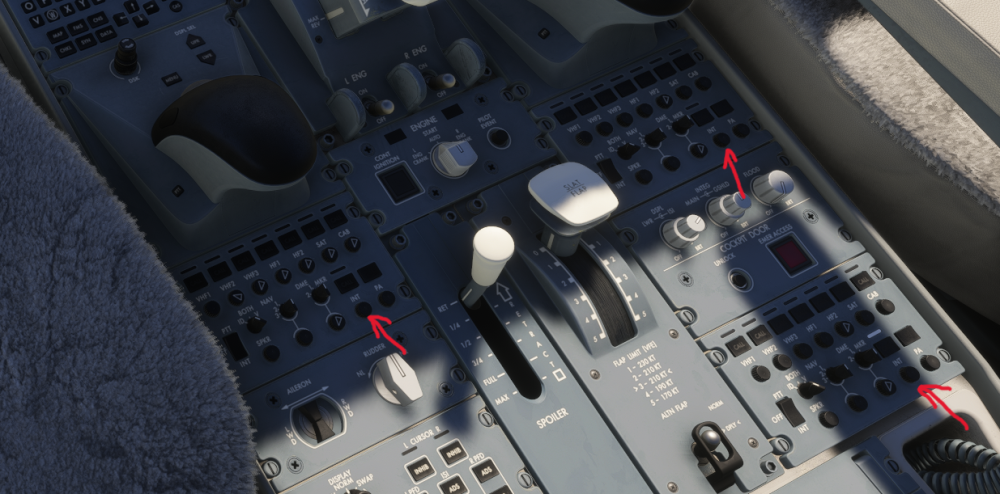
On the pedestal, all three RMPs feature INT volume knobs that automatically return to zero when adjusted, rather than retaining the set volume. This makes it impossible to use Cockpit2Ground.
-
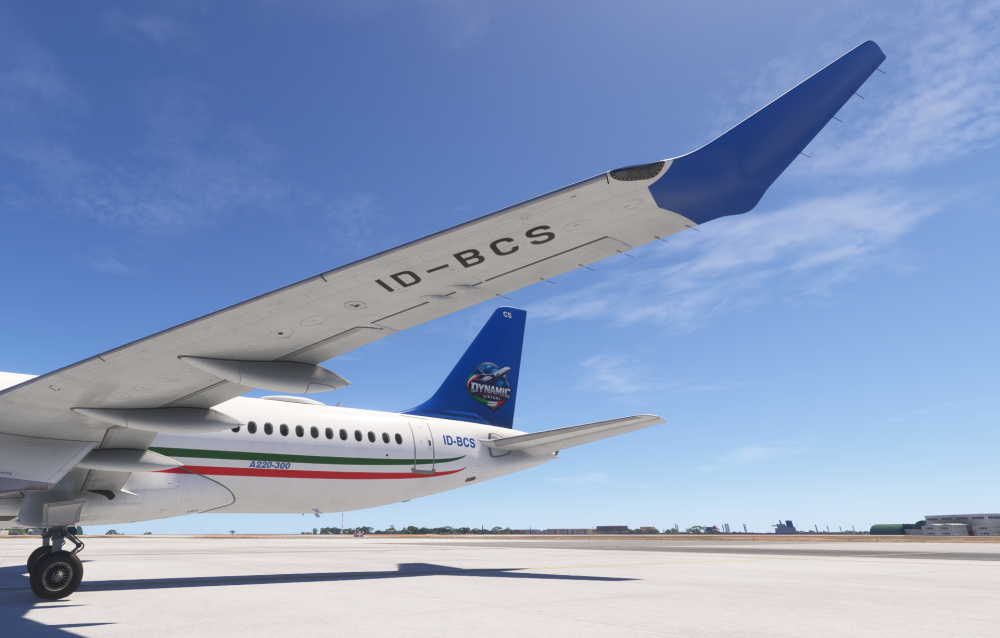
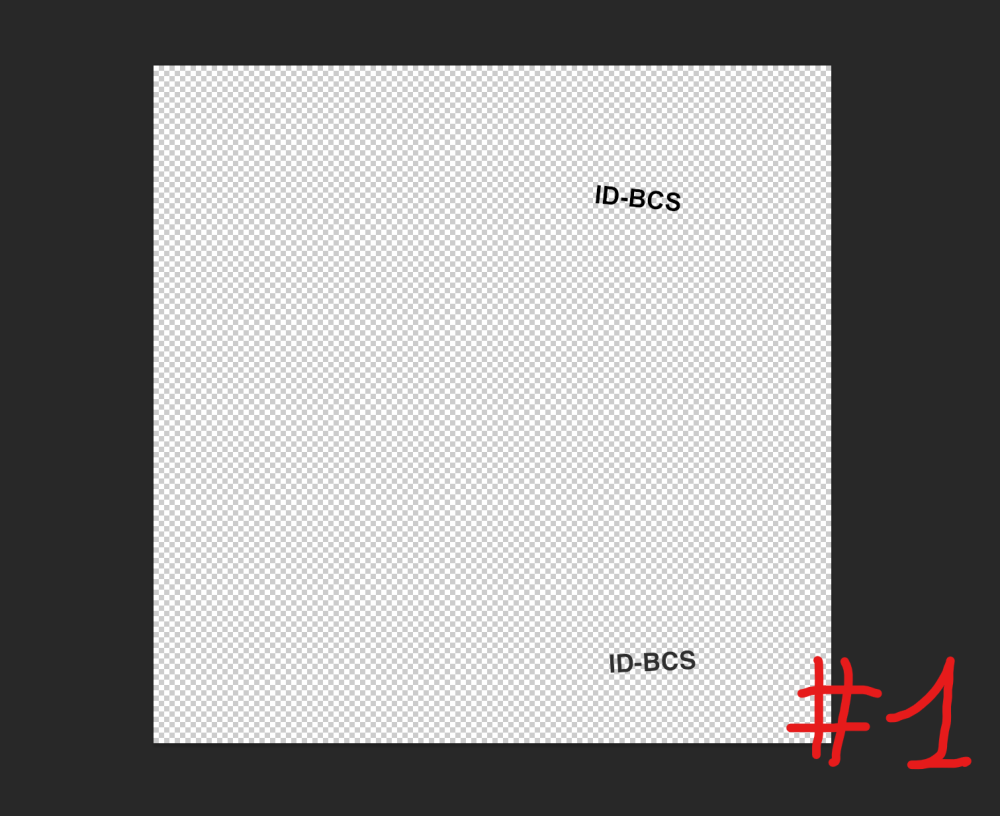
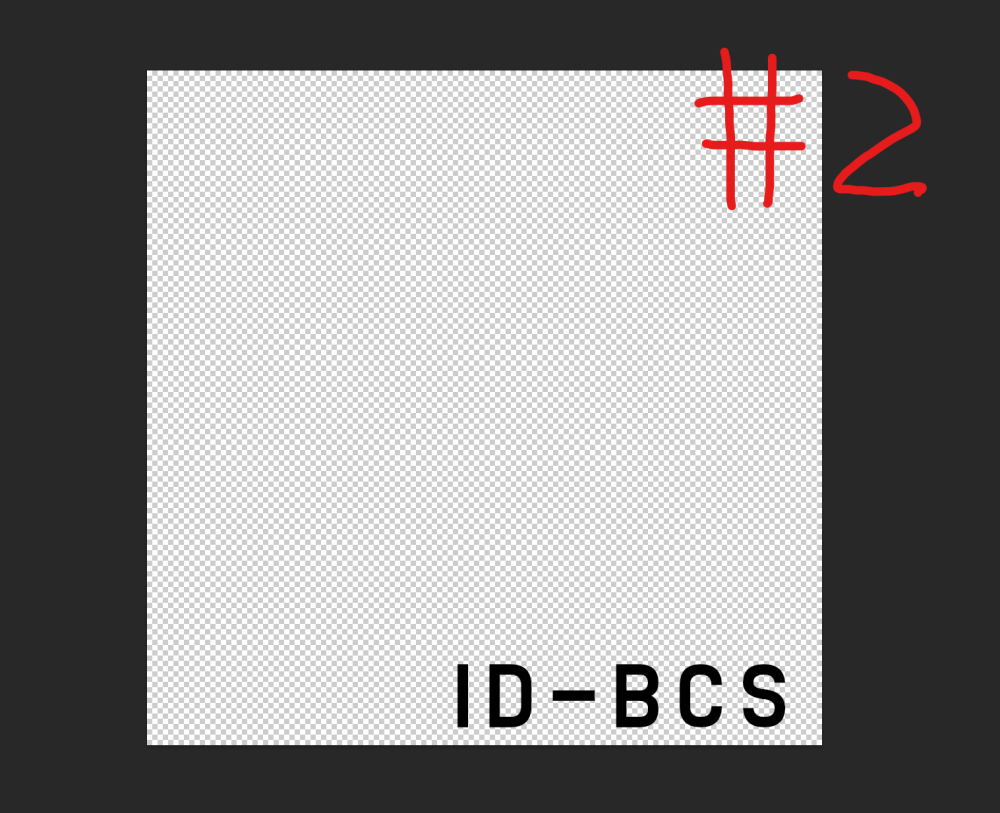
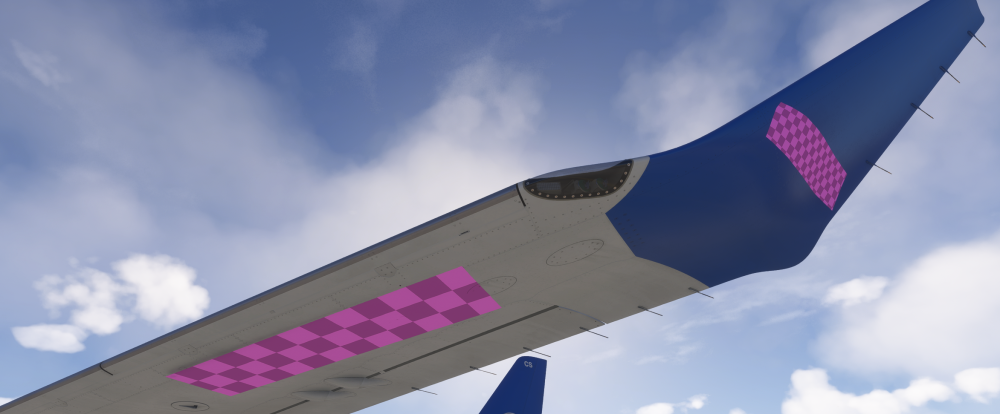
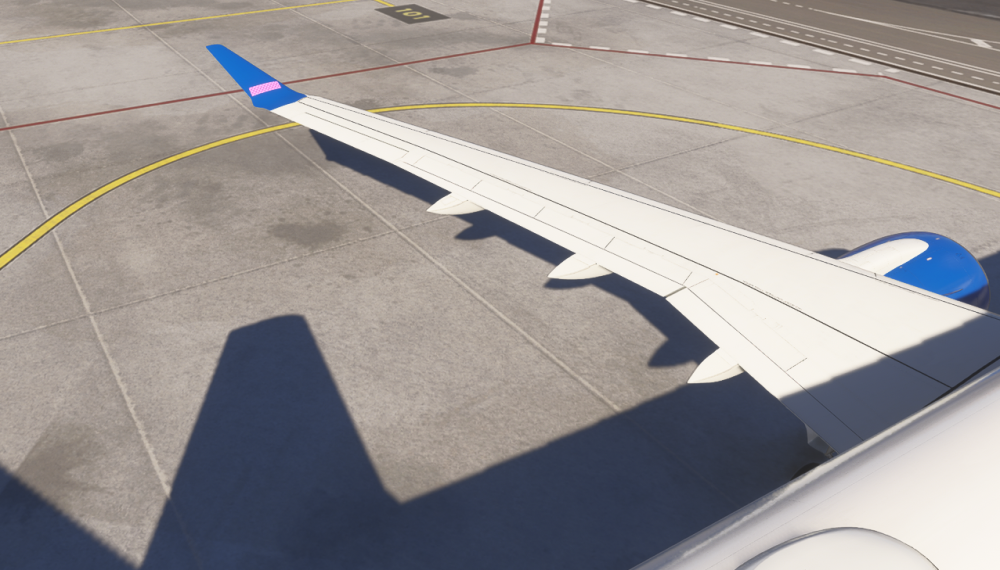
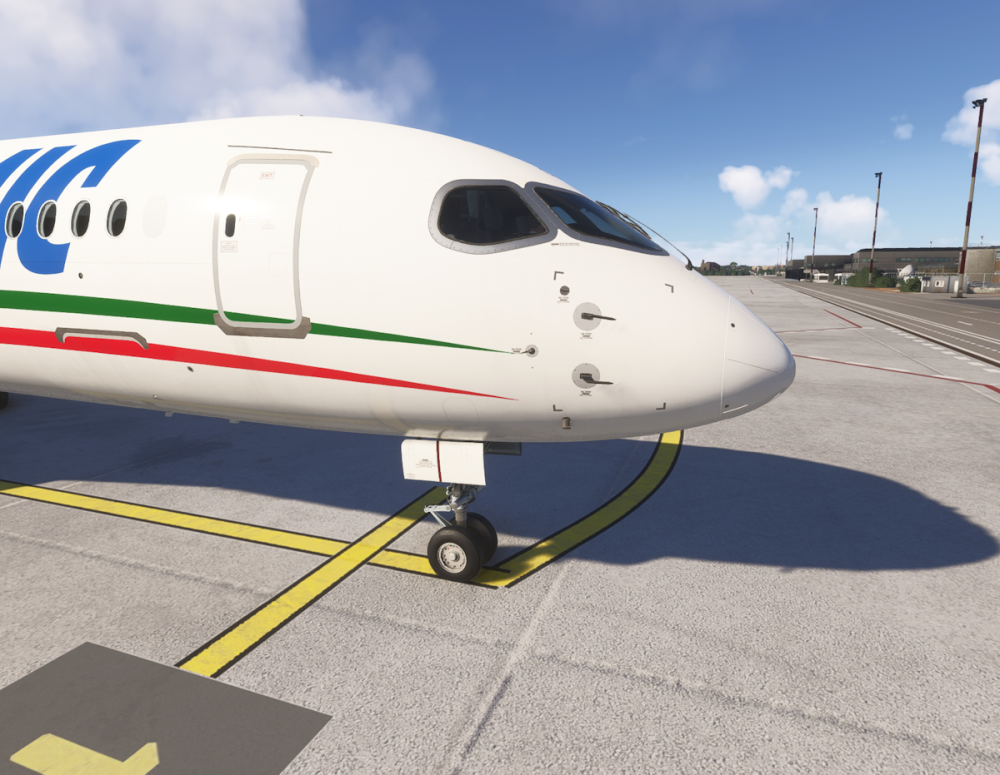
I solved the pink texture issue under the wing. The paintkit file must be renamed from A220_WINGREG_DECALS.tif to LIVERY_ALBD.TIF. Then it will need to be converted to KTX2. Furthermore, it isn't drawn like photo 1, but like photo 2. Furthermore, A220_LG_DECALS.tif doesn't seem to work either. To place the registration on the nose gear doors, I worked directly on A220_Fuse_Master.psd. I'm hoping for a paintkit update at this point.
-
Hi, can anyone try the files for me? I'm attaching the files that don't work.texture.rar
-
the problem is that working on that version that I downloaded last night I'm having problems with the TIF files
-
I downloaded the official paintkit last night and have been working on that
-
Hi, I created my own livery for the 220-300, but I have a problem: instead of the registration number under the wing, a pink rectangle appears, which also appears on the winglets. Furthermore, the fin number on the nose gear doors does not appear. For the conversion to KTX2, I use this tool: Image to KTX2 texture script for MSFS 2024 livery creation - ImageToMSFSKTX2. I tried replacing the files with others from other liveries and it works fine. I hope you can help.
-
DMP79 changed their profile photo
-
Hi everyone, my A359 doesn't save the automatic gpu disconnect setting. even if I set it to NO, every time I activate the beacons, the gpu disconnects and I no longer have the possibility to turn the airplane back on Cheers
-
same problems for me


