bucmic
Member
-
Joined
-
Last visited
Everything posted by bucmic
-
Asobo needs to fix this?
-
-
Issue still persists, when will it be fixed?
-
The default cabin works for me but when using all over cabins from the cabin pack, the cockpit is not being loaded. @iniBuilds Any comments on this?
-
2025-03-22_01h11_39.mp4 1.0.5
-
Ah sorry, my fault. It crashes when I activate it manually, so it seems to be a general issue.
-
Thanks but I had autobrakes low armed and activated ANS on final to EGCC (in database).
-
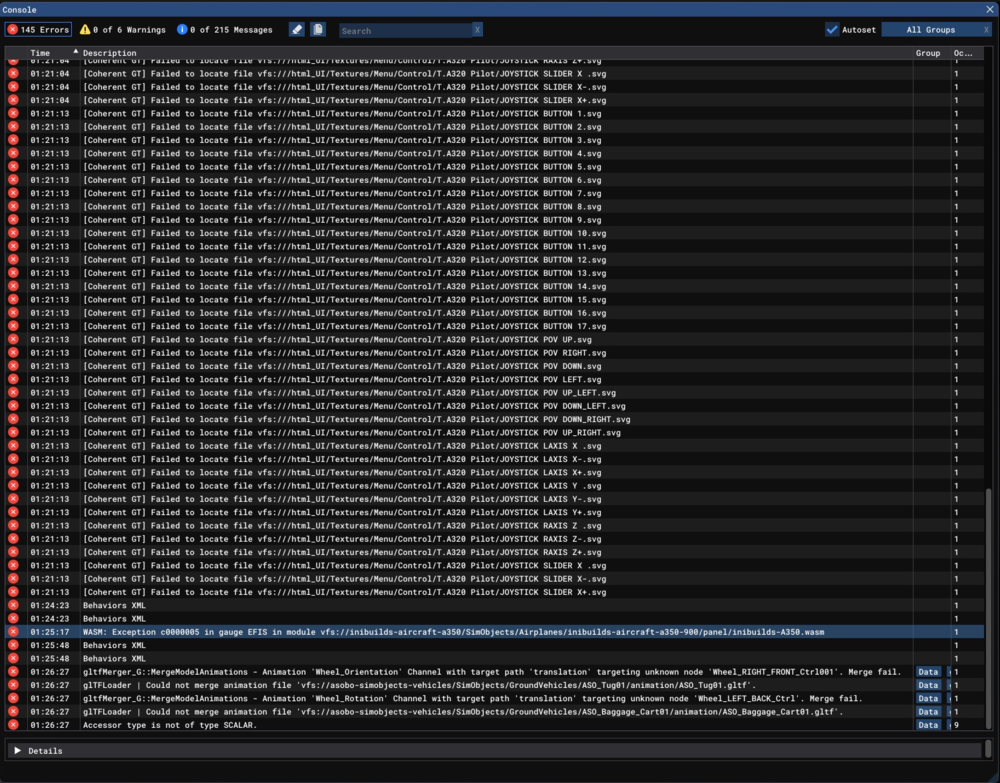
Same again with 1.0.3, WASM crash when starting the ANS. MSFS 2020.
-
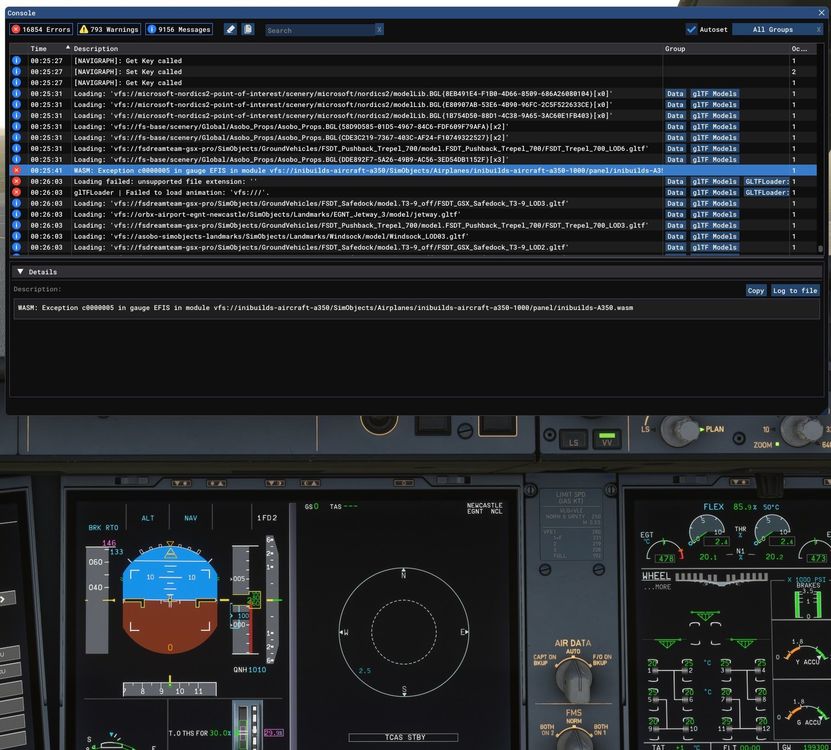
Have the same when activating ANF on the ground, 1.0.2
-
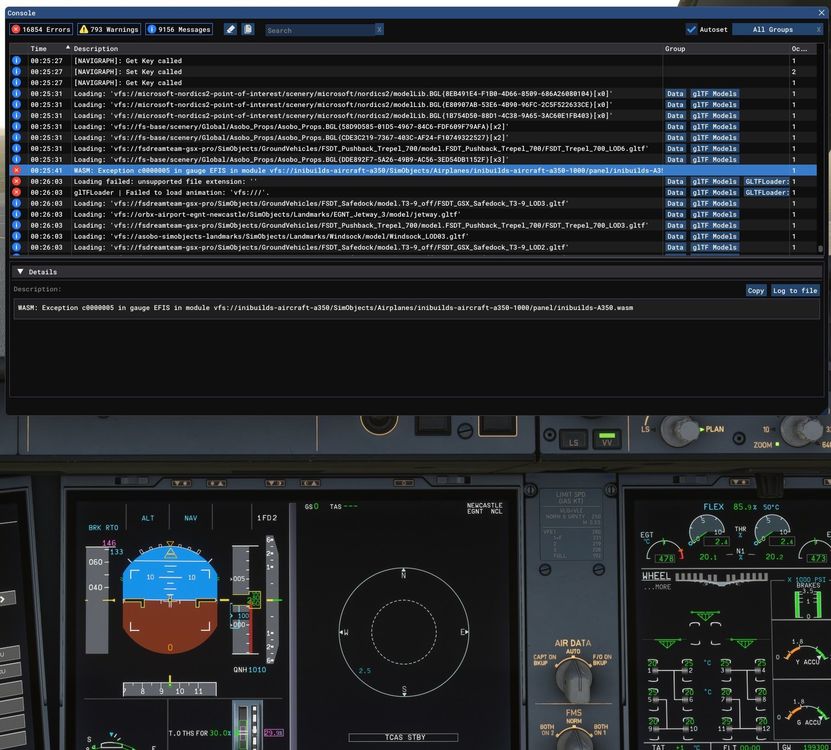
Had the same after switching on the ANF, 1.0.2.
-
Jepp, seems it has been fixed, didn't occur again so far. Thanks a lot!
-
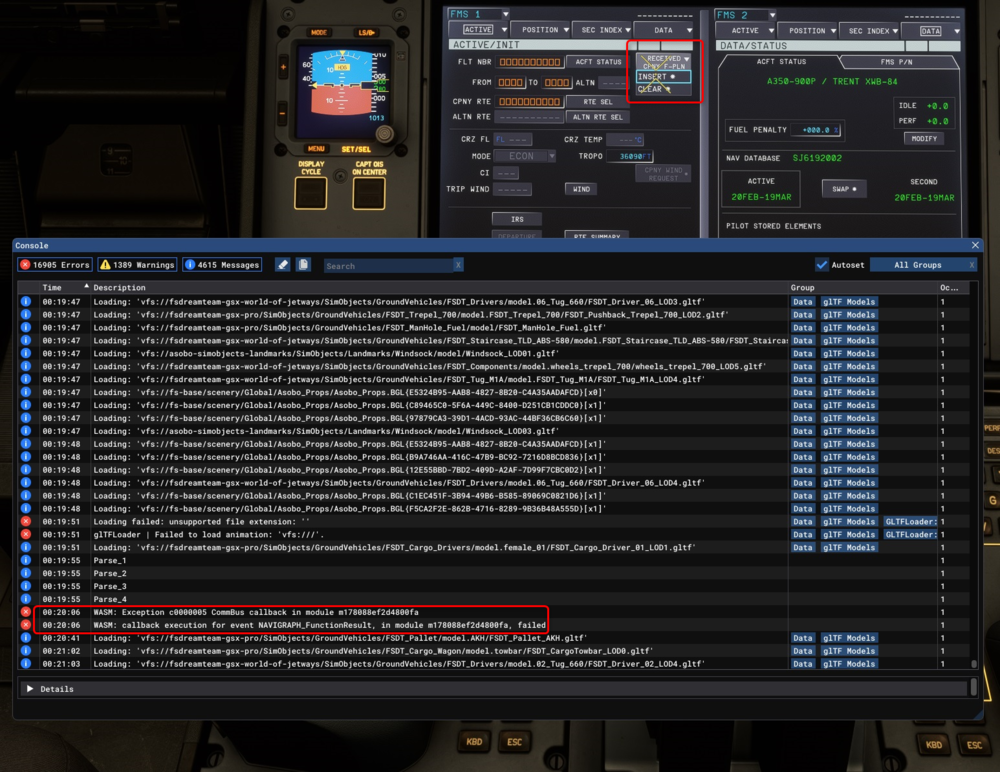
I had this WASM crash when I tried inserting the received F-PLN from SimBrief. To reproduce Request a F-PLN from SimBrief and try inserting it. Sometimes it hangs, sometimes it works properly. Information Aircraft: A350-900 Simulator: MSFS2020 Navdata Method: NAVIGRAPH OFP: Loaded via SimBrief Specs: Ryzen 7 5800X3D, RTX 2080 TI, 32 GB RAM WASM: Exception c0000005 CommBus callback in module m178088ef2d4800fa WASM: callback execution for event NAVIGRAPH_FunctionResult, in module m178088ef2d4800fa, failed