




PrinceHubert
Administrators
-
Joined
-
Last visited
-
iniBuilds TriStar Airliner Paint Kit (for Microsoft Flight Simulator 2024) v1.0.1 Added cockpit registration assets iniBuilds_L1011_Paintkit_v1.0.1.zip
-
On the IDC, head to radio tuning page via TUN button. Then click on LSK next to Squawk code/ATC1 to enter the TCAS options page
-
In the latest beta you might get a partial WASM crash on load, Asobo are aware and are fixing this behaviour, for now, please return to menu and load in again.
-
The ultimate classic airliner experience has arrived! iniBuilds A300-600R Airliner is now available for Microsoft Flight Simulator! Click here to purchase the A300 Liveries for the A300-600 are available on the iniManager and here on the forum. iniBuilds team ❤️

-
 Official GSX Pro Profile & VDGS Profile for iniBuilds London Heathrow in Microsoft Flight Simulator.
 -
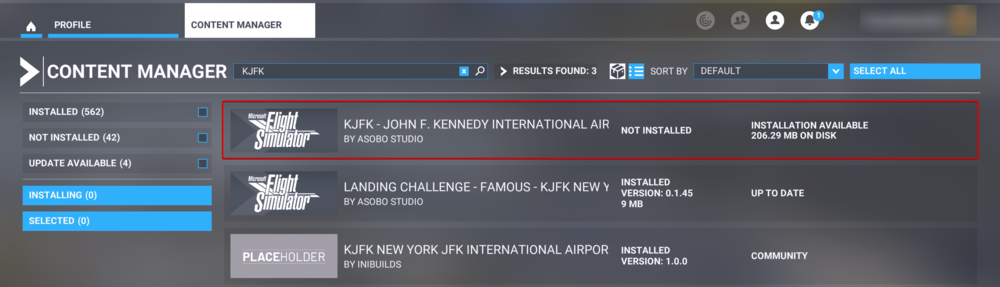
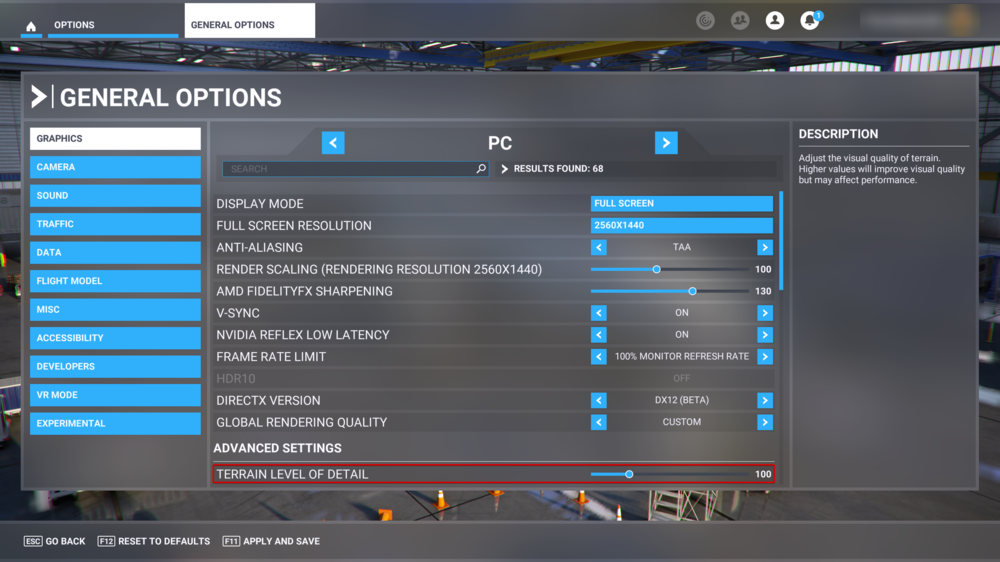
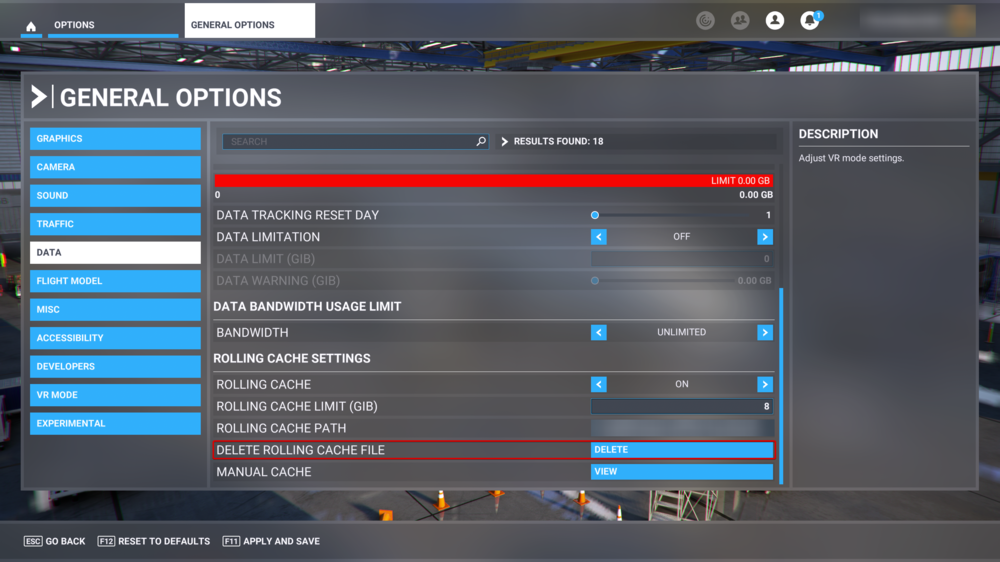
Please find below list of steps to try if you are experiencing low performance at iniBuilds KJFK. 1. Remove Asobo JFK from the content manager. 2. Reduce your Terrain Level of Detail (LOD), go to: General Options - Graphics - and set Terrain Level Detail to less than 100. 3. Go to your Microsoft Flight Simulator settings: General Options - Data - (Scroll to the bottom of Data Page), and delete rolling cache. 4. Delete your Content.xml, and the contents of the SceneryCache and SceneryIndex folders. These are located in: PC: AppData\Local\Packages\Microsoft.FlightSimulator_8wekyb3d8bbwe\LocalCache Steam: C:\Users\YourUsername\AppData\Roaming\Microsoft Flight Simulator

-
iniBuilds New York John F. Kennedy is out now for Microsoft Flight Simulator! 🗽 We are super excited to announce one of the worlds most iconic airports, New York's John F. Kennedy International (KJFK) is now available for Microsoft Flight Simulator on the iniBuilds Store. JFK has service to all 6 inhabited continents and serves as a hub for American Airlines, Delta, and JetBlue so you're spoilt for choice on where to fly from this mega airport! There are over 10 different types of jetways variants, custom taxiway signage, accurately modelled and positioned dynamic lighting, and much more. Challenge yourself by flying the famous Canarsie approach to Runway 13L in windy conditions or fly out of the big apple during the busy evening traffic bank on VATSIM with this true to life rendition of JFK! You can purchase iniBuilds New York JFK here - https://inib.uk/inibuilds-kjfk-msfs
-
Yes there is! You can download the Route Guide below. AN225RouteGuide_v101.pdf
-
Hi, the Bf 108 Paintkit is available here:
-
Use the Bf 108's ICAO code of ME08.
-
v3.01 of iniScene London Heathrow (EGLL) for MSFS has been released. This update includes corrected ortho tiles, updated ground service equipment, and much more. This update can be downloaded via the iniManager. v3.01 - GSE collisions around T5A - Incorrect ortho tiles along western boundary - 237 stand signage now correct - 236 changed to gate instead of ramp - 336/364 (incorrect labelling) now removed to match chart
-
v1.04 "Patch 2" of the iniBuilds P-40F WarHawk for MSFS has been released. This update contains a fixes for the fuel system, flight model, and much more. This update can be downloaded via the iniManager. v1.04 Patch 2 Fixes, additions and amendments: Cameras Cockpit cameras not working with Hat switch Tooltips -ADI cage/adjust updated -Some general Tooltips updated Fuel System -Auto-start now selects front fuel tank -Auto-shutdown now selects fuel tank to Off -Fuel remaining in fuel lines on engine shutdown has been refined (engine shuts down quicker) -External fuel tank model and functionality added to the fuel system: Add/Remove fuel in "Drop Tank" within weights and balances page to remove the drop-tank the aircraft must be on the ground, engine must be off, fuel removed in weights page and select Drop-Tank Remove in Maintenance page on the EFB EFB -Drop Tank Remove button added to Maintenance Page Ground Handling -Ground handling refinements Flight Model -FM refinements -Aileron refinements Flight Manual -Flight manual updated with drop-tank functionality section
-
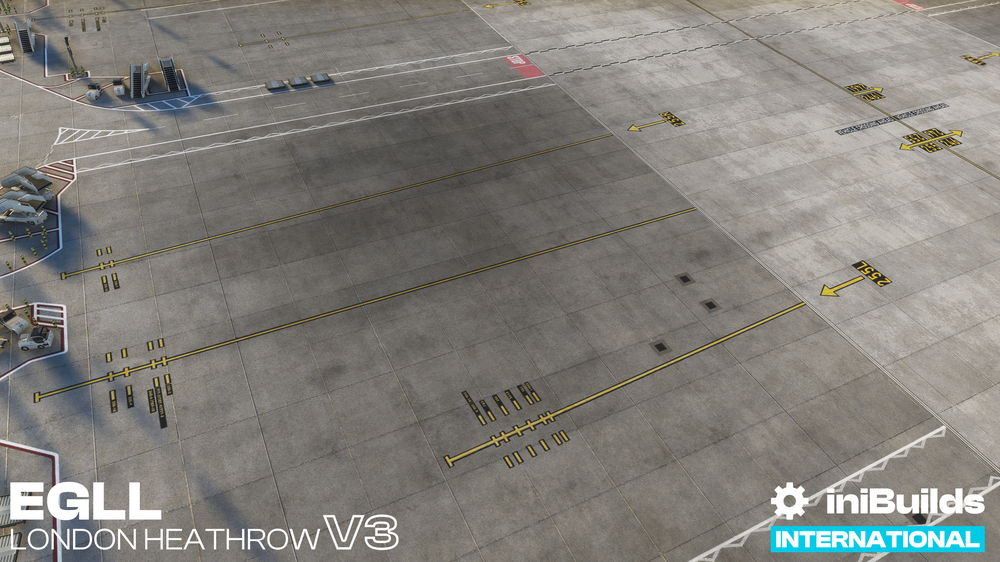
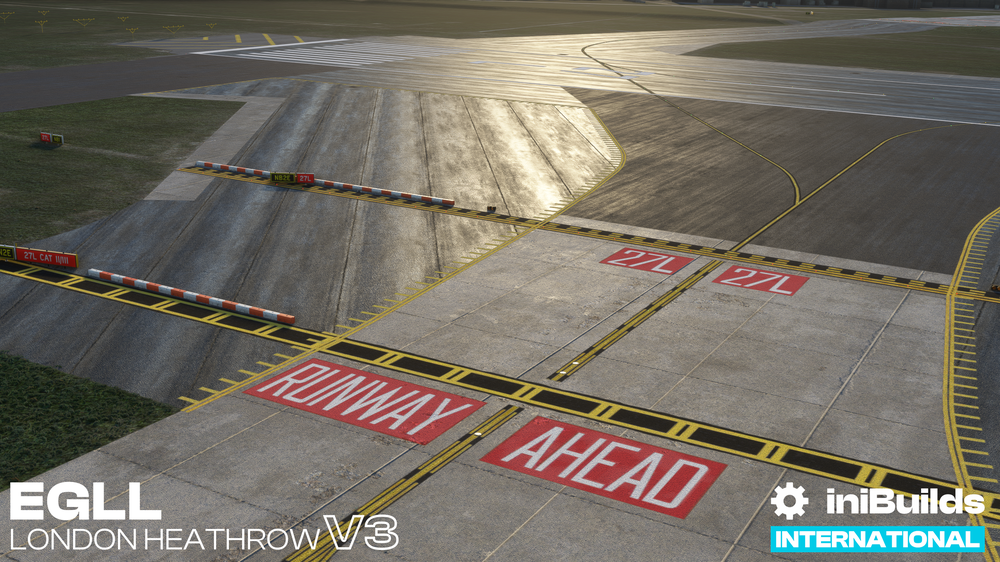
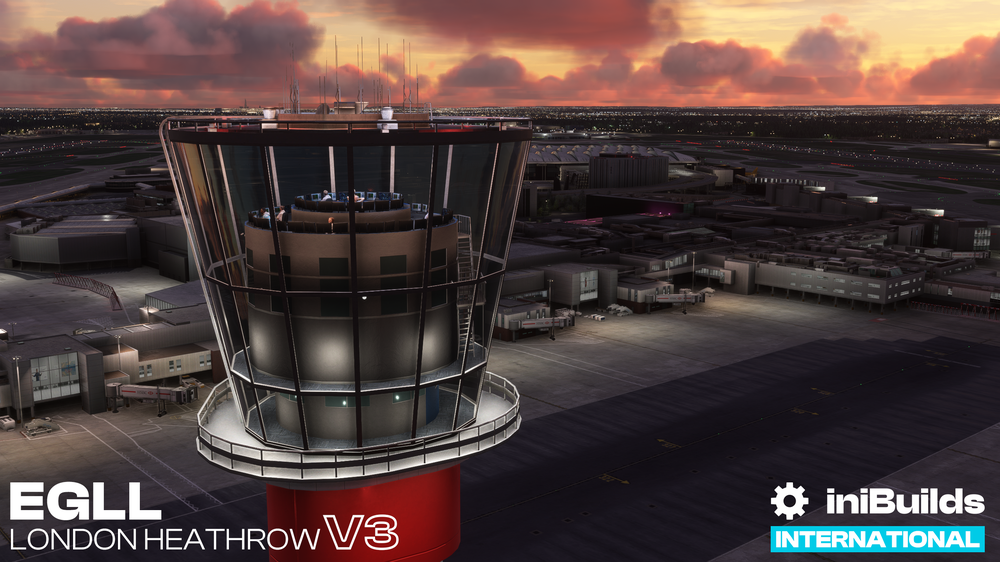
v3.00 of iniScene London Heathrow (EGLL) for MSFS has been released. This update is free for all current owners and brings parallax interiors to all terminals, overhauled groundpoly, interior added to the ATC tower, and much more. This update can be downloaded via the iniManager. v3.00 -Added parallax to terminal 2, 2b, 3, 4, 5a, 5b and 5c. -Interior added to ATC Tower. -Clutter added to ATC Tower roof. -Added static people to terminal 2, 5a, 5b, 5c and ATC Tower. -Raised jetway bridges at terminal 5a for realistic clearance. -Modifications to terminal 5b for improved real-world accuracy. -Additional details for terminal 5a, 5b, 5c. -Bollards added to all terminal stands. -Improvements to the maintenance area. -Improvements to T5 Industrial area. -Fixed z fighting issues at terminal 5a -Added additional model details such as stillages and substations -Updated barless tugs and belt loaders with new models -Fully updated groundpoly to match the current airport layout -Added marking details around all terminals -Airport-wide optimisation of all assets and lodding.


-
v1.08 of iniScene San Antonio (KSAT) for MSFS has been released. This update includes numerous bug fixes and performance improvements. This update can be downloaded via the iniManager. v1.08 - Another round of optimizations targeting draw-call reductions, node and material reductions. - Re-evaluated and addressed problematic LOD's for 3D vegetation and parked vehicles. - Re-worked vast majority of ground polygon to correct deformed taxilines and asphalt materials and uv maps. - Added Hangar interior to hangar with automating opening/closing door, re-worked existing hangar materials/textures/mesh. - Added in missing highway overpass bridges. -added southern section of highway overpass. - Re-Worked night lighting slightly, added lighting to airport overflow GSE parking area. - General enhancements to visuals while keeping a steady performance balance. - Compatability with iniManager config options
-
v1.01 of the iniBuilds P-40F WarHawk for MSFS has been released. This update resolves a few minor bugs. This update can be downloaded via the iniManager. v1.01 - ADI Ball Texture - Trim Wheel White Texture - EFB Settings Page (Toggle on/off persistence recording) - Auto-close gun bay doors, etc if open on take off roll - Hangar specs Range -Radio ON at cold & dark -Sound looping tweaks


