RyanAlmeida95
Member
-
Joined
-
Last visited
-
Hi There, Its been a month.
-
Hi There, Any response to this?
-
@iniBuilds Team
-
Hi there, just checking to see if there can be an update/response to this?
-
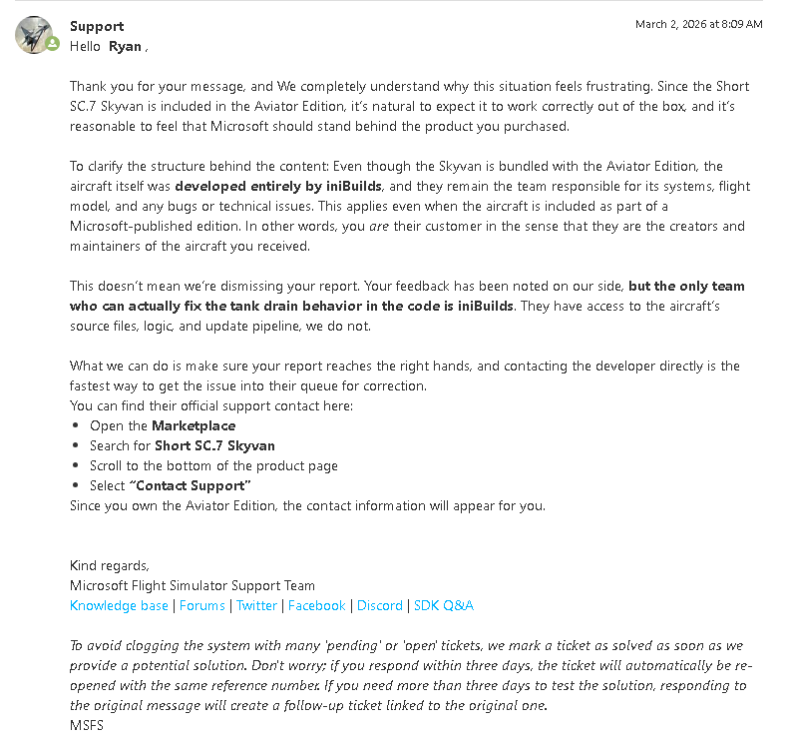
Hi There, I submitted a ticket to MSFS zendesk regarding issues with the Short SC.7 awhile ago and basically gave up as the customer with the lack of ownership from a seller. However I just want to see what the next steps would be to get this aircraft working. Their response was the below I can see another post from earlier in 2025 regarding this same issue where the aircraft is not usable, and the response to that user was to contact MSFS instead. I just wanted to reach out to check on what would be the way forward with this?
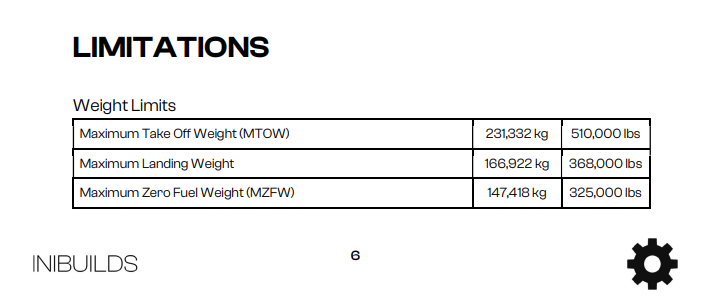
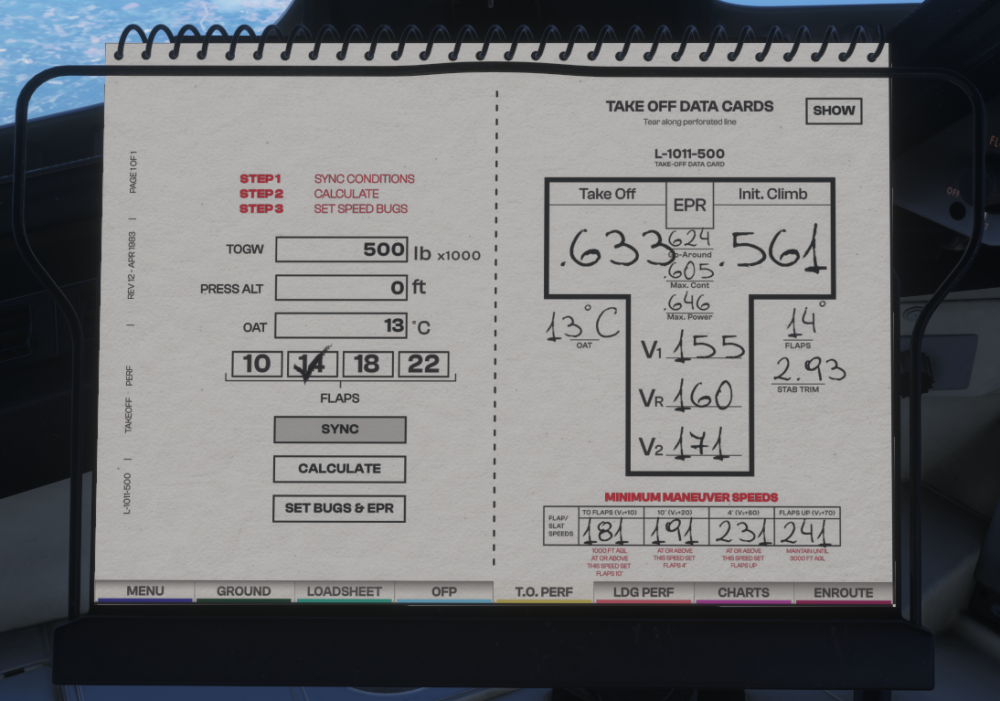
 Not sure if related to the enq, but Is your navdata up to date and not mixed in with anything from MSFS2020? :) https://forum.inibuilds.com/topic/36628-how-exactly-do-i-engage-the-ils-or-loc-for-an-automatic-landing-in-the-l-1011/I must have missed that part then, thanks :)The T.O.PERF sheet in the PFB has a 500,000lb limit on the TOGW even though this should be able to go up to the MTOW of 510,000lbs.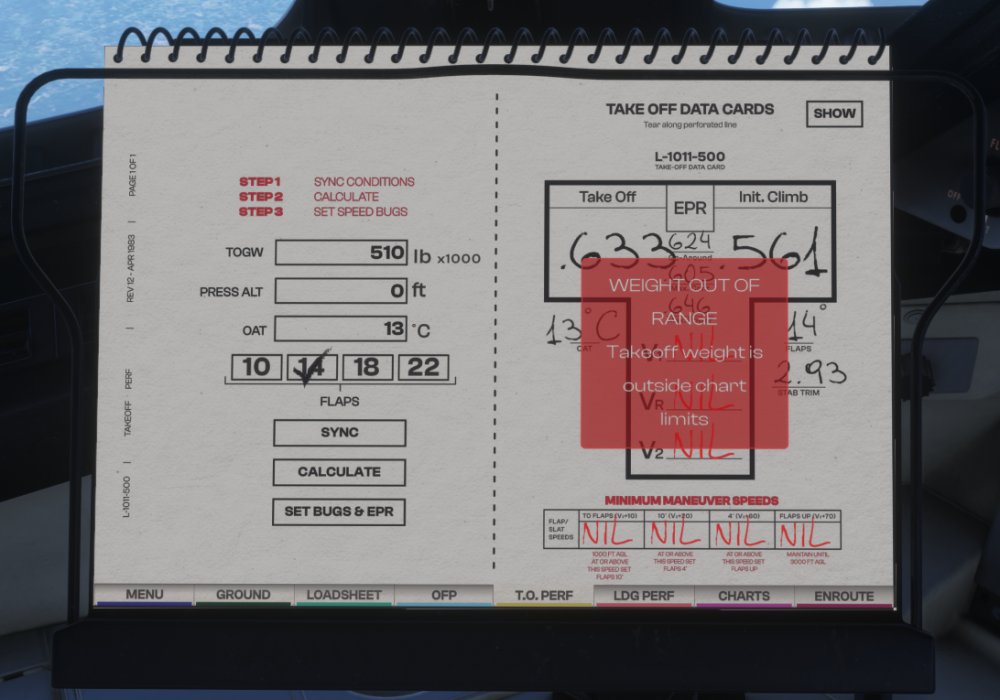
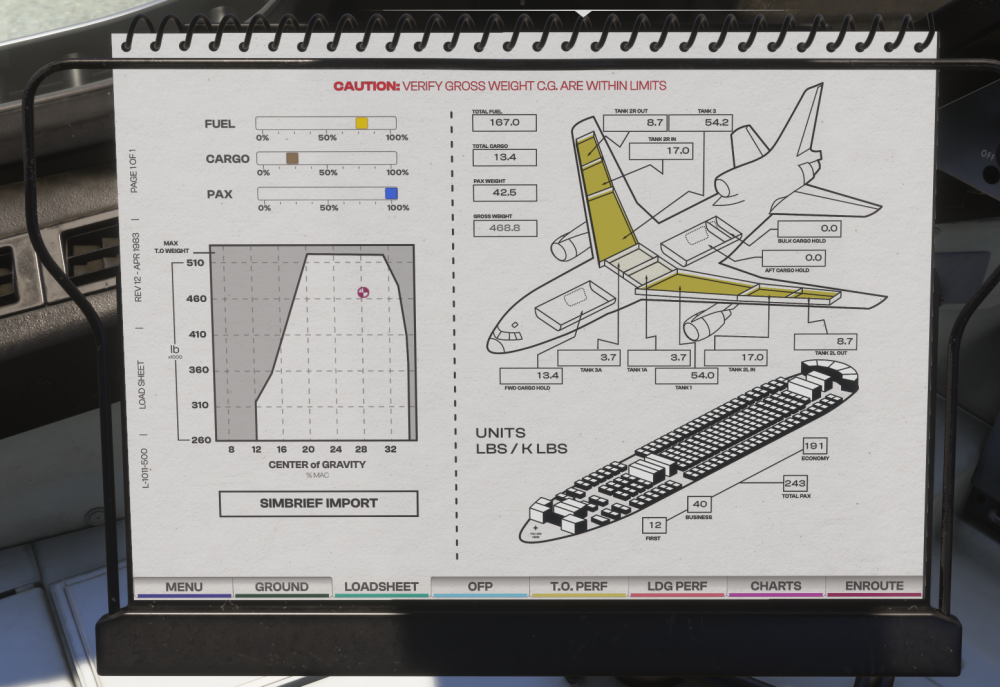
 Are we able to add a load button and timeframes in the PFB? Example, Instant, 5mins, 10mins and Realistic. The simbrief import would just load info from simbreif into the loadsheet and the an additional button like "start loading" would start loading the aircraft at a a selected rate, to allow time to do preping for the flight. At the moment, using the sliders or clicking import loads the aircraft instantly.
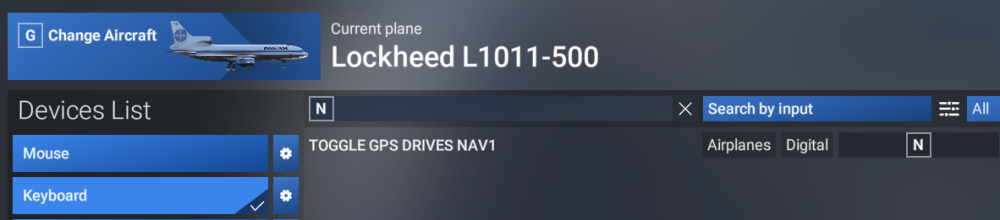
 So It was the nav data in the end, but definitely a unique case. 😅 You called it! I only responded that as long the sim was up to date that the nav data shouldn't be your issue because the aircraft will just use whatever the sim has instead of its own aircraft specific navdata. Anyway well done, Hope you enjoy all the approaches. 🙂Im not sure what to add 🫠 https://www.youtube.com/watch?v=KkGpmhAK8FM Although I don't think it will make a difference, Is Navigraph up to date for the sim? Have you updated to the Tristar to V1.0.4? Does the radio freq work on another aircraft in the same location? Have you tried any other approach elsewhere in the world to check if the RADIO is working?As pointed out, the radio freq data is not making it to the VOR/DME or HSI for some reason. Can you try the first thing again with the TOGGLE GPS DRIVES NAV1 whilst on the ground at an VHHH tuned to an ILS freq in RADIO and see if the instruments change? Maybe try selecting GPS option from the PFB and select CDI to change over to VLOC.. then turn the GPS off again in the PFB to see it that changes it over.
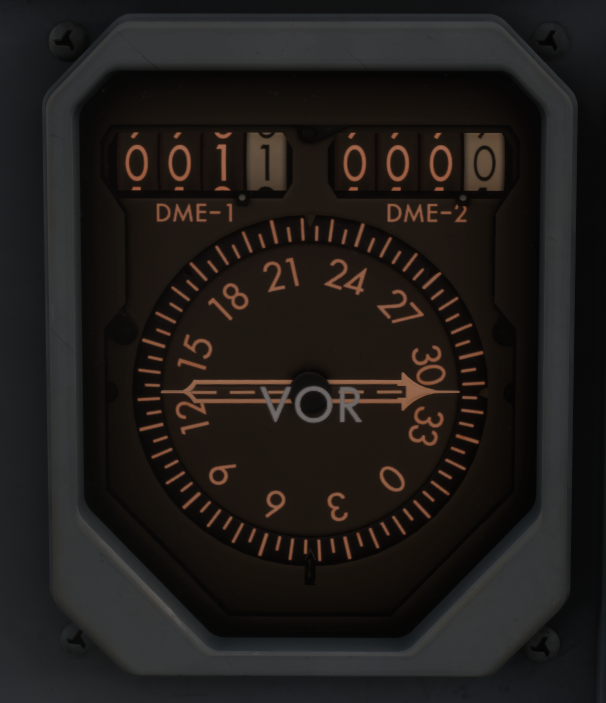
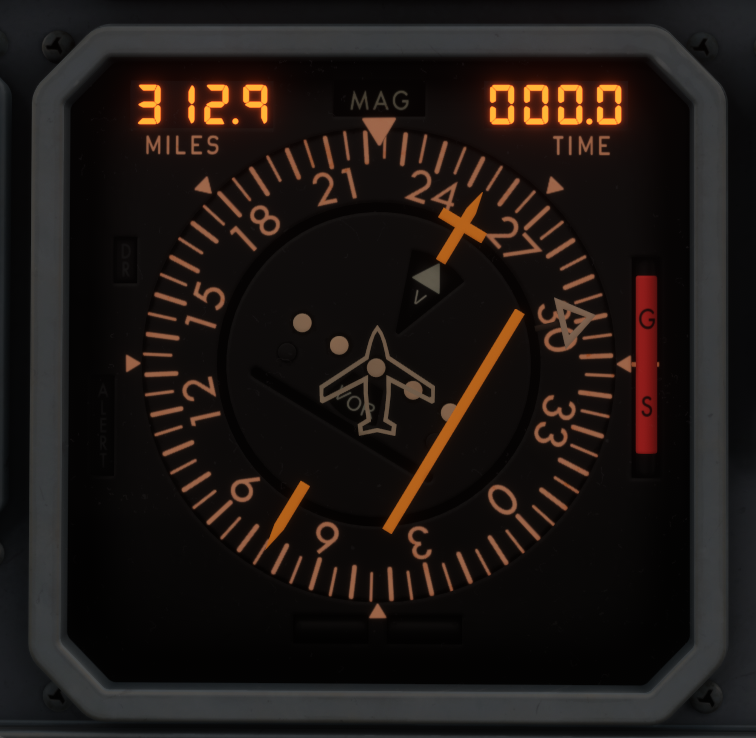
 Ok, it doesn't sound like an ILS/LOC button issue. Can you upload a screenshot of the instrument panel including the glaresheild? Do you use this aircraft with the GPS?NavData doesn't have an impact on radio navigation in this case where the sims navdata is up to date. Just to clarify, the VOR/DME indicator and HSI work independently to each other and from the ILS/LOC buttons. Regardless of the ILS/LOC buttons, the VOR/DME and HSI should show information to the radio within distance. If you are on the ground at VHHH and tune 109.30 in radio mode, does the HSI and VOR/DME show a response as per the above screenshots? DME showing distance (NORM has to be selected on nav radio) The course bar has moved wither left or right? Can you upload a video?