




lolo
Member
-
Joined
-
Last visited
Everything posted by lolo
-
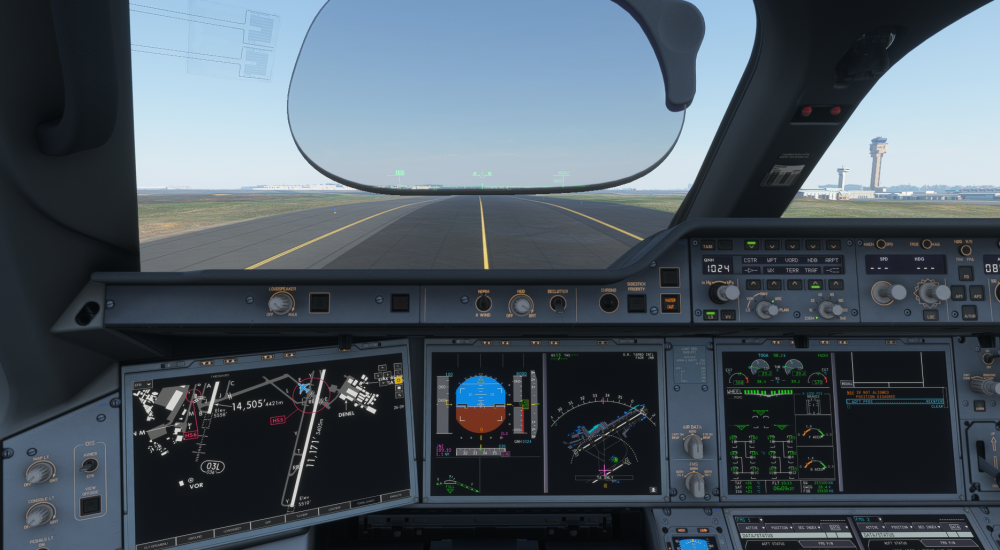
Hi, I did a flight between EGLL and FAOR, 10h13mn. Everything went pretty good with a A35K, Virging Atlantic livery from Inibuilds. I was having GSX PAX onboard + zcore. The only 2 things I encountered are: EFOB was 4 tons less on landing than estimated before take off. Flight plan was made with Fuel factor P11. At Arrival, few seconds after exiting runway, I received the following message: NAV IR Not aligned, position disagree. It happened after turning off strobe lights. Laurent,
-
Yes, my last flight with the A35K gave me the minimum callout as well, not the A359.
-
Hi, I don't know what happened with update 1.2.7 and hotfix 1.2.8, but a lot of things are broken in this latest version. I just completed my fourth flight since the update, and nothing is working properly anymore. 1 - Take off: A/THR does not engage automatically with TO thrust power 2 - Check IRS/Airport POS message after take off 3 - FMC - Only next waypoint Time report is correct. The waypoints no longer follow UTC time at all. It is impossible to predict the arrival time by looking at the time against the destination code. 4 - BTV - Always gives me Runway Exit too short message. Runway condition is set up at Wet by default, not sure if it's intented. 5 - Descent - A35K: The aircraft is pitching up and down, with vertical speed fluctuating between 1,300 and 1,500 FPM. Aircraft does not manage speed correctly. Indication on PFD always changing between SPEED, THR DES, 313 knts. (No speed restrictions on flight plan) 6 - No callouts at landing 7 - Fuel consumption is inconsistent. On the A359, I always land with at least half of SimBrief's estimated fuel, and the destination EFOB steadily drops in flight. On the A35K, the EFOB ends up accurate upon arrival, but it temporarily drops to half the estimated amount mid-flight. 8 - Even with the step climbs option enabled, the aircraft stays at the same flight level for the entire flight unless you change it manually. I'm used to fly this aircraft since day first. I did many many flights. It was always a pleasure. Now, I've lost confidence with the systems for this aircraft. I'm looking forward to the next update, which I hope will fix all these issues. FYI, I tried to uninstall, then reinstall in an empty community folder. Started the sim and a flight, spawn around the aircraft. Closed the sim, cleared WASM folder and restarted the sim. Same result. I'm using custom liveries, z_core and gsx seated passengers. Laurent,
-
Nevermind, I changed orientation of the tabled to horizontal and now I can see the doors.
-
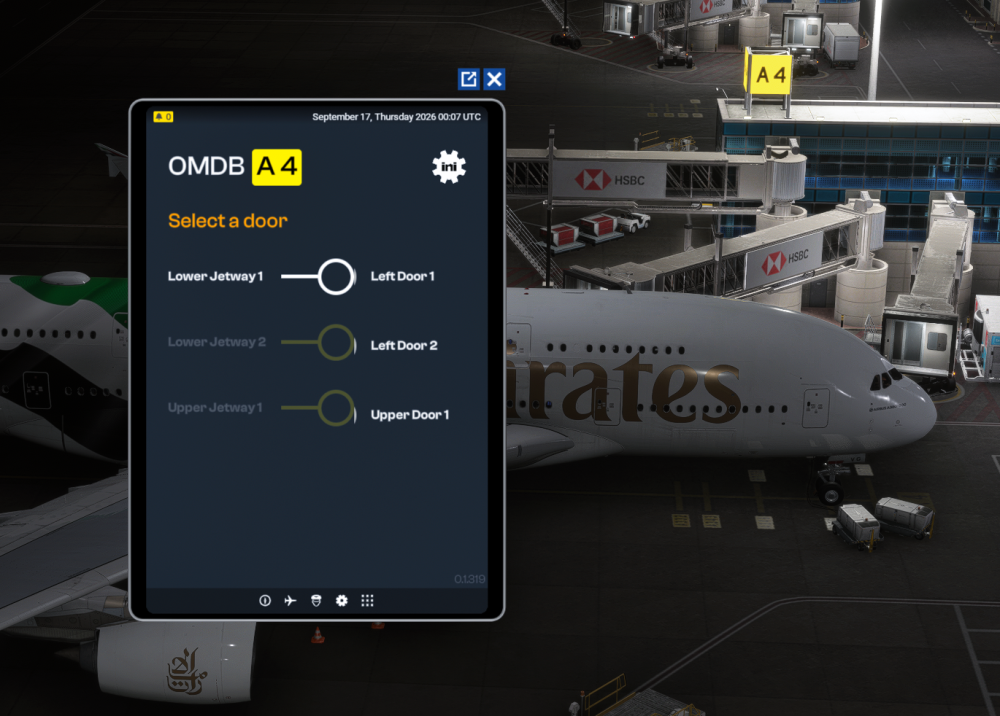
Hi, I just bought OMDB scenery and A380. When I click on muti jetway tool, I'm having a different display of the window. Text looks too big so I can't see the doors on the right side, like I can see on different videos. Do you know how to fix this? Thanks,
-
Hi, so if I understand well, if I fly with another aircraft than inibuilds one, multi jetway could not be working, but also, it could be impossible to connect any jetway to my aircraft using gsx, right?
-
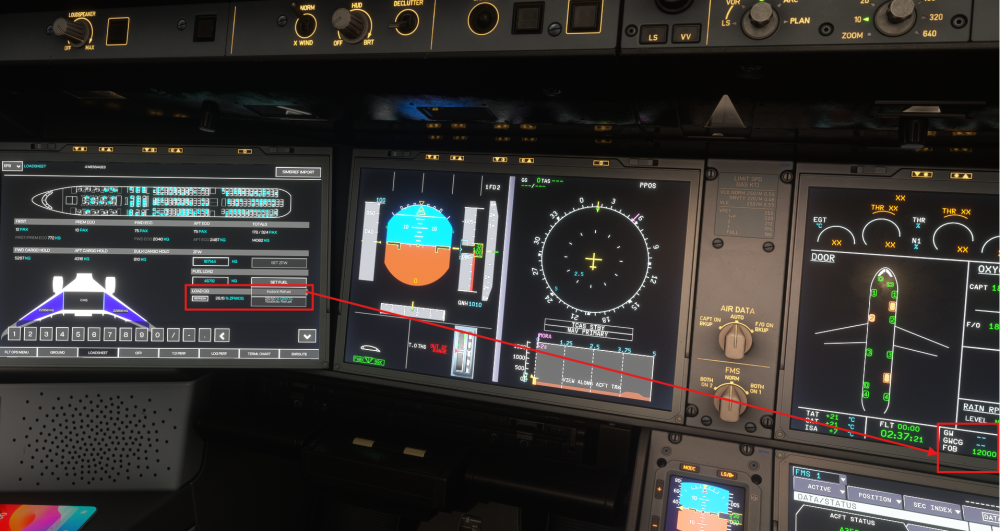
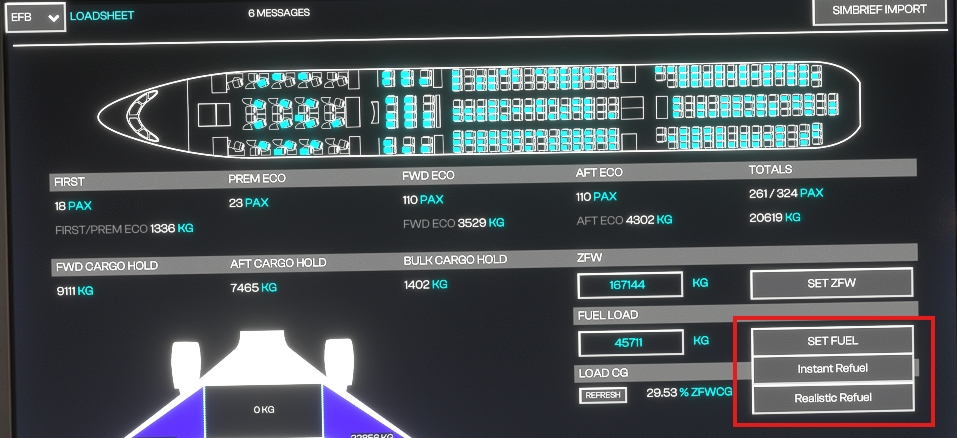
Hi, Something weird with the refueling of the plane. If I quickly go to EFB to import Simbrief, then select Instant Refuel, it works. However, I can't understand why, if I'm too long (or doing any other action I can't identify), the button cannot be used anymore. In my screenshot, you can see that the dropdown for Set Fuel is overlapping the CWCG information. When I try to click on it, nothing happens. If I'm fast enough to configure fuel, dropdown list is not overlapping. Thanks,
-
Hi, I'm just wondering if someone else has the same issue. On landing, I select autobrake 1, landing speed is 135kt, flaps full. On runway, aircraft braking seems to be at max. It only needs 1500 ft of runway to completely stop, which is a bit brutal for stopping at autobrake 1... Thanks,
-
-
Unfortunately, I can confirm it is not fixed. Got a crash a bit after importing flight data in FMC at gate in Zurich. I would love to have the opportunity to switch back to V1.0.4. Yhe only stable version I had..... Now I feel like I spend money for something that is unflyable.......
-
Either remove the HUES zCore or don't use any cabin from their cabin pack. Use default or No cabin.
-
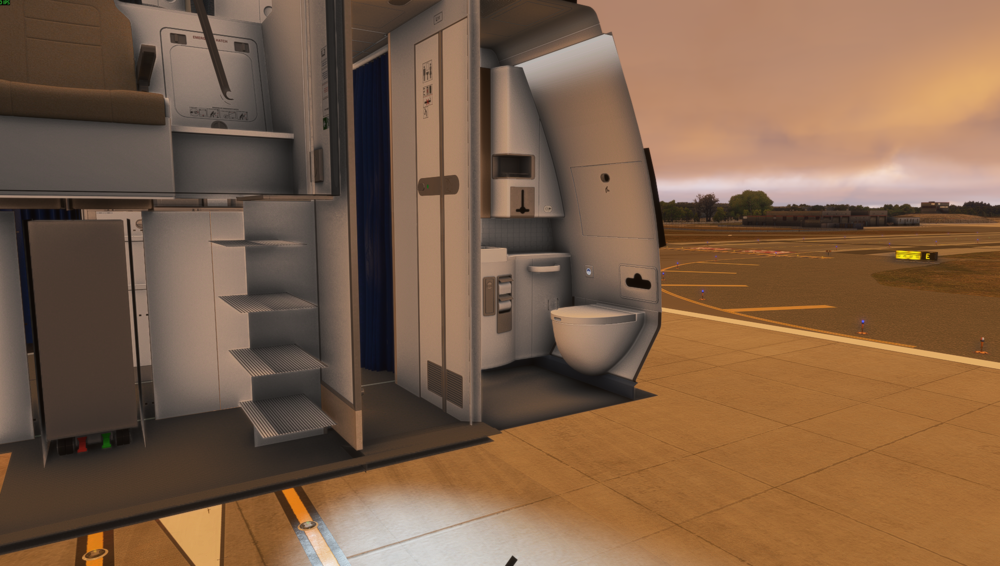
Hi, After updating to last version, cockpit has disappeared. I tried to load different liveries, even inibuilds one, uninstall and reinstall, still the same. Thanks,
-
Having the same issue. Did you find how to fix it?
-
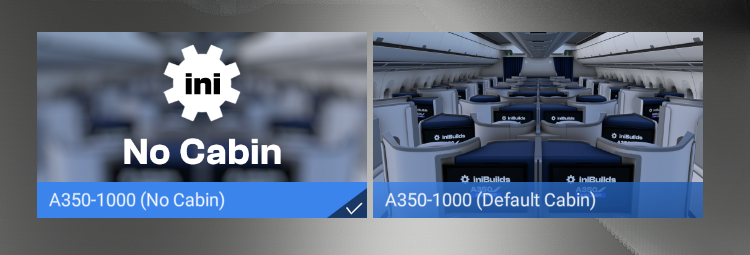
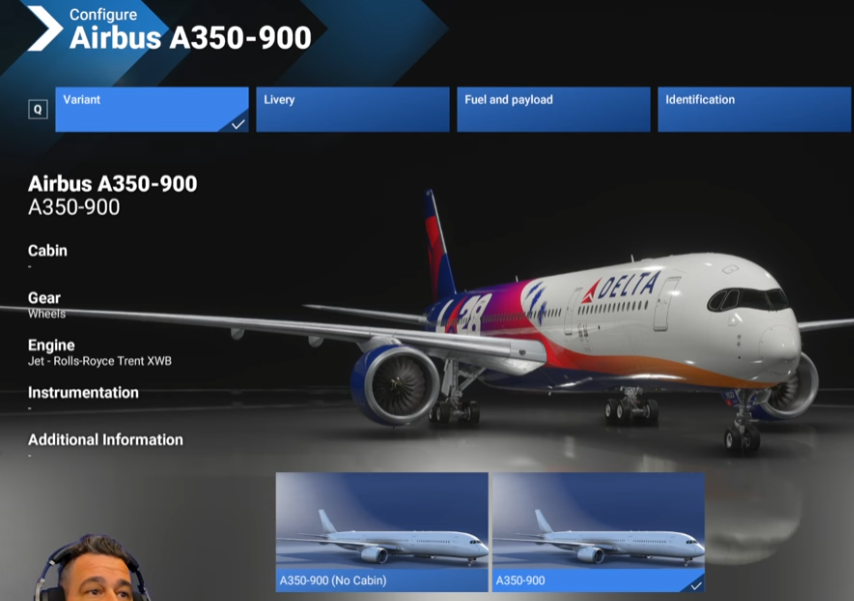
Do you guys are having the same options, Default cabin or No cabin? I've found a Youtube video where the Youtuber can select a variant where it doesn't say Default or No cabin....
-
Hi, I've downloaded a custom livery with custom cabin. In MSFS2024, I have to choose a variant, default cabin or no cabin. This results that I cannot see the custom cabin coming with this livery. How do you guys do to see it? I'm very confused.... https://flightsim.to/file/89322/delta-air-lines-n527dn-100-years-inibuilds-a350-8k-4k Thanks,


