




lolo
Member
-
Joined
-
Last visited
-
Nevermind, I changed orientation of the tabled to horizontal and now I can see the doors.
-
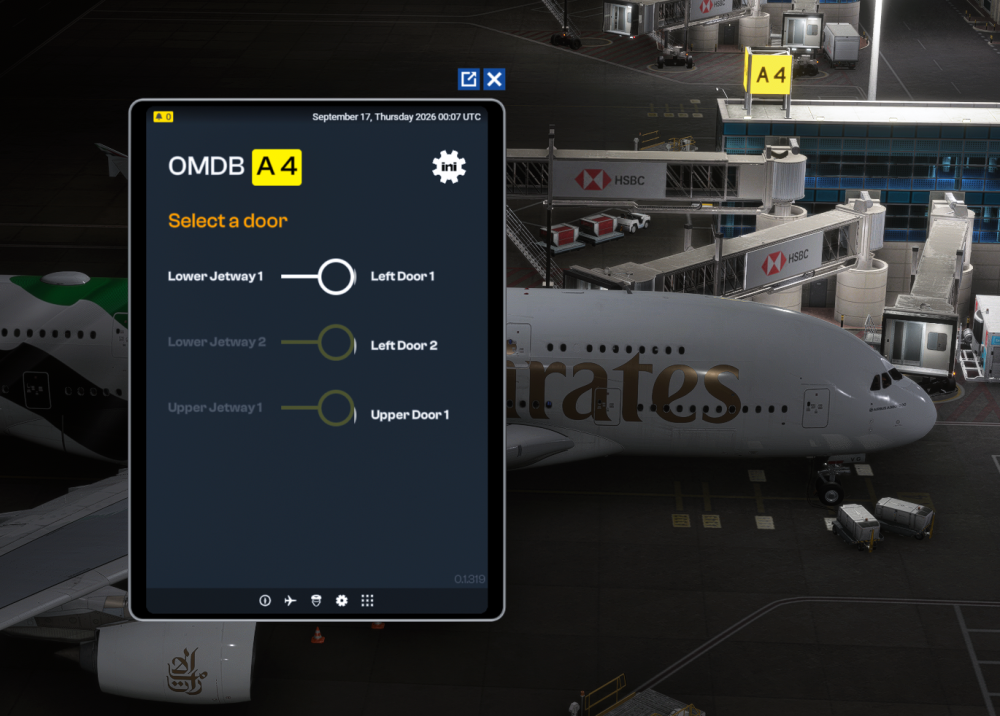
Hi, I just bought OMDB scenery and A380. When I click on muti jetway tool, I'm having a different display of the window. Text looks too big so I can't see the doors on the right side, like I can see on different videos. Do you know how to fix this? Thanks,
-
Hi, so if I understand well, if I fly with another aircraft than inibuilds one, multi jetway could not be working, but also, it could be impossible to connect any jetway to my aircraft using gsx, right?
-
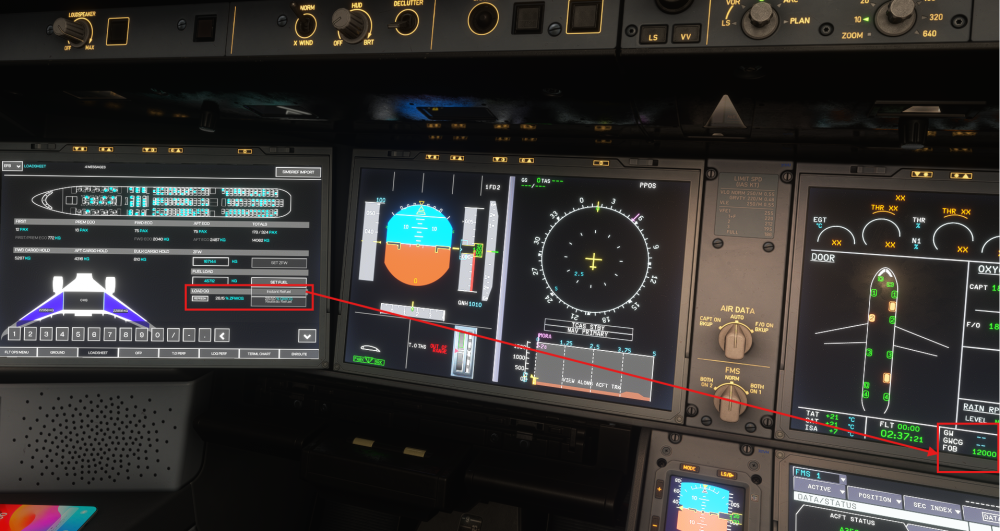
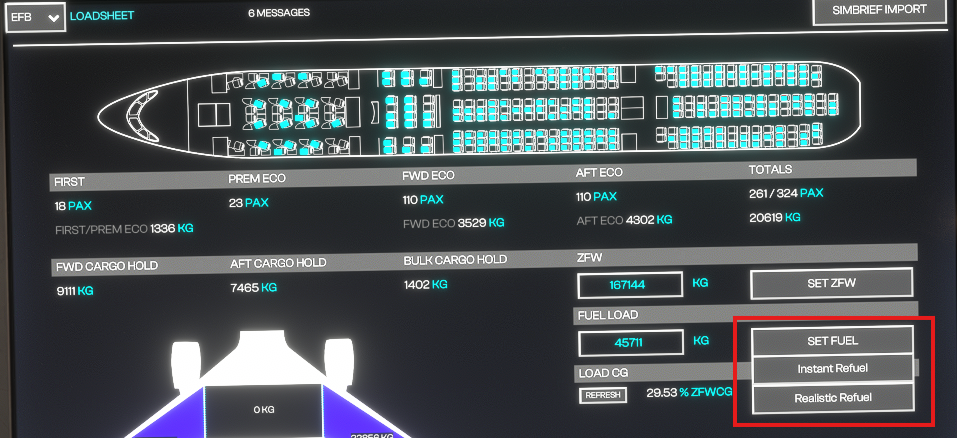
Hi, Something weird with the refueling of the plane. If I quickly go to EFB to import Simbrief, then select Instant Refuel, it works. However, I can't understand why, if I'm too long (or doing any other action I can't identify), the button cannot be used anymore. In my screenshot, you can see that the dropdown for Set Fuel is overlapping the CWCG information. When I try to click on it, nothing happens. If I'm fast enough to configure fuel, dropdown list is not overlapping. Thanks,
-
Hi, I'm just wondering if someone else has the same issue. On landing, I select autobrake 1, landing speed is 135kt, flaps full. On runway, aircraft braking seems to be at max. It only needs 1500 ft of runway to completely stop, which is a bit brutal for stopping at autobrake 1... Thanks,
-
-
Unfortunately, I can confirm it is not fixed. Got a crash a bit after importing flight data in FMC at gate in Zurich. I would love to have the opportunity to switch back to V1.0.4. Yhe only stable version I had..... Now I feel like I spend money for something that is unflyable.......
-
Either remove the HUES zCore or don't use any cabin from their cabin pack. Use default or No cabin.
-
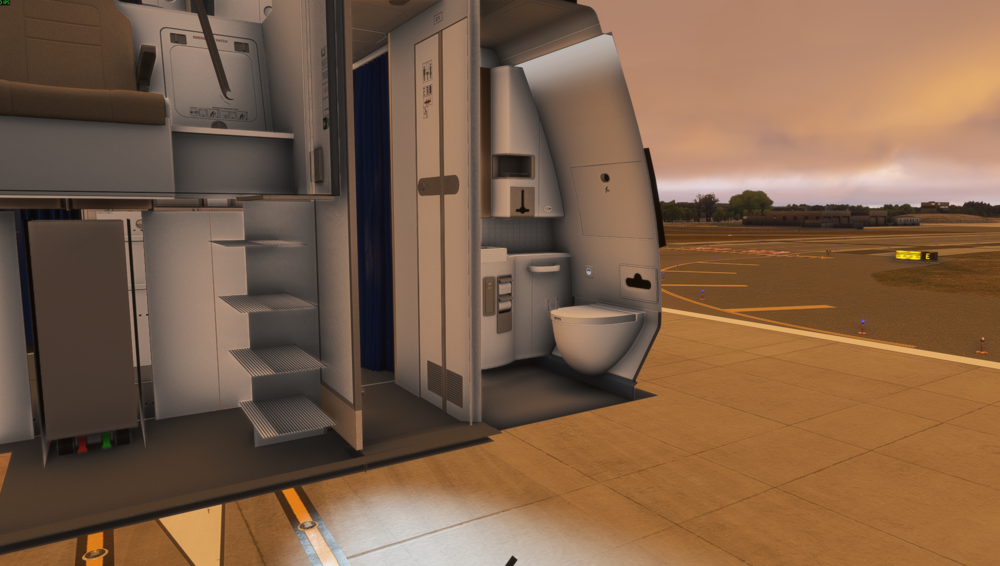
Hi, After updating to last version, cockpit has disappeared. I tried to load different liveries, even inibuilds one, uninstall and reinstall, still the same. Thanks,
-
Having the same issue. Did you find how to fix it?
-
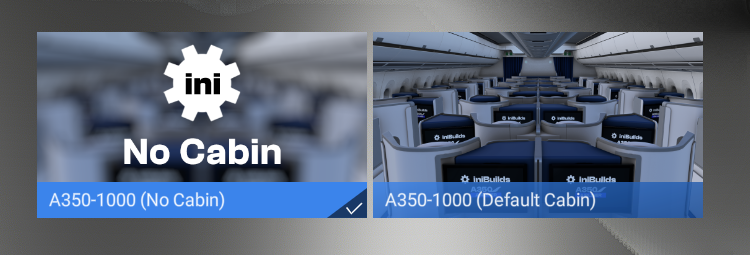
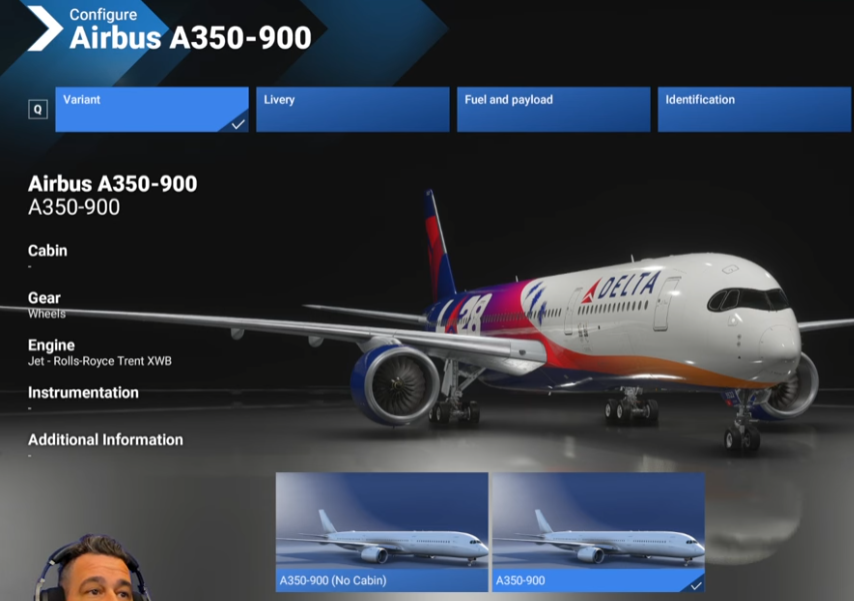
Do you guys are having the same options, Default cabin or No cabin? I've found a Youtube video where the Youtuber can select a variant where it doesn't say Default or No cabin....
-
Hi, I've downloaded a custom livery with custom cabin. In MSFS2024, I have to choose a variant, default cabin or no cabin. This results that I cannot see the custom cabin coming with this livery. How do you guys do to see it? I'm very confused.... https://flightsim.to/file/89322/delta-air-lines-n527dn-100-years-inibuilds-a350-8k-4k Thanks,


