




ben4muk
Member
-
Joined
-
Last visited
-
-
IniBuilds, seriously, make a Concorde!
-
+1!
-
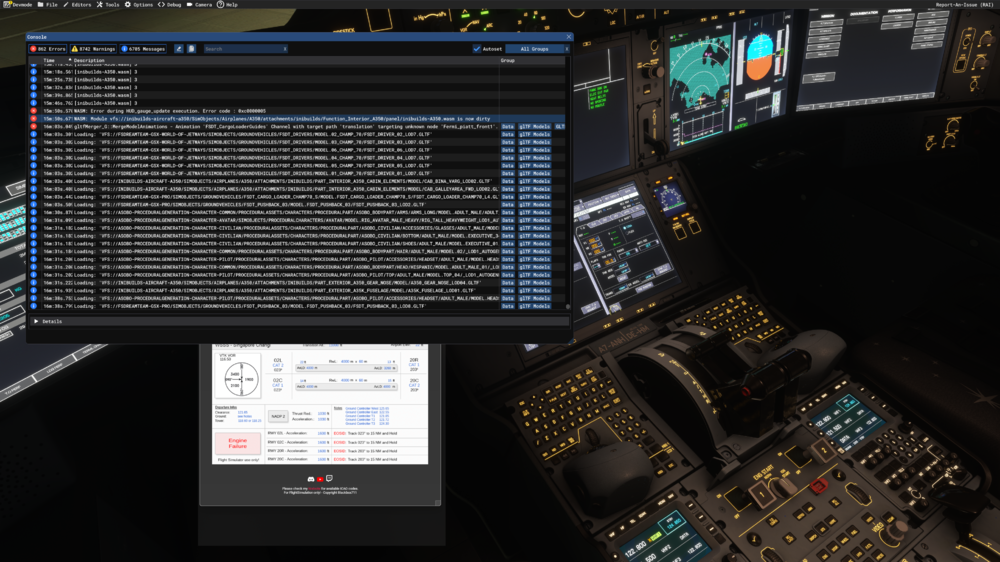
I literally just cleared the WASM Folder, started the sim, downloaded the latest AIRAC and started prepping the flight. FP Attached! 1.1.6 MSFS2024 NAVIGRAPH 14900K, 4090, 64GB No AUTOSAVE as I had just wiped the WASM Folder to resolve earlier WASM crashes. Talk about bad luck! WSSSOTHH01.fpl
-
Did an approach this morning. Terminal 3 buildings were there and complete! Thank you!
-
Now this comes into the discussion... https://simpleflying.com/qantas-1st-airbus-a350-1000ulr-assembly-line-toulouse/ So, back to the original question. Will we get the A35K ULR from Inibuilds?
-
I had a wasm crash. Restarted the sim, and the issue came back again. I can only assume this is something that started with the latest update of the A350.
-
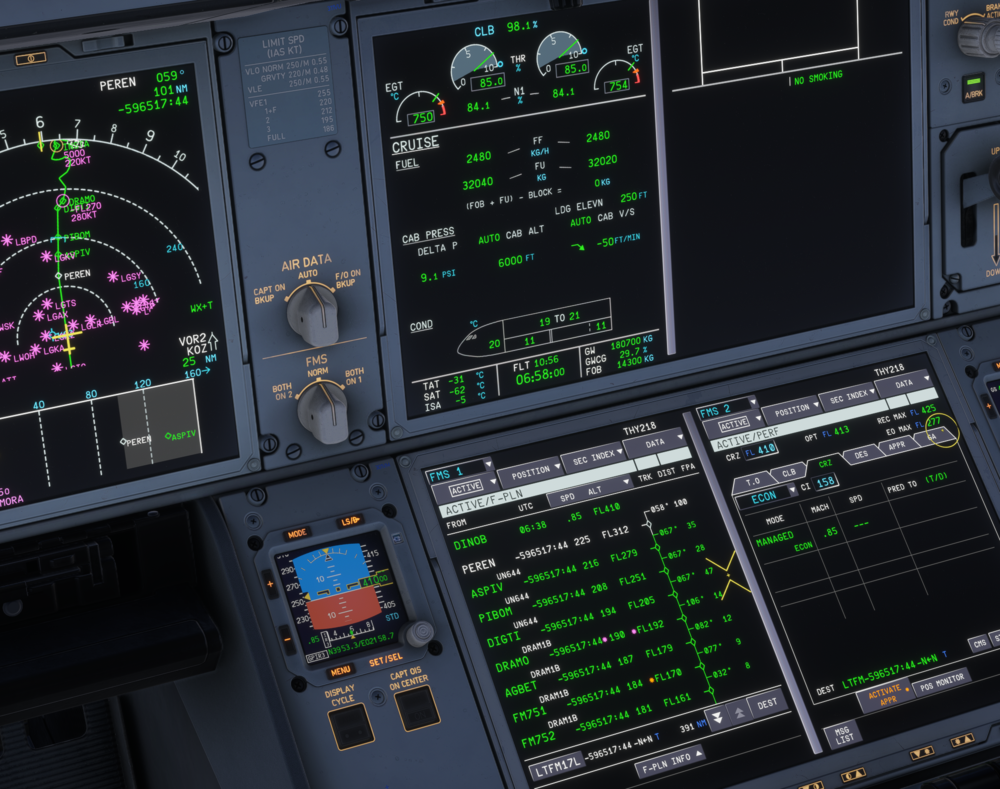
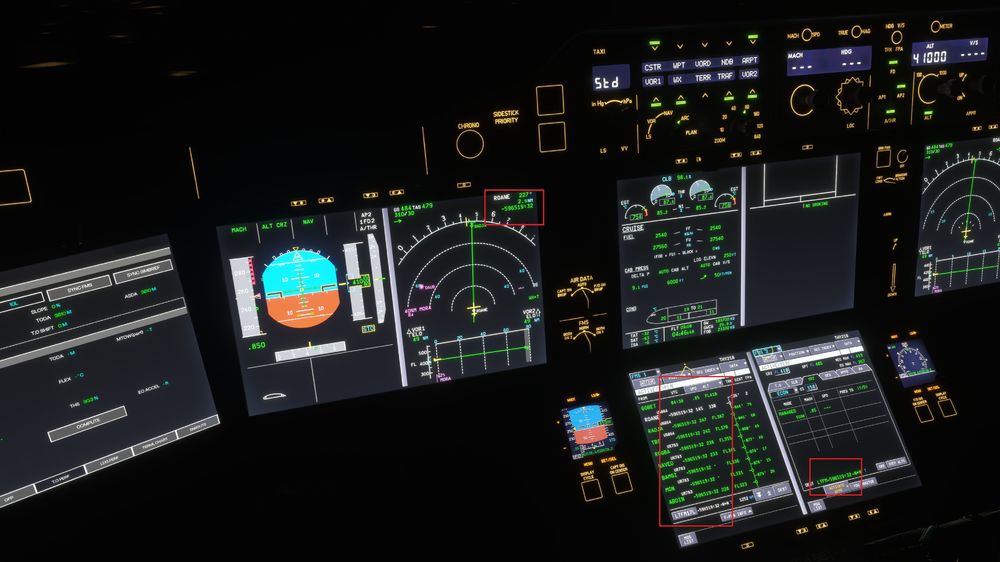
I have bad numbers showing in multiple displays.
-
Yes, that's the folder that needs to be deleted. Honestly, a horrible experience. I really regret buying the A340 via the Marketplace!
-
There's an MSFS thread for this, and I have voted for it. Maybe MSFS / Asobo can ask Inibuilds to do what we want 🙂 https://forums.flightsimulator.com/t/premium-a330/742160
-
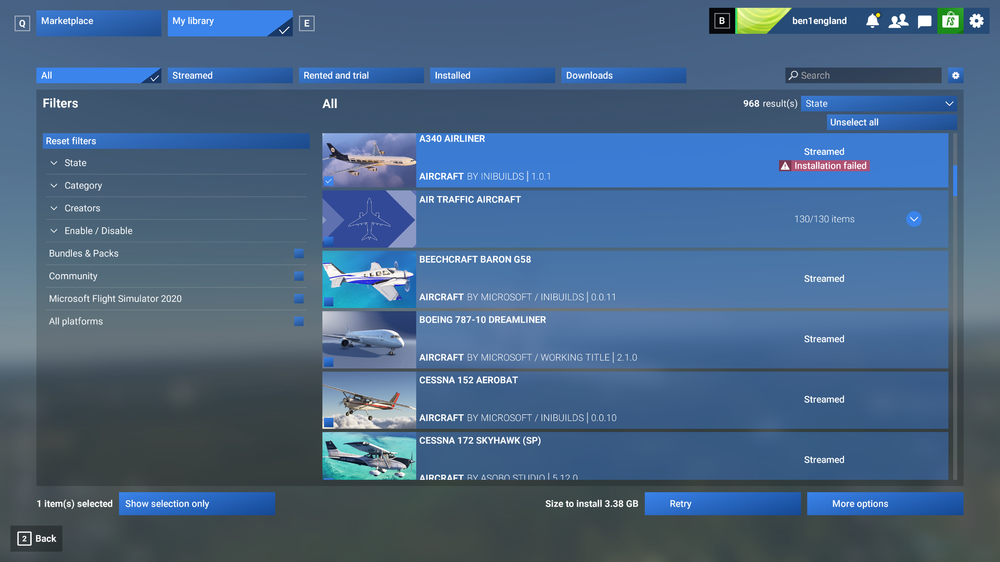
I have seriously lost my patience with Inbuilds and Asobo Marketplace. Having the aircraft exclusively on the Marketplace is a horrible decision. I am not able to install the update!
-
-
Not buying until this is buyable from the IniBuilds Store!
-
I have a follow up question... Will IniBuilds be releasing a Premium A330 with improved updates?
-
+1


