



Skip to content
View in the app

A better way to browse. Learn more.

iniBuilds Forum

A full-screen app on your home screen with push notifications, badges and more.

To install this app on iOS and iPadOS
  1. Tap the Share icon in Safari
  2. Scroll the menu and tap Add to Home Screen.
  3. Tap Add in the top-right corner.
To install this app on Android
  1. Tap the 3-dot menu (⋮) in the top-right corner of the browser.
  2. Tap Add to Home screen or Install app.
  3. Confirm by tapping Install.

RogerWilco

Member
  • Joined

  • Last visited

Everything posted by RogerWilco

  1. RogerWilco posted a topic in Systems
    Route: KMIA-EDDM TOW: 226 t LW: (screenshot) *LMAO*
  2. RogerWilco posted a topic in Systems
    Future feature?
  3. RogerWilco posted a topic in Systems
    Monitored Messages does not work. Msg Record List does not work. D-ATIS "Update All" does not update _A_ or _D_ ATIS, only NONE. Request Oceanic Clearance does not work. No Telex. Future Feature?
  4. Same issue. I am on 410, aircraft in front of me 390... TCAS says -36
  5. RogerWilco posted a topic in Systems
    ECAM mesage "ADS-B TRAFFIC ON" is always on, even if I turn it off.
  6. RogerWilco posted a topic in Systems
    Wing and Engine Anti Ice has no effect.
  7. RogerWilco replied to RogerWilco's topic in Systems
    Still present on 1.01
  8. Does not work. Does not accept any inputs.
  9. RogerWilco posted a topic in Systems
    CABIN READY still present at the gate
  10. RogerWilco posted a topic in Systems
    Left side is correct: AT SAVRY STEP TO FL400 Right side is not correct: GOMUP was the last STEP CLIMB from 380 to 390, but the distance and time readout to SAVRY is correct. There should be "AT SAVRY STEP TO FL400".
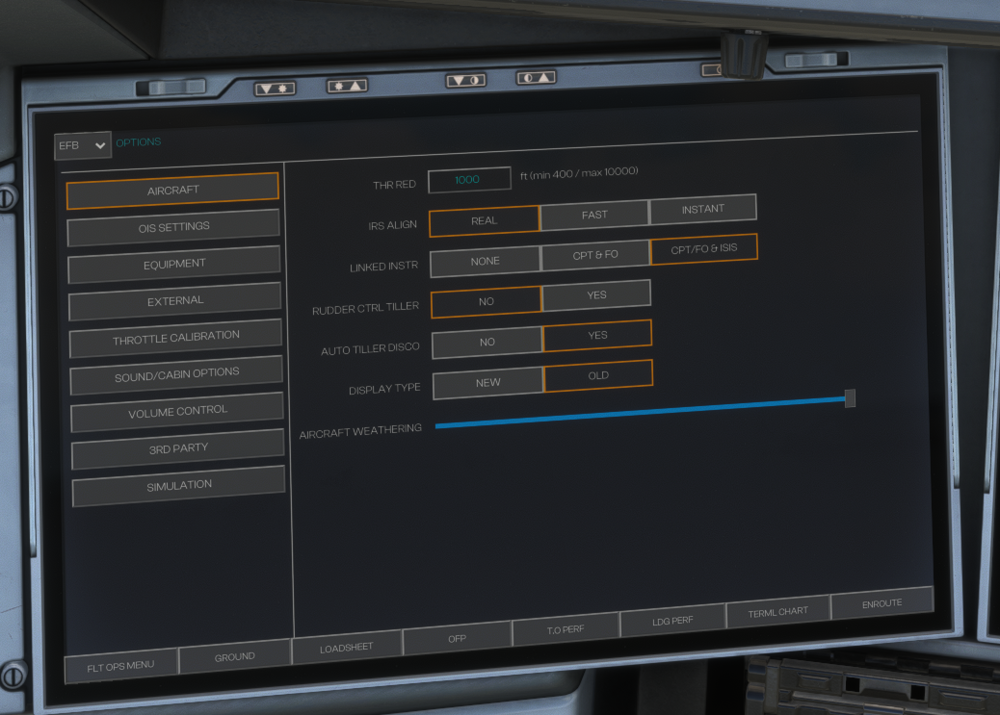
  11. Option is always on "OLD", even if it´s the new ones...
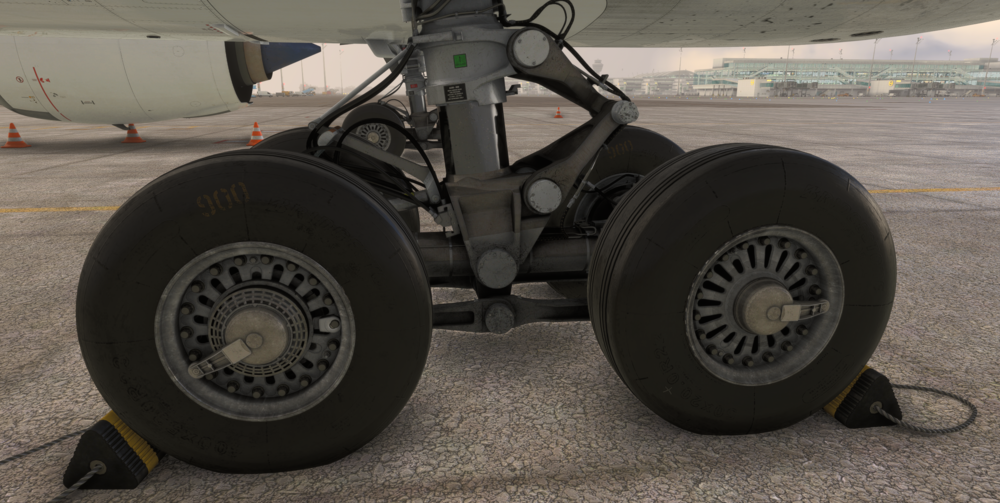
  12. This is with brake fans disabled. Left side...
Account

Navigation

Configure browser push notifications

Chrome (Android)
  1. Tap the lock icon next to the address bar.
  2. Tap Permissions → Notifications.
  3. Adjust your preference.
Chrome (Desktop)
  1. Click the padlock icon in the address bar.
  2. Select Site settings.
  3. Find Notifications and adjust your preference.